
From “Please Approve Access” to a Draft Pull Request, in One Workflow
A customer-reported bug touches the help desk, monitoring, someone’s notes, a branch and CI on its way to being fixed, and following it is half the work. Every Connect session tied to an investigation now shows the whole path: authorization, evidence, reproduction, root cause, the approved fix, CI tests, the validation report and the draft pull request.
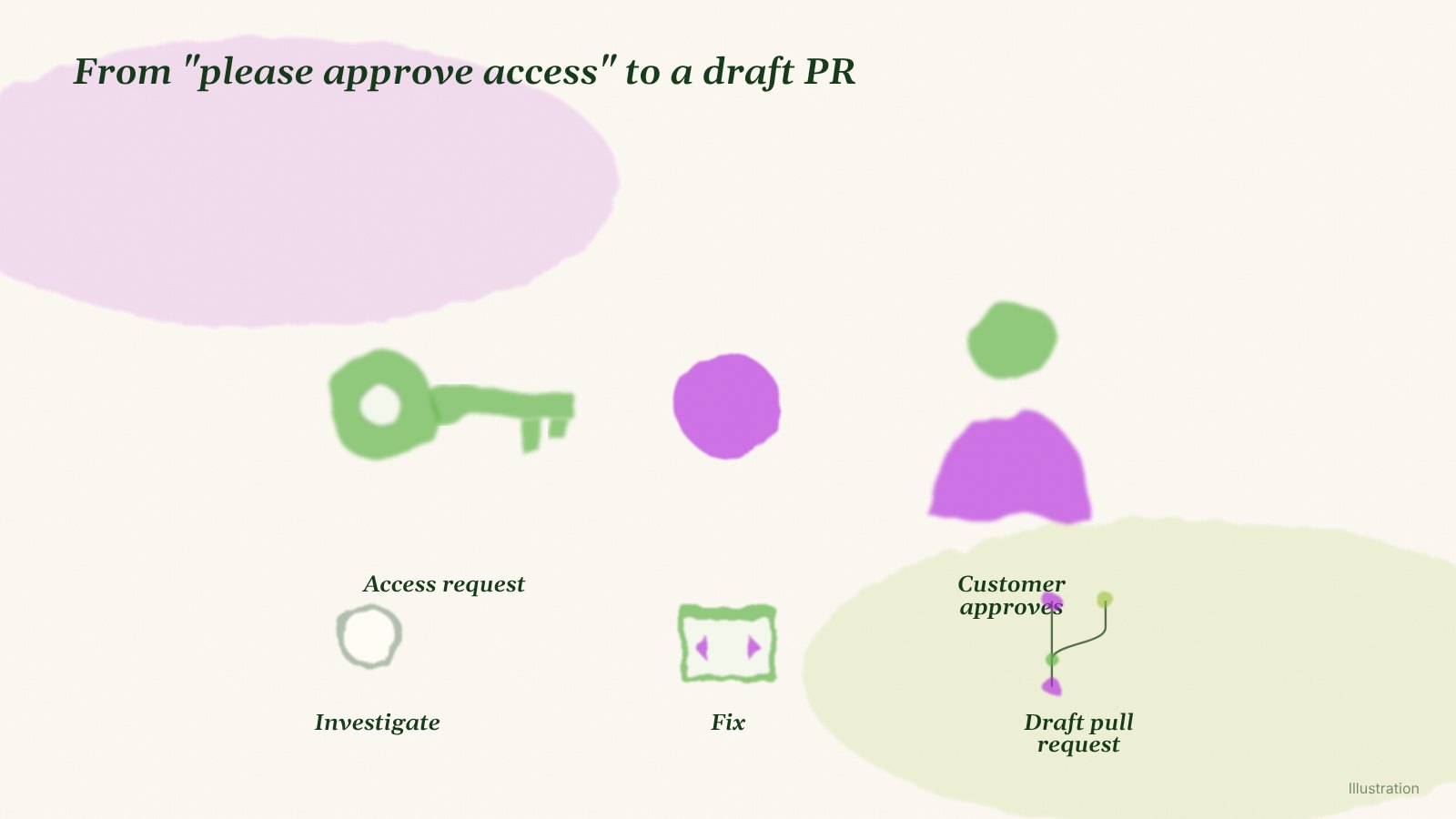
A customer-reported bug touches many tools on its way to being fixed. The ticket lives in the help desk, the logs in monitoring, the reproduction in someone's notes, the fix in a branch and the tests in CI. Following one bug through all of them is half the work.
Here's what that looks like on a Wednesday afternoon at a scheduling software company. A customer's account manager asks the support lead, Elif: "Where are we with the calendar-sync bug for Harbourview Clinics? They have a board meeting tomorrow."
Elif checks:
- The help desk: the ticket says "escalated to engineering", last updated Monday.
- Slack: an engineer mentioned on Tuesday that the customer had approved access.
- The monitoring tool: errors for that customer stopped yesterday at 15:00, or did they? The search covers the wrong time zone.
- Jira: the engineering issue is in review.
- GitHub: there's a pull request, but she can't tell whether it's the right one, or whether CI passed.
Forty minutes later, she replies: "I think a fix is in review." She isn't sure.
In TicketResolve, a Connect session tied to an investigation now shows the whole path in one place.
First, the basics
- TicketResolve Connect gives support diagnostic access to one customer's environment, for one ticket, within what the customer approves. A session is one such access.
- An investigation is TicketResolve's structured look at a technical ticket.
- Evidence is what was collected: logs, configuration, browser errors, monitoring, cloud.
- A reproduction shows the failure happening; its verdict says whether it did.
- A root cause is confirmed by a person; until then, it's a leading suspicion.
- A fix proposal lists the files it changes and needs approval.
- CI runs tests on code changes; targeted tests are the ones for this bug. The base branch is the code before the fix.
- A validation report checks the fix before it can be promoted.
- A draft pull request is the proposed change, waiting for review and merge.
Why does this matter? "Where are we with this bug?" is one of the most common questions in support, and one of the slowest to answer. One view of the whole path answers it in seconds, and shows exactly what's next and where it happens.
The problem, in plain terms
- Each step lives in a different tool.
- Status updates are stale by the time anyone asks.
- Nobody knows what's next, or where to do it.
- Account managers get "I think" instead of an answer.
The whole path, in one place
A Connect session tied to an investigation now shows:
- Customer authorized access, and who approved it
- Evidence collected from their environment: logs, configuration, browser errors, monitoring, cloud
- Issue reproduced in their environment, with the verdict
- Root cause confirmed, or the leading suspicion if it isn't confirmed yet
- Fix proposed and approved, with the files it changes
- Targeted tests run in CI, compared with the base branch
- Validation report passed, the check that gates promotion
- Draft pull request opened, with its approvals, change requests and CI checks
Each step shows whether it's done, and the first one that isn't links to where it happens.
People still decide
Nothing on this path happens by itself:
- the customer approves access
- an engineer confirms the cause
- a reviewer approves the fix
- your team merges the pull request
TicketResolve never merges or deploys. The view only makes sure nobody has to piece the story together from six tools.
A worked example, start to finish
Here's the Harbourview Clinics bug, with the path view. The details are illustrative.
Monday 10:00. The ticket: "Appointments booked in our app don't appear in staff Outlook calendars since Friday." Support opens an investigation and requests Connect access.
Monday 11:20, step 1. Customer authorized access: approved by Harbourview's IT manager, with logs, configuration and browser errors allowed. ✓
Monday 14:00, step 2. Evidence collected: the sync service's log shows 401 Unauthorized from graph.microsoft.com since Friday 18:00; configuration shows the Microsoft app's secret expiry date as Friday. ✓
Monday 16:00, step 3. Issue reproduced in their environment: reproduced, 3 of 3 sync attempts failed with 401. ✓
Tuesday 10:00, step 4. Root cause: first shown as the leading suspicion: expired client secret; our app doesn't use the renewed secret from the customer's key vault. An engineer confirms it at 11:00. ✓
Tuesday 14:00, step 5. Fix proposed and approved: two files changed (graph-auth.ts, secret-cache.ts), approved by a reviewer who didn't propose it. ✓
Tuesday 16:00, step 6. Targeted tests run in CI: fail on the base branch, pass on the fix branch. ✓
Wednesday 09:00, step 7. Validation report: not done yet. The view links to where it happens. The engineer opens it; it passes at 10:30. ✓
Wednesday 11:00, step 8. Draft pull request opened: one approval, no change requests, CI checks green. Waiting for merge.
Wednesday 15:00. The account manager asks Elif the same question. She opens the session: seven of eight steps done; the pull request is approved and waiting to merge, with a link. She answers in a minute: "The cause is confirmed (an expired Microsoft secret wasn't being refreshed), the fix is approved and tested, and it's waiting to be merged and released. I'll confirm when it's live."
Thursday. The team merges through their process; the release goes out with their pipeline. TicketResolve never merged or deployed anything.
Five more real-world scenarios
1. The cause isn't confirmed yet
Situation. Evidence points one way, but no engineer has confirmed it.
How TR handles it. Step 4 shows the leading suspicion, clearly not confirmed.
2. The customer hasn't approved
Situation. The link was sent, but nobody approved it.
How TR handles it. Step 1 isn't done, and the view links to the request.
3. CI fails on the fix branch
Situation. The targeted tests fail.
How TR handles it. Step 6 isn't done; it links to the CI results.
4. A change request on the pull request
Situation. A reviewer asks for changes.
How TR handles it. Step 8 shows the change request with the approvals and checks.
5. Someone wants it merged now
Situation. An account manager asks support to "just merge it".
How TR handles it. Your team merges through its own process; TicketResolve never merges.
What each step needs before it can be ticked
A step is only marked done when the record behind it exists. That's what makes the view trustworthy:
- Customer authorized access: the customer's approval on the authorization page, with their name and what they allowed.
- Evidence collected: at least one item collected from their environment, within what they allowed.
- Issue reproduced: a reproduction run with its verdict. "Not reproduced" is recorded honestly; it isn't hidden.
- Root cause confirmed: an engineer's confirmation. Until then, the step shows the leading suspicion.
- Fix proposed and approved: a fix proposal with the files it changes, and an approval from someone other than the person who asked.
- Targeted tests run in CI: results from your CI, compared with the base branch.
- Validation report passed: the report that gates promotion.
- Draft pull request opened: the pull request itself, with its approvals, change requests and CI checks.
If something was done outside TicketResolve and isn't recorded, the step stays open and links to where it should happen, which is usually the quickest way to get the record in.
Using the view in hand-overs
Because the view reads the records, it works well when work changes hands:
- From support to engineering: the engineer opens the session and sees what the customer allowed, what was collected and whether it was reproduced, without a hand-over note.
- Between shifts: the next engineer sees which step is next and where it happens.
- To account managers: the same view gives them an answer they can pass to the customer, in plain words.
- In incident reviews: the timings of each step show where time went.
Before and after
Before. Forty minutes across the help desk, Slack, monitoring, Jira and GitHub, and an answer that started with "I think".
After. One view of eight steps, each done or not, the next one linked to where it happens, and an answer in a minute.
How to tell it's working
- "Where are we?" is answered in seconds.
- Stalled steps are visible and linked.
- Account managers get the same answer support sees.
Who it's for
- Support leads who answer "where are we?".
- Engineers who want the next step in front of them.
- Account managers and customer success who brief customers.
How it fits with the rest of TicketResolve
The path joins TicketResolve Connect, investigations, reproduction, Autonomous engineering's fix proposals and tests, your CI, and the draft pull request.
Mistakes to avoid
- Treating a leading suspicion as confirmed.
- Telling the customer it's fixed at step 8. It isn't released yet.
- Skipping the validation report. It gates promotion.
Do it in TicketResolve, step by step
Where: the investigation's Engineering tab, under Customer environment access (/dashboard/connect for the session). You'll need: Customer environment connect; Autonomous engineering for fixes, tests and pull requests. Full guide: TR Investigate: from a ticket to a verified fix.
- Request diagnostic access from the investigation.
- Watch step 1: the customer's approval and who approved.
- Collect evidence the customer allowed.
- Reproduce in their environment and read the verdict.
- Confirm the root cause (an engineer).
- Propose and approve the fix (a reviewer).
- Run targeted tests in CI and the validation report.
- Open the draft pull request. Your team merges.
How to check it worked: the session shows all eight steps, with the first unfinished one linked.
For setup and every step in detail, see the TicketResolve Connect guide.
Frequently asked questions
What does the path show? Authorization, evidence, reproduction, root cause, approved fix, CI tests, validation report and the draft pull request.
Does anything happen automatically? No. The customer approves access, an engineer confirms the cause, a reviewer approves the fix and your team merges.
What if a step isn't done? The first unfinished step links to where it happens.
Is an unconfirmed cause shown? As the leading suspicion, clearly not confirmed.
Does TicketResolve merge? No. It never merges or deploys.
What's the validation report? The check that gates promotion.
Does it show pull request reviews? Yes. Approvals, change requests and CI checks.
Is the fix released at step 8? No. Merging and releasing happen in your own process.
When does a step show as done? When the record behind it exists.
Does the view help with hand-overs? Yes. Anyone opening the session sees what's done, what's next and where it happens.
Explore Topics
Written by
Ghulam Shabbir
Content creator and writer sharing insights and stories.