
When AI Work Didn’t Work: Failed Outcomes, Recurring Defects and Runaway Costs in One Inbox
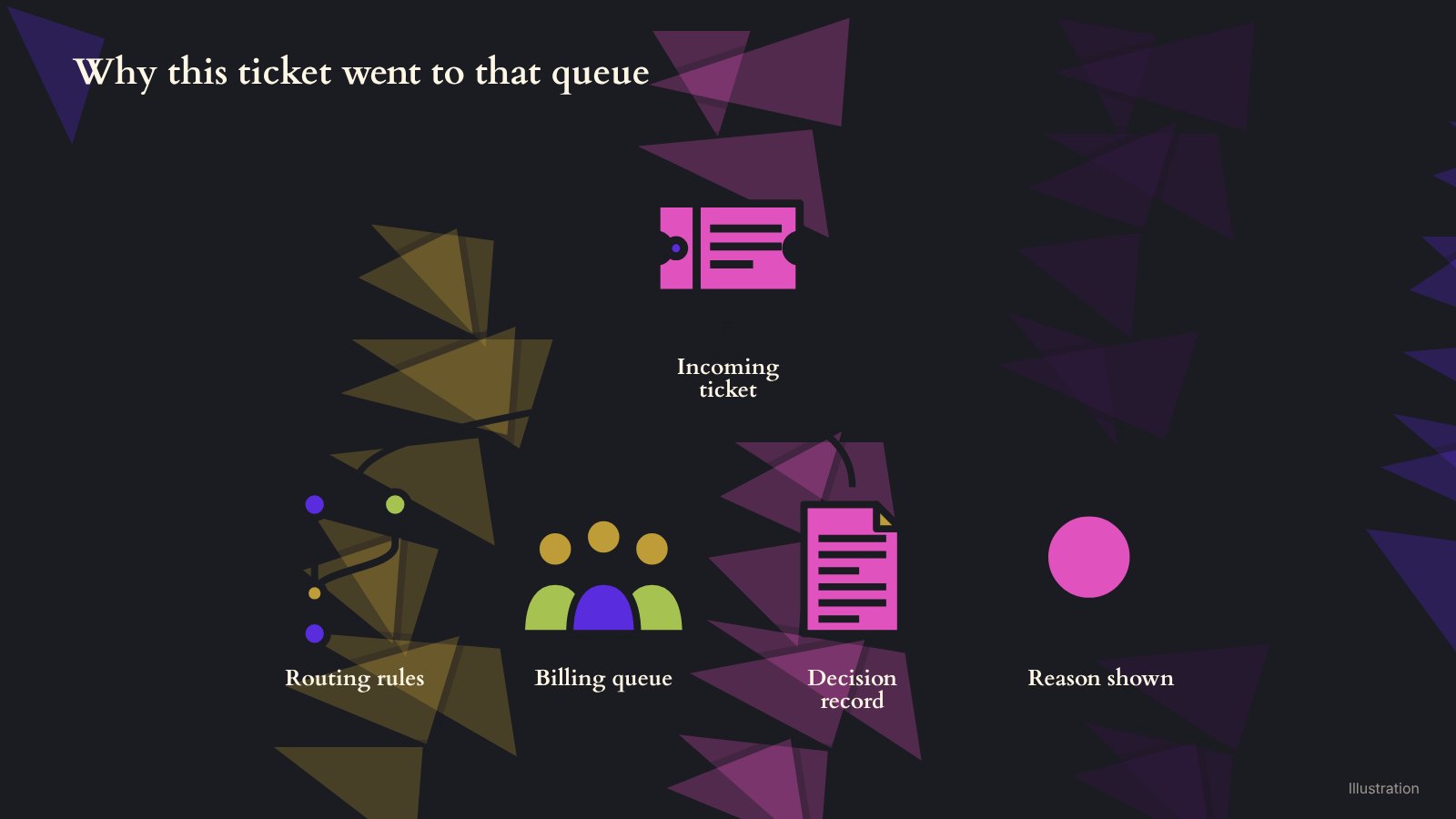
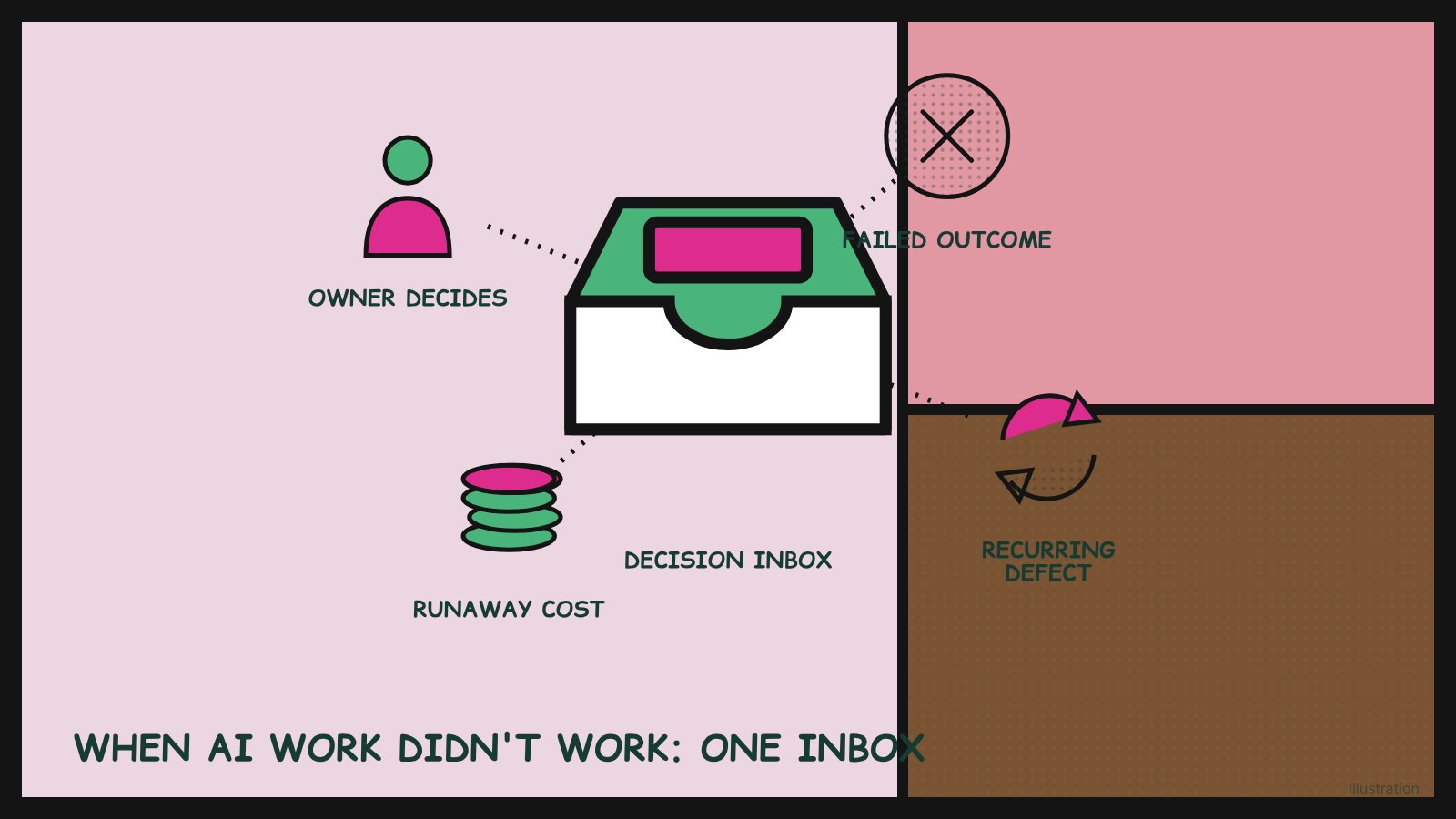
The Decision Inbox now shows the outcomes that need a person: fixes and answers that failed, work that was never verified, problems that came back without an investigation, tickets with unusually high AI use, and investigations stopped by their budget — each with the evidence and the next step.
Most AI dashboards count what went right. The answers sent, the tickets closed, the hours saved. What went wrong sits in the same data, but nobody is asked to look at it: the fix that timed out, the answer the customer reopened, the bug that came back a week later, the ticket that burned through eleven model calls.
This release puts those in front of a person. The Decision Inbox, where TicketResolve already lists approvals and incidents to confirm, now also shows the outcomes that need a decision, each with the evidence and the next step.
A few terms used in this post:
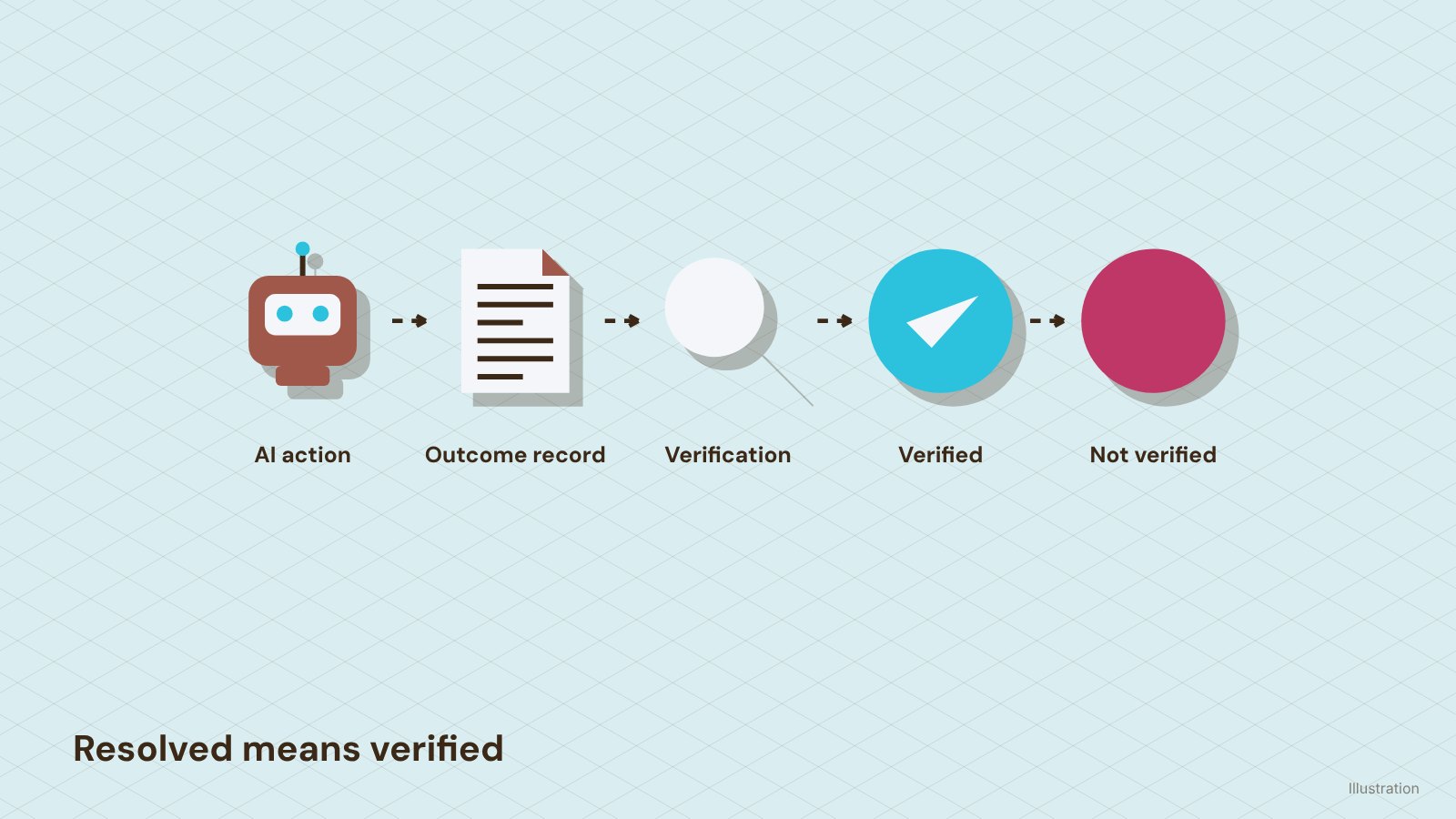
- Outcome record — the ledger entry Outcome Assurance keeps for every answer, investigation, action, workflow run and security fix, from proposal to verification.
- Verification window — how long an outcome has to be verified by evidence (72 hours by default, adjustable per ticket category).
- Recurrence — a later ticket confirmed by a person as the same problem coming back.
The five new items
1. Verification failed. A record from the last 14 days whose evidence says it didn't solve the problem: a reopened ticket, a customer who said it didn't work, a remediation that timed out. The item quotes the reason and suggests reopening or investigating, or setting the class if it was a false positive or the wrong diagnosis.
2. Not verified. It ran, but no evidence arrived before its window ended. It earns nothing, and the inbox says so. The next step is to confirm with the customer, record the evidence, or lengthen the window for that category if 72 hours is too short.
3. Recurring defect. A confirmed recurrence from the last 14 days where no investigation covers either ticket. Answering the same problem twice is a sign the cause wasn't fixed. The item leaves the inbox as soon as someone opens an investigation.
4. Unusual AI use. A ticket from the last 7 days with at least 6 model calls and three times your workspace's median per ticket. It shows the call count against the usual one, not money, and points to the ticket's decision trace to see what repeated.
5. Budget stop. An investigation that reached its total runs or run time and was refused another run. Review what it found, or raise the limit; the next run clears it.
The tiles above the list count them: Outcomes to check and Budget stops.
Each item leaves when a person decides it
Nothing here is decided automatically. An item leaves the inbox when someone acts:
- sets the outcome's state or class, with a reason that's kept in its history;
- opens an investigation into a recurrence;
- raises the investigation budget so the next run starts;
- or it ages out (7 days for AI use, 14 for the rest).
Tested across engines
This release also adds an acceptance suite for the twelve scenarios the specification asks for, run through the real services rather than one engine at a time:
- a known issue resolved by TR Resolve;
- a complex issue that goes to TR Investigate;
- an issue with evidence from several monitoring tools;
- an engineering escalation;
- a fix that needs approval;
- a failed remediation;
- a successfully verified fix;
- a recurring issue;
- an investigation with too little evidence;
- a workflow that failed, was handled by a person and resumed;
- an investigation over its budget;
- tenant isolation and permissions.
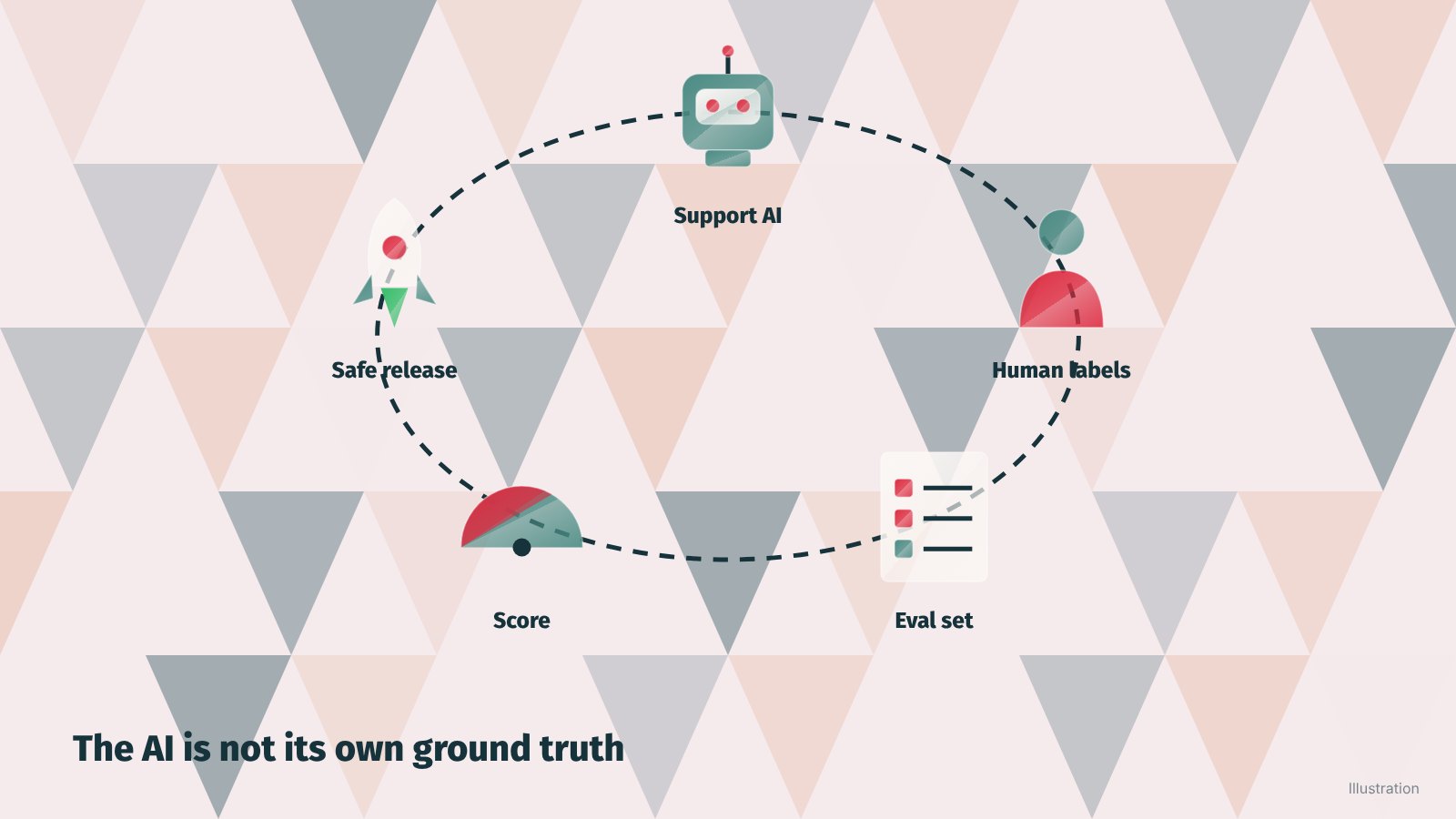
For each, the tests check the engine chosen, the state changes, that approval was enforced, the outcome class, that nothing ran twice, that cost went to the right ticket, and that decisions were audited.
A worked example, start to finish
This is an illustrative example.
On Monday morning, Priya opens Intelligence and sees five items under Waiting for a decision.
- A failed "Restart webhook worker" action: it timed out after 60 seconds. She opens the record, sees the queue was drained by hand instead, and marks it Reversed with that note.
- A not verified password-reset answer: no evidence in 72 hours. She checks the ticket, sees the customer replied "thanks, sorted", and records the evidence.
- A recurring defect: the export hang came back as a new ticket. She opens an investigation; the item disappears.
- Unusual AI use: one ticket used 11 calls where most use 2. The decision trace shows a 40-message thread re-read on every reply, and she asks the team to split it.
- A budget stop: an investigation into a flaky integration used its 120 minutes. She reviews the findings, decides they're enough, and closes it.
Ten minutes, five decisions, each recorded with a reason.
Five more real-world scenarios
These are illustrative.
- A seasonal category: billing answers keep expiring unverified at month-end. The team sets a 240-hour window for billing.
- A false positive: a "failed" answer was reopened by mistake. An admin sets the class to "False positive" with the reason.
- A regression: two recurrences of the same login bug in a week; the investigation finds a bad release.
- A runaway prompt: several tickets show unusual AI use after a knowledge-base import, revealing duplicated articles.
- A stuck investigation: budget stops on one integration every week lead to fixing its webhook retries.
Do it in TicketResolve, step by step
- Open Intelligence → Waiting for a decision and read the new items. (Outcomes that need a decision)
- Open an item's record to see its history and evidence. (Reading the outcome ledger)
- Set the state or class with a reason when the evidence can't. (Outcome classes and verification)
- Adjust verification windows for categories that need longer. (Outcome classes and verification)
- Raise an investigation budget when the work is worth continuing. (How a ticket was routed)
Frequently asked questions
Does the AI decide anything in the inbox? No. Each item waits for a person, and every decision is recorded with a reason.
Why 14 days? Older failures have usually been dealt with elsewhere; the inbox is for what still needs attention. Everything stays in the ledger.
How is "unusual AI use" decided? At least 6 calls on one ticket, and at least three times your workspace's median calls per ticket over the last 30 days. It needs at least five tickets with AI calls to compare against.
Why no money on AI-use items? The inbox is open to anyone who can view intelligence. Cost in money stays on the outcome record for people with "Outcome financials".
What clears a recurring-defect item? An investigation on either ticket.
Does a budget stop delete the investigation's work? No. It only refuses the next run. Everything found so far stays.
Were the twelve scenarios tested against real customer systems? They run against a real database through the real services, without network calls or model calls. Integrations that need live customer accounts are still marked as not production-verified.
The short version
Failed and unverified outcomes, recurring defects without an investigation, tickets with unusual AI use and investigations stopped by their budget now wait in the Decision Inbox with the evidence and the next step. A person decides each one, and the twelve acceptance scenarios are tested across engines.
Explore Topics
Written by
Ghulam Shabbir
Content creator and writer sharing insights and stories.