

Resolved Means Verified: One Outcome Record for Every AI Action
Outcome Assurance now gives every answer, investigation, action, workflow run and security fix the same outcome record: a standard class (resolved autonomously, with approval or with engineering, partially resolved, failed, recurring, inconclusive), a verification state with a deadline set per ticket category, and the engine, agents, investigation, people, time and AI usage behind it. How it is worked out, what it refuses to count, an illustrative example and a step-by-step guide.
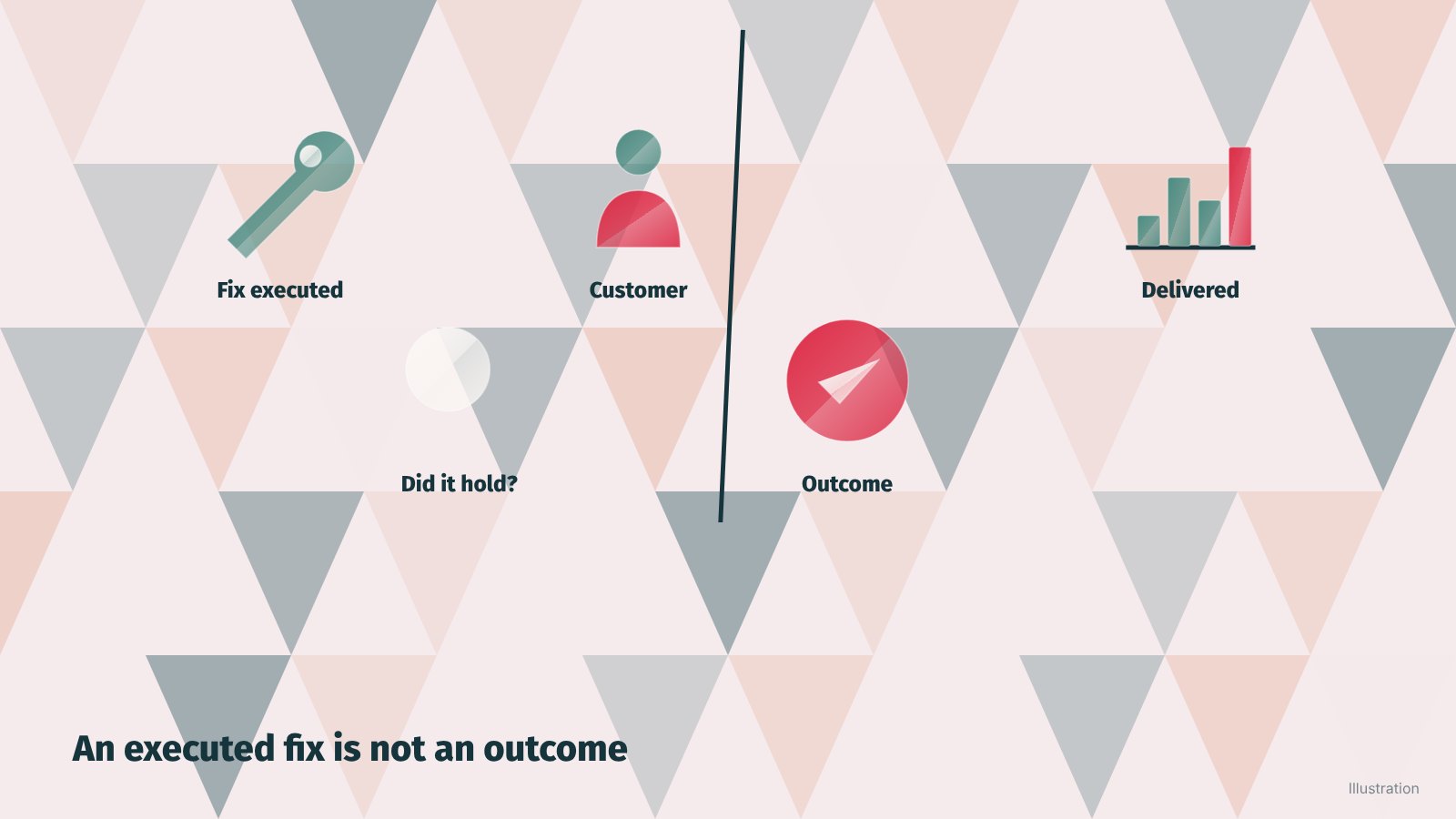
Most AI support reporting counts what the AI did: tickets answered, replies sent, tickets closed. None of those tells you whether the customer's problem went away. An answer can be sent and be wrong. A ticket can be closed by a customer who gave up. A fix can be deployed and not fix anything.
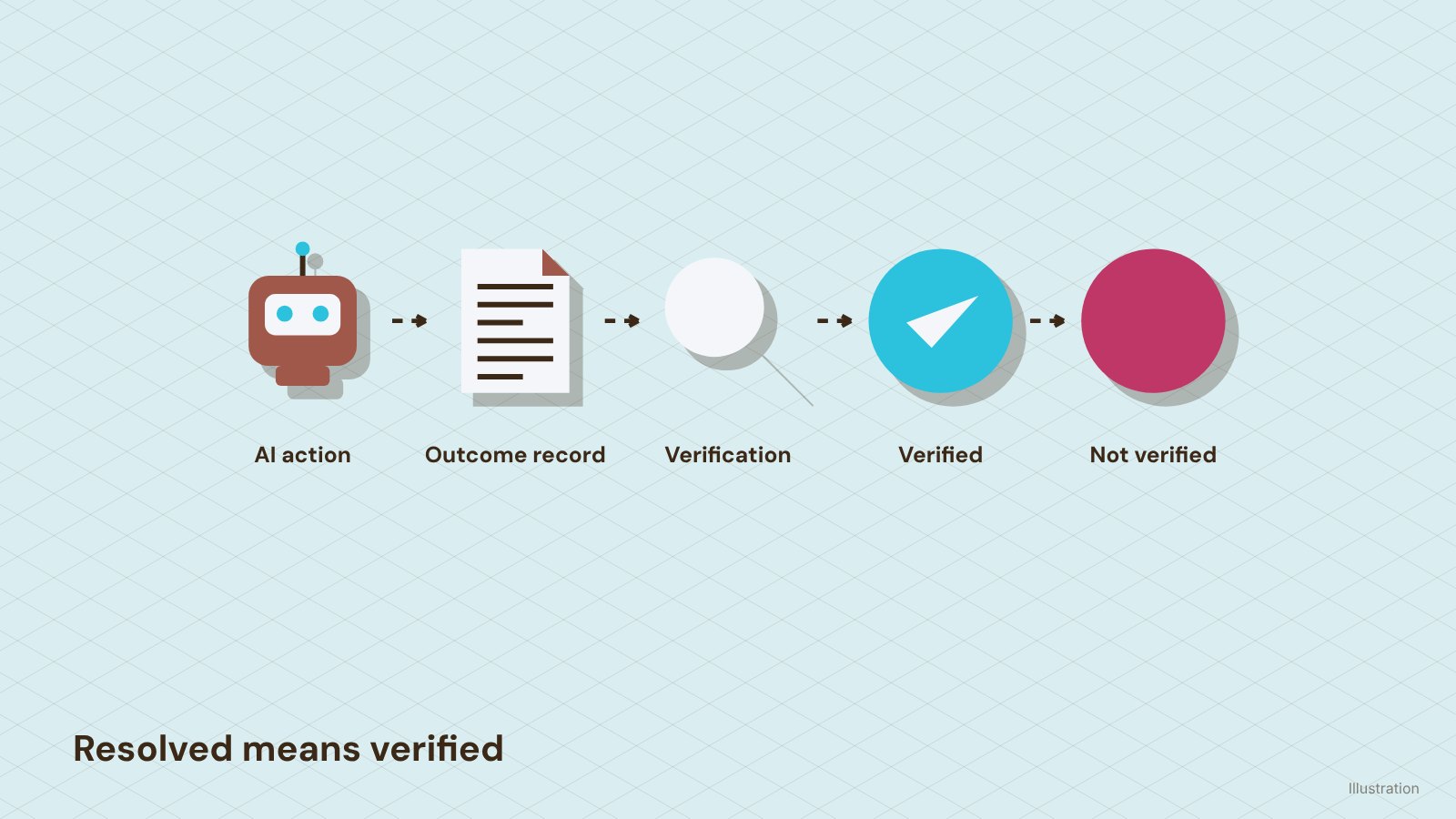
TicketResolve's Outcome Assurance already follows every answer, investigation, backend action, workflow run and security fix from proposal to verification, and credits hours and savings only to verified outcomes. This release adds one outcome record on top of it, the same for every kind of work:
- A standard outcome class, where "resolved" always means verified.
- A verification state with a deadline, set per issue type, so an outcome nobody verified stops looking pending forever.
- The operational profile: which engine and agents worked on it, the linked investigation, confidence, recurrence, the people involved, elapsed time and AI usage.
The outcome classes
Every record gets one class, worked out from the evidence the source systems already hold:
| Class | When |
|---|---|
| Resolved autonomously | Verified, and sent or completed without a person's approval |
| Resolved with human approval | Verified, and a person approved the drafted answer or the action |
| Resolved with engineering intervention | Verified, and an engineering issue or fix was part of it |
| Partially resolved | Verified in part, for example technically fixed without the customer's confirmation |
| Failed resolution or remediation | The evidence shows it didn't work, or it was reversed |
| Recurring issue | A confirmed recurrence shows the problem came back, even after a verified success |
| Inconclusive | The evidence doesn't show either way, or an investigation closed without a cause above "insufficient" |
| Not finished yet | It hasn't run, or it ran and hasn't been verified |
Three classes can only come from a person: false positive, incorrect diagnosis and workaround applied. No log line proves a diagnosis was wrong. An admin sets these with a reason, and the computed class stays in the record's history. A person can also mark a record Escalated. Tickets the AI handed straight to people aren't TR outcomes, so they are counted on their own line rather than mixed into the classes.
What doesn't count as resolved:
- an AI answer that was generated or sent
- a ticket that was closed
- a deployment that succeeded
- silence
Each of those leaves the record as "not finished yet" until verification evidence arrives. That evidence comes from resolution verification, investigation fix verification, post-deployment verification or a re-scan, all of which already exist.
Verification states and deadlines
Each record now carries one of seven verification states:
- pending
- in progress (some evidence, not enough yet)
- verified
- partially verified
- failed
- inconclusive
- expired
Expired is the new one. Some problems are confirmed within a day, while a billing problem may not be confirmed until the next invoice. So you set a verification window: a default (72 hours unless you change it) and a different window for any ticket category.
When an outcome has run, its window has passed and no evidence arrived, it becomes Expired. Expired outcomes earn no hours and no savings. They no longer sit in "pending" making the backlog look healthier than it is, and you can filter the ledger to them and look at why verification never came.
What each record shows
Opening a record now shows the outcome record, together with the history, evidence and credited value it already had:
| Field | Where it comes from |
|---|---|
| Engine | TR Resolve, TR Investigate, workflow orchestration or Security Intelligence |
| Agents | The model call types billed to the ticket, for example stage1 and rewrite |
| Investigation | The investigation for the ticket, linked |
| Confidence | The answer's confidence, or the investigation's strongest cause score |
| Recurrence | Whether a confirmed recurrence names this ticket |
| People involved | Approvals, person-set states and person-set classes |
| Elapsed | Proposed to closed: elapsed time, not effort |
| AI usage | The ticket's model calls, and their cost at your workspace's configured model rate, labelled Estimate |
Nothing here is inferred by a model. Every field comes from a record that already exists.
An illustrative example
The figures below are illustrative, not from a customer.
A workspace's executive view for the last 30 days shows ten finished outcomes. The breakdown:
- six verified as resolved: three autonomously, two with an approved draft and one with an engineering fix
- one failed: the customer said the steps didn't help
- one recurring: a login problem came back a week after it was verified
- one partially resolved: the fix was verified technically and the customer hasn't confirmed
- one inconclusive
Two more records are expired: answers were sent five days ago and nobody confirmed anything. Four tickets were handed to people and are listed separately.
The support lead opens the failed record and finds the real cause was the customer's single sign-on (SSO) setup, not billing. She sets the class to Incorrect diagnosis with that reason. Then she sets a 240-hour verification window for the billing category, because billing confirmations come with the next invoice. One of the expired billing answers goes back to pending.
Getting started
- Open TR Investigate → Outcomes and ROI. The executive view now has Outcomes by class and Verification.
- Click a class or a verification state to open the ledger filtered to it, or use the new Outcome class and Verification filters in the ledger.
- Open a record to see its outcome record. Admins can set a class the evidence can't show, with a reason.
- In Assumptions → Verification windows, set the default window and any per-category windows.
What's next
The next releases make the routing decision behind each ticket visible:
- which engine handled it
- what evidence was missing
- the risk class of any action, and whether approval was needed
- the expected cost
- when it stops or escalates
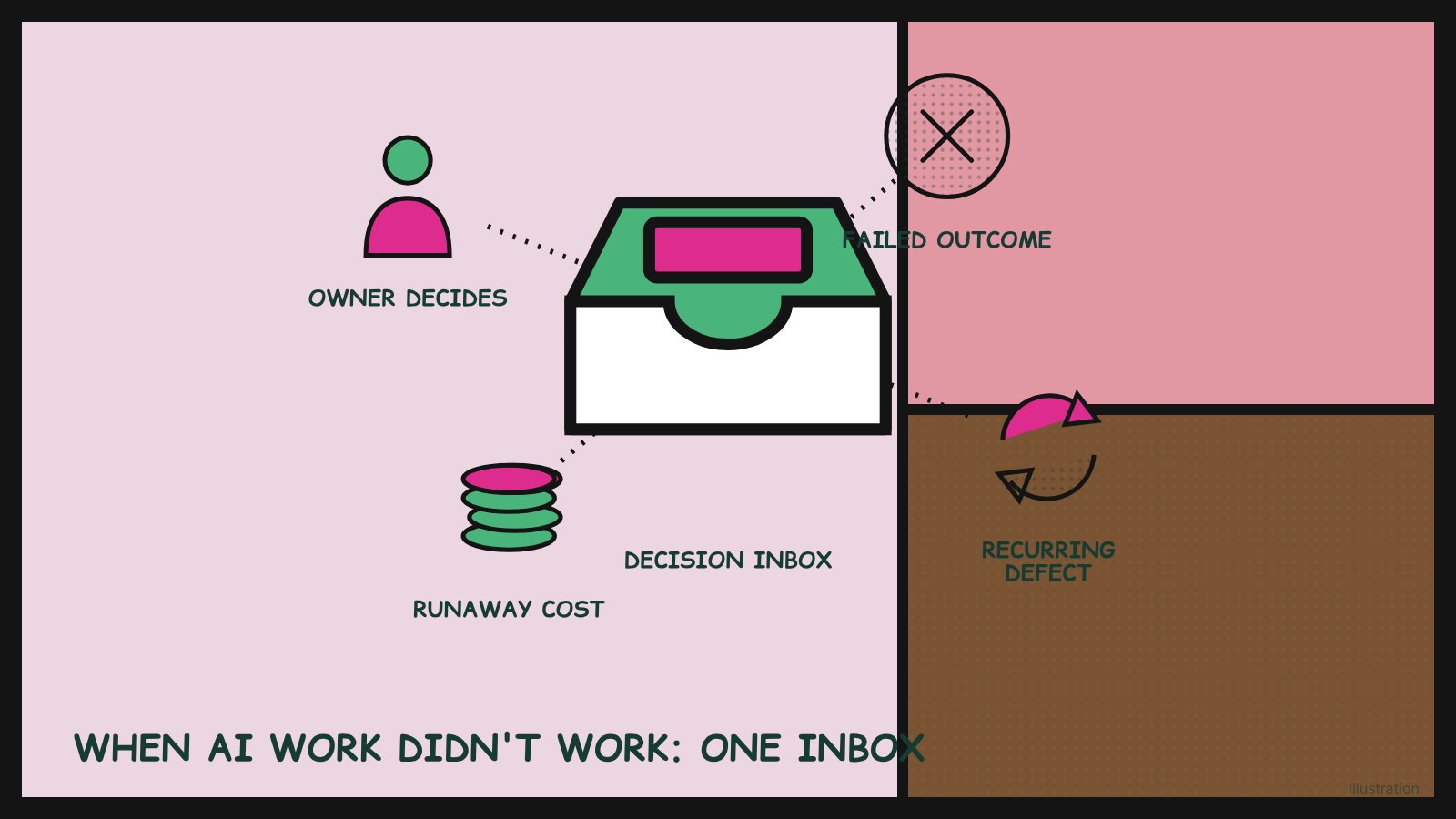
They also bring failed and expired verifications, recurring defects and tickets with unusually high AI use into the Decision Inbox.
Explore Topics
Written by
Ghulam Shabbir
Content creator and writer sharing insights and stories.