
“It’s Fixed” Is a Claim. Here’s How We Check It Before Customers Hear.
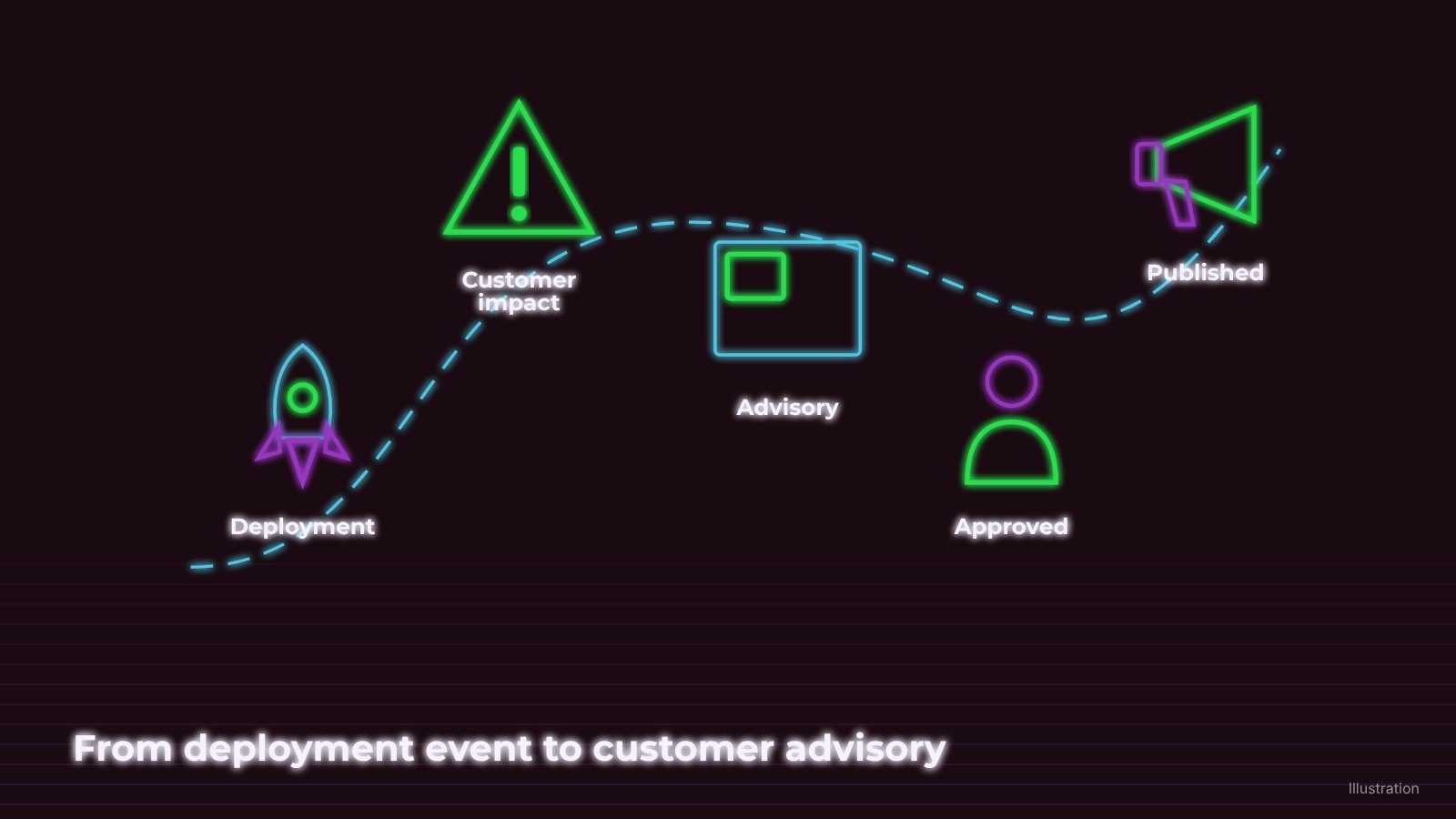
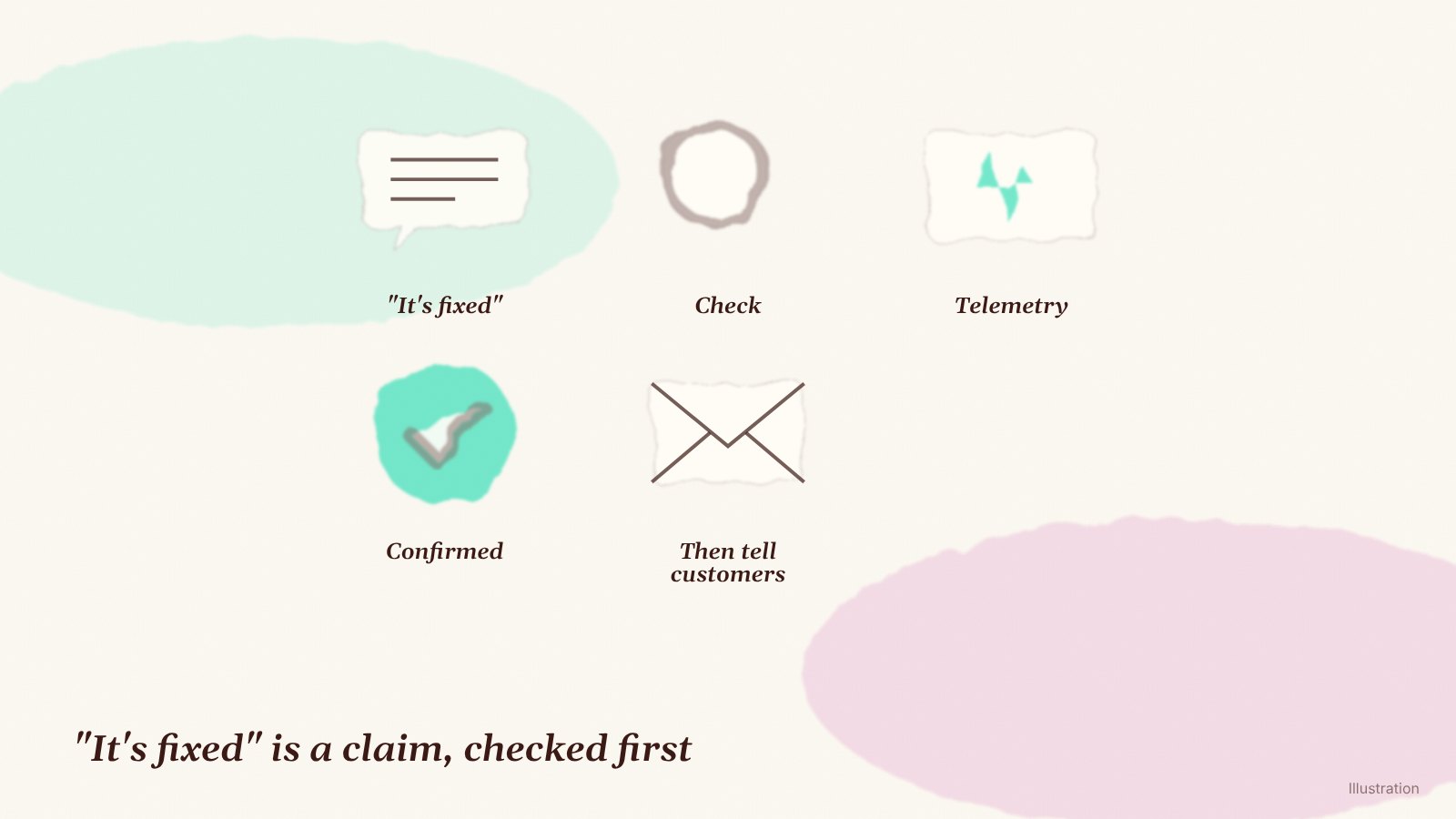
“Done” in Jira isn’t the same as fixed for customers. Fix verification treats done as the start of a check: run the regression tests, wait for the release that ships the fix, confirm production with fresh telemetry or a person’s note, and only then tell affected customers.
The ticket moves to Done in Jira. Somebody sets the known issue to resolved. Every affected customer gets a cheerful "this is now fixed" email.
Then the replies start: "Still broken." The fix was merged but not released. Or released to one region. Or it fixed the case engineering tested, not the one the customer has.
Here's how that happens at a company that sells an online booking system for hair salons. A bug stops some salons from taking deposits on bookings:
- Tuesday. Engineering merges a fix and moves the issue to Done.
- Tuesday, 15 minutes later. An automation sets the known issue to resolved, and 140 salons get "Good news, deposits are working again."
- Wednesday morning. Salons start replying: "Still can't take deposits." The fix is in the main branch but the weekly release isn't until Thursday. For salons using a particular payment provider, the fix doesn't apply at all.
- Wednesday afternoon. Support sends a second e-mail apologising for the first.
The salon owners now trust "fixed" e-mails a little less, and that costs more than the bug did.
First, the basics
- Done is a state in your issue tracker meaning engineering finished the work.
- A known issue is a problem your team tracks for customers; "monitoring" is the state where it waits for confirmation.
- A reproduction is a recorded way to make the bug happen.
- A regression test is made from the reproduction and re-run to check the fix.
- A test account is where TR-AI runs tests, never production.
- A release is a deployment to production. It mentions an engineering issue when its notes or commits reference the issue key.
- Telemetry is live data from production: errors, response times.
- Fix verification is the check from done to verified in production.
Why does this matter? Telling customers something is fixed before it is costs trust, and the second e-mail costs more. Checking the fix with tests, waiting for the release, and confirming production before any notification goes out means "fixed" means fixed.
The problem, in plain terms
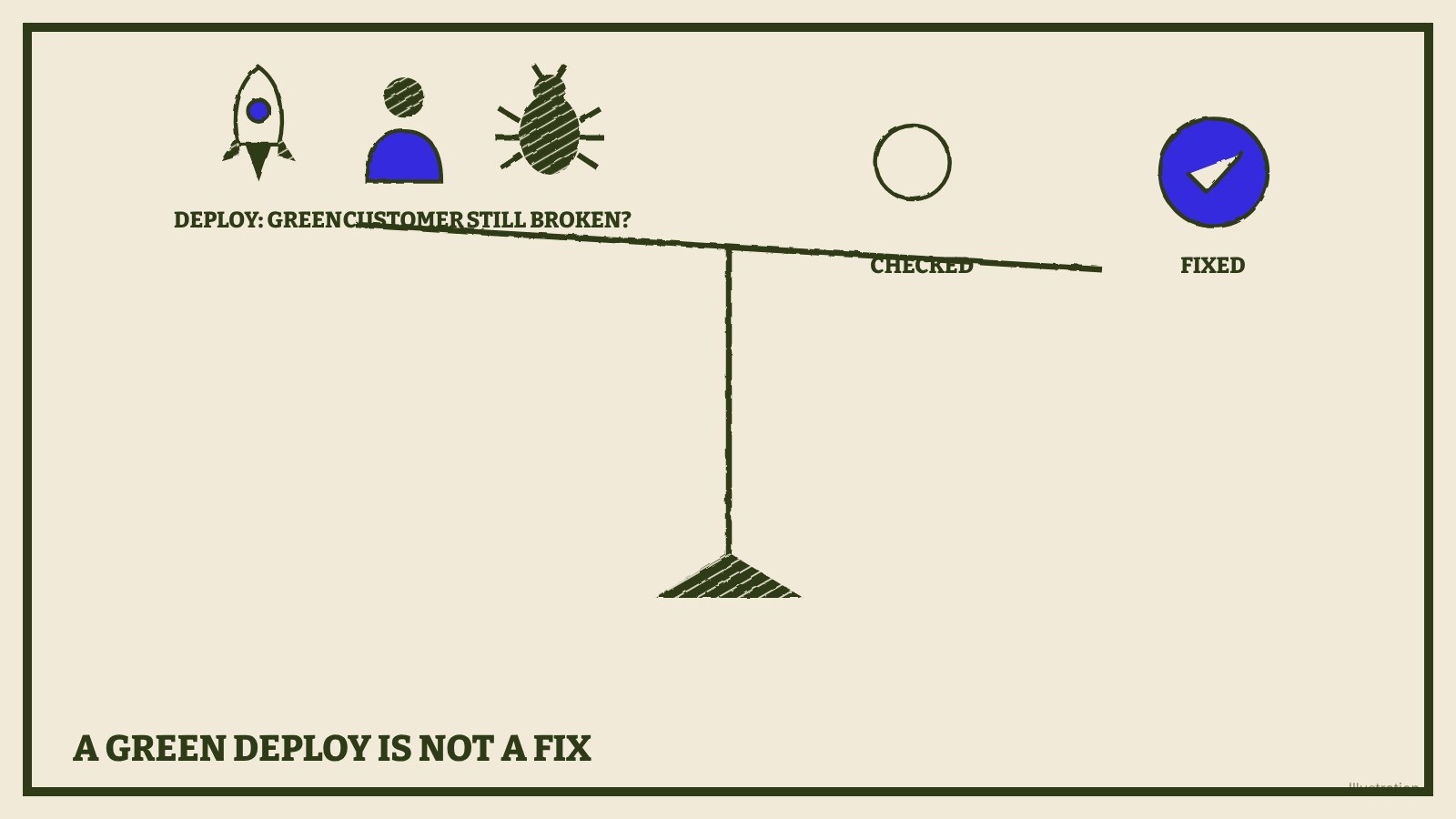
- Done means merged, not released.
- Tests pass on a test environment, not in production.
- Fixes cover the tested case, not every customer's.
- Notifications go out on a state change.
- Bugs without tests quietly pass.
Done is the start, not the end
TR-AI now treats "done" as the beginning of a check. When an engineering ticket, or the tracker issue behind a known issue, moves to done, a fix verification starts.
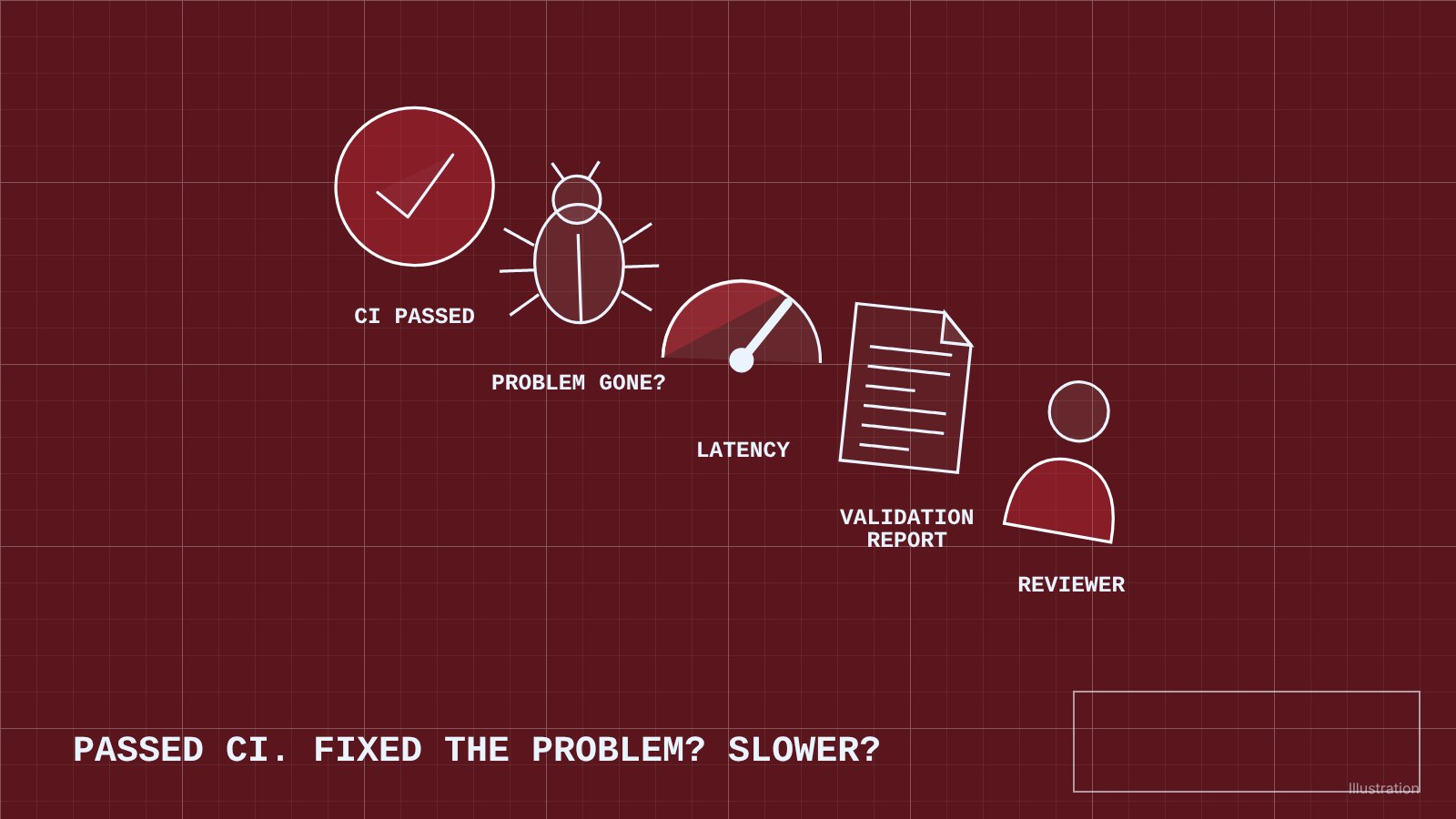
1. Run the tests. Every regression test made from the bug's reproduction runs on your test account, and each result is compared with the original failure: fixed, still failing, regressed or inconclusive. If any test still fails, engineering hears about it immediately, with the evidence.
2. Wait for the release. Passing tests on a test environment prove the fix works there. TR-AI waits until a release that mentions the engineering issue actually ships.
3. Confirm production. Production is confirmed in one of two ways: an investigation's fix verification with fresh telemetry after the release (the errors stopped, the endpoint answers) or a person who checked and says how. Nothing else counts.
4. Then tell customers. Only now does a known issue held in "monitoring" move to resolved, and the existing notification goes to every affected customer.
No tests? A person decides
Not every bug has a reproduction. Those verifications say so, "needs manual verification", and wait for someone to record verified or not fixed with a note. They don't quietly pass.
Engineering sees it where they work
The verification report is posted to the engineering issue twice: when the tests finish, and when production is confirmed (or isn't). Every stage also shows on Engineering intelligence and on the investigation's timeline.
A worked example, start to finish
Here's the deposit bug, with fix verification. The details are illustrative.
Setup. The support lead, Ifeoma, has set Engineering tickets → "When engineering finishes" to monitoring, so the known issue waits instead of resolving on done.
Tuesday 14:00, done. Engineering moves ENG-918 to Done. The known issue moves to monitoring, not resolved. A fix verification starts.
Tuesday 14:05, tests. Two regression tests were made from the reproduction: one for the default payment provider, one for the second provider some salons use. Results:
- Default provider: fixed.
- Second provider: still failing.
Engineering hears immediately, with the evidence: the steps, what was observed, and the environment. The report is posted to ENG-918. The engineer reopens it, adds the missing case for the second provider, and moves it to done again on Wednesday morning. Both tests now show fixed.
Wednesday, waiting for the release. Tests pass on the test account, which proves the fix works there. TR-AI waits for a release that mentions ENG-918.
Thursday 10:00, the release. The weekly release ships, mentioning ENG-918.
Thursday 10:40, production. An investigation's fix verification checks fresh telemetry after the release: deposit errors have stopped for both providers, and the deposit endpoint answers. Production confirmed. The report is posted to ENG-918 a second time.
Thursday 10:41, customers. The known issue moves from monitoring to resolved, and the notification goes to all 140 salons. Nobody replies "still broken". There's no second e-mail.
Five more real-world scenarios
1. No reproduction
Situation. A bug was fixed from a description; there's no reproduction.
How TR handles it. "Needs manual verification"; a person records verified or not fixed, with a note.
2. A test regressed
Situation. A test that passed before now fails.
How TR handles it. Marked regressed, and engineering hears immediately.
3. An inconclusive run
Situation. A test step couldn't be performed.
How TR handles it. Inconclusive, with the evidence.
4. No release mentions the issue
Situation. The fix shipped in a release whose notes don't mention the issue key.
How TR handles it. It keeps waiting; a person can confirm production and say how.
5. A person checks production
Situation. An engineer confirms the fix by hand in production.
How TR handles it. They record "verified in production" with a note saying how.
Before and after
Before. A merge, an automatic "fixed" e-mail to 140 salons, "still broken" replies, and an apology e-mail.
After. A missed case caught by a test within minutes, the release awaited, production confirmed from telemetry, and one accurate e-mail on Thursday.
How to tell it's working
- No "still broken" replies to fixed notices.
- Failing tests are caught before customers hear anything.
- Every resolved known issue has a production confirmation.
Who it's for
- Support leads who send fix notifications.
- Engineering teams who want failed fixes caught early.
- Customer success managers tired of apology e-mails.
How it fits with the rest of TicketResolve
Fix verification uses regression tests from the Reproduction lab, your issue tracker, Deployment intelligence to link releases to issues, and TR Investigate for production checks. It holds known issues in monitoring and releases the existing notifications only after confirmation.
Why tests aren't enough
Tests run on a test account. They prove the fix works there, which is a big step, but production differs: other data, other configurations, other providers. A release has to actually ship the fix, and production has to show the problem stopped. That's why passing tests move the verification forward but don't finish it. Only fresh telemetry after the release, or a person who checked and says how, confirms production.
Setting it up so customers wait
The single most important setting is what happens to a known issue when engineering finishes. Setting Engineering tickets → "When engineering finishes" to monitoring means the known issue waits for verification instead of resolving on done. Without it, a state change in your tracker can still trigger notifications before anything is checked. It takes a minute to set and saves a lot of apologies.
Making more bugs verifiable
Fix verification is only as strong as the tests behind it, so it pays to give it more to work with.
- Reproduce before escalating. A bug with a reproduction gets regression tests; a bug without one waits for a person. When the Reproduction lab can reproduce a problem, let it.
- Cover each variant. If a problem affects two payment providers or two plans, make sure the reproduction covers both. In the example above, the second test is what caught the missed case.
- Mention issue keys in releases. Fix verification waits for a release that mentions the engineering issue. If your release notes or commit messages include the key, that link happens automatically.
- Write a note when you verify by hand. "Checked deposits on three salons using provider B after the 10:00 release" is a note someone can rely on later. "Looks fine" isn't.
- Read the "still failing" reports. They arrive on the engineering issue with the steps, what was observed and the environment, which is usually enough to see what the fix missed.
What customers notice
Customers rarely remember how long a bug took to fix. They do remember being told it was fixed when it wasn't. A verified "it's working again", sent once, at the right moment, rebuilds trust that the bug cost; a premature one spends the trust you had left. Fix verification is the difference between the two.
Mistakes to avoid
- Resolving known issues on "done".
- Treating passing tests as production confirmation.
- Letting bugs without tests pass silently.
Do it in TicketResolve, step by step
Where: Engineering intelligence → Fix verification (/dashboard/engineering-intelligence); known issues (/dashboard/known-issues). You'll need: an issue tracker; regression tests from reproductions; deployments that mention issue keys. Full guides: Engineering intelligence and the unified timeline and Known issues.
- Set "When engineering finishes" to monitoring under Engineering tickets.
- Move an engineering issue to done; a fix verification starts.
- Read the test results: fixed, still failing, regressed or inconclusive.
- Watch for the release that mentions the issue.
- Confirm production: an investigation's fix verification with fresh telemetry, or a person's "verified in production" with a note.
- For bugs without tests, record verified or not fixed with a note.
- Check the known issue moves to resolved and customers are notified.
How to check it worked: the engineering issue shows two verification reports, and the known issue resolved only after production was confirmed.
Frequently asked questions
When does fix verification start? When an engineering ticket, or the tracker issue behind a known issue, moves to done.
Where do the tests run? On your test account, never production.
What are the test results? Fixed, still failing, regressed or inconclusive.
Do passing tests mean it's fixed? They mean it works on the test environment; TR-AI then waits for the release.
How is production confirmed? Fresh telemetry after the release in an investigation's fix verification, or a person who checked and says how.
When are customers told? Only after production is confirmed.
What about bugs without a reproduction? "Needs manual verification"; a person decides.
Does engineering see the results? Yes. The report is posted to the engineering issue twice.
Can a person override the tests? A person can record "verified in production" with a note saying how they checked, or "not fixed".
Explore Topics
Written by
Ghulam Shabbir
Content creator and writer sharing insights and stories.