
Fix the Article, Not the Ticket
An article was used in six answers last month, and four of those tickets came back. Each ticket got handled; nobody fixed the article. TicketResolve measures which answers really work, finds the help articles behind answers that keep failing, and improves them through review, approval and measurement after publication.
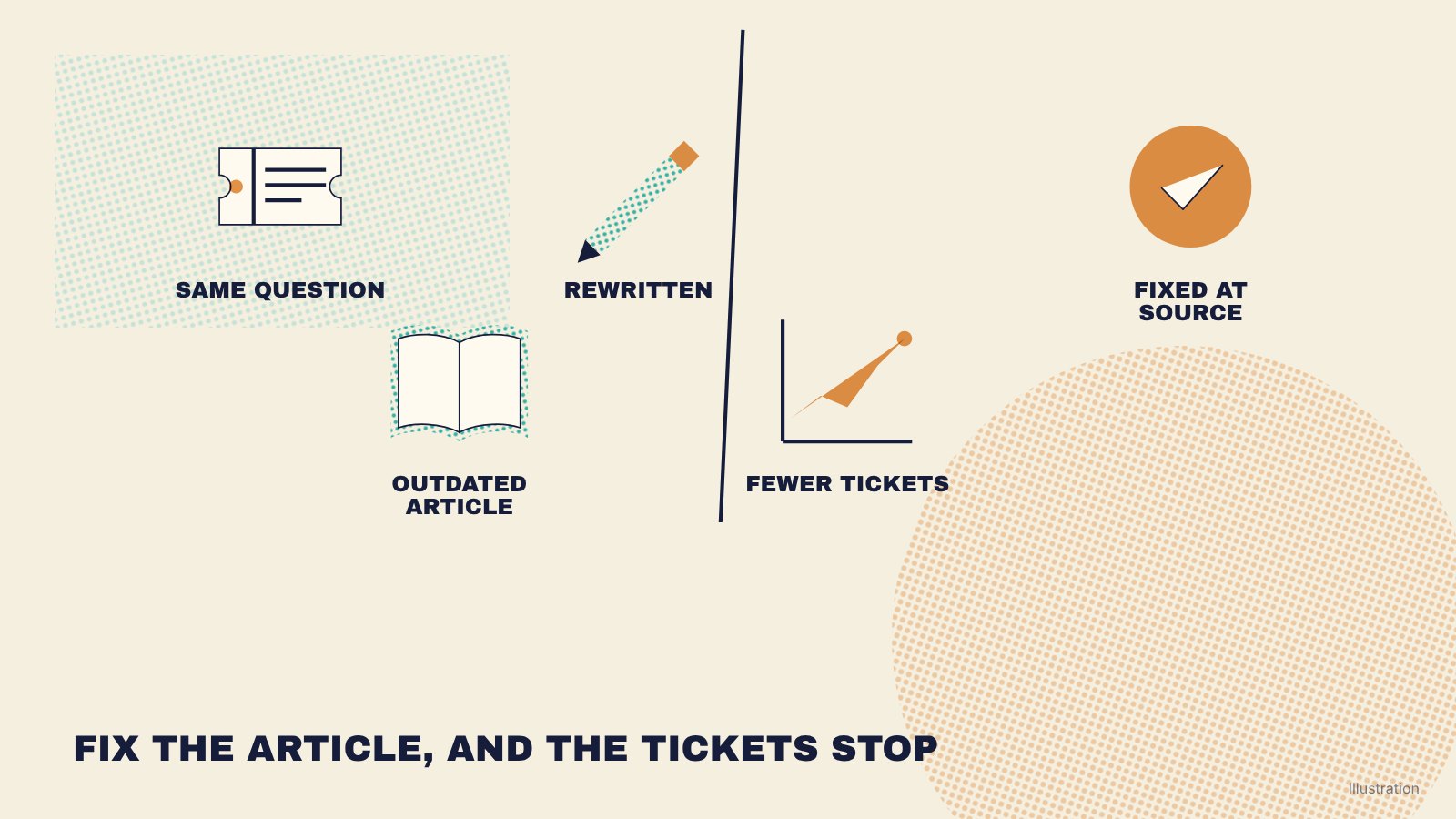
Say an article, Exporting CSV, was used in six answers last month. Four of those tickets came back: reopened, the same error again, or a customer replying "still broken". Each ticket got handled. Nobody fixed the article.
The next customer gets the same answer.
Here's what that month looked like at a project-management software company:
- Ticket 1: "How do I export my tasks?" Answer from Exporting CSV: Settings → Export → CSV. Customer: "There's no Export in Settings." Reopened. An agent found it had moved to Project → ⋯ → Export in version 6.
- Ticket 2: same question, same answer, same reply. A different agent fixed it the same way.
- Ticket 3: worked: the customer was on version 5.
- Ticket 4: reopened.
- Ticket 5: "still broken." Handled.
- Ticket 6: worked: version 5 again.
Four agents corrected the same answer in their replies. None of those corrections reached the article.
First, the basics
- A help article (knowledge article) is a page in your knowledge base that answers use as a source. A version of it is one edit.
- Resolution Assurance records how each ticket really ended, from evidence rather than from the ticket being closed.
- Verified resolution rate is the share of tickets with evidence they were actually resolved. Evidence coverage is the share with enough evidence to tell.
- Customer-confirmed means the customer said it worked; technically verified means a system showed it.
- Reopen, recurrence and repeat-contact rates count tickets that came back in different ways.
- A workaround is a temporary fix. Whether it came back shows if it lasted.
- A knowledge change request is a proposed edit to an article, reviewed and approved before publishing.
- A regression test checks that a change doesn't make things worse.
Why does this matter? A wrong article produces wrong answers again and again. Every agent who corrects one answer fixes one ticket; fixing the article fixes every future ticket that uses it.
The problem, in plain terms
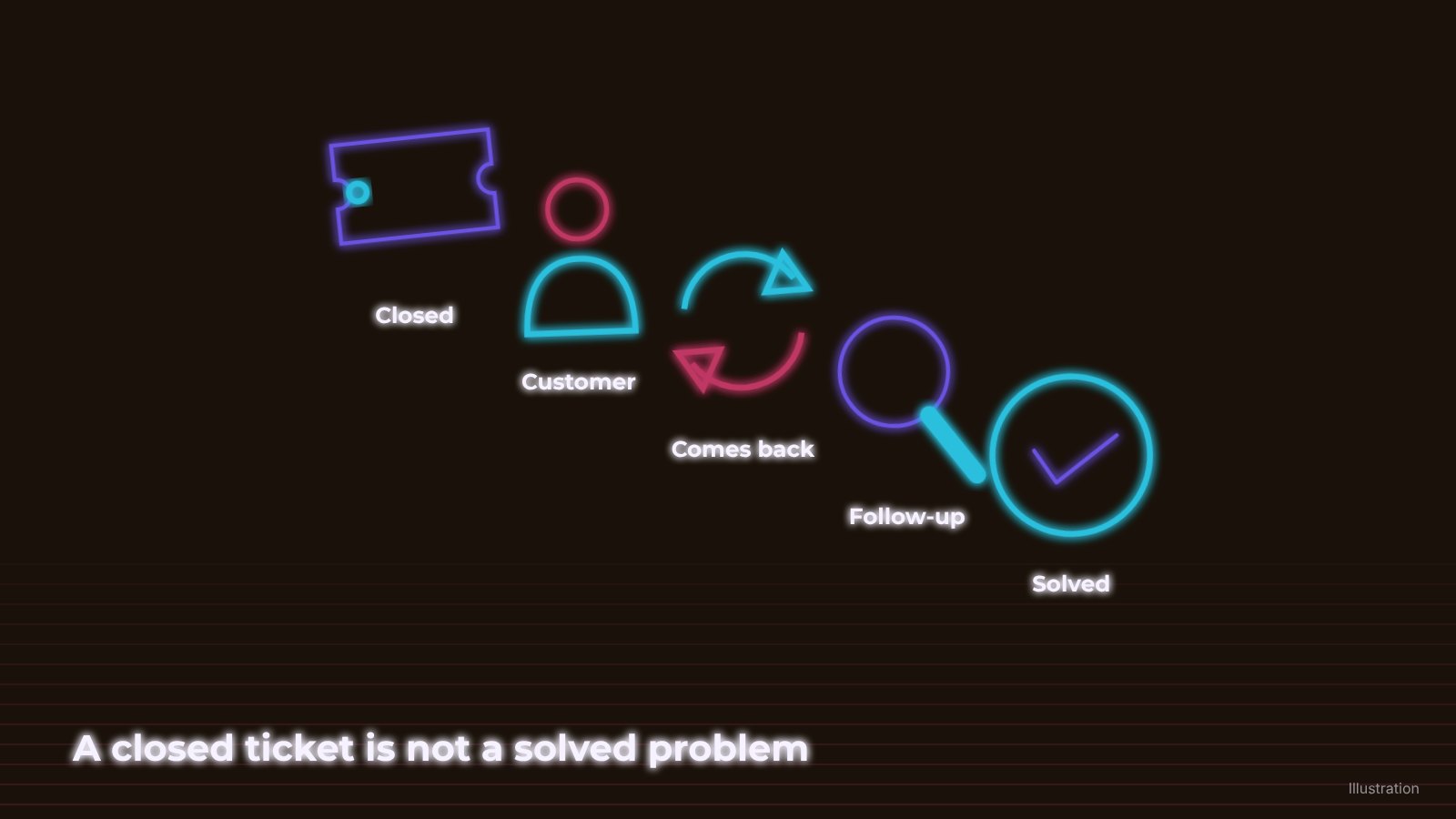
- Closed is counted as resolved.
- Rates hide their counts and their evidence.
- Nobody knows which article is behind failing answers.
- Agents' corrections stay in their replies.
- Article changes aren't measured afterwards.
Start with numbers you can trust
Resolution Assurance already records how each ticket really ended, from evidence rather than from the ticket being closed. The Outcome metrics view turns that into rates:
- verified resolution rate;
- evidence coverage;
- customer-confirmed and technically verified rates;
- reopen, recurrence and repeat-contact rates;
- how often workarounds came back.
Each rate has a Definition with exactly what's counted, out of what and what's excluded. Each shows "4 of 6" next to the percentage, and Show tickets lists the tickets behind it.
Two rules keep the numbers honest:
- The verified rate is always shown next to evidence coverage. A ticket without enough evidence isn't counted as a success. It lowers coverage instead, so a high rate built on thin evidence is easy to spot.
- Recently resolved tickets aren't counted as recurrence-free. With a 30-day window, a ticket resolved last week is still being observed.
Under 10 tickets, a rate shows Not enough data instead of a misleading percentage.
See what works
What works breaks outcomes down by resolution method, knowledge source, product version, root cause, category, and AI or agent. Each row shows its ticket count.
These figures say what happened after an approach was used, not that it caused the outcome. Harder problems get escalated, so escalation can look worse than it is. The page says so too.
From failing answers to a better article
Every answer records which knowledge it used, and which version of it. When a source keeps failing, a proposal appears in Knowledge improvement. That happens when:
- its answers fail;
- high-confidence answers from it fail;
- customers come back after it;
- it fails on one product version but works on another;
- its workaround doesn't last.
The proposal lists the supporting tickets, the suggested change, a regression test, its risk and the expected benefit. If agents already corrected those answers, their corrections become the starting text.
Then people take over:
- Someone writes or edits the replacement text and submits it.
- It's filed as a knowledge change request. Someone other than the requester approves it. Nothing is published automatically.
- Once the new version is live, failure rates before and after are compared.
- If outcomes got worse, an administrator can file a rollback. That needs approval too.
The article gets fixed once, instead of the same ticket being handled again and again.
A worked example, start to finish
Here's the Exporting CSV article at the same company, with Knowledge improvement. Figures are illustrative.
Monday. The knowledge manager, Felix, opens Resolution intelligence → Assurance → Outcome metrics:
- Verified resolution rate: 71%, next to evidence coverage: 82%. Definition beside each.
- Reopen rate: 9% (Show tickets lists them).
- Recurrence: tickets resolved in the last 30 days aren't counted as recurrence-free yet.
Monday, What works. By knowledge source: Exporting CSV — 2 of 6 worked (33%), the lowest of any article used more than five times. By product version: Exporting CSV on v5: 2 of 2 worked; on v6: 0 of 4. The page notes these show what happened after, not cause.
Monday, the proposal. In Knowledge improvement, a proposal for Exporting CSV: it fails on one product version but works on another. It lists the 6 tickets, the suggested change (add v6 steps), a regression test (replay the 6 tickets against the new text), risk (low) and expected benefit. The starting text comes from the agents' corrections: "In version 6, go to Project → ⋯ → Export."
Monday, the edit. Felix edits the text: v5 steps under one heading, v6 steps under another. He submits it. It's filed as a knowledge change request.
Tuesday, approval. The documentation lead, not Felix, reviews it against the product and approves it. Felix publishes it in the help centre; TicketResolve re-indexes the new version. Nothing was published automatically.
Four weeks later, measured. The proposal compares failure rates before and after the new version went live: before, 4 of 6 failed; after, 1 of 9 failed (a customer on a custom build). Answers now record the new version.
A different article, a rollback. Another proposal's change, to Resetting two-factor, made outcomes worse: 3 of 7 failed after, against 1 of 8 before. An administrator files a rollback; another administrator approves it.
Five more real-world scenarios
1. A high rate on thin evidence
Situation. An article shows 95% verified, but evidence coverage is 30%.
How TR handles it. The verified rate is always shown next to coverage, so the thin evidence is easy to spot.
2. Too few tickets
Situation. An article was used in 7 answers.
How TR handles it. Under 10 tickets, the rate shows Not enough data.
3. Escalation looks worse
Situation. Escalated tickets have lower success rates.
How TR handles it. The page says harder problems get escalated, so escalation can look worse than it is.
4. A workaround that doesn't last
Situation. An article's workaround keeps the problem away for a week.
How TR handles it. Workarounds that come back trigger a proposal.
5. Approving your own change
Situation. Felix tries to approve his own change request.
How TR handles it. Someone other than the requester approves.
What makes an article fail
The proposals in Knowledge improvement come from patterns that show up again and again. Knowing them helps you write articles that don't need fixing:
- Steps that moved. A button or menu changed in a new release, and the article still describes the old one. "Fails on one version but works on another" is the usual sign.
- One article, several cases. An article that covers two plans, two platforms or two versions in one set of steps answers both wrongly half the time. Split it, or give each case its own heading.
- Missing limits. The article explains how to do something but not when you can't: the plan it needs, the size limit, the permission. Customers follow the steps, hit the limit and come back.
- Workarounds written as fixes. If a workaround keeps coming back, the article should say it's temporary and link to the known issue.
- Old screenshots and names. Even when steps are right, an out-of-date screen makes customers think they're in the wrong place.
When a proposal appears, its supporting tickets usually show which of these it is.
Before and after
Before. Six answers from one article, four reopened, four agents correcting the same thing in their replies, and the next customer getting the same wrong answer.
After. The article's failure rate split by product version, a proposal starting from the agents' corrections, an edit approved by someone else, and failure rates compared before and after.
How to tell it's working
- Failing articles get fixed, not just their tickets.
- Failure rates fall after new versions go live.
- Agents' corrections end up in articles.
- Verified rates rise with coverage, not without it.
Who it's for
- Knowledge managers and documentation teams.
- Support leaders who want fewer repeat corrections.
- Agents whose corrections should count.
How it fits with the rest of TicketResolve
Knowledge improvement uses Resolution Assurance's outcomes and knowledge governance for change requests. Failing articles also feed recommendations and confidence calibration. No AI model is called for the metrics.
Mistakes to avoid
- Reading a verified rate without coverage.
- Fixing tickets one by one when the article is the cause.
- Treating What works as cause and effect.
Do it in TicketResolve, step by step
Where: Resolution intelligence → Assurance (/dashboard/resolution-intelligence), the Outcome metrics, What works and Knowledge improvement views. You'll need: Resolution Assurance; a knowledge base connected; a second person to approve changes. Full guides: Your knowledge base: sources, sync and search and Outcome metrics and knowledge improvement.
- Open Outcome metrics. Read each rate's Definition, count and Show tickets.
- Check verified rate against evidence coverage.
- Open What works. Break outcomes down by knowledge source and product version.
- Open Knowledge improvement. Each proposal lists tickets, the suggested change, a regression test, risk and benefit.
- Edit the replacement text, starting from agents' corrections, and submit it.
- Get it approved by someone other than the requester.
- Publish in your help centre; TicketResolve re-indexes it.
- Compare before and after. If outcomes got worse, file a rollback for approval.
How to check it worked: the article's proposal shows failure rates before and after its new version went live.
Read the guide: Outcome metrics and knowledge improvement.
Frequently asked questions
Is a closed ticket counted as resolved? No. Outcomes come from evidence.
What if there isn't enough evidence? The ticket isn't counted as a success; it lowers coverage instead.
Why show "4 of 6"? So you can see how many tickets a rate is based on.
What's the minimum? Under 10 tickets, a rate shows Not enough data.
Does What works prove cause? No. It shows what happened after an approach was used.
Where does the starting text come from? From agents' corrections to those answers, if there are any.
Is anything published automatically? No. Someone other than the requester approves.
Can a change be undone? Yes. An administrator can file a rollback, which needs approval too.
How can we stop articles failing in the first place? Keep steps per version, state limits and plans clearly, and mark workarounds as temporary.
Explore Topics
Written by
Ghulam Shabbir
Content creator and writer sharing insights and stories.