
401, 403, 429 or 504? Diagnosing Customer API Errors in Support
Developer customers report symptoms (“your API is broken”) not causes. The status code, headers and body usually explain the failure: who is calling, what they may do, what they sent, how often, how long, or a fault on your side. The API workbench reproduces the call safely and explains it with evidence.

Developer customers report symptoms, not causes. "Your API is broken" can mean an expired key, a missing scope, a typo in a field name, a retry loop hitting a rate limit, a slow endpoint or a real bug on your side. Reproduce the call, then read what the API actually returned; most failures explain themselves.
Here's a week of API tickets at a company that sells a payments API to online marketplaces, before anyone read the responses carefully:
- Monday: "Your API is down." The customer was sending a test key to the live endpoint. 401.
- Tuesday: "We can't create refunds." Their key didn't have the refunds scope. 403.
- Wednesday: "Orders fail randomly." Their client retried every failure immediately, five times, and hit the rate limit. 429.
- Thursday: "Webhooks stopped working after your release." The release made a field required. 422.
- Friday: "Timeouts on reports." A slow endpoint on the company's side. 504.
All five were escalated to engineering. Four of them were answerable by support, from the response the customer had already received.
First, the basics
- A status code is the number an API returns to say how a request went: 2xx success, 4xx a problem with the request, 5xx a problem on the server.
- Headers carry extra information, such as
WWW-Authenticate,Retry-Afterand rate-limit counts. - The body is the response content; error bodies usually say what went wrong.
- A scope is a permission attached to a key, like "refunds:write".
- A rate limit caps how many requests a client can make in a period.
- A gateway sits in front of your services; when it gives up waiting, you see 504.
- An API file (OpenAPI or Postman) describes your endpoints, fields and versions.
- A breaking change is a change that makes existing callers fail.
Why does this matter? Most API tickets can be solved by reading the response the customer already got. Knowing what each family of status codes means, and reproducing the call safely, turns "your API is broken" into a specific answer in minutes, and keeps engineering for the failures that really are on your side.
The problem, in plain terms
- Customers describe symptoms, not causes.
- Agents escalate anything that looks technical.
- Headers and bodies that explain the failure aren't read.
- Your own releases break callers without anyone noticing.
- Reproducing calls risks credentials and data.
Who is calling: 401
A 401, or a 403 that mentions tokens or signatures, means the API didn't accept the credential. Read the WWW-Authenticate header: error_description="The access token expired" points to a refresh. Common causes: an expired or rotated key, a test key used against live, or a malformed Authorization: Bearer header.
What they may do: 403
The caller is known but not allowed: a missing scope, a role, a plan feature or an IP allowlist. Ask which key is used and compare its scopes with the operation.
What they sent: 400, 415, 422
- Missing fields. "email is required"; compare with the documented required fields.
- Invalid values. Wrong type, format or enum.
- Payload. Invalid JSON or the wrong Content-Type (415).
How often: 429
Rate limited. Retry-After and X-RateLimit-* headers say when to try again. Look for a retry loop in the customer's client.
How long: 408, 504 and timeouts
A gateway gave up waiting. Check the endpoint's latency in your monitoring before blaming the customer.
Your side: 5xx
A 500 or 502 is your failure. Take the request id and the time, search Sentry or Datadog, check recent deployments and escalate.
Versions and GraphQL
A 410, Deprecation or Sunset header means the version is gone or going. GraphQL can return 200 with an errors array: the HTTP status hides the failure.
Breaking changes in your own API
When a customer's integration breaks after your release, compare API file versions: a removed operation, a newly required parameter or a changed field type breaks callers.
In TR-AI
The API workbench reproduces the call (only to authorised HTTPS hosts, credentials encrypted, data-changing requests confirmed) and explains each failure with evidence and next steps. Upload a new version of your OpenAPI or Postman file to see what changed and which changes break callers. Tests sent from an investigation become its evidence.
A worked example, start to finish
Here's the marketplace payments company's week again, with the API workbench. The details are illustrative.
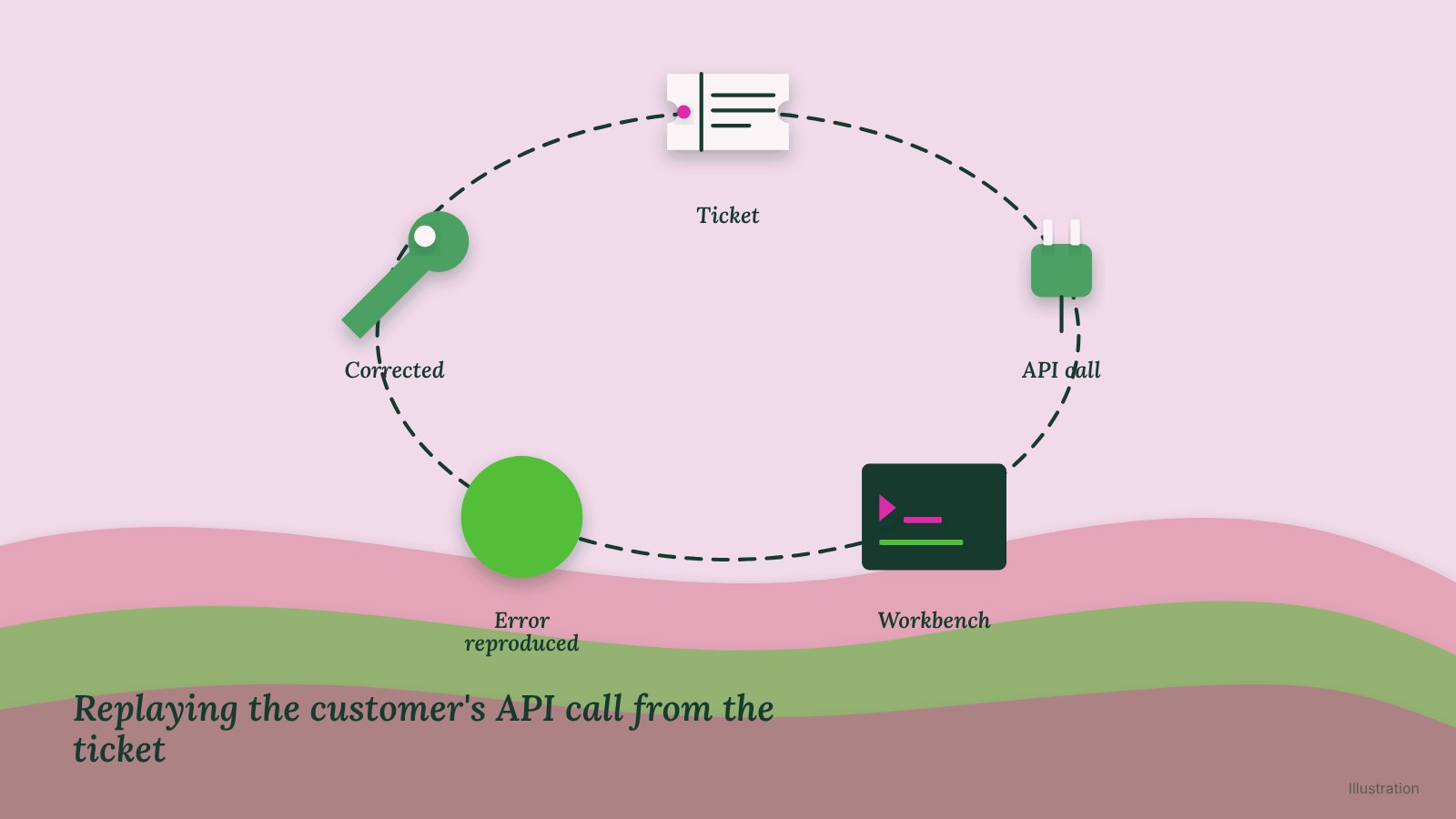
Monday, 401. The agent, Sofía, reproduces the customer's GET /v1/orders in the API workbench against the sandbox host with a sandbox credential. The customer's own response shows WWW-Authenticate: Bearer error="invalid_token", error_description="test key used against live". The workbench explains: who is calling failed; a test key was sent to the live host. Reply: "Use your live key for api.example.com, or point your test key at sandbox.api.example.com." Solved.
Tuesday, 403. POST /v1/refunds returns 403 with insufficient_scope. The workbench explains: the caller is known but not allowed; the key lacks refunds:write. Sofía tells the customer how to add the scope. Solved.
Wednesday, 429. The response has Retry-After: 30 and X-RateLimit-Remaining: 0. The workbench flags rate limited. The customer's logs show five retries within a second of every failure. Reply: honour Retry-After and add backoff. Solved.
Thursday, 422 after a release. Sofía uploads the new version of the OpenAPI file. The workbench compares versions: POST /v1/webhooks now has a newly required secret_rotation parameter. That's a breaking change. Engineering makes it optional again and adds a deprecation notice. The customer's webhook works without a change on their side.
Friday, 504. The workbench shows the report endpoint timing out. Sofía checks monitoring: p95 latency on GET /v1/reports is far above normal since a database migration. Your side. She opens an investigation with the request id and time; the test becomes its evidence; engineering fixes the query.
End of week. One escalation instead of five, and it was the one that needed engineering.
Five more real-world scenarios
1. A GraphQL "success"
Situation. The customer says queries "succeed but return nothing".
How TR handles it. GraphQL can return 200 with an errors array; read the body, not just the status.
2. A deprecated version
Situation. Responses include a Sunset header.
How TR handles it. The version is going; tell the customer the date and the replacement.
3. Wrong Content-Type
Situation. A 415 on every POST.
How TR handles it. The payload is sent with the wrong Content-Type; send application/json.
4. An internal address
Situation. Someone tries to reproduce against an internal service.
How TR handles it. Private and internal network addresses are blocked, and redirects aren't followed.
5. A data-changing request
Situation. Reproducing a DELETE.
How TR handles it. Data-changing requests must be confirmed; use a sandbox account.
Before and after
Before. Five API tickets escalated in a week, four of them answerable from the response the customer already had.
After. Each failure read by its status family and headers, reproduced safely, explained with evidence, a breaking change caught from the API file, and one escalation that genuinely needed engineering.
How to tell it's working
- Fewer API tickets reach engineering.
- Replies name the cause, not "please check your integration".
- Breaking changes are caught when the API file changes.
Who it's for
- Support agents at API companies.
- Developer support and solutions engineers.
- API product teams watching for breaking changes.
How it fits with the rest of TicketResolve
The API workbench sits under TR Investigate, next to API diagnostics (JWT, OAuth, TLS and payload checks). Tests sent from an investigation become evidence; breaking changes come from comparing API file versions; 5xx failures lead to investigations and escalations.
Reading a response in thirty seconds
Read in this order: the status code (which family?), then the headers (WWW-Authenticate, Retry-After, X-RateLimit-*, Deprecation, Sunset), then the body (the error message, or for GraphQL the errors array). Most of the time, the answer is in one of those three places. Only when it's a 5xx, or a timeout your monitoring confirms, is it time to escalate.
Asking customers for the right thing
Ask for the method and path, the status code, the response headers and body, the time, and the request id if there is one. Ask them not to paste live keys; you can reproduce with your own sandbox credential. With those, most API tickets can be answered in a single reply.
Writing the reply the customer can act on
A good API reply has three parts, and none of them is "we're looking into it". First, what the response said, quoted from the status line or the error body, so the developer can match it to their own logs. Second, what it means in plain words: "this key belongs to your test environment", "this key doesn't have the refunds permission", "your client sent 40 requests in one second". Third, the one change that should fix it, with a link to the relevant reference page.
Here's an illustrative reply for the Tuesday refunds ticket: "The refunds request returned 403 with insufficient_scope: refunds:write. Your key can read orders but can't create refunds. An admin on your account can add the refunds permission under API keys, or create a new key with it. Once that's done, the same request should return 201."
That reply takes a minute to write when you've read the response, and it saves a round trip to engineering and another to the customer. When the answer really is "this is on our side", say that too, with the request ID and the time, so the customer knows you've taken it seriously and engineering can find the failing call straight away.
Mistakes to avoid
- Escalating 4xx errors without reading the response.
- Blaming the customer for timeouts before checking your latency.
- Shipping API changes without comparing file versions.
Do it in TicketResolve, step by step
Where: TR Investigate → API workbench (/dashboard/api-workbench). You'll need: your OpenAPI or Postman file; a sandbox credential saved by an admin for an authorised host. Full guides: API workbench: reproduce a customer’s API call and API and webhooks.
- (Admin) Upload your OpenAPI or Postman file and save a sandbox credential for an authorised host.
- Pick the operation the customer called.
- Fill in what they sent and run it; confirm if it changes data.
- Read the explanation: who is calling, what they may do, what they sent, how often, how long, or your side.
- Follow the next step it suggests.
- For 5xx, take the request id and time to an investigation.
- After a release, upload the new API file to see breaking changes.
How to check it worked: each run shows the status, the reason with evidence, and a next step.
Frequently asked questions
Is the customer's key sent to TR-AI? No. Admins save credentials (ideally sandbox or read-only) for an authorised host; they are encrypted and never shown.
Can the workbench call internal services? No. Private and internal network addresses are blocked and redirects aren't followed.
What does a 401 usually mean? The credential wasn't accepted: expired, rotated, the wrong environment or a malformed header.
What about 403? The caller is known but not allowed: a missing scope, role, plan feature or IP allowlist.
How do I handle 429?
Read Retry-After and the rate-limit headers, and look for a retry loop in the client.
When is it our fault? 5xx errors, and timeouts your monitoring confirms.
Can GraphQL hide errors?
Yes. It can return 200 with an errors array.
How do I catch breaking changes? Upload the new version of your OpenAPI or Postman file to see what changed.
Explore Topics
Written by
Ghulam Shabbir
Content creator and writer sharing insights and stories.