
When the AI Got It Wrong: Turning a Failed Answer Into a Fix That Sticks
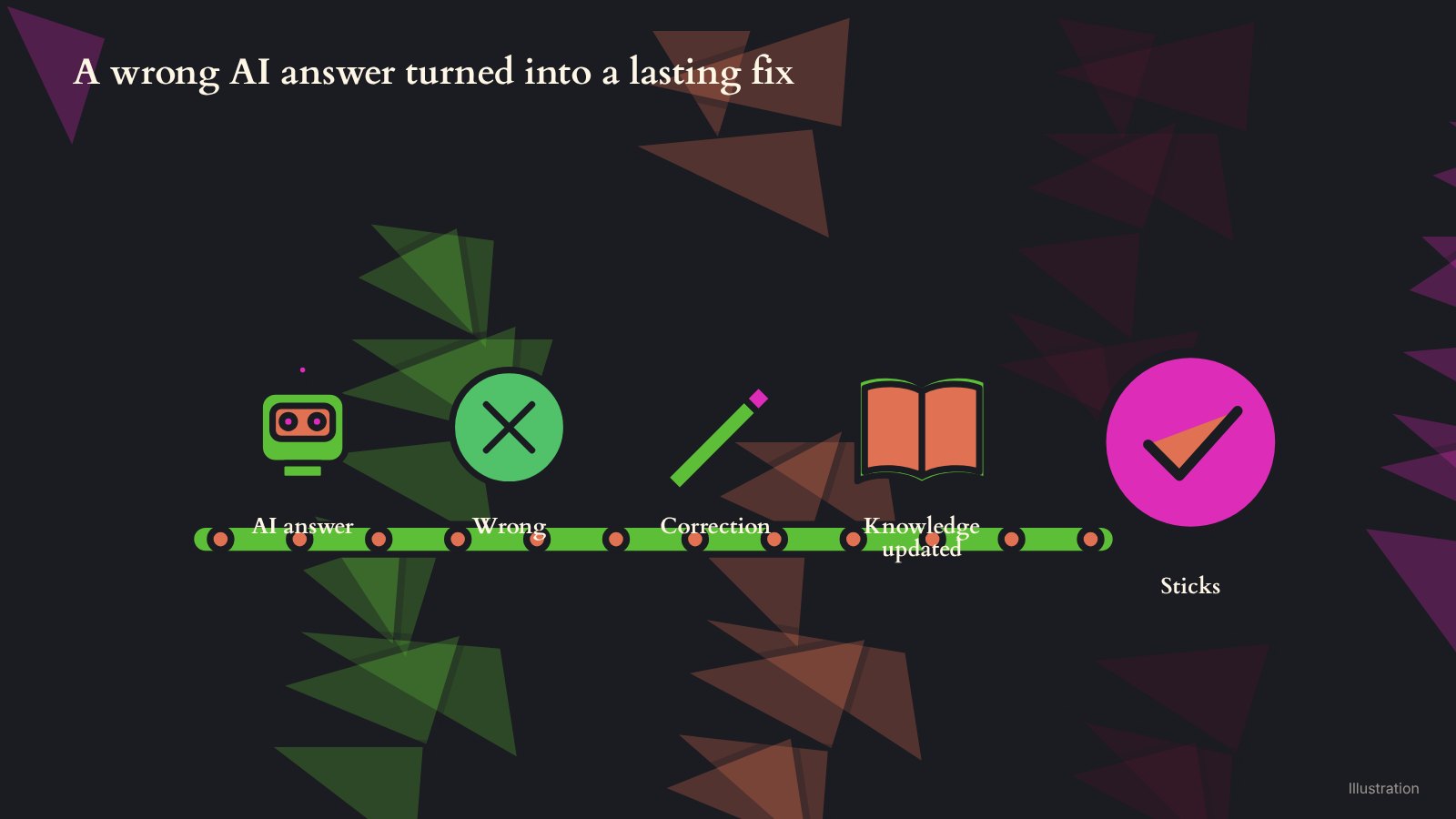
When an AI answer fails, someone usually fixes it for that customer, and the same wrong answer goes to the next one. Correcting a failed answer shows why it failed, has a person write the correction, and turns it into a regression case and an approved knowledge fix so it sticks.
Most teams find out an AI answer failed when the customer writes back. Then someone answers the customer properly, closes the ticket, and the same wrong answer goes out to the next person who asks.
The fix for the customer happened. The fix for the system didn't.
Here's how that repeats at a company that sells a learning platform to schools. A teacher asks how to export grades to the school's student information system:
- TR-AI answers from an article: "Go to Gradebook → Export → CSV, then upload it to your SIS."
- The teacher writes back: "There's no Export button in my Gradebook."
- An agent, Benedikt, checks: the teacher's school is on the new Gradebook, where export moved to Reports → Grade sync. He replies with the right steps. The teacher is happy. Ticket closed.
- Two days later, another teacher on the new Gradebook asks the same thing. TR-AI gives the same old answer.
- Over the next month, the same wrong answer goes out a dozen more times. Each time, someone fixes it by hand.
Nothing was wrong with Benedikt's work. The system just had no way to learn from it.
First, the basics
- A failed answer is one the customer said didn't work, or gave a low CSAT for, or wrote back about.
- A reopened case is a ticket that was opened again. A recurring case is one where the customer came back with a similar ticket.
- Cited knowledge is the articles TR-AI relied on, with how well each matched.
- Staleness and contradiction flags say an article may be out of date or conflict with another source.
- A failure category says why an answer failed.
- A corrected answer is what the answer should have been, written or confirmed by a person.
- A regression case is a past ticket with a known good answer, re-run to check nothing breaks later.
- Knowledge governance is where changes to your knowledge base are approved.
Why does this matter? Fixing one customer's problem is support. Making sure the next customer gets the right answer is improvement. Capturing the correction where it changes future answers, through tests and approved knowledge updates, is what stops the same mistake from repeating.
The problem, in plain terms
- Fixes happen in replies, not in the system.
- Nobody records why the answer failed.
- The same wrong answer goes to the next customer.
- Changes to prompts or models can bring old mistakes back.
- Knowledge updates happen ad hoc, without review.
Everything in one place
Open a failed, reopened or recurring case in Resolution intelligence and you see, side by side:
- the customer's message and the AI's answer
- the knowledge articles it cited, with how well each matched and any staleness or contradiction flags
- what happened next: the customer writing again, reopenings, the ledger of evidence
- how your team finally resolved it, when someone did
Why did it fail?
TR-AI suggests a failure category from the signals on the case, with its evidence:
- Retrieval failure. No source was cited, or the best match was weak.
- Outdated documentation. A cited article is flagged as contradicting another or hasn't been refreshed in months.
- Wrong customer context. The customer says they're on a different version, plan or setup.
- Incorrect intent. "That's not what I asked."
- Missing troubleshooting steps. "I already tried that", or the procedure didn't finish.
- Unsupported assumptions or an incorrect answer, from QA review.
- Incorrect escalation, when a person had to take over.
It's a suggestion. You choose the category, and each comes with a recommended fix.
A person writes the correction
The corrected answer is written, or confirmed, by someone on your team. When your team already resolved the ticket, it's prefilled from that resolution, so it's usually a check rather than a rewrite. What the customer wrote is shown as they wrote it and never treated as knowledge on its own.
Then make it stick
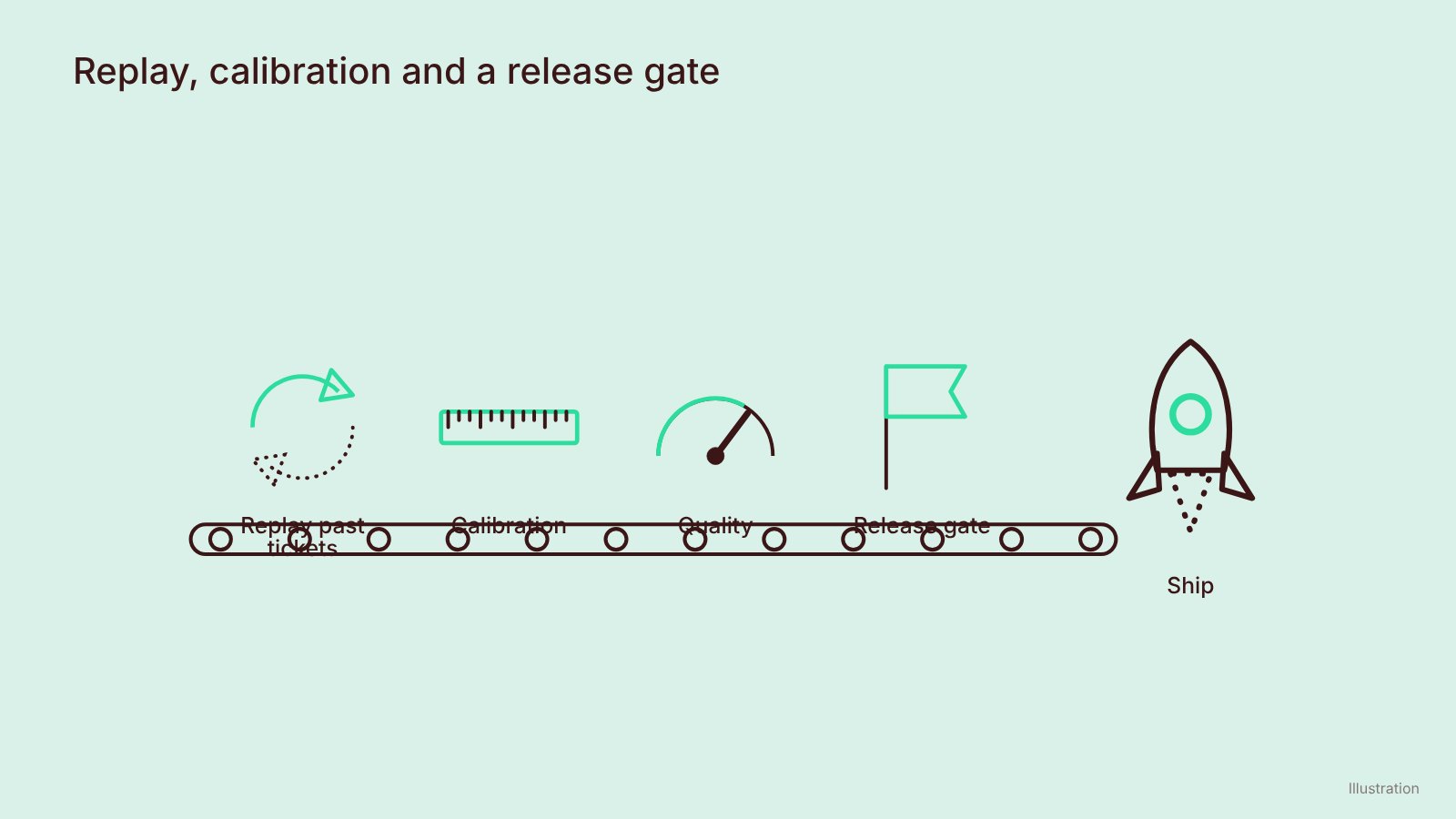
- Create regression case adds the ticket to a "Corrections" suite in Simulation Lab, with the corrected answer as the expected one. Future changes to prompts, knowledge or models are tested against it.
- Propose knowledge update files new text for the cited article through Knowledge governance. Someone else approves it before anything changes.
No extra AI calls are involved. This is your team's judgement, recorded where it does the most good.
A worked example, start to finish
Here's the grade-export answer, with corrections. The details are illustrative.
Tuesday, the failed case. The support lead, Amara, opens Quality → Resolution intelligence and filters to failed cases. The grade-export ticket is there.
Side by side:
- Customer's message: "How do I export grades to our SIS?"
- AI's answer: "Gradebook → Export → CSV…"
- Cited article: "Exporting grades", a strong match, but flagged as not refreshed in months.
- What happened next: "There's no Export button in my Gradebook."
- How the team resolved it: Benedikt's reply, with Reports → Grade sync.
Why did it fail? TR-AI suggests wrong customer context: the customer is on a different setup (the new Gradebook). It also notes the article's staleness flag. Amara considers outdated documentation too, and picks wrong customer context, because the old steps are still right for schools on the classic Gradebook. The recommended fix: make the article distinguish the two versions.
The correction. The corrected answer is prefilled from Benedikt's resolution. Amara checks it, adds a line for schools still on the classic Gradebook, and saves. The teacher's message is shown as written; it isn't used as knowledge on its own.
Making it stick.
- Create regression case: the ticket joins the "Corrections" suite in Simulation Lab, with Amara's answer as the expected one.
- Propose knowledge update: she writes new text for "Exporting grades", with a section for each Gradebook version. It goes to Knowledge governance. The product specialist, Ravi, approves it.
Three weeks later. The team switches to a newer AI model. Before rolling it out, they run the regression suites. The Corrections suite includes the grade-export case; the new model's answer matches the expected one. Had it gone back to the old steps, the test would have failed before any teacher saw it.
The next teacher on the new Gradebook gets the right answer first time.
Five more real-world scenarios
1. No source cited
Situation. The AI answered without citing anything.
How TR handles it. Suggested category: retrieval failure.
2. "I already tried that"
Situation. The customer says they'd done every step.
How TR handles it. Suggested category: missing troubleshooting steps.
3. Wrong question answered
Situation. "That's not what I asked."
How TR handles it. Suggested category: incorrect intent.
4. No team resolution yet
Situation. Nobody on the team has solved the ticket yet.
How TR handles it. A person writes the corrected answer from scratch.
5. A customer's message with wrong information
Situation. The customer's reply includes a mistaken claim about the product.
How TR handles it. Customer messages are never treated as knowledge on their own.
Before and after
Before. A good fix for one teacher, the same wrong answer a dozen more times, and a dozen more fixes by hand.
After. The failure categorised, a correction checked in minutes from the team's own resolution, a regression case that protects against future changes, and an approved article update for everyone.
How to tell it's working
- The same wrong answer stops repeating.
- The Corrections suite grows with real cases.
- Model and prompt changes are tested against past mistakes.
Who it's for
- Support leads and QA reviewers.
- Knowledge managers receiving proposed updates.
- AI and automation owners changing prompts or models.
How it fits with the rest of TicketResolve
Corrections are part of Resolution intelligence, using outcomes from Resolution verification, cited knowledge with knowledge health flags, and QA review. They feed Simulation Lab's Corrections suite and Knowledge governance, and work alongside knowledge effectiveness and repeat contacts.
Why a person writes the correction
An AI that corrects its own failed answers is grading its own work. It might repeat the same misunderstanding with more confidence. A person who knows the product, ideally the one who actually solved the ticket, writes or confirms the correction, so the expected answer in the regression suite and the knowledge update both reflect real judgement. That's also why prefilling from the team's resolution matters: it turns a rewrite into a check.
Choosing the right failure category
The category decides the fix, so it's worth a moment's thought. Retrieval failure means improve or add knowledge so the right article is found. Outdated documentation means update the article. Wrong customer context means the answer needs to account for versions, plans or setups. Incorrect intent means the question was misread. Missing troubleshooting steps means the procedure needs more branches. When two categories seem to fit, pick the one whose fix would stop the next failure.
Mistakes to avoid
- Fixing only the customer's ticket.
- Accepting the suggested category without reading the evidence.
- Skipping the regression case.
Do it in TicketResolve, step by step
Where: Quality → Resolution intelligence (/dashboard/resolution-intelligence); Corrections suite in Simulation Lab; updates in Knowledge governance (/dashboard/knowledge-governance). You'll need: failed, reopened or recurring cases. Full guides: Resolution intelligence and Simulation Lab and backtesting.
- Open Resolution intelligence and filter to failed, reopened or recurring cases.
- Open a case and read the message, the answer, cited knowledge and what happened next.
- Review the suggested failure category and its evidence; choose the right one.
- Write or confirm the corrected answer; it's prefilled from your team's resolution if there is one.
- Click Create regression case to add it to the Corrections suite.
- Click Propose knowledge update for the cited article.
- Have someone else approve it in Knowledge governance.
How to check it worked: the case appears in the Corrections suite, and the proposed update is waiting in Knowledge governance.
Frequently asked questions
Which cases can I correct? Failed, reopened or recurring cases.
What do I see on a case? The message, the AI's answer, cited knowledge with flags, what happened next, and the team's resolution.
Who decides why it failed? You. TR-AI suggests a category with evidence.
Who writes the correction? Someone on your team, prefilled from the team's resolution when there is one.
Are customer messages used as knowledge? No, never on their own.
What does Create regression case do? Adds the ticket to the Corrections suite with your answer as the expected one.
What does Propose knowledge update do? Files new text for the cited article in Knowledge governance for someone else to approve.
Does this use extra AI calls? No.
Can the suggested category be wrong? Yes. It's a suggestion based on the signals on the case; you choose the category.
Does the regression case run automatically? It joins the Corrections suite, which you run in Simulation Lab when you change prompts, knowledge or models.
Explore Topics
Written by
Ghulam Shabbir
Content creator and writer sharing insights and stories.