
A Closed Ticket Is Not a Fix: Eight Outcomes Backed by Evidence
Support metrics usually count a closed ticket as a solved problem. TicketResolve gives every investigation one of eight outcomes, from verified successful to recurring, based on errors before and after, verifications, the customer’s own word, reproduction and regressions, and learns from the ones that failed.
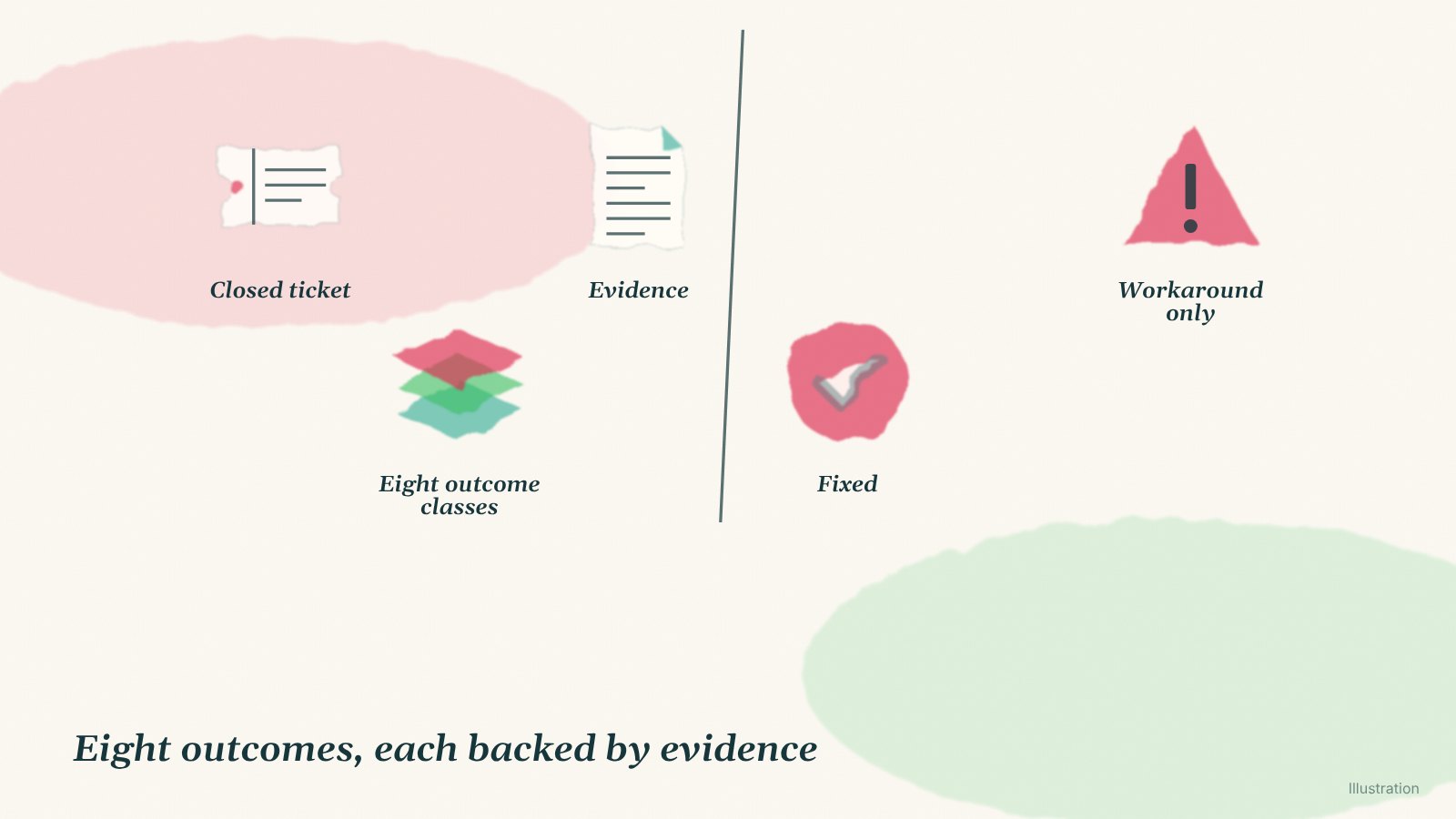
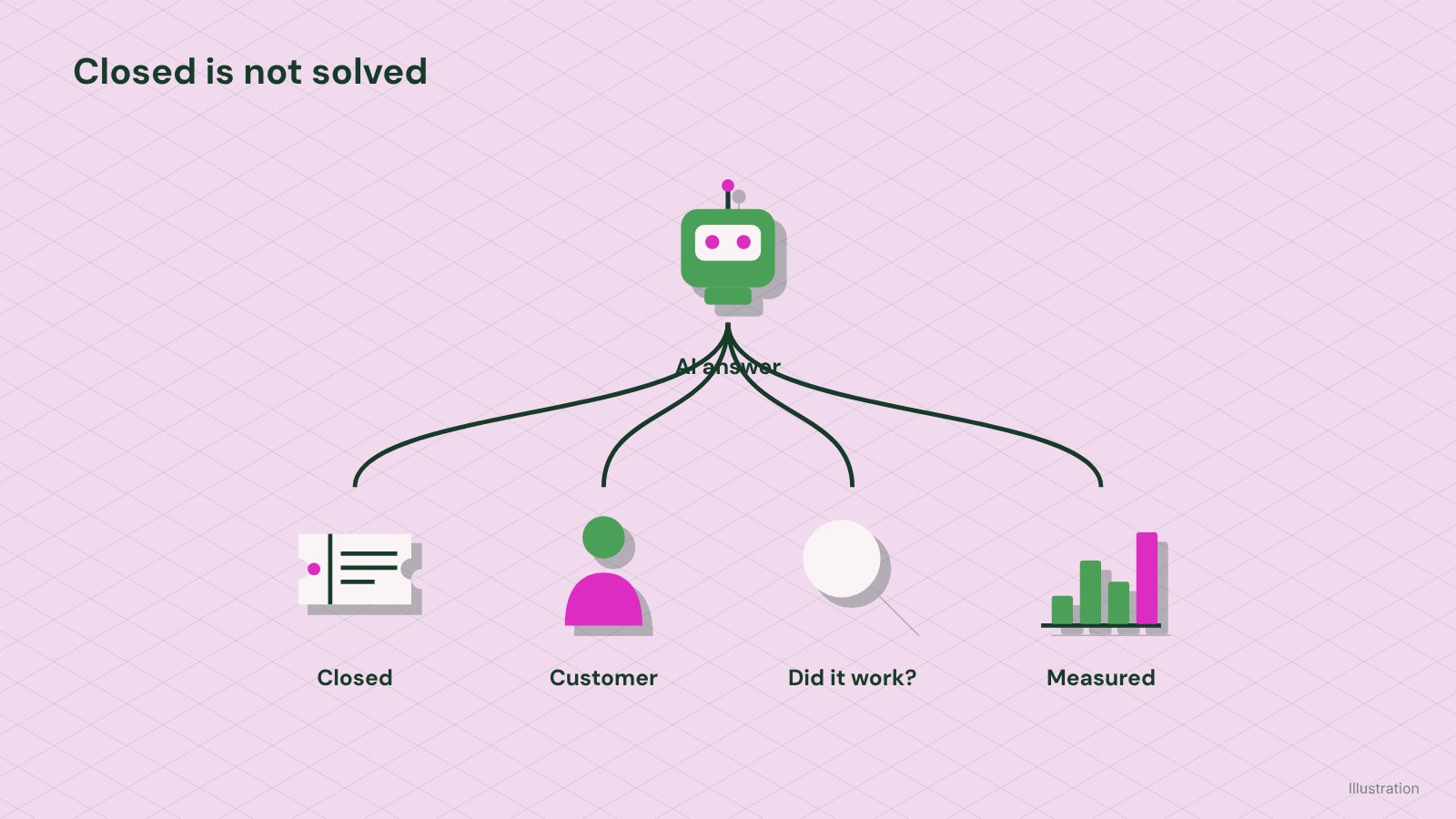
Most support reporting has a quiet assumption built in: closed means solved. Yet some closed tickets were never fixed. The customer gave up, found a workaround, or the problem simply hasn't come back yet. Count those as wins and the numbers look better than the product feels.
Here's how that looks in a monthly report at a company that sells a self-hosted analytics product:
- Resolution rate: 96%. Every investigation with a chosen resolution was closed.
- Inside it: a "fixed" connector bug that kept erroring for three customers, because their self-hosted version was older than the fix; a "resolved" sync problem where errors fell for two days and came back; and a performance issue "fixed" by a change that introduced a new error in the same service.
The product team reads 96% and moves on. Customer success hears a different story in every renewal call.
TicketResolve gives every investigation with a chosen resolution an outcome, and every outcome names its evidence.
First, the basics
- An outcome is what actually happened after a resolution was chosen.
- Technical evidence is a verification passing, production errors falling, or a reproduction no longer reproducing.
- Linked production errors are the errors connected to the investigation.
- Equal windows compare the same length of time before and after the resolution.
- A regression is a new problem caused by the change; a new error signature in the same service is a sign of one.
- Self-hosted customers run the product themselves and need to upgrade to get a fix.
- Reopened means the ticket came back; recurring means the same error returned after a quiet period.
- Technical memory stores past resolutions, including failed ones.
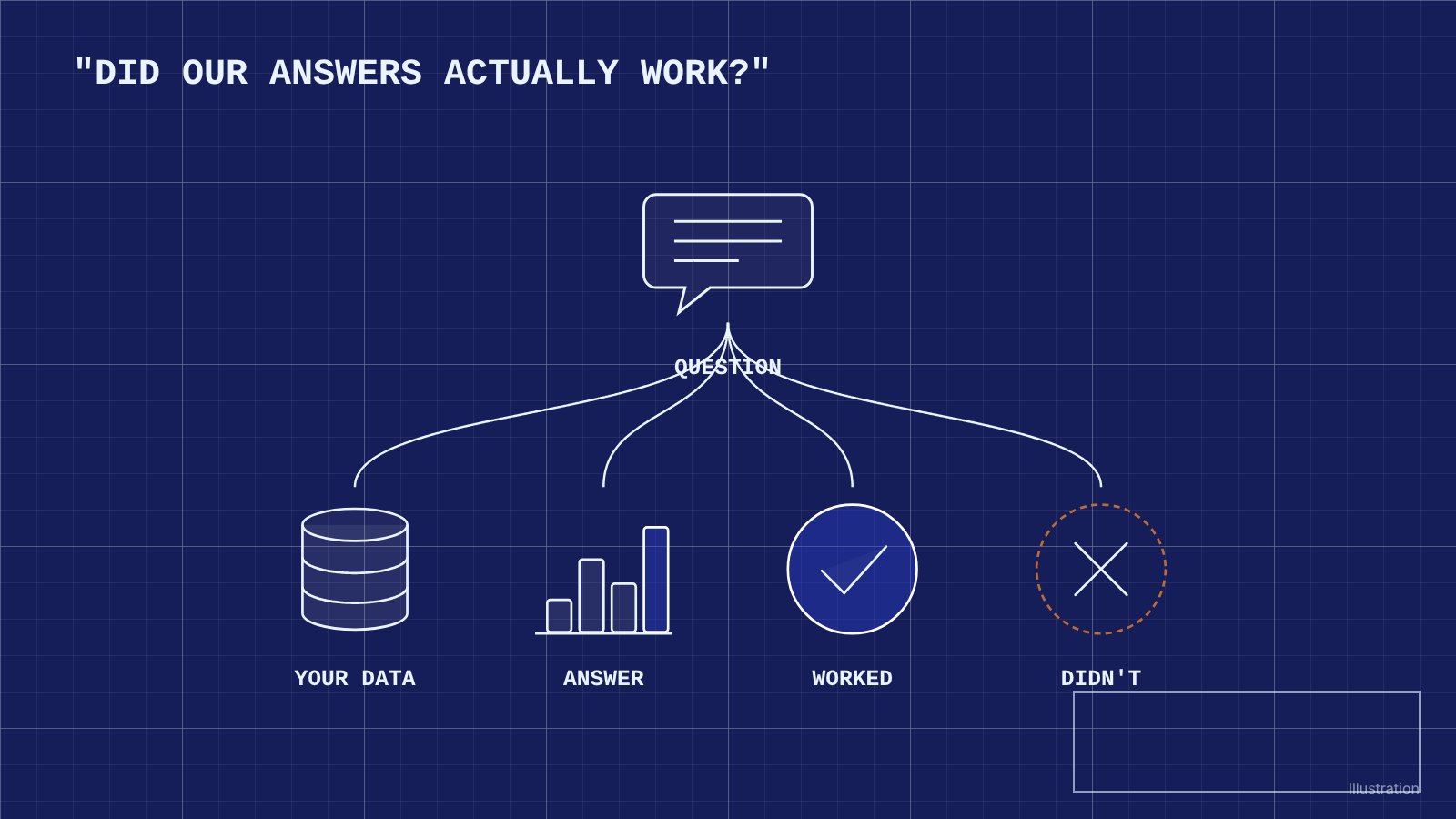
Why does this matter? If closed means solved, every number built on it is optimistic, and the product team never hears about fixes that didn't work. Outcomes from evidence show which fixes held, which didn't, and which customers still need something.
The problem, in plain terms
- Closure is counted as success.
- "Errors dropped" is claimed without a before.
- Regressions hide behind the fix that caused them.
- Self-hosted customers are counted as fixed before they upgrade.
- Failed fixes aren't remembered.
Eight outcomes
- Verified successful: technical evidence and the customer's confirmation.
- Technically verified: a verification passed, the linked production errors fell to a tenth or less (with enough events before and enough hours after to mean something), or the reproduction no longer reproduces, and no new errors appeared.
- Customer confirmed: the customer says it's solved, but there's no technical evidence yet.
- Likely resolved: errors fell but there's too little data, a possible regression is open, or there have been 72 quiet hours. An indication, not proof, and labelled that way.
- Unverified: nothing either way yet.
- Failed: a verification failed, errors didn't fall, the reproduction still reproduces, or the customer says it didn't work.
- Reopened: the ticket came back after the resolution.
- Recurring: it was resolved, then the same error returned after a quiet period, or a new investigation opened with it.
Why equal windows
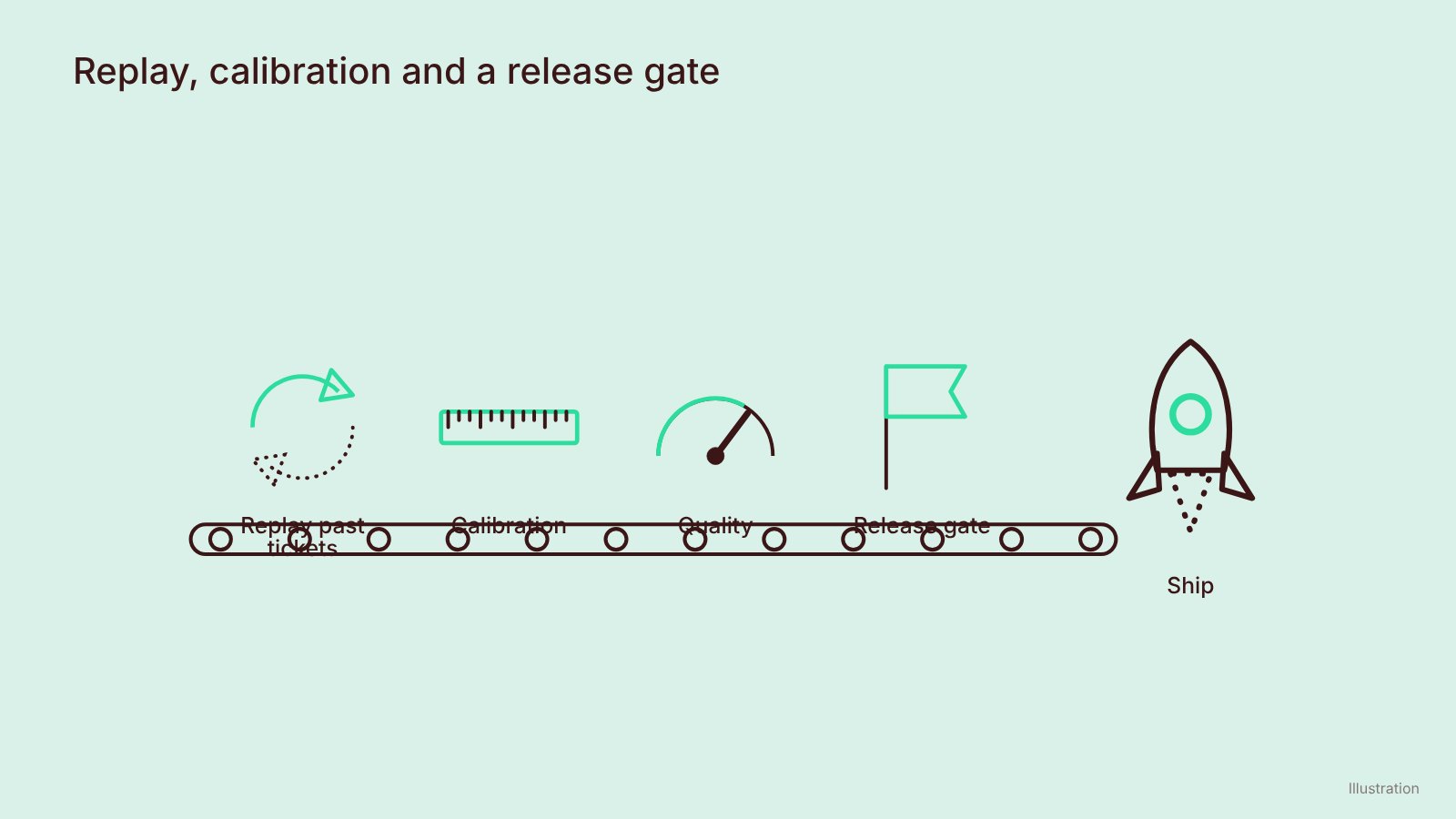
Errors rise and fall with traffic, time of day and day of the week. Comparing the hour after a fix with the whole week before would make almost any fix look good. Equal windows before and after, with enough events before and enough hours after to mean something, mean a fall is a fall, not a quieter part of the day. And when there isn't enough data, the outcome says so (likely resolved) instead of claiming more than the numbers show.
What changes in your reports
With outcomes, a monthly report has a different shape:
- How many fixes are verified, technically or with the customer as well.
- How many are only likely, and why: too little data, an open regression, or quiet hours.
- How many failed, reopened or recurred, and which services they're in.
- How many self-hosted customers still need to upgrade to get a fix.
It's a less flattering report than "96% resolved", and a more useful one. Each line links to the investigations behind it.
Before and after, not just after
The outcome compares the linked production errors in equal windows before and after the resolution. "Errors dropped" means nothing without knowing what they were before. New error signatures in the same service since the change are flagged as possible regressions. While one is open, the result can't count as verified. For self-hosted customers on a version older than the release that carries the fix, the outcome says they need to upgrade.
People can disagree, visibly
If your team knows better (the customer phoned, say), they can set the outcome with a reason. The computed outcome stays visible next to it, so nothing is silently overwritten.
Outcomes are what the system learns from
Verified outcomes become the track record that ranks resolution options. Failed, reopened and recurring outcomes are written into the technical memory as failed fixes, so the next investigation sees them. The reproduction lab's result is also evidence in the root-cause engine: an issue that reproduces on your own test account is service-side, not the customer's setup.
Closing a ticket stays what it always was: an administrative step. It just doesn't count as proof anymore.
A worked example, start to finish
Here are the analytics company's three "resolved" investigations, with outcomes. The details are illustrative.
1. The connector bug. Fixed in release 7.4. Three self-hosted customers are on 7.2.
- Before and after windows: errors for cloud customers fell from 380 to 12 (to a tenth or less, with enough events before and enough hours after). No new error signatures.
- For the three self-hosted customers on 7.2: the outcome says they need to upgrade to the release that carries the fix.
- Cloud outcome: technically verified. Two cloud customers also confirmed: verified successful.
Customer success contacts the three self-hosted customers about upgrading.
2. The sync problem. Errors fell from 220 to 30 in the first two days.
- Too little data after: likely resolved, labelled an indication, not proof.
- On day 5, the same error returns after a quiet period: recurring.
- It's written into technical memory as a failed fix, so the next sync investigation sees it.
3. The performance fix. Latency improved, but a new error signature appeared in the same service since the change: NullReference in QueryPlanner.
- Flagged as a possible regression. While it's open, the outcome can't count as verified: likely resolved.
- Engineering fixes the new error. The regression is closed; with the original errors down and no new ones, the outcome becomes technically verified.
A disagreement. On a fourth investigation, the computed outcome is unverified, but the customer phoned the account manager to say it's fixed. The support lead sets the outcome to customer confirmed with a reason: "confirmed by phone, 14 Nov". The computed outcome stays visible next to it.
Month end. Instead of 96% resolved: verified successful and technically verified for most, likely resolved for some, one recurring, three awaiting upgrade. The product team reads which fixes held.
Five more real-world scenarios
1. The customer says it didn't work
Situation. The customer replies that the problem is still there.
How TR handles it. Failed, and written into technical memory as a failed fix.
2. Reproduced on your test account
Situation. The reproduction lab reproduces the issue on your own test account.
How TR handles it. It's evidence the problem is service-side, not the customer's setup.
3. 72 quiet hours
Situation. No errors for 72 hours, but nothing else.
How TR handles it. Likely resolved: an indication, not proof.
4. Too few events before
Situation. Only three errors before the fix, none after.
How TR handles it. Not enough events before to mean something; not technically verified on that basis.
5. A reopened ticket
Situation. The customer reopens the ticket a week later.
How TR handles it. Reopened, and written into technical memory.
Before and after
Before. 96% "resolved", including a fix three customers couldn't have yet, a sync problem that came back, and a performance fix that caused a new error.
After. Eight outcomes from evidence, before-and-after windows, a regression flagged until fixed, self-hosted customers told to upgrade, a manual outcome with its reason beside the computed one, and failed fixes remembered.
How to tell it's working
- Reports show outcomes, not closures.
- Possible regressions are flagged and closed.
- Failed fixes appear in technical memory for the next investigation.
Who it's for
- Support and engineering leaders who report on resolution.
- Customer success who hear about unsolved problems.
- Product teams who need to know which fixes held.
How it fits with the rest of TicketResolve
Outcomes feed technical memory, the resolution option ranking, the root-cause engine (through the reproduction lab), and Resolution Assurance's outcome measures.
Mistakes to avoid
- Reporting closures as resolutions.
- Claiming "errors dropped" without a before.
- Overwriting outcomes without a reason.
Do it in TicketResolve, step by step
Where: each investigation's outcome (/dashboard/investigate) and Resolution intelligence (/dashboard/resolution-intelligence). You'll need: linked production errors, verifications or reproductions for technical evidence. Full guides: TR Investigate: from a ticket to a verified fix and How the investigation engine works.
- Choose a resolution on an investigation.
- Read the outcome and its evidence.
- Check the before-and-after windows of linked errors.
- Watch for possible regressions; close them to allow verification.
- Check self-hosted customers who need to upgrade.
- Set an outcome with a reason if you know better; the computed one stays visible.
- Use failed outcomes in the next investigation through technical memory.
How to check it worked: an investigation shows its outcome, the evidence behind it, and any manual outcome next to the computed one.
Frequently asked questions
How many outcomes are there? Eight: verified successful, technically verified, customer confirmed, likely resolved, unverified, failed, reopened and recurring.
What counts as technical evidence? A passed verification, linked errors falling to a tenth or less with enough data, or a reproduction no longer reproducing, with no new errors.
Is "likely resolved" a success? It's an indication, not proof, and labelled that way.
How are regressions handled? New error signatures in the same service are flagged; while open, the result can't be verified.
What about self-hosted customers? If they're on a version older than the fix, the outcome says they need to upgrade.
Can we override an outcome? Yes, with a reason. The computed outcome stays visible.
What happens to failed fixes? They're written into technical memory so the next investigation sees them.
Does closing a ticket count? It's an administrative step, not proof.
Why compare equal windows? So a fall in errors isn't just a quieter time of day or week.
Will our reported numbers go down? They'll be less flattering than closure rates, and more useful.
Explore Topics
Written by
Ghulam Shabbir
Content creator and writer sharing insights and stories.