
Customer Memory in AI Support: Remembering Each Customer Without Learning the Wrong Lessons
Customers hate repeating themselves. AI support can remember each customer’s history and plan, but that memory should come only from tickets your team resolved, account data should be used only where identity is proven, and personalised answers must never be reused. With an illustrative B2B customer, start to finish.
"As I explained in my last three emails…" is one of the most frustrating sentences in customer support. When a customer has written in before, they expect you to know. A human agent can scroll back through the history. An AI that treats every ticket as a first contact can't. That's why AI answers often feel generic exactly when a customer most wants to feel known.
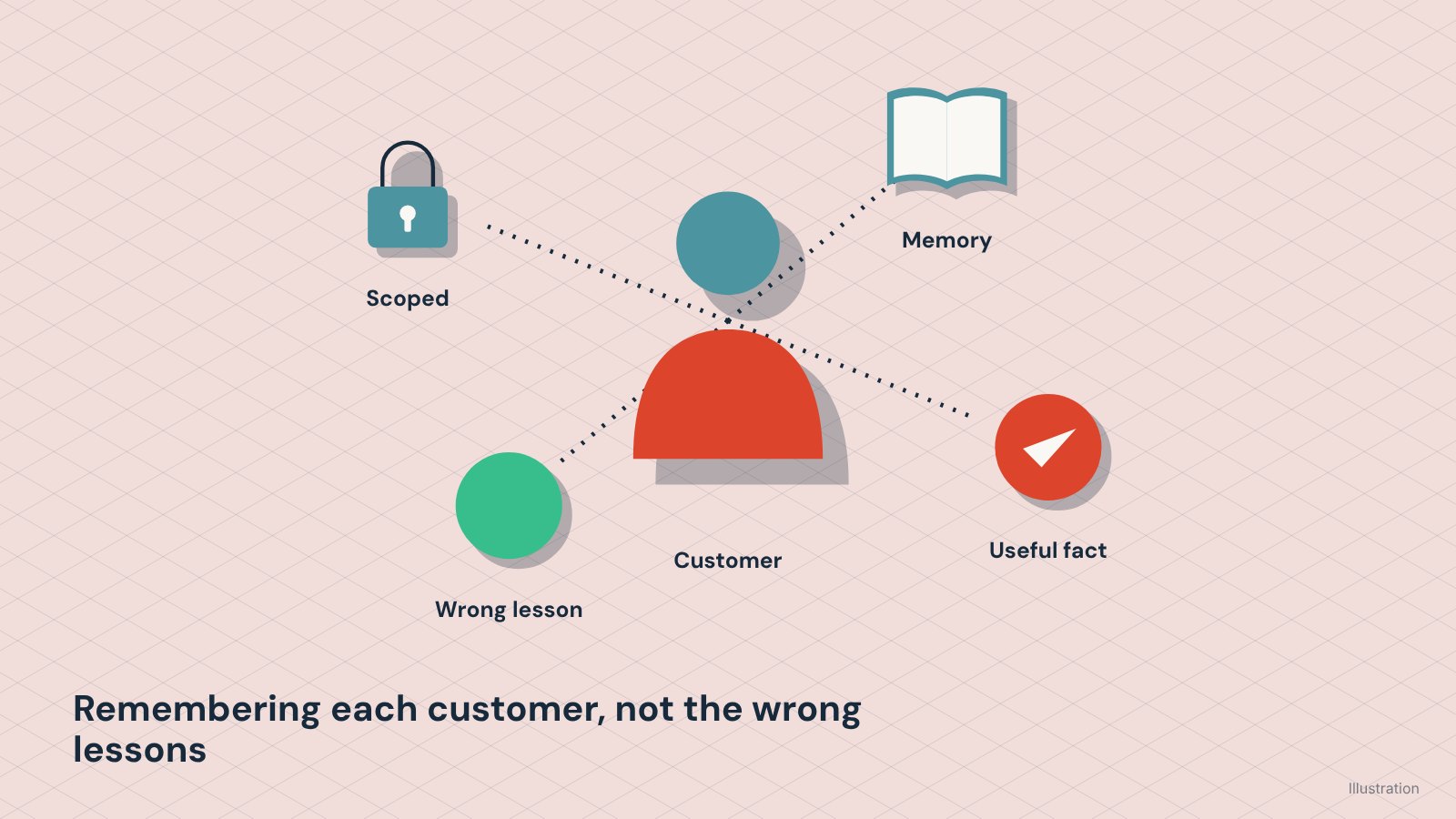
Customer memory fixes this, but only if it's built carefully. This post covers what an AI support memory should hold, where it should come from, and the safety rules that matter more than the feature itself.
Here's how forgetting (and remembering badly) goes at a company that sells a project-management tool to agencies:
- Week 1: an agency's operations lead reports that exports to their client portal fail. An agent solves it with a workaround.
- Week 2: she writes again about the same export. The AI answers as if it had never heard of it, starting from basics.
- Week 3: an experiment lets the AI summarise every conversation, including its own replies. One AI reply had suggested a setting that doesn't exist; the customer went quiet. The memory now says that setting "fixed" the export.
- Week 4: the AI confidently recommends the non-existent setting again.
- Also week 4: someone types the agency's email address into the website chat and asks about their plan and invoices. The AI answers.
Forgetting annoyed a good customer. Remembering the wrong things, and sharing account details with whoever typed an email address, was worse.
First, the basics
- Customer memory is a short, running summary of each customer's history with your support team.
- History is what happened in past tickets.
- Profile is facts from your systems: plan or tier, organisation, VIP status and account value.
- A resolved ticket here means one a person solved, approved or reviewed, not one the AI closed on its own.
- Proven identity means the channel establishes who the customer is, such as an email from the address on file.
- A plan-aware rule adds context based on plan, tag, organisation or VIP status.
- Caching reuses an answer for similar questions; personalised answers must never be cached.
Why does this matter? Customers feel known when you remember their history, and annoyed when you don't. But memory built from the wrong sources repeats mistakes, and account data shared with the wrong person is a serious privacy failure. The rules matter more than the feature.
The problem, in plain terms
- Every ticket starts from zero.
- AI-written summaries can record wrong answers as fact.
- Account data can reach people who only claim to be the customer.
- Personalised answers can leak if they're reused.
- Plan and VIP status are ignored when they should change the answer.
What "customer memory" means in support
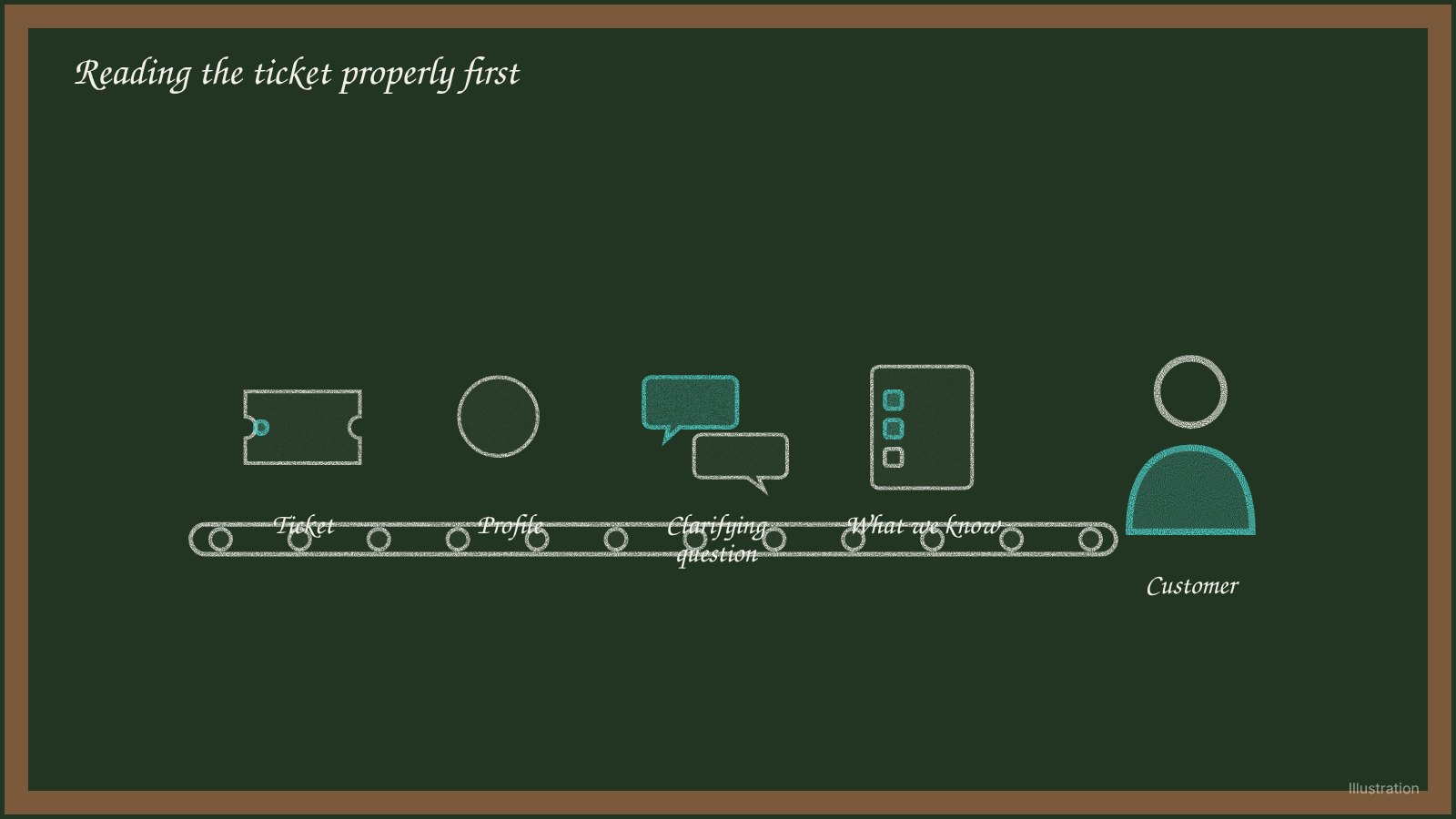
Customer memory is a short, running summary of each customer's history with your support team: what they've asked about, what was resolved, what's still ongoing, and anything that changes how they should be answered. The AI reads it before answering, so the reply can acknowledge context. For example: "following up on the export issue from last week", or "since you're on the Enterprise plan, your success manager can help with this".
There are two kinds of context worth keeping apart:
- History: what happened in past tickets.
- Profile: facts from your systems, such as plan or tier, organisation, VIP status and account value.
Rule one: learn only from tickets your team resolved
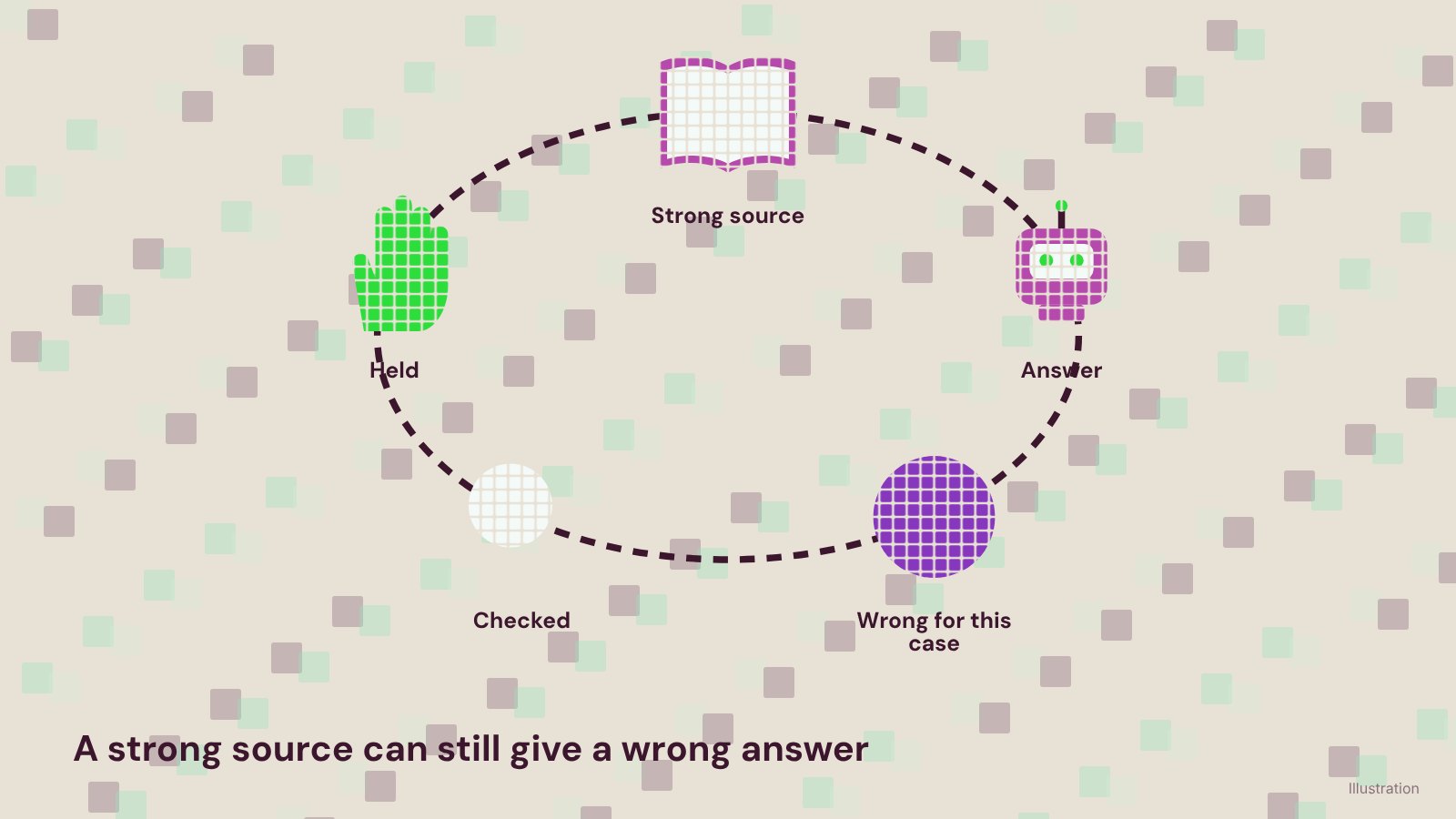
The tempting shortcut is to let the AI summarise every conversation, including its own answers. That's a mistake. If the AI gave a wrong answer and the customer went quiet, a memory built from AI replies would record the wrong answer as what happened. Then it would lean on it next time.
A safer rule: update a customer's memory only from tickets a person resolved. That means tickets your agents solved, answers they saved as approved, and AI drafts they reviewed and approved. The AI's own unreviewed replies never change it. It's the same principle as training support AI on resolved tickets.
Rule two: account data only for proven identities
Profile data, such as plan, orders and billing status, is useful. It's also sensitive. Anyone can type someone else's email address into a website chat or a WhatsApp message. Account details should only be used where the customer's identity is established by the channel, such as an email from the address on file or a ticket raised through your help desk. On chat, phone and messaging, answer the question without account data.
Rule three: never reuse a personalised answer
An answer that used one customer's account data must never be cached and served to someone else. Personalised answers are personal.
Plan-aware answers
Profile data becomes most useful as short, factual rules:
- "When plan equals Enterprise: they have a dedicated success manager, so offer to loop them in."
- "When the customer is tagged VIP: hand billing questions to a person."
The AI still answers from your knowledge base. The rule just adds the context that changes the answer. The same plan and VIP data can also feed your escalation rules.
How TR-AI handles customer memory
TR-AI's customer context (/dashboard/customer-context) is available on every plan:
- Memory from your team's work only. Summaries are updated from tickets your agents solve in any of the 8 supported help desks, answers saved as approved, and review drafts an agent approved. TR-AI's own replies never change it.
- Kept cheap. A customer's first resolved ticket is only noted. The summary starts with their second ticket, at one small AI call per ticket after that, and each ticket is counted once.
- Help-desk profile. TR-AI reads requester and organisation fields and tags, read-only and cached for an hour: Zendesk user and organisation fields, Freshdesk contact and company (including account tier), Intercom attributes and company plan, HubSpot contact properties, and Salesforce Contact and Account. Plan and VIP tags feed escalation rules automatically.
- Plan-aware answer rules match on plan, tag, organisation or VIP status. They're added to the same answer prompt, with no extra AI call.
- Identity first. Account data is only looked up when the customer's identity is proven (help-desk and email tickets). Chat, phone and messaging conversations never get it. Answers that used account data are never reused for another customer.
- GDPR erasure removes a customer's summary and the record of which tickets were used.
A worked example, start to finish
Here's the agency customer with customer context. The names are illustrative.
Week 1. Olivia, the agency's operations lead, emails about failing exports to their client portal. An agent, Kwesi, solves it: the portal needs the export as CSV, not XLSX, until a fix ships. He solves the ticket in Zendesk. This is Olivia's first resolved ticket, so TR-AI only notes it.
Week 2. Olivia emails again: "The export is failing again for a different client." Kwesi solves it the same way. Now TR-AI writes her summary from the two resolved tickets: "Agency on the Enterprise plan. Client-portal exports fail with XLSX; workaround is CSV until the fix ships (two tickets, solved by the team)."
Week 3. A third email: "Export to the portal again, I'm sure you're sick of me." Her email comes from the address on file, so identity is proven. TR-AI reads the summary and her Zendesk organisation fields (plan: Enterprise). A plan-aware rule applies: "When plan equals Enterprise, offer the success manager." The answer:
"Sorry this has come up again. Like last time, exporting as CSV instead of XLSX should get it through to the portal while the fix is on its way. Since you're on the Enterprise plan, your success manager, Dana, can also walk your team through setting CSV as the default. Would that help?"
No extra AI call for the rule; one small call updated her summary after week 2's ticket was solved.
Week 3, same day. Website chat. Someone types Olivia's email into the chat and asks: "What plan are we on and when's our next invoice?" Chat doesn't prove identity. TR-AI answers the general question (where to find plan and billing in the app) without looking up any account data.
Week 4. The fix ships. Olivia's next ticket is about something else. Her summary still mentions the export history, which helps if it ever returns.
Later. The agency leaves and asks for its data to be erased. GDPR erasure removes Olivia's summary and the record of which tickets built it.
What changed: a customer who felt remembered, a memory built only from what the team actually did, and no account details shared with someone who only typed an email address.
Five more real-world scenarios
1. A VIP with a billing question
Situation. A VIP-tagged customer asks about an invoice.
How TR handles it. A rule hands billing questions for VIPs to a person, and the VIP tag also feeds escalation rules.
2. A wrong AI answer
Situation. The AI gave an answer that didn't help, and the customer went quiet.
How TR handles it. Unreviewed AI replies never change the memory, so the wrong answer isn't recorded as what happened.
3. A phone call
Situation. A caller says they're a customer and asks about their account.
How TR handles it. Phone conversations never get account data; the question is answered without it.
4. Freshdesk tiers
Situation. Your account tier lives in Freshdesk's company fields.
How TR handles it. TR-AI reads it, read-only and cached for an hour, and rules can match on it.
5. A similar question from another customer
Situation. Another customer asks the same thing the next day.
How TR handles it. Answers that used account data are never reused; they get their own answer.
Before and after
Before. A customer explaining the same export three times, a memory that recorded a non-existent setting as a fix, and account details given to someone in chat who typed an email address.
After. A summary from the team's resolved tickets, an answer that picked up where the last one left off, a plan-aware offer of the success manager, and chat answered without account data.
How to tell it's working
- Fewer "as I said before" replies from customers.
- Answers reference history correctly.
- No account data in chat, phone or messaging answers.
- Enterprise and VIP rules apply without extra effort.
Who it's for
- B2B SaaS teams with repeat customers.
- IT helpdesks.
- Subscription businesses.
How it fits with the rest of TicketResolve
Customer context draws on the same resolved tickets as learning from past tickets, feeds escalation rules with plan and VIP tags, and works with customer environment profiles for technical facts. Audit and retention settings and GDPR erasure cover it like the rest of your data.
When it helps most
Customer memory pays off when the same customers write repeatedly about the same account, project or ongoing issue. That's typical for B2B SaaS, IT helpdesks and subscription businesses. For one-off retail questions it matters less.
Why identity comes before helpfulness
It feels helpful to answer "what plan am I on?" in chat. But anyone can type an email address. A single wrong disclosure of someone's billing details costs far more trust than asking them to check their account page. Using account data only where the channel proves who the customer is keeps personalisation from becoming a privacy problem.
Mistakes to avoid
- Building memory from AI replies.
- Using account data in chat, phone or messaging.
- Caching personalised answers.
- Writing plan rules that change policy instead of adding context.
Do it in TicketResolve, step by step
Where: Customer context (/dashboard/customer-context). You'll need: a connected help desk; plan and VIP fields there help. Full guides: Customer context, Learning from past tickets and Escalation rules.
- Open Customer context and check that memory is on.
- Confirm which help-desk fields hold plan, tier and VIP status.
- Write a few plan-aware rules, such as Enterprise and VIP.
- Check escalation rules that use plan and VIP tags.
- Read a summary for a repeat customer after their second resolved ticket.
- Test a chat question about an account and confirm no account data is used.
- Use GDPR erasure when a customer asks to be forgotten.
How to check it worked: repeat customers' answers reference their history, and chat, phone and messaging answers contain no account data.
Frequently asked questions
Can AI support remember previous conversations with a customer? Yes. A support AI can keep a short summary of each customer's past tickets and read it before answering. The safe way is to build that summary only from tickets your team resolved, not from the AI's own replies.
Should AI use customer account data in chat? Only when the customer's identity is proven. Email and help-desk tickets from a known address qualify. Website chat, phone and messaging don't, because anyone can claim to be someone else there.
What is a plan-aware answer? A short rule that adds context based on the customer's plan, tier, organisation or VIP status, for example offering an Enterprise customer their success manager. The AI still answers from your knowledge base.
Is customer memory GDPR-compliant? It should support erasure. When a customer asks to be forgotten, their summary and the record of which tickets built it should be deleted along with their other data.
When does the summary start? With a customer's second resolved ticket; the first is only noted.
What does it cost? One small AI call per resolved ticket after the first; plan-aware rules add no AI call.
Which help desks provide profile data? Zendesk, Freshdesk, Intercom, HubSpot and Salesforce fields, read-only and cached for an hour.
Can personalised answers be reused? No, never for another customer.
Which plans include it? Every plan.
Explore Topics
Written by
Ghulam Shabbir
Content creator and writer sharing insights and stories.