
Training Support AI on Resolved Tickets: How to Learn From Your Team Without Learning Its Mistakes
Your solved tickets are the best record of what customers ask and what actually fixes it. How to turn them into AI knowledge safely: learn only from people’s replies, keep internal notes as background, weight recent history, and let current articles win conflicts. With an illustrative import, start to finish.
Help articles cover what your team remembered to document. Your solved tickets cover everything else: the odd error message, the workaround for an old browser, the billing edge case that comes up twice a month.
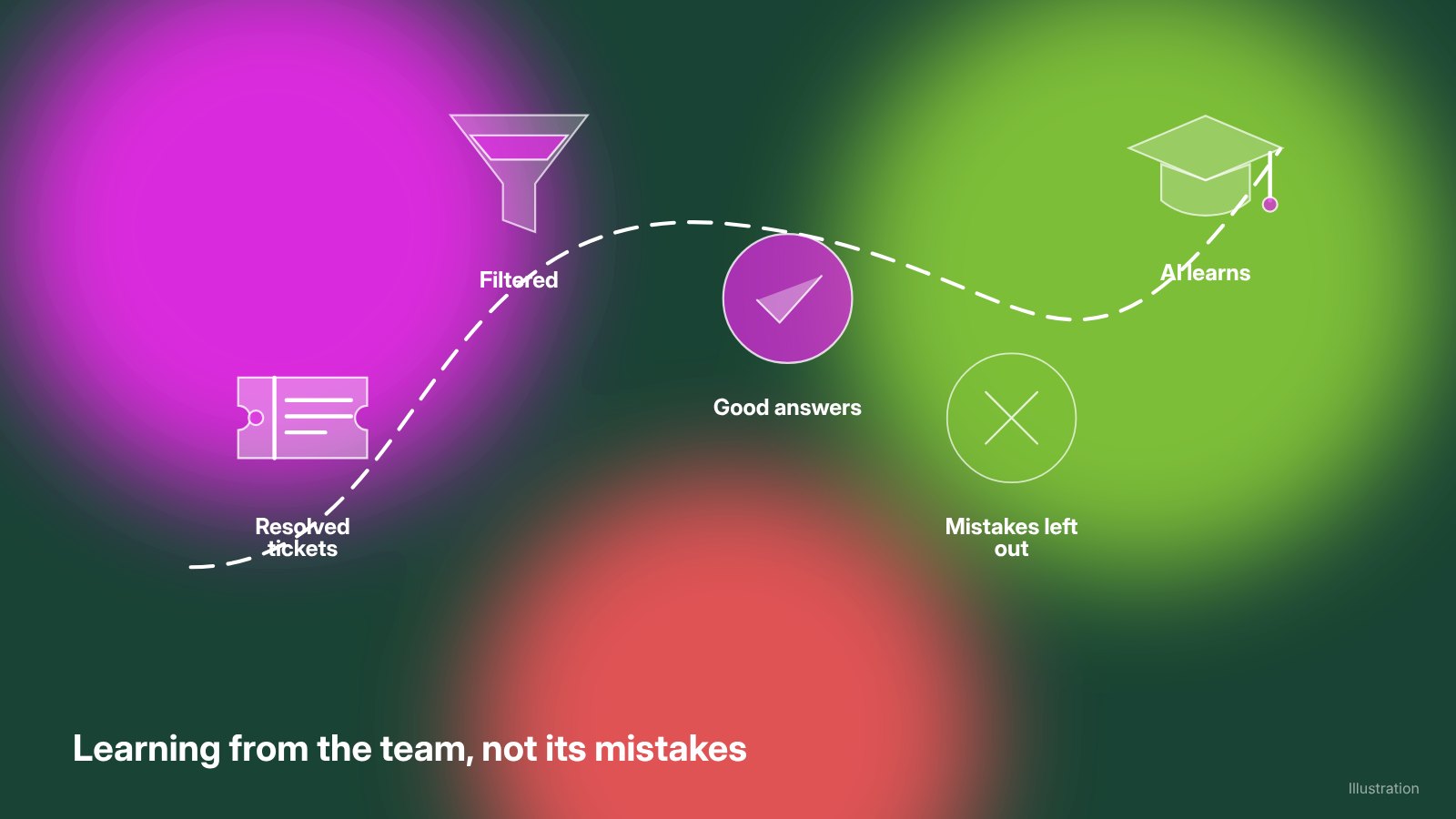
Short answer: an AI support agent can learn from your resolved tickets by turning each solved ticket into a question-and-answer pair and matching new tickets against them. Learn only from replies written by people, never from the AI's own replies or automations, so mistakes can't reinforce themselves. Keep internal notes as background, never quoted. When a past answer disagrees with a current help article, the article should win and the conflict should be flagged.
Here's what goes wrong with careless history at a company that sells a photo-editing app. The events are illustrative:
- The import: every solved ticket goes in, including AI replies and macro-only replies like "Thanks, see our article".
- Week 1: an AI reply from last month that suggested the wrong export setting is now "history". The AI reuses it.
- Week 2: a draft quotes an internal note to a customer: "customer is on legacy billing, don't offer the discount".
- Week 3: a two-year-old answer about a menu that has since moved wins over the updated article.
- Week 4: "Export stuck at 99%", which agents solved twenty times with a cache-clearing workaround, still isn't answered, because those answers were marked as "see article X".
History is the best knowledge you have. Handled carelessly, it repeats mistakes and leaks notes.
First, the basics
- A resolved ticket is a ticket your team solved.
- A question-and-answer pair is the customer's question and the human answer.
- Past Resolutions is the source TicketResolve scores from ticket history.
- An internal note is a comment for agents, not customers.
- A history window is how far back history is used: 6, 12 or 24 months.
- A conflict is a past answer that disagrees with a current article.
Why does this matter? Ticket history is in your customers' words, covers the long tail articles miss, and shows what actually worked. Learning from it safely lets the AI answer questions no article covers, without repeating its own mistakes.
The problem, in plain terms
- AI replies in history reinforce mistakes.
- Macros and automations teach nothing.
- Internal notes can leak.
- Old answers outlive product changes.
- "See article X" answers waste good history.
Why ticket history is so valuable
- It's in your customers' words. Tickets say "my export is stuck at 99%", not "Troubleshooting long-running exports".
- It covers the long tail. Many questions are asked a few times a month: never often enough to write an article, often enough to matter.
- It shows what worked. A ticket that was solved and stayed solved is evidence the answer was right.
That's why TicketResolve scores Past Resolutions as a source of its own, next to help articles and product knowledge. A strong match to a past ticket can back a reply as well as an article can.
What to learn from, and what to skip
| Content | Use it? | Why |
|---|---|---|
| Public replies written by agents | Yes | The answers customers received and accepted |
| The agent's reply after an AI reply | Yes, only the agent's | It corrects or completes what the AI said |
| Replies posted by the AI | No | Learning from itself would repeat its own mistakes |
| Macros, automations and API-created replies | No | Templates, not answers to the specific question |
| Internal notes | Background only | Useful context for summaries; never quoted to customers |
| Tickets that were reopened | With care | The first answer didn't hold |
The single most important rule is the third row. A system that learns from its own sent replies drifts: one confident wrong answer becomes "history" and gets reused.
How matching works
Each past ticket becomes a pair: the customer's question and the human answer. A new ticket is compared against the old question on its own and against the full past conversation, so a repeat question is recognised even when it's phrased differently or buried in a long thread.
Older answers carry less weight. In TicketResolve, history within the past year counts fully; beyond that it gradually loses weight, because products change. You choose a history window of 6, 12 or 24 months.
When history and articles disagree
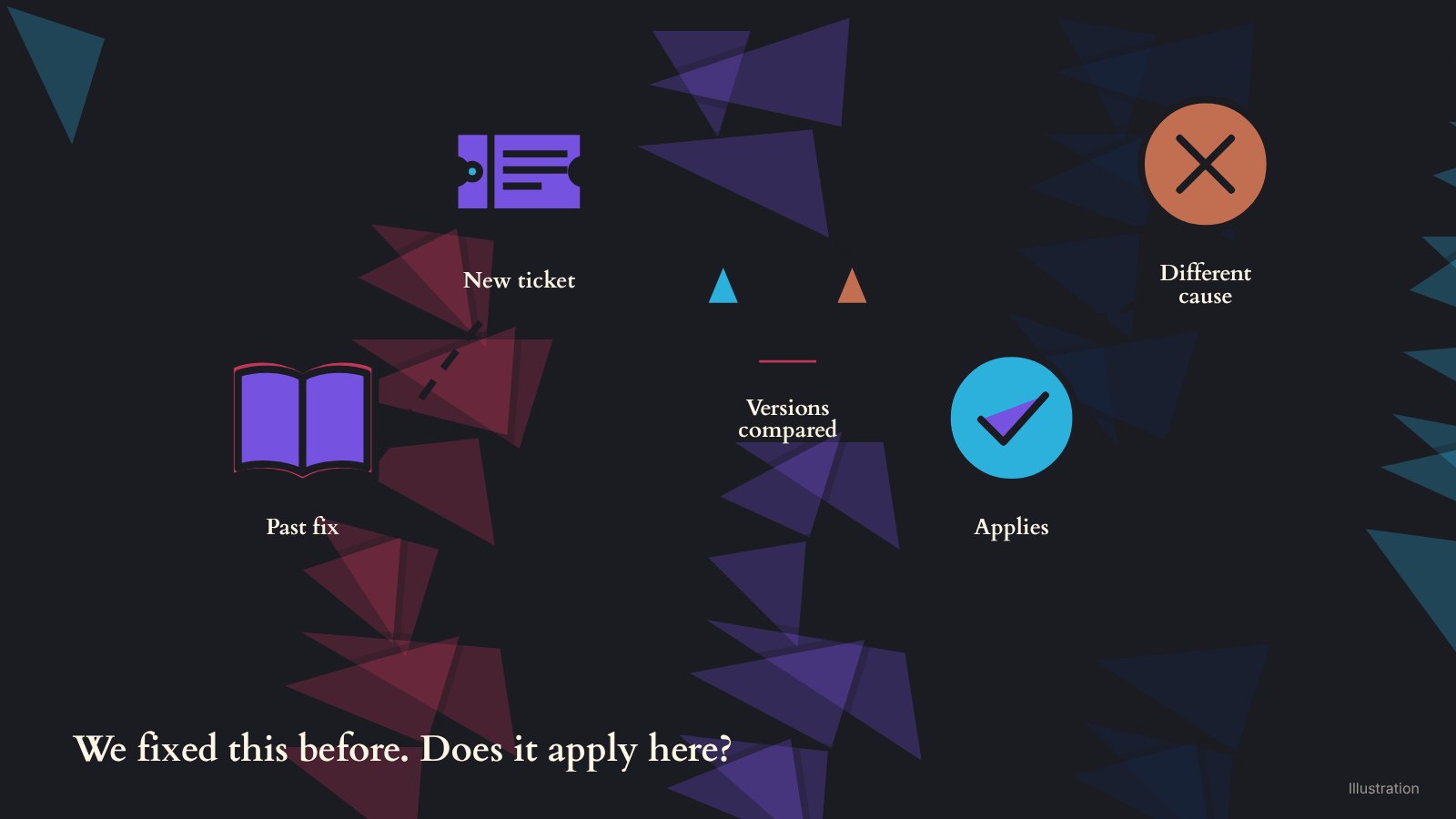
Sometimes an agent's answer from last year says one thing and today's help article says another. The rule should be simple: current documentation wins, and the disagreement is surfaced so someone fixes the stale source. Don't let an old ticket quietly override an updated article.
A worked example, start to finish
Here's the photo-editing company importing history properly. The names are illustrative.
Set-up. Mei, the support lead, connects the help desk and chooses a 12-month history window. TicketResolve imports solved tickets as question-and-answer pairs from agents' public replies.
What's skipped. The Past tickets card shows how many solved tickets were left out because TR-AI or an integration answered them. Last month's wrong AI reply about export settings isn't among the pairs. Macro-only replies aren't either.
The agent after the AI. On one ticket, the AI replied first and an agent corrected it. Only the agent's reply is learned.
Internal notes. The note "customer is on legacy billing, don't offer the discount" is used as background for summaries and never quoted in a customer reply.
Week 1. The long tail. "My export is stuck at 99%." No article covers it, but twenty past tickets do, in nearly the same words. The match is strong; the reply explains the cache-clearing workaround in the brand voice, not copying any agent's wording.
Week 2. A conflict. A past answer says "Menu › Export" while the updated article says "File › Export". The article wins, and the conflict is flagged so someone checks the article and the old answer.
Week 3. Complete answers. Mei asks agents to write two lines plus the link instead of "see article X". Their new answers are picked up within minutes of solving the ticket.
Month 2. Clean-up. The team removes old macros and merges duplicate tags. Mei uses Overview → Setup & connections → Past tickets → Re-import so the AI sees the cleaned history.
What changed: the long-tail export question answered from agents' fixes, no AI mistakes recycled, internal notes kept internal, and current articles winning over old answers.
Five more real-world scenarios
1. A reopened ticket
Situation. A ticket was solved, then reopened.
How TR handles it. Treat it with care: the first answer didn't hold.
2. Two-year-old history
Situation. You chose a 24-month window.
How TR handles it. History within the past year counts fully; older history gradually loses weight.
3. Typos in agents' replies
Situation. Agents write quickly.
How TR handles it. The AI uses the content of past answers, not their wording, and writes in your brand voice.
4. A brand-new question
Situation. Nobody has asked it before.
How TR handles it. History can't help; help articles and product domain learning cover what's new.
5. Personal data in tickets
Situation. History contains names and emails.
How TR handles it. Check that personal details are masked in what's sent to the model, data stays in your tenant and isn't used to train shared models, and retention follows your policy.
Before and after
Before. A recycled AI mistake, an internal note quoted to a customer, an old menu path overriding the article, and a long-tail question unanswered.
After. Human answers only, notes as background, articles winning conflicts, recent history weighted most, and the export workaround answered from twenty past fixes.
Getting the most out of past tickets
- Encourage complete answers. "See article X" teaches the AI nothing; a two-line explanation plus the link teaches a lot.
- Fix articles, not tickets. If a past answer is out of date, update the article: it takes priority.
- Re-import after a clean-up. If you remove old macros or merge duplicate tags, re-import history so the AI sees the cleaned version.
- Check what was skipped. The Past tickets card shows how many solved tickets were left out because the AI or an integration answered them.
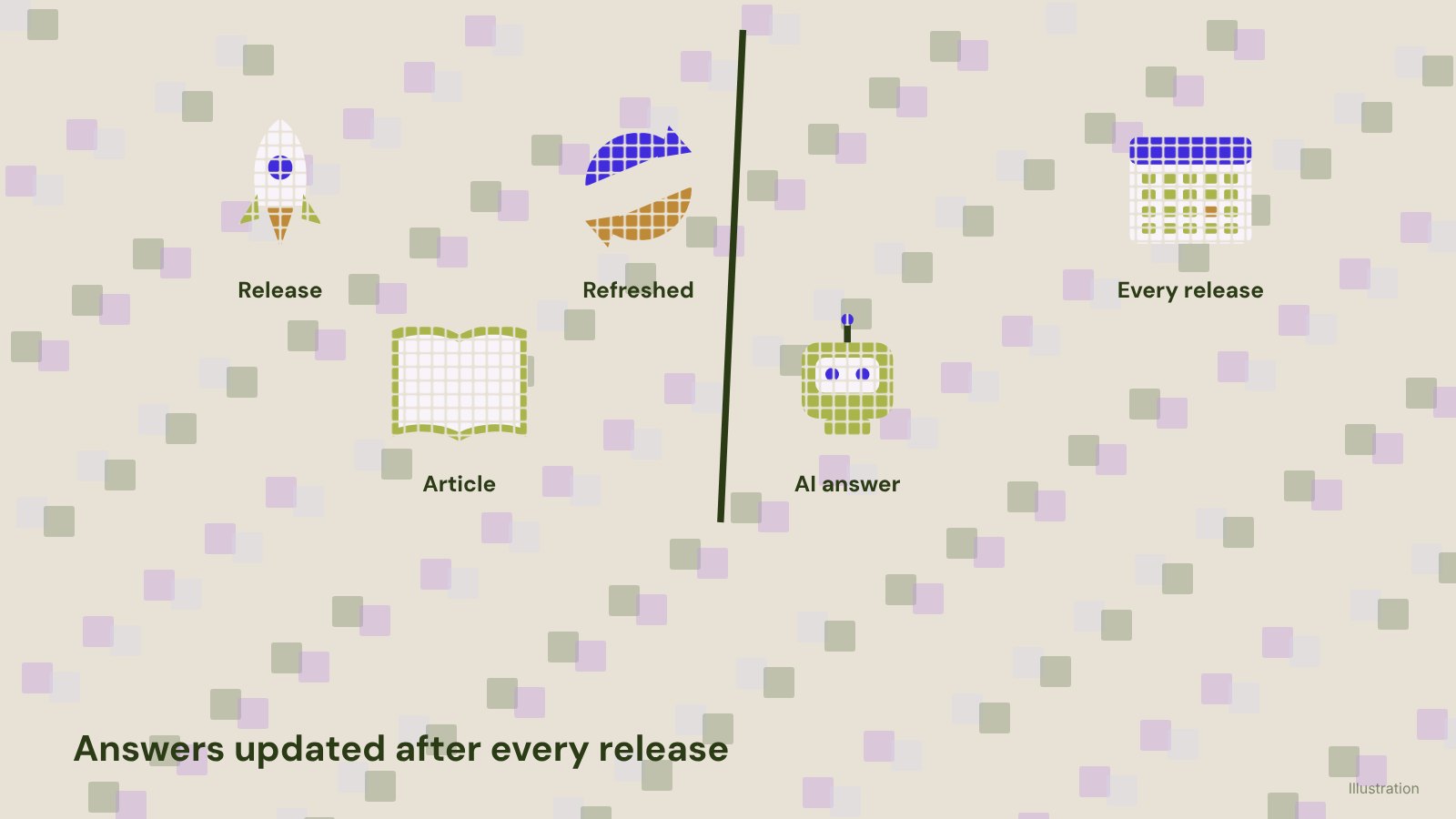
- Keep learning continuously. Newly solved tickets should be picked up within minutes, not at the next monthly import.
Privacy and safety
Ticket history contains personal data. Before importing, check:
- Personal details are masked in what's sent to the language model.
- Data stays within your tenant and isn't used to train shared models.
- Retention follows your policy: how long imported history is kept, and how it's deleted.
What history can't do
Past tickets can't answer a question nobody asked before, and they can't know about last week's release. That's where your help articles and product domain learning come in. The three sources together cover more than any one alone.
Mistakes to avoid
- Learning from AI replies.
- Quoting internal notes.
- Letting old answers override current articles.
- "See article X" as the whole answer.
Do it in TicketResolve, step by step
Where: Overview → Setup & connections → Past tickets (/dashboard). You'll need: a connected help desk. Full guides: Learning from past tickets, Confidence scores and Customer context.
- Connect your help desk.
- Choose a history window of 6, 12 or 24 months.
- Check the Past tickets card for what was skipped.
- Ask agents for complete answers with the link.
- Fix articles when conflicts are flagged.
- Re-import after cleaning up macros or tags.
- Watch new solves appear within minutes.
How to check it worked: a question only your past tickets answer gets a confident reply citing a past resolution, and the Past tickets card shows AI-answered tickets as skipped.
Frequently asked questions
How many past tickets do I need? There's no minimum. A few hundred solved tickets already cover your most common questions. More history mostly helps the long tail.
Will the AI copy agents' typos or tone? It uses the content of past answers, not their wording. Replies are written in your brand voice.
Does the AI learn from tickets it answered itself? It shouldn't, and TicketResolve doesn't. Only human-written replies are learned; if an agent replied after the AI, only the agent's reply counts.
Are internal notes ever shown to customers? No. They're used as background for summaries and never quoted in customer replies.
How far back is history used? You choose 6, 12 or 24 months. History within the past year counts fully; older history gradually loses weight.
What happens when a past answer and an article disagree? The article wins and the conflict is flagged.
How quickly are new solves learned? Within minutes.
Can I re-import after a clean-up? Yes: Overview → Setup & connections → Past tickets → Re-import.
Are macros learned? No. Macros, automations and API-created replies are templates, not answers.
Related: AI knowledge base for customer support, preventing AI hallucinations and test an AI support agent on past tickets.
Explore Topics
Written by
Ghulam Shabbir
Content creator and writer sharing insights and stories.