
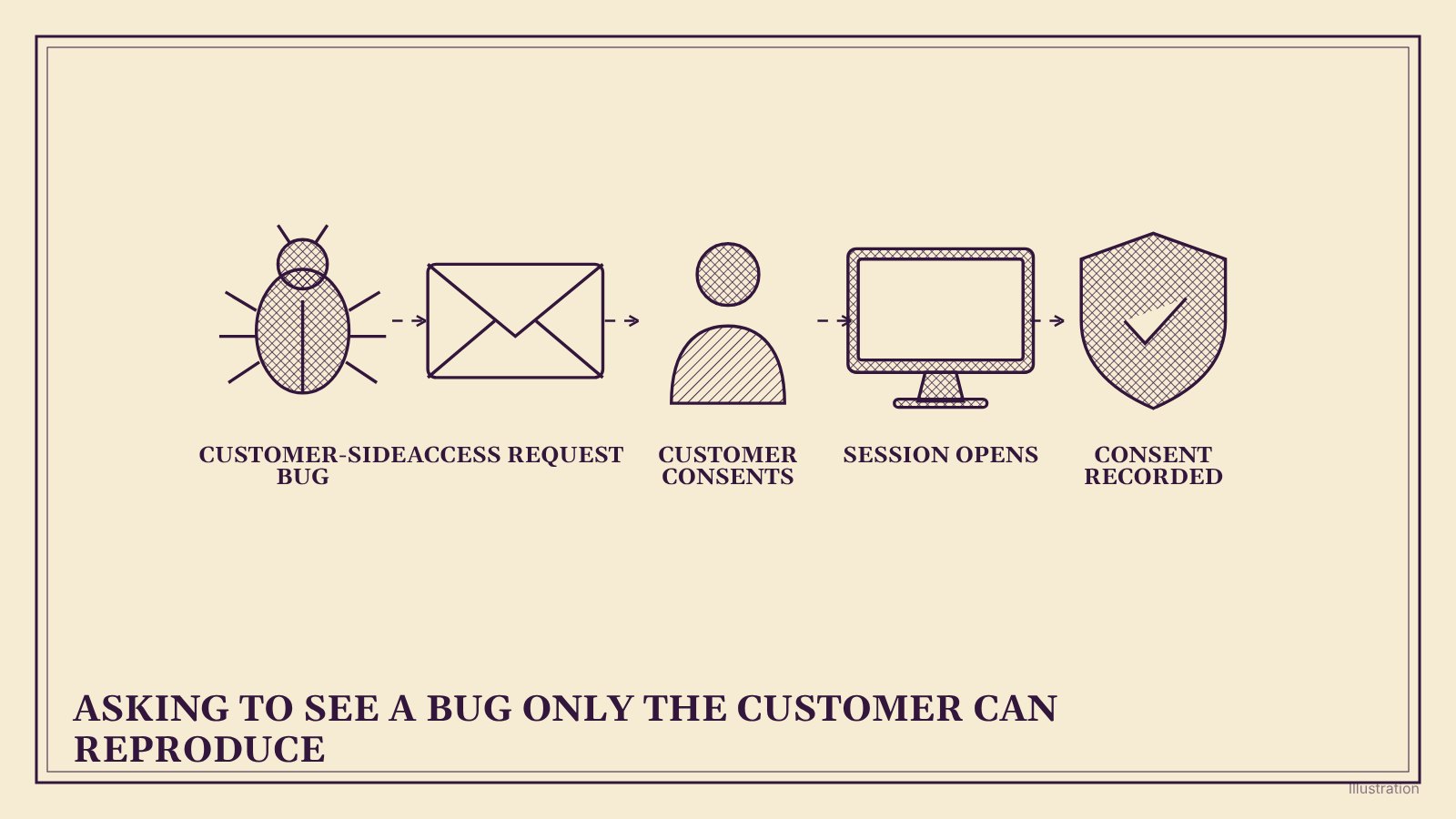
Is It Their Setup or Our Bug? TR Connect Now Proposes the Answer
After a diagnostic session, TicketResolve proposes whether the evidence points to the customer’s configuration or a product defect — and for configuration, the fix to send instead of a code change. Connect Health now shows how TR Connect is doing.
Many “bugs” are settings. A user without the right role, a proxy rule that blocks one request, a browser extension that rewrites a page. Engineering time spent on those is time not spent on real defects — and a code change for a configuration problem fixes nothing.
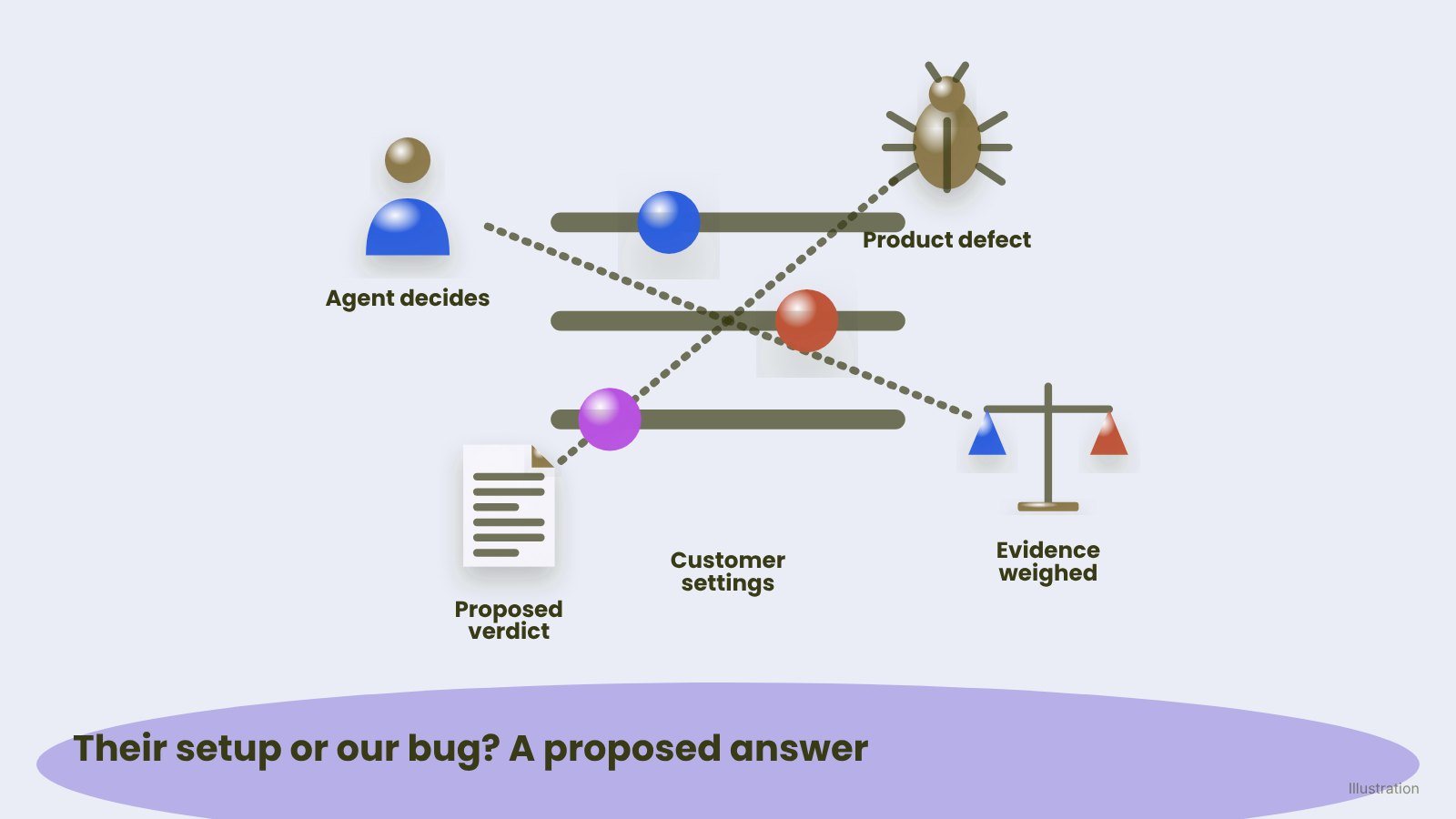
After a TR Connect session, TicketResolve now proposes which it is. It shows the evidence on each side, says "Undetermined" when the evidence doesn't settle it, and for a configuration cause proposes the correction to send to the customer instead of a patch. This release also adds TR Connect analytics, so you can see whether all of this is actually helping.
A few terms used in this post:
- Signal: one piece of evidence that points one way, such as a server error or a permission failure.
- Configuration correction: steps for the customer that change a setting on their side, with a way to confirm it worked.
- Proposed: what TicketResolve concludes from the evidence. A person confirms the root cause; until then it's a proposal.
The most expensive misunderstanding in support engineering
Every support team knows the pattern. A ticket says "the export is broken". Support can't reproduce it. It goes to engineering as a bug. An engineer spends an afternoon reading code, finds nothing, asks for more information, and a week later someone notices the customer's user doesn't have the export permission.
The cost isn't just the afternoon. It's the other bug that didn't get fixed that afternoon, the customer who waited a week for a two-minute settings change, and the slow erosion of engineering's trust in support escalations.
The reverse happens too: a real defect gets treated as "probably their setup", the customer is asked to clear their cache, check their network, try another browser — and the defect affects twenty other customers who didn't write in.
What's needed is an early, honest answer to a single question: does the evidence point at the customer's environment, or at the product? Not a guess, and not a certainty that isn't there — a weighed proposal with the evidence visible.
Weighing the evidence
After a TR Connect session collects evidence, TicketResolve weighs what it found.
Signals that point to the customer's configuration:
- a permission failure for their user — the server said "forbidden", not "error";
- a CORS or network rule that blocks requests before they reach your product;
- a request that works from the diagnostic agent but fails in their browser;
- a different application version from the one that works;
- a failure in their environment that TicketResolve's own test environment doesn't show.
Signals that point to a product defect:
- server errors;
- uncaught exceptions in the application;
- a deployment shortly before the problem started;
- the same failure in TicketResolve's test environment;
- the same failure on other tickets.
Each signal has a weight, and each is shown with where it came from. When one side clearly outweighs the other, the session shows Customer configuration (proposed) or Product defect (proposed), with every signal and its weight listed. When neither side has a clear margin, it says Undetermined instead of guessing.
Why "Undetermined" is a feature
It would be easy to always pick a side. The number on one side is always a little bigger. But a confident label on thin evidence is worse than no label: it sends the ticket down the wrong path with the authority of a system behind it.
"Undetermined" tells the team that the evidence doesn't decide it yet, and the signals show what's missing. Often the next step is obvious from that list — for example, browser errors are present but no server-side logs, so connecting the logs would settle it.
Why a person confirms
The proposal is evidence-based, but it isn't the final word. A person confirms the root cause on the investigation. That keeps the decision where accountability lives, and it means every confirmed cause becomes a reliable record for future tickets — not a machine's guess repeated as fact.
A deployment before an error is not a cause
One signal deserves special care. A deployment shortly before a problem started is evidence for a product defect, and it's listed as such. But it's one signal among several, weighed like the others. A deployment that happened before an error is not called the cause just because of timing. Plenty of problems start the day after a release for reasons that have nothing to do with it.
A correction instead of a patch
When the cause is configuration, the useful output isn't a bug report. It's an instruction for the customer.
For a configuration cause, the proposal includes:
- the steps for the customer — for example, "Give the user the role this action needs, then sign in again";
- how to confirm it worked — for example, "Open the board and choose Export; the download should start".
A support agent reads it, adjusts it if needed, and sends it on the ticket with one click — Send the correction to the customer. Nothing is sent automatically. If your help desk isn't connected or refuses the message, the panel says it wasn't sent and why. Nothing is claimed as sent that wasn't.
The engineering case shows the correction where a code fix would otherwise be. Anyone who opens the case sees that the answer was a setting, so nobody starts writing a patch for it.
How TR Connect is doing: Connect Health analytics
A diagnostic tool that customers rarely consent to, or that connects but collects nothing, isn't helping, however good it looks in a demo. So Connect Health now shows TR Connect analytics for the last 7, 30 or 90 days, split between requests TicketResolve made and requests people made:
- invitations delivered;
- consent rate — how often customers approve;
- connection success — how often an approved session actually connects and collects evidence;
- time to connect;
- evidence collected, by kind;
- reproduction outcomes in the customer's environment;
- possible and confirmed causes — configuration or defect;
- investigations resolved after a session;
- configuration corrections sent;
- sessions ended automatically once the question was answered;
- AI cost per successful session — an estimate from recorded usage. It's calculated from recorded token usage; TR Connect itself makes no AI calls.
Each measure has its definition next to it, under "How these are counted". The cost is labelled as an estimate because it is one. Everything else is counted from records.
Reading the numbers
A few patterns are worth looking for:
- A low consent rate usually means the invitation isn't clear enough about what it asks and why, or it asks for more than the problem needs.
- High consent but low connection success means something gets in the way after approval — often the customer doesn't know what to do next.
- Many "Undetermined" causes suggest sessions are collecting too little: perhaps logs aren't being asked for when they would settle it.
- Requests TicketResolve made versus requests people made: if automatic requests convert as well as manual ones, you can move from Recommend to Send with confidence.
Nothing done twice
Automatic steps can be interrupted: a deployment restarts the servers in the middle of an assessment, or of sending an invitation. If that happens, TicketResolve picks the step up again and finishes it exactly once.
That covers an assessment that didn't finish, an invitation halfway sent, and guided steps not yet created. An invitation that never reached the customer has its unused link withdrawn, so a half-sent request can't leave a working link lying around.
Where the signals come from
A proposal is only as good as the evidence behind it, so it helps to know what a session can collect and how each kind becomes a signal. Each item is collected only if the customer allowed it.
Network logs (HAR files). A customer with "Browser errors" allowed can upload a HAR file from their browser's Network tab. TicketResolve keeps only the failed and slow requests from it, without request bodies, cookies or query strings. Status codes are the strongest signals here: a 403 for the customer's user points to permissions, a 500 points to the server, a request that never got a response points to the network.
Console output. Errors and warnings from the browser's console are kept; the rest is dropped. A blocked request from a content-security or CORS rule shows up here, and so does an uncaught exception in your application's own code.
Environment details. Browser, operating system and application version, each with where it came from. A version mismatch with what works is a configuration signal.
The Connect agent. When the customer allows evidence from their own systems, they run the Connect agent — one file that only connects out to TicketResolve, runs nothing it is sent, and stops when access ends. It can read the logs, configuration, containers and database metadata the customer points it at, and check the API endpoints listed on the session. Results are masked on the customer's machine and again on ours. A request that succeeds from the agent but fails in the browser is one of the clearest configuration signals there is.
TicketResolve's own environment. The Reproduction Lab's result is evidence too. A failure in the customer's environment that doesn't happen in the test environment points one way; the same failure in both points the other.
Other tickets. The same failure reported by other customers is a strong defect signal, because configuration problems rarely repeat identically across unrelated accounts.
Everything collected through a session appears in the investigation as customer-reported, so it never counts as confirmed on its own. That's another reason a person confirms the root cause.
A worked example, start to finish
This is an illustrative example.
A customer of a reporting product writes: "Scheduled exports fail for me. The Export page says 'Something went wrong.'"
The Reproduction Lab tries. In the test environment, scheduled exports work. Outcome: Not reproduced.
A session collects evidence. The customer approves a TR Connect request with environment details and browser errors, and uploads a network log (HAR file) from their browser. TicketResolve keeps only the failed and slow requests from it, without bodies, cookies or query strings.
The evidence. The network log shows the export request returning 403 Forbidden for their user. There are no server errors. The test environment doesn't show the failure. No other tickets report it.
The proposal. The session's Investigation tab shows Customer configuration (proposed), with the signals: a permission failure for the user, a failure that only happens in their environment, and no server-side errors. The proposed correction: "Ask your workspace admin to give your user the Export permission, then sign in again. Confirm by running the scheduled export once."
A person confirms and sends. The support agent reviews the signals, agrees, and chooses Send the correction to the customer. The engineering case shows the correction instead of a code fix.
The outcome. The customer's admin grants the permission. The export works. Connect Health counts one configuration correction sent and one investigation resolved after a session.
No engineer opened the code.
More real-world scenarios
These are illustrative.
A real defect that looked like configuration. A customer reports a failed save. The session shows a 500 server error, and TicketResolve's test environment fails the same way once it uses the same kind of data. Product defect (proposed). The investigation goes to engineering with the reproduction attached.
A proxy stripping a header. Requests work from the diagnostic agent on the customer's server but fail in their browser behind a corporate proxy. Configuration (proposed). The correction goes to the customer's IT team with the exact request that fails.
An old application version. Environment details show the customer on a desktop app two versions behind. The failure doesn't happen on the current version. Configuration (proposed); the correction is to update.
Not enough evidence. Only browser details were shared, and they're unremarkable. Undetermined. The signal list shows what's missing; the agent asks for browser errors, and the next session settles it.
Conflicting signals. A permission failure for the user and a server error in the same session. Neither side has a clear margin. Undetermined, with both signals visible. The engineer who looks finds two separate problems.
Step by step in TicketResolve
- Open the session's Investigation tab after evidence arrives.
- Read the proposal and its signals. Each signal shows its weight and its source.
- For configuration, review the proposed correction, adjust it if needed, and choose Send the correction to the customer.
- For a defect, continue in the investigation: the engineering case has the evidence.
- Confirm the root cause on the investigation once you're satisfied.
- Check Connect Health regularly to see consent, connection and resolution rates.
Frequently asked questions
Is the proposal ever applied automatically? No. It's a proposal. A person confirms the root cause, and the correction is sent only when someone chooses to send it.
What if the evidence points both ways? It says Undetermined, with every signal visible, instead of guessing.
Does a recent deployment mean it's a defect? It's a signal for a defect, weighed with the others. Timing alone never makes a deployment the cause.
Is the AI cost exact? No, it's an estimate from recorded usage and labelled as one. TR Connect itself makes no AI calls.
What happens if the server restarts mid-assessment? The step is picked up again and finished exactly once. An invitation that never reached the customer has its link withdrawn.
The short version
- After a session, TicketResolve proposes Customer configuration, Product defect, or Undetermined, with every signal and its weight.
- For configuration, it proposes the correction and how to confirm it; a person sends it.
- The engineering case shows the correction, so nobody patches a setting.
- Connect Health shows consent, connection, evidence, outcomes, causes, resolutions and an estimated AI cost per successful session.
- Interrupted automatic steps finish exactly once.
Explore Topics
Written by
Ghulam Shabbir
Content creator and writer sharing insights and stories.