
The Packages You Approved: Patch Management That Installs Exactly What Was Signed Off
Patching goes wrong in two ways: nobody patches because nobody can see what’s behind, or somebody upgrades everything and finds out at 3 a.m. what changed. DevOps & SRE Intelligence tracks every pending update on your Linux servers, flags security updates and how long they’ve waited, and installs them through canary-first fleet plans. Only the packages the approver saw get installed, and a fresh scan verifies them.
Two companies, two bad weeks.
At the first, a security auditor asks a simple question: "How long has the OpenSSL security update been pending on your production servers?" Nobody knows. The team patches "regularly", meaning whenever someone remembers. When they finally look, eleven servers have had a critical update waiting for 47 days.
At the second, an engineer gets tired of the backlog and runs apt upgrade -y across the whole fleet on a Thursday evening. Forty packages update on every server. One of them is a database client library that changes its default connection timeout. At 3 a.m. the order-processing service starts timing out against its database, and it takes until morning to work out which of the forty packages caused it.
Most patching goes wrong in one of those two ways: nobody patches, because nobody can see what's behind or for how long, or somebody patches everything at once, and finds out the hard way what changed.
First, the basics
- A package is a piece of software installed on a server, such as OpenSSL (encryption) or a database client. Linux servers have hundreds of them.
- An update is a newer version of a package. A security update fixes a known weakness that attackers could use, so it's urgent in a way that ordinary updates aren't.
- Patching means installing updates. It's like the software updates on your phone, except a server runs your business and can't simply be "tried and see".
- apt, dnf and zypper are the tools different Linux families use to install updates (Ubuntu/Debian, Red Hat/Fedora and SUSE respectively).
- A fleet is a group of servers. A canary is the first small group to receive a change, like a test batch in a kitchen, so problems show up before everyone is affected. The name comes from the canaries miners took underground as an early warning.
- A reboot restarts the whole server. Some updates (such as the kernel, the core of the operating system) only take effect after one.
- Verification means checking afterwards, with a fresh scan, that the update really installed.
Why does this matter? Unpatched security updates are one of the most common ways attackers get in. Careless patching is one of the most common ways teams cause their own outages. The goal is to patch promptly and safely: know what's pending, install exactly what was agreed, and prove it.
The problem, in plain terms
- No visibility. Without a list of what's pending on each server, and for how long, "we patch regularly" can't be checked.
- All-or-nothing installs. Upgrading everything at once mixes the urgent security fix with dozens of changes nobody reviewed.
- Approval of a command, not of a change. Approving "run the upgrade" doesn't tell the approver which packages will change.
- No proof. A successful command doesn't prove the package was installed, and nobody re-checks.
- Reboots slipped in. A reboot is a bigger risk than installing a package, but it often happens as a side effect.
See what's pending, and for how long
Agent 1.4.0 reports every pending update on a Linux server: the package, the installed version, the available version and whether it's a security update.
- On Debian and Ubuntu it reads a simulated
apt-get upgrade. - On Fedora and RHEL-family systems it reads
dnf check-updateand the security advisories. - On SUSE it reads
zypper list-updates. - Where
needrestartis installed, it also lists services still running old libraries. - Where
dpkg --auditfinds packages a previous update left half-installed, it says so.
The Patching view puts every server in one status, worst first:
- Overdue: a security update has been pending longer than your patch window (14 days unless you change it).
- Security updates pending, Reboot required or Compliant.
- Scan out of date, No package data or Report-only. Servers in these three states are left out of the compliance percentage rather than being counted as fine.
"Pending since" is when TicketResolve first saw the update pending on that server, not when the vendor released it. Those are different facts, so it's labelled that way.
The approver approves packages, not a command
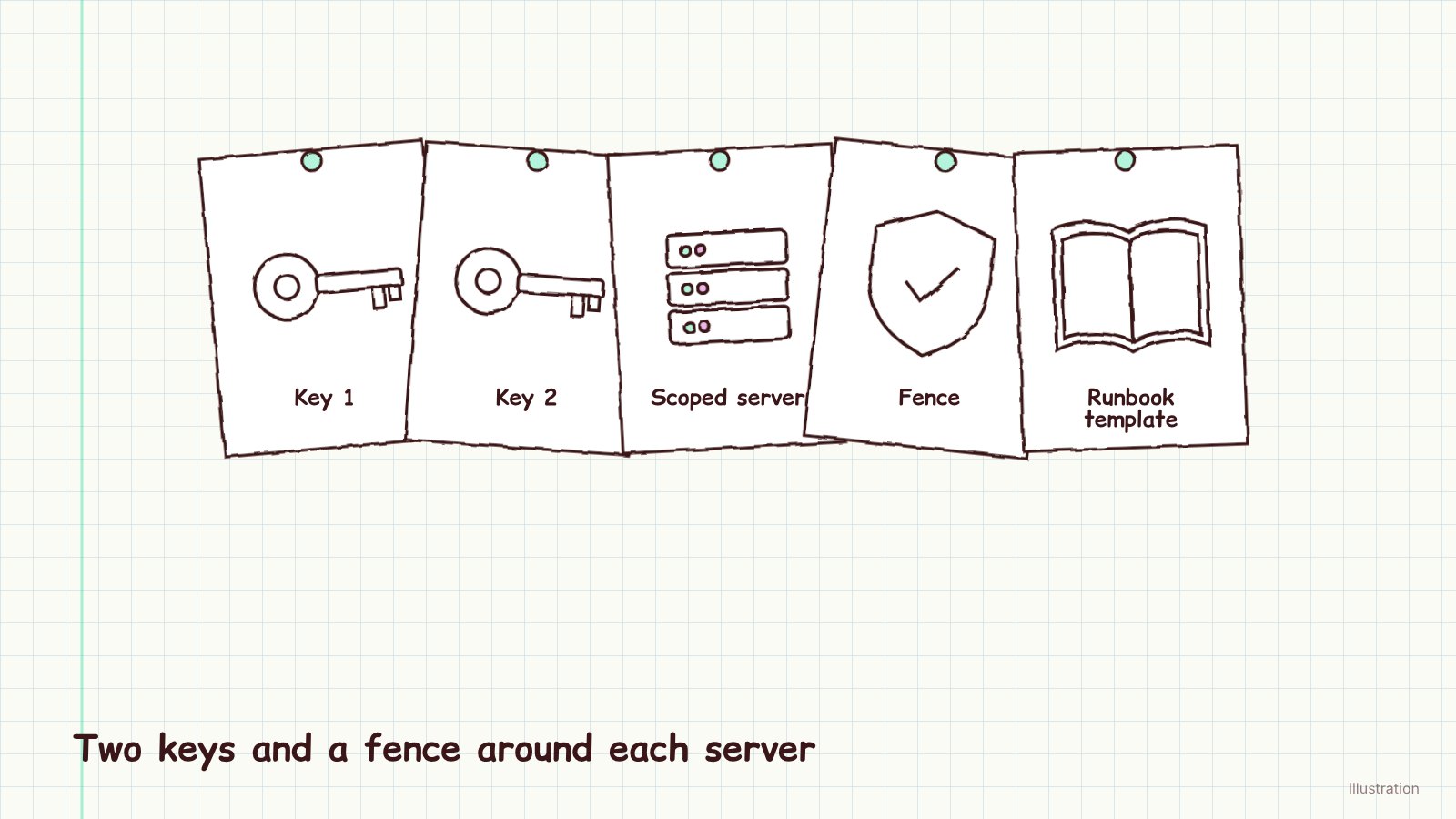
Installing is opt-in on each server (TR_PATCH=security or all). It also needs an allowlist entry at Level 3 and a named approver who isn't the person asking.
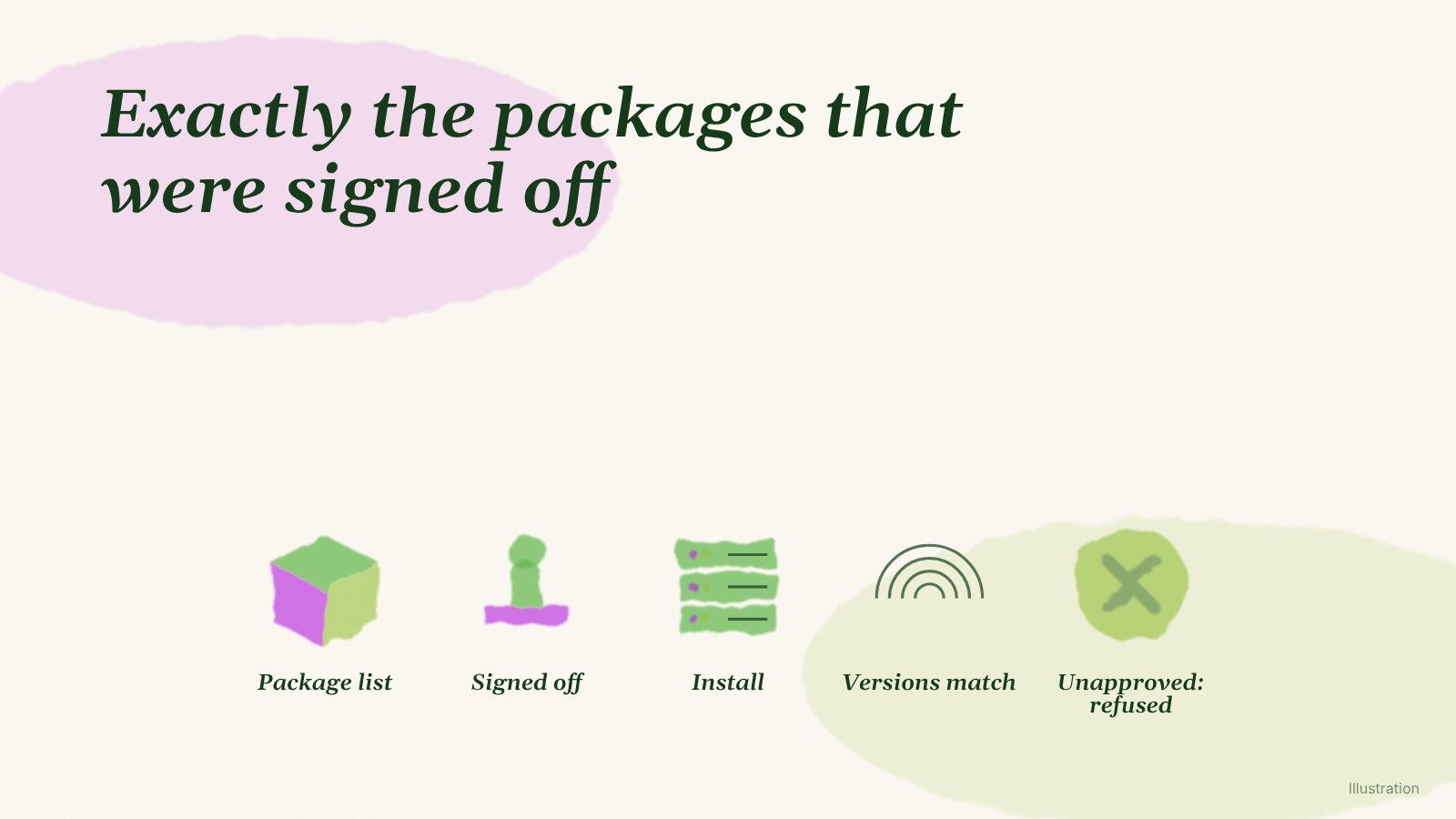
What gets approved is a list. A patch request records the exact package names pending at that moment: the security ones for "Install security updates", or every pending one, optionally narrowed to packages you name. The approver sees that list per server.
When the run reaches the server, the agent installs only those names, and only the ones still pending:
apt-get install --only-upgrade,dnf upgradeorzypper update, run with fixed arguments and never through a shell;- existing configuration files are kept;
- no services are restarted.
If the agent's own setting doesn't allow the action (a security-only server asked to install everything), the agent refuses, even if someone changed the setting after the plan was approved.
Canary first, then verified by a fresh scan
Across servers, patching is a fleet plan:
- The servers that need updates are previewed. Any with nothing to install, a stale scan or a report-only operating system are excluded with the reason.
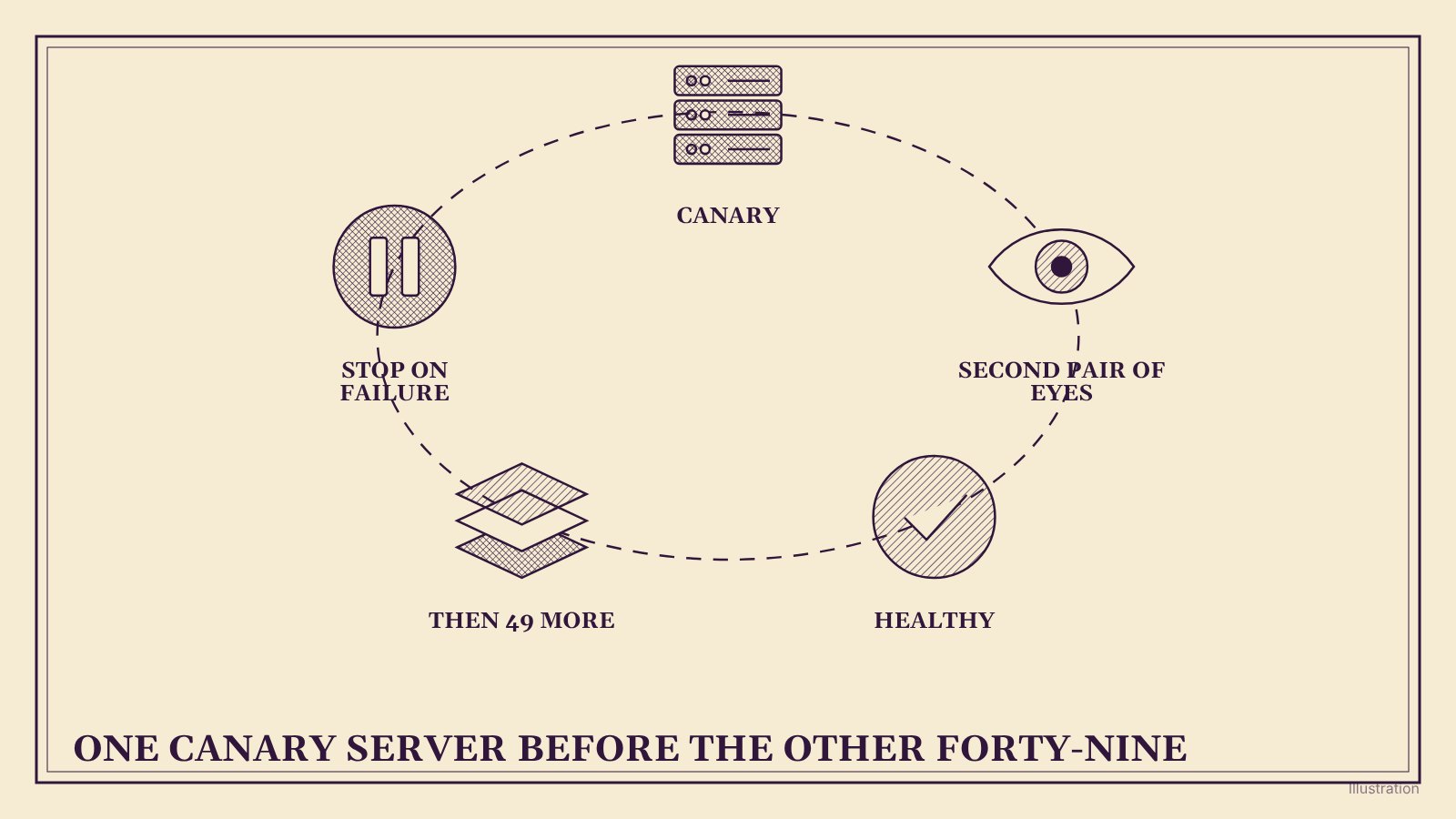
- The canary installs first, on the lowest-risk environment.
- Each run is checked against a new package scan. It counts as verified only when none of the approved packages is still pending. If any remain, they're listed and the run fails verification. A scan that was cut short can't prove the install, so it doesn't count.
- Any canary failure halts the plan, and the production batches never start. A passing canary waits for an approver to continue.
We tested this against a real apt system. The first plan's canary refused to install because its agent only allowed security updates, and the plan halted with production untouched. The second plan installed the two approved SQLite packages on the canary, verified them with a fresh scan, and then continued.
Reboots are their own decision
A kernel or libc update often needs a reboot, and a reboot is a different risk from installing a package. So reboots are never part of a patch run. SYS_REBOOT is a separate Level 3 operation (opt-in with TR_REBOOT=1) with its own approval and its own fleet plan. It counts as verified only when the server reports a boot time after the reboot was sent.
Four real-world scenarios
1. The auditor's question, answered in a minute
How TR handles it. The Patching view lists the eleven servers as Overdue, each with the OpenSSL security update and "pending since 47 days". The compliance percentage excludes the three servers with stale scans and says so. The team plans security updates the same day.
2. Patching OpenSSL, and only OpenSSL
How TR handles it. The engineer chooses Plan security updates and narrows it to the OpenSSL packages. The approver sees exactly those package names per server. The staging canary installs them, the fresh scan shows none still pending, and the approver continues to production. The database client library that caused Thursday's outage at the other company isn't touched, because nobody approved it.
3. A canary that stops the rollout
Situation. On the canary, one approved package fails to install because of a held dependency.
How TR handles it. Verification fails ("libssl3 still pending"), the plan halts, and no production server is touched. The team fixes the dependency hold and plans again.
4. The kernel update that needs a reboot
How TR handles it. After the kernel update is installed and verified, the servers show Reboot required. The team schedules Plan reboots as a separate, approved fleet plan in the next maintenance window. Each reboot is verified by the new boot time.
Before and after
Before. Nobody can say how long updates have waited. Patching is either neglected or done as one big upgrade -y with surprises, and nobody verifies it.
After. Every pending update is visible, with how long it has waited. Approvers approve specific packages. Canaries go first, every install is verified by a fresh scan, and reboots are separate decisions.
Who it's for
- SREs and system administrators who own patching.
- Security teams who need security updates installed within an agreed window.
- Auditors and compliance owners who ask how long updates wait and whether installs are verified.
How it fits with the rest of TicketResolve
Patching uses the same fleet engine as other fleet operations: one record per server, canary first, approval by someone else and a hard stop on failure. Two-person approval in production, server access fences and the audit export apply to patch plans too. Maintenance windows can carry a security-updates operation, with pre-checks before anything starts.
Mistakes to avoid
- Turning on
TR_PATCH=alleverywhere. Start withsecurityon production. - Counting stale scans as compliant. They're excluded for a reason; fix the scan.
- Bundling reboots into the patch window by habit. Plan them deliberately.
Do it in TicketResolve, step by step
Where: DevOps & SRE → Patching (/dashboard/devops/patching). You'll need: agent 1.4.0 on your Linux servers, an infrastructure admin for the allowlist, and an approver other than yourself. Full guide: Patching your servers.
- Update the agent. Install agent 1.4.0. Pending packages, security flags and reboot-required appear under Patching after its next report, or straight away with Rescan now.
- Read the status list. Start with Overdue, then Security updates pending. Fix any Scan out of date servers so they can be counted.
- Turn patching on where you want it. Add
TR_PATCH=security(orall) to the agent on those servers and restart it. For reboots, also addTR_REBOOT=1. - Allowlist the operations. In Operations → Allowlist, allow
PATCH_SECURITY(andPATCH_ALLorSYS_REBOOTif you use them) for those servers at Level 3. - Plan the updates. Patching → Plan security updates opens a fleet plan for the servers that need them. Preview shows exactly which packages each server may install. Leave Only these packages empty for everything pending, or name packages (for example
openssl libssl3) to narrow it. - Get it approved. Someone else approves, seeing the package list per server.
- Watch the canary. The canary installs first, and a fresh scan verifies that none of its approved packages is still pending. An approver then continues to the remaining batches. Any canary failure halts the plan.
- Reboot separately. Servers that need a reboot show it. Plan reboots is its own approved fleet plan, verified by the new boot time.
How to check it worked: the servers move from Overdue to Compliant (or Reboot required), and the plan shows every server verified.
What it doesn't do yet
- Windows Update and macOS updates are report-only.
- dnf and zypper parsing is unit-tested but hasn't been validated on those systems yet.
- zypper doesn't classify security per package here, so those servers can't use "security only".
- No reboot has been executed outside the test suite.
Frequently asked questions
Can a patch run install packages the approver didn't see? No. The agent installs only the approved package names that are still pending.
Does patching restart services or reboot servers? No. Configuration files are kept and no services are restarted. Reboots are a separate, approved fleet plan.
What does "pending since" mean? When TicketResolve first saw the update pending on that server, not the vendor's release date.
What happens if the canary fails? The plan halts and the remaining batches never start until an approver reviews it.
Why are some servers left out of the compliance figure? Servers with a stale scan, no package data or a report-only operating system can't prove anything, so they're excluded rather than counted as fine.
Explore Topics
Written by
Ghulam Shabbir
Content creator and writer sharing insights and stories.