
The Changelog You Didn’t Read: A Change Radar for Your Business Services
Most integration outages aren’t mysterious. Months earlier a vendor published a post nobody read. Business Operations Intelligence now reads your vendors’ changelogs and status pages, watches configuration changes on the systems your business services depend on, and tells you which changes can break what, how badly and by when, keeping “the vendor says it breaks” apart from “it might”.
On 1 March at 00:00 UTC, refunds stop working at a subscription business. The cause is found within the hour: the payment provider removed an old API version, and the company's refund workflow was still calling it.
The painful part comes later, when someone searches the vendor's changelog. Four months earlier there was a post titled "API version 2022-11-15 will be removed on March 1". It was in an RSS feed nobody subscribed to, on a blog nobody on the refunds team reads. The information existed. It just never reached the people who owned the thing it would break.
Most integration outages aren't mysterious. They're announced, and the announcement goes unread.
First, the basics
- A vendor is an outside company whose product you use, such as a payment provider.
- A changelog is a vendor's list of changes to its product. A status page reports outages and problems.
- An API version is a specific edition of the vendor's API (the way your systems talk to theirs). Old versions are eventually removed.
- A breaking change is one that stops your existing setup working unless you update it. Deprecation means "this still works but will go away".
- A feature flag is a switch that turns a product feature on or off without a new release.
- An effective date is when the change takes place; a deadline is when you should have finished preparing.
Why does this matter? Vendors usually announce changes months ahead, but the announcement rarely reaches the team that will be affected. Turning announcements into dated tasks for the right team prevents avoidable outages.
The problem, in plain terms
- Vendor changes are scattered. Changelogs, status pages, developer newsletters and e-mails each live in a different place, and none of them knows which of your services uses which API.
- Your own changes are invisible too. A feature flag flipped in LaunchDarkly or an IAM policy changed in AWS can affect a business service just as badly, but nobody connects it to the service.
- Severity is either shouted or ignored. Some teams treat every changelog entry as an emergency. Most treat none of them as one.
- Nothing has an owner or a deadline. Even when someone reads the post, there's no place to track "we must move off this API by 15 February".
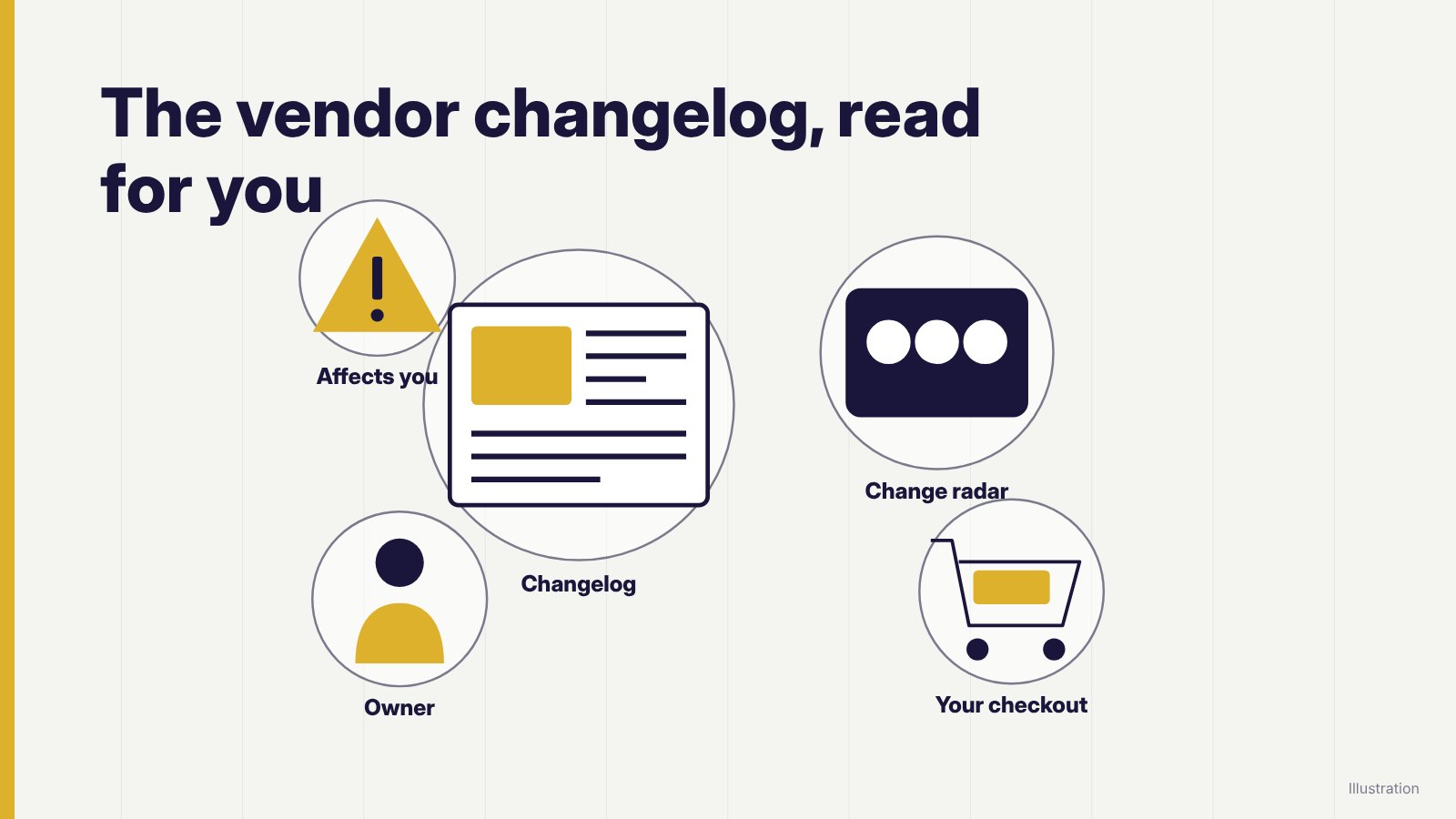
The second release of Business Operations Intelligence closes that gap with a change radar.
Where changes come from
- Vendor feeds. Add a vendor's changelog (RSS or Atom) or its Atlassian Statuspage, and bind it to the integration it belongs to. It's read every 6 hours through the same SSRF-guarded fetch used everywhere else. It's kept apart from your own release feed (which TR-AI uses for answers), so a vendor's notes never end up in a customer reply.
- Your own records. Infrastructure, configuration and feature-flag changes from CloudTrail, the Azure Activity Log, LaunchDarkly and pushes are already recorded. When one touches a component a business service depends on, it's assessed by itself.
- People. Many vendors don't publish a reliable feed, so anyone who manages business operations can log a change they know about, such as an e-mail from an account manager or an announcement at a conference.
Plain release notes like "dark mode is here" are skipped.
"It breaks" versus "it might"
Every change is classified from its own words, and the phrases it rests on are shown next to it. There are three labels:
- Confirmed breaking change: only when the change says so, for example "breaking change", "will be removed", "no longer supported" or "end of life".
- Potential compatibility risk: a deprecation, or an authentication, permission, webhook, schema, API-version or rate-limit change that doesn't say it breaks anything.
- Not a breaking change: disruptions, security advisories, pricing changes and changes in your own systems. They're still assessed, just not called breaking.
If the text states a date, the radar reads it. "Will be removed on March 1, 2027" becomes the effective date, and the recommended deadline is two weeks before it.
What each change reaches
Because the radar sits on the same dependency graph as the rest of Business Operations, an assessment can follow a change all the way up. For example: the Stripe integration, then the Refund flow workflow that runs a Stripe action, then Checkout, a tier 1 business service.
Each assessment also shows:
- customers exposed and SLA clocks already at risk;
- severity and likelihood, each with its reasons, such as "A tier 1 business service depends on it" or "Takes effect in 10 days";
- suggested actions for the kind of change, for example: "Find every call to the affected Stripe API and move to the replacement before the date. Check the workflows that use it: Refund flow."
These are suggestions, never commands. A credential is always re-entered by a person.
Closing it properly
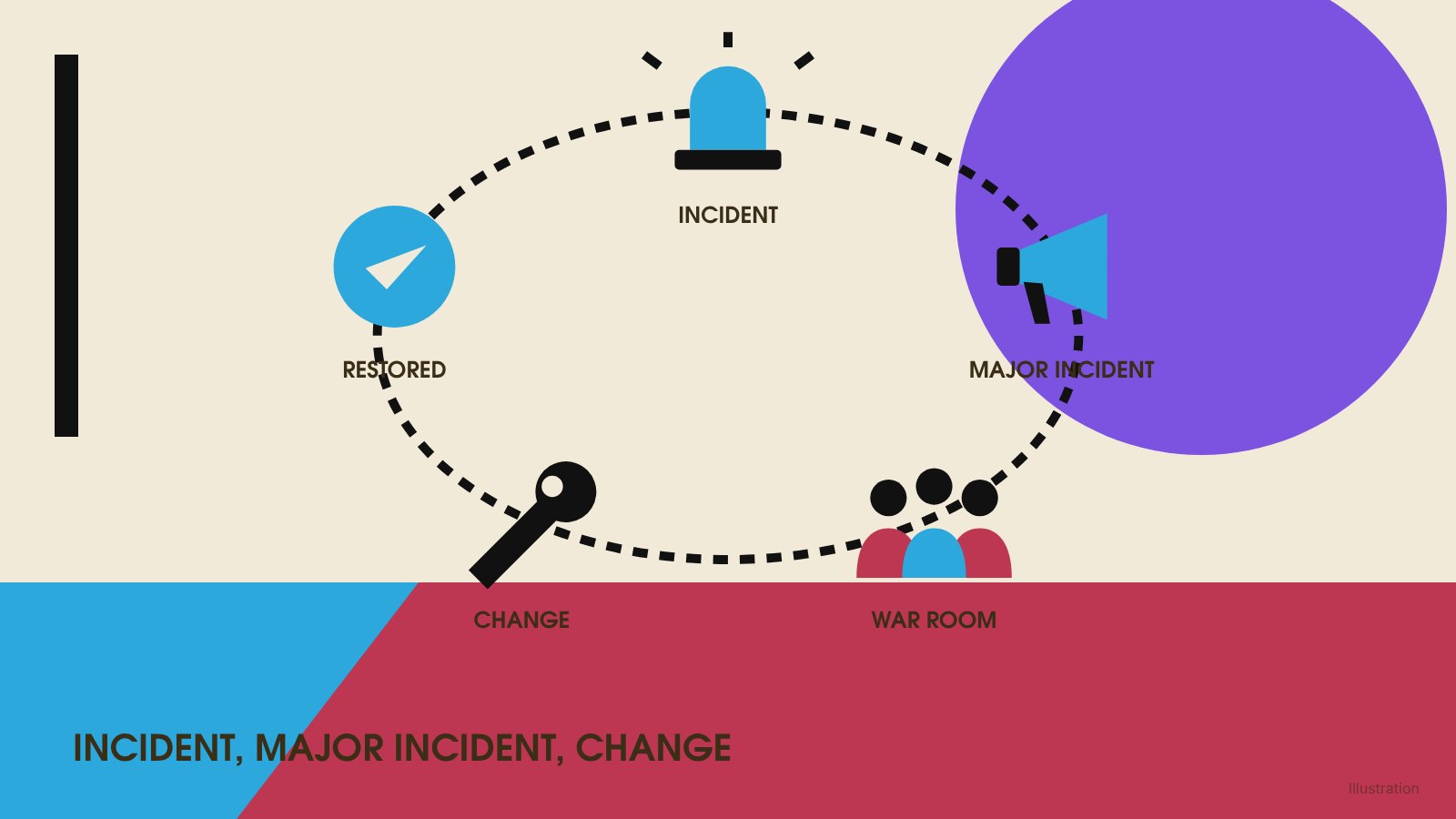
A change moves from new, to action required, to in progress, and then to mitigated, not applicable or risk accepted. Closing it takes a note saying what was done, or why it doesn't apply.
When a vendor marks a disruption resolved on its status page, the radar records that. It doesn't close the change for you: someone confirms that your syncs caught up.
High and critical changes notify the people who manage business operations, and raise a Workflow OS event, boi.change_detected, so you can open a ticket or post to the owning team's channel automatically.
Five real-world scenarios
1. The 1 March outage that doesn't happen
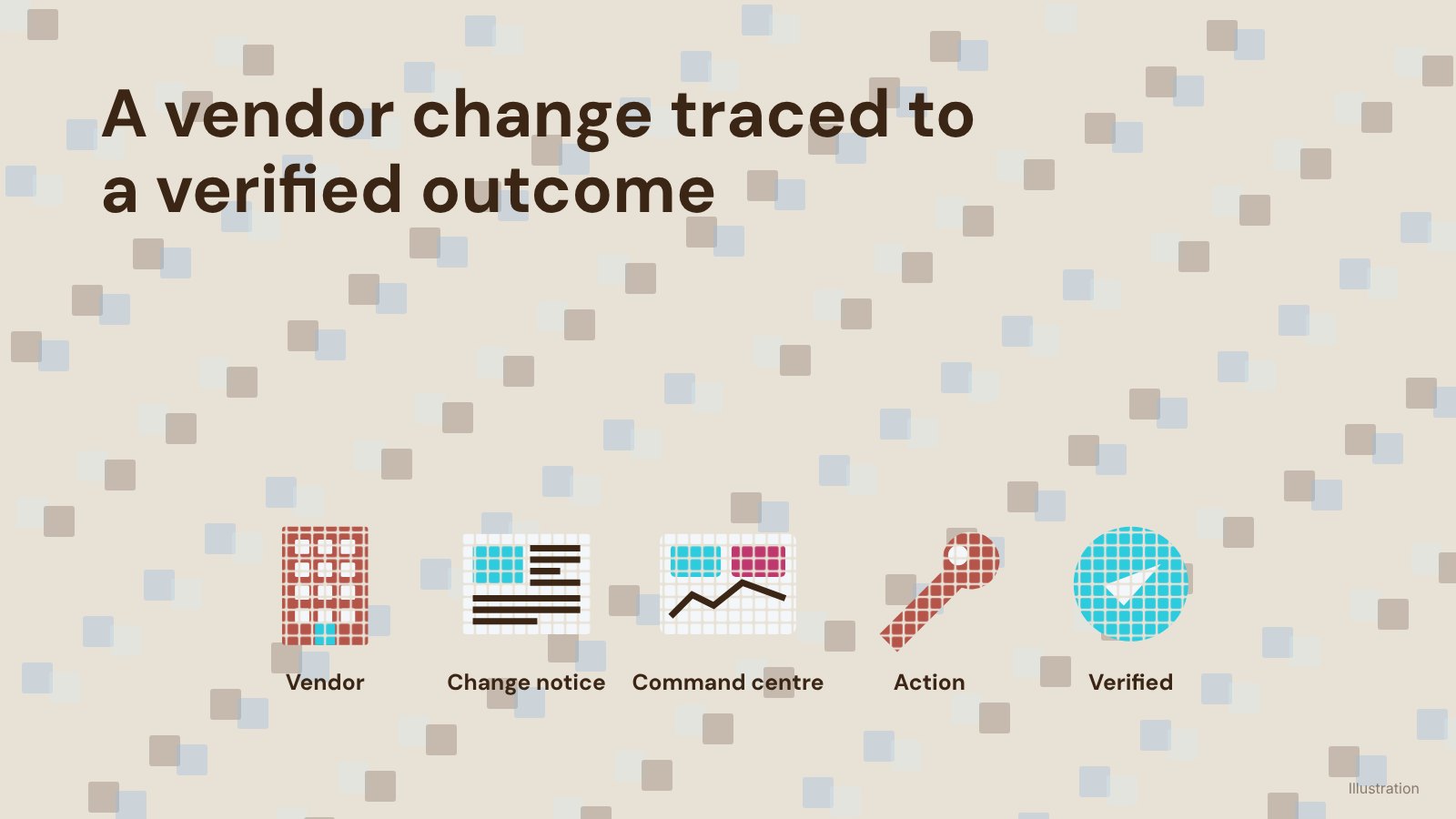
How TR handles it. The payment provider's changelog is added and bound to the Stripe integration. In November the post appears on the radar as a confirmed breaking change ("will be removed"), with effective date 1 March and recommended deadline 15 February. The assessment follows it to Refund flow → Checkout (tier 1), with 2,300 customers exposed, severity critical. A boi.change_detected event opens a ticket for the payments team. They migrate in January and close the change as mitigated with a note.
2. A vague deprecation
Situation. A CRM vendor writes "we're deprecating the legacy contacts endpoint in favour of v3".
How TR handles it. There's no "will be removed" and no date, so it's a potential compatibility risk, not confirmed. It's still assessed against the onboarding workflow that uses it, so the team can plan without panicking.
3. Your own feature flag
Situation. Someone turns off a LaunchDarkly flag that the order-tracking page relies on.
How TR handles it. The flag change touches a component that Order tracking depends on, so it's assessed straight away. It isn't called "breaking", but it appears with the affected service and the time of the change, and the on-call engineer finds the cause in minutes.
4. A status-page disruption
Situation. The help-desk vendor's Statuspage reports degraded API performance.
How TR handles it. The disruption appears linked to the Support business service. When the vendor marks it resolved, the radar records that, but it waits for someone to confirm that ticket syncs caught up before closing.
5. The vendor with no feed
Situation. A small shipping-label vendor e-mails customers about an auth change.
How TR handles it. The operations lead logs it by hand, bound to the shipping integration. It gets the same assessment, deadline and tracking as a feed item.
Before and after
Before. Vendor posts go unread, flag flips are invisible, and the first warning is an outage at midnight.
After. Every relevant change arrives with its evidence, its label, its date, the business services it reaches and suggested actions. It's tracked to closure with a note, and high-severity changes open tickets automatically.
Who it's for
- Integration and platform owners who need deadlines, not RSS readers.
- Business service owners who want to know which external changes threaten their service.
- Operations leads who coordinate work across teams before a vendor's date.
What's honest about it
- Coverage: the radar only knows about vendors whose feeds you add, or changes someone logs. It doesn't know about changes a vendor never announces.
- Classification: it's rule-based and shows its evidence. A vendor that writes vaguely gets "potential", not "confirmed".
- Testing: feed reading was tested against the documented RSS, Atom and Statuspage formats with fixtures, not against live vendor feeds.
Mistakes to avoid
- Not binding feeds to integrations. Without the binding, a change can't be followed to your business services.
- Closing changes without notes. The note is how the next person knows what was done.
- Ignoring "potential" changes. They're where next quarter's confirmed breaking changes come from.
A worked example, start to finish
Here's the same March, with the change radar watching.
Four months before, Monday. The integrations lead had added Stripe's changelog feed under Change radar → Add a vendor feed, linked to the stripe integration. Feeds are read every 6 hours.
Monday, 14:00. Stripe posts "API version 2022-11-15 will be removed on March 1". On the next read, the change radar classifies it as confirmed breaking, quoting the exact phrase "will be removed". It shows what it reaches: the stripe integration, the refund workflow and the Refunds and Checkout business services. Severity is high, with reasons. The recommended deadline is 15 February, two weeks before the effective date.
Monday, 14:05. A Workflow OS workflow listening for boi.change_detected opens a ticket for the payments team and posts in their channel.
Tuesday. The payments lead, Amir, marks the change in progress and becomes its owner. The team checks which API version each workflow calls. Two use the old version: the refund workflow and a nightly reconciliation job.
January. Both are updated and tested. The account manager's e-mail about the same removal, which arrives in December, is logged as a change too; Amir marks that one not applicable with the note "same change as the feed item".
10 February. Amir marks the change mitigated, noting "refund workflow and reconciliation moved to 2024-06-20; tested in staging and production".
1 March, 00:00 UTC. Stripe removes the old version. Refunds keep working.
The outage that happened last year doesn't happen this year, because the announcement reached the people who owned what it would break.
How to tell it's working
- Every vendor you depend on has a feed, or its notices are logged by hand.
- Breaking changes have an owner within days of detection.
- Changes are mitigated before the recommended deadline, not on the effective date.
Do it in TicketResolve, step by step
Where: Business operations → Change radar (/dashboard/intelligence/business). You'll need: "Manage business operations". Full guide: Catching vendor and infrastructure changes.
- Add each vendor's feed. Change radar → Add a vendor feed: the vendor (Stripe), the integration it belongs to (
stripe) and its changelog RSS/Atom or Statuspage URL. Feeds are read every 6 hours. - Log what has no feed. Log a change: what changes, the vendor, whether they call it breaking and when it takes effect. Use this for e-mails from account managers.
- Connect your own change sources (CloudTrail, the Azure Activity Log, LaunchDarkly) if they aren't already, so infrastructure and flag changes on business-service dependencies are assessed too.
- Read each assessment. You'll see why it's classified that way (the exact phrases), the integrations, workflows and business services it reaches, severity and likelihood with reasons, suggested actions and a recommended deadline two weeks before the effective date.
- Automate the hand-off. In Workflow OS, add a workflow on the
boi.change_detectedevent that opens a ticket for the owning team or posts to its channel. - Own it and close it. Mark it in progress (you become the owner if nobody is), then mitigated, not applicable or risk accepted, each with a note.
How to check it worked: the Stripe removal notice appears as confirmed breaking months before the date, with Checkout in its reach and a ticket already open for the payments team.
Frequently asked questions
Can a vendor's changelog end up in an AI answer to a customer? No. Vendor feeds are kept separate from your own release feed.
When is a change "confirmed breaking"? Only when the vendor's own words say so, such as "will be removed" or "end of life".
Does the radar fix anything automatically? No. It suggests actions and can raise a Workflow OS event; people do the work.
How is the deadline set? Two weeks before the effective date stated in the change.
How often are vendor feeds read? Every 6 hours.
What if a vendor only announces changes by e-mail? Log the change by hand with what changes, whether it's breaking and when it takes effect.
What's the recommended deadline? Two weeks before the effective date.
Explore Topics
Written by
Ghulam Shabbir
Content creator and writer sharing insights and stories.