

The AI Director of Customer Support, Phase 1: A Command Center You Can Check
Every support leader has sat in a meeting where two people quote two different resolution rates, and usually both are right because they count different things. Support Leadership Intelligence starts with numbers that say what they count, where they come from, which team owns what, and which tickets sit behind every figure, with resolved and verified kept apart.
At a quarterly business review for a 120-agent support organisation, the VP of customer experience says AI resolution is 58%. Ten minutes later, the head of support operations says it's 34%. The CFO asks which one is right.
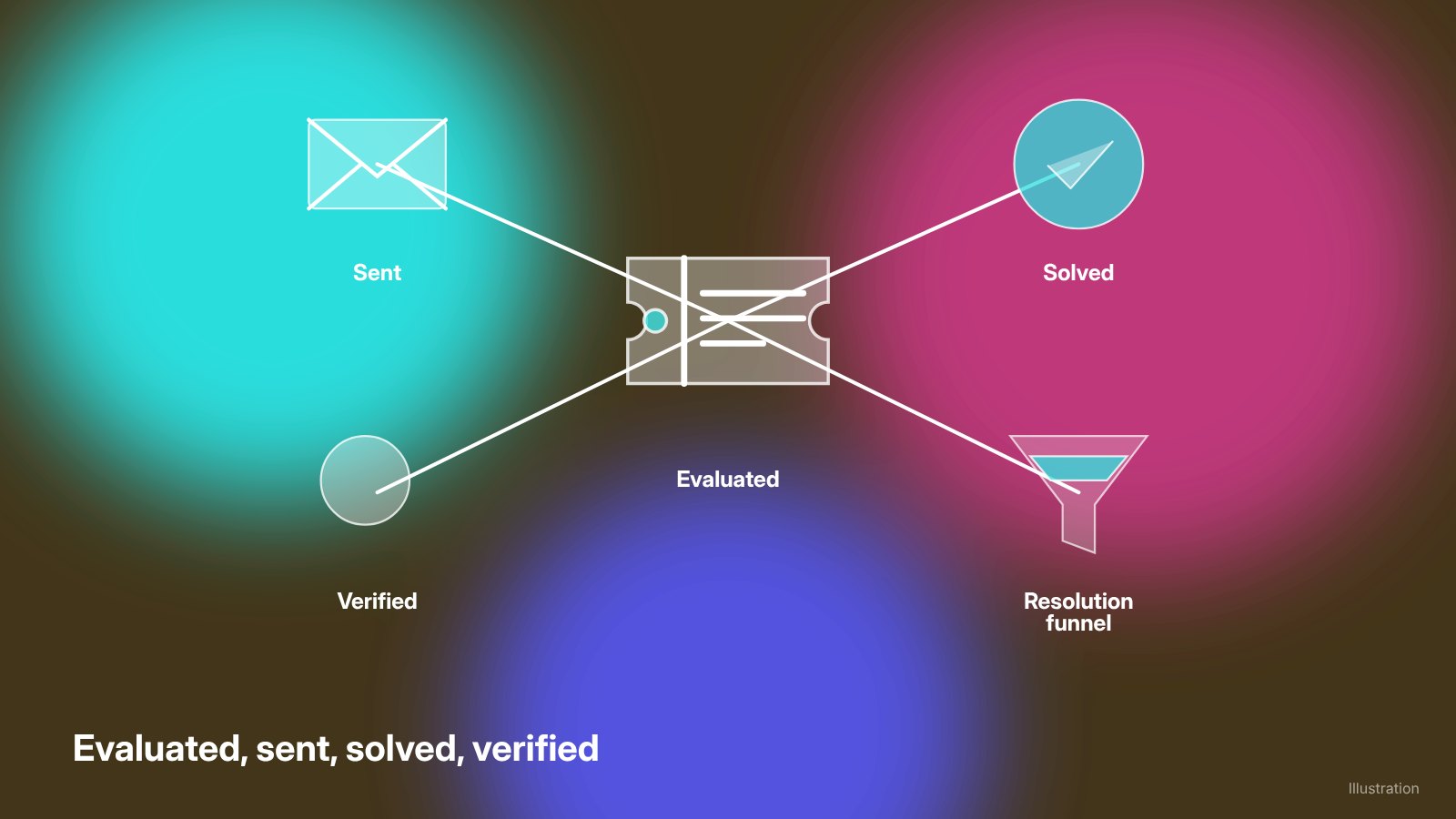
Both are. The VP counted every ticket where TR-AI sent an answer. The operations head counted only tickets where the answer held for two days. A third person, from the quality team, would have said 21%: answers a customer or person actually confirmed.
The same thing happens with SLA. One dashboard counts business hours and pauses; another counts calendar hours. With "open without an owner": one count includes tickets assigned in the help desk, the other only sees TicketResolve's queues.
The meeting spends 25 minutes on definitions and runs out of time for decisions.
Every support leader has sat in a meeting where two people quote two different resolution rates. Usually both are right: they're counting different things.
First, the basics
- Support Leadership Intelligence is the AI Director of Customer Support: TicketResolve's tools for support leaders.
- A tile is one number on the dashboard. A definition says exactly what it counts. A source says where the data comes from.
- Resolved by TR-AI counts answers TR-AI sent. Answers that held had no reopen, customer reply, low score or near-identical ticket within 48 hours. Verified AI resolutions were confirmed by the customer, a person, or a technical check.
- SLA (service level agreement) is the promised response or resolution time. Business-hours calendars, holidays and pauses decide how it's counted.
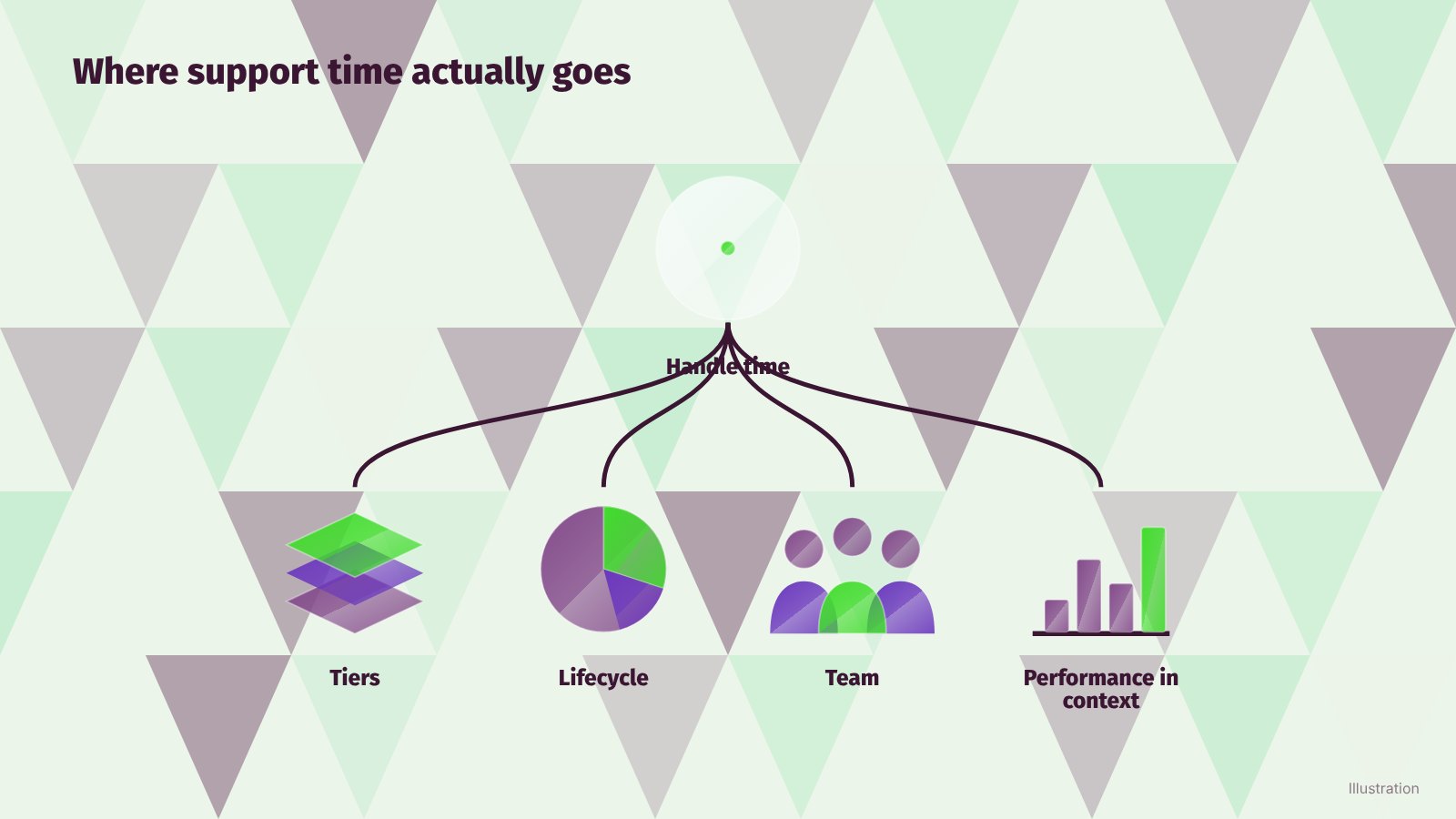
- A tier is a level of support: L1, L2, L3, premium, enterprise, escalation and more.
- Ownership says which team handles which ticket categories and queues.
- Coverage gaps are categories nobody owns, missing tiers, teams without a lead, and similar.
- Backlog is open tickets; projected backlog is an estimate of where it's heading.
Why does this matter? Leaders make staffing, automation and process decisions from a handful of numbers. If those numbers don't say what they count, meetings argue about definitions instead of deciding, and automation gets judged by activity instead of outcomes.
The problem, in plain terms
- Numbers don't say what they count.
- Sources differ: help desk, AI logs, surveys, SLA clocks.
- Sent answers are called resolutions.
- Nobody can open the tickets behind a number.
- Ownership is unclear, so some categories belong to nobody.
- Reports are rebuilt by hand every day.
A command center where every number explains itself
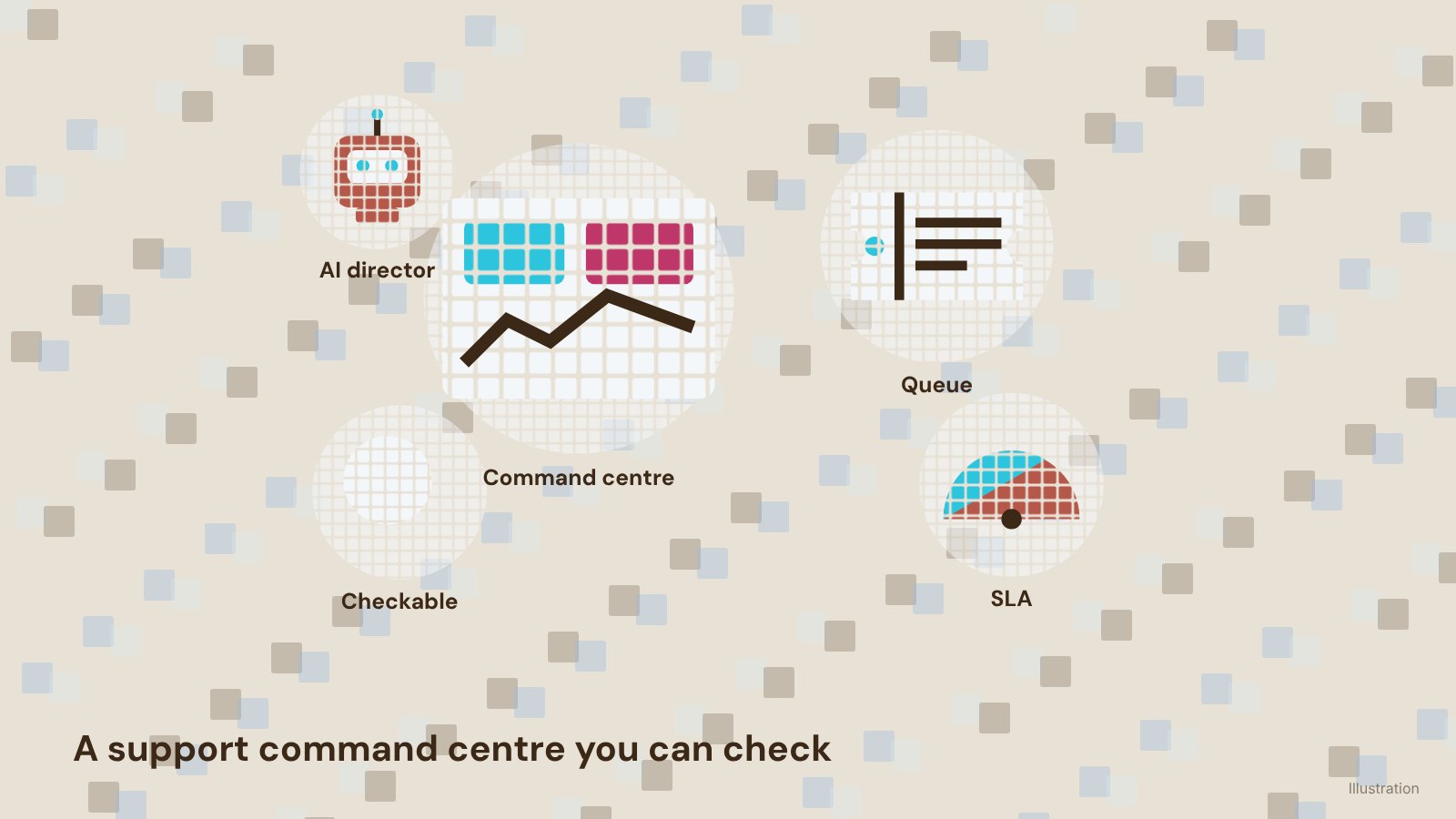
The Support Command Center shows volume, open work, SLA, speed, customer satisfaction and AI resolution quality. Each tile carries:
- a definition, for example "Open without an owner: open hand-offs nobody has picked up in a TR-AI queue; assignment made only in the help desk isn't visible here";
- its source: the resolution log, the help-desk metrics, your SLA clocks, Resolution Assurance or CSAT surveys;
- the previous period, and your target if you set one;
- the tickets behind it: open the tile and see them.
Filter by 7, 30 or 90 days, by one team, or by one category. Measures that can't be split by category (SLA compliance and CSAT) say so rather than pretending.
Resolved is not verified
- "Resolved by TR-AI" counts answers TR-AI sent.
- "TR-AI answers that held" counts those with no reopen, customer reply, low score or near-identical ticket within 48 hours.
- "Verified AI resolutions" counts only outcomes the customer confirmed, a person verified or a technical check passed.
They're three different numbers, shown side by side, so automation is judged by outcomes.
Teams, tiers and the gaps between them
Under Organization & teams, set up departments and teams, their tier (L1, L2, L3, premium, enterprise, escalation and more), a lead, members (mapped to the names your help desk uses) and the ticket categories and queues each team owns.
Fixed rules then compare the organization with your tickets:
- categories nobody owns;
- Level 3 work without an L3 team;
- teams that own a category none of their members has solved;
- categories that depend on one person;
- teams whose open work per member is twice the average.
They're suggestions; nothing here decides anything about people, and names are only shown to those allowed to see individual performance.
SLA from your own rules, and a daily report
SLA & backlog reuses the SLA engine you already configure (policies, business-hours calendars, holidays and pauses) and lists open tickets by urgency next to queue trends and projected backlog, labelled as estimates.
The daily support report covers inflow and resolutions, backlog, SLA risks, escalations, team capacity and customer-impacting problems, each section with the records behind it, as CSV or print.
A worked example, start to finish
Here's how the same organisation prepares its next quarterly review.
Week 1, Monday. The head of support operations, Petra, opens Organization & teams. She adds three departments (Consumer, Business, Escalations) and nine teams, each with a tier and a lead. She ticks the ticket categories each team owns (categories seen in the last 90 days are listed) and their queues. She adds members, with the names each person has in the help desk, so their solved tickets count for the team.
Monday, 11:00. Coverage gaps:
- 2 categories nobody owns: Data export requests and Accessibility.
- Level 3 work without an L3 team in Business.
- A team that owns a category none of its members has solved: Business L2 owns API errors.
- A category depending on one person: Number porting.
- A team with twice the average open work per member: Consumer Billing.
Each with the figures behind it. She assigns the two unowned categories and asks the Business L3 lead to take API errors.
Monday, 14:00. In Settings, an administrator sets targets: SLA compliance 95%, first response 2 hours, CSAT 4.3, verified AI resolutions 30%.
Monday, 14:30. The Support Command Center, 30 days:
- Resolved by TR-AI: 58% (answers sent; source: resolution log).
- TR-AI answers that held: 34% (48-hour check).
- Verified AI resolutions: 21% (Resolution Assurance), below the 30% target, highlighted.
- SLA compliance: 92% (your SLA clocks), below target. A note says it can't be split by category.
- Open without an owner: 47, with the definition about help-desk assignments.
She opens Open without an owner and sees the 47 tickets. Most are in the Accessibility category she just assigned.
Tuesday. SLA & backlog: 23 tickets at risk, by urgency, with the policy that applied; the Consumer Billing queue's projected backlog in 7 days is up 18% (an estimate).
Every morning. The daily support report covers inflow, resolutions, backlog, SLA risks, escalations, capacity and customer-impacting problems, each section listing its records. Petra downloads it as CSV for the operations stand-up.
Quarterly review. When the CFO asks about AI resolution, Petra shows the three numbers side by side, each with its definition. The meeting spends its time on why verified is 21% and what to do about it.
Five more real-world scenarios
1. A tile that can't be split
Situation. Someone filters CSAT by category.
How TR handles it. CSAT says it can't be split by category, rather than showing a misleading number.
2. Assignment in the help desk
Situation. Agents assign tickets in the help desk, not in TicketResolve.
How TR handles it. "Open without an owner" says help-desk assignments aren't visible to it.
3. Names for a team lead
Situation. A team lead wants to see which members solved which tickets.
How TR handles it. Names are only shown to people allowed to see individual performance.
4. A category with one specialist
Situation. Only one agent ever solves number-porting tickets.
How TR handles it. It's flagged as depending on one person, as a coverage suggestion.
5. A projected backlog
Situation. The billing queue is growing.
How TR handles it. The projected backlog in 7 days is shown, labelled an estimate.
Before and after
Before. 58%, 34% and 21% quoted as "AI resolution" by three people, and 25 minutes spent on definitions.
After. Every tile with its definition, source, previous period, target and tickets; resolved, held and verified side by side; ownership and coverage gaps visible; SLA from your own rules; and a daily report with its records.
How to tell it's working
- Meetings stop arguing about definitions.
- Leaders quote verified AI resolutions, not just sent answers.
- Coverage gaps fall to zero.
- Tiles below target are discussed with their tickets open.
Who it's for
- Heads of support and support operations.
- VPs of customer experience.
- COOs and CFOs who read support numbers.
How it fits with the rest of TicketResolve
This was the first phase of Support Leadership Intelligence. Verification comes from Resolution Assurance; SLA from the SLA engine you already configure. Later phases added lifecycle and tier intelligence, complexity-adjusted team performance, the AI resolution funnel, the support-to-engineering loop, capacity and cost, the AI Support Director and reports.
Mistakes to avoid
- Skipping the help-desk names when adding members. Their tickets won't count for the team.
- Setting targets without definitions. Read each tile's definition first.
- Reading coverage gaps as performance issues. They're about structure.
Do it in TicketResolve, step by step
Where: Support Leadership → Support Command Center and Organization & teams (/dashboard/support-director). You'll need: a Support Leadership seat (people who only read or approve don't need one), and administrator rights to set targets. Full guides: Reading the Support Command Center, Setting up teams and tiers and SLA, backlog and reports.
- Add departments and teams. Organization & teams → Add a department / Add a team. Put teams inside departments, choose a tier and a lead.
- Say what each team owns. Tick the ticket categories (seen in the last 90 days) and the queues each team works.
- Add members. Add workspace members and the name each person has in your help desk.
- Read the coverage gaps. Unowned categories, missing tiers, teams without a lead or members, overloaded teams and single specialists.
- Set targets. Under Settings, an administrator sets targets for SLA compliance, first response, CSAT and verified AI resolutions.
- Pick the period and scope. Support Command Center: 7, 30 or 90 days, one team or one category.
- Open a number. Tiles with a ticket list open a panel with the tickets behind them.
- Compare resolved and verified. They're shown apart on purpose.
- Check SLA and backlog, and create the daily report. SLA & backlog, then Reports → Daily → Create report.
How to check it worked: every tile shows its definition and source, coverage gaps list nothing you haven't decided about, and resolved, held and verified appear side by side.
Support Leadership Intelligence is $149 per seat a month as an add-on to Customer Support AI, and part of the 7-day free trial. People who only read or approve don't need a seat.
Frequently asked questions
What does each tile show? Its definition, source, the previous period, your target, and the tickets behind it.
Why are there three AI resolution numbers? Resolved counts answers sent, held counts those that held 48 hours, and verified counts confirmed outcomes.
Can every measure be filtered by category? No. SLA compliance and CSAT say they can't.
Where does SLA come from? The SLA engine you already configure, with its policies, calendars, holidays and pauses.
What are coverage gaps? Unowned categories, missing tiers, teams without a lead, single specialists and overloaded teams.
Who sees individual names? Only people allowed to see individual performance.
What's in the daily report? Inflow, resolutions, backlog, SLA risks, escalations, capacity and customer-impacting problems, each with its records.
Do readers need a seat? No. People who only read or approve don't need a seat.
Explore Topics
Written by
Ghulam Shabbir
Content creator and writer sharing insights and stories.