
Specialist Agents for Technical Support Investigations: How They Work Together (and When They Disagree)
One slow monitoring API shouldn’t stall a whole investigation, and one broken connection shouldn’t fail it. Investigations now run as specialist agents, each gathering one kind of evidence, in parallel where safe, with failures shown as named gaps and conflicting evidence shown, not hidden.
A technical ticket touches a lot of systems. To understand "exports fail with a 500 since this morning" you might need the error in Sentry, the trace behind it, the release that went out at 09:10, the customer's version, an earlier ticket with the same error and a failing synthetic check. Gathering all of that in one long sequence works, until one slow monitoring API holds everything up, or one broken connection makes the whole investigation fail.
TR-AI now works every investigation with specialist agents.
Here's what the old way looked like at a company that sells an HR analytics platform. A customer reports "exports fail with a 500 since this morning":
- The investigation starts and works through its sources one after another.
- The logging tool is slow today. The investigation waits on it for several minutes.
- The API test store is down for maintenance. The investigation fails with an error.
- The support engineer, Nadia, re-runs it twice, then gives up and checks Sentry, the release log and old tickets by hand.
Most of the evidence was available. One broken source made all of it unavailable.
First, the basics
- An investigation is TR Investigate's structured look at one problem.
- An agent here is a program with one job: gather one kind of evidence.
- Deterministic means it follows fixed rules; no AI model call.
- A graph describes which agents depend on which.
- In parallel means at the same time.
- Partial means some evidence is missing, and the report says which.
- A conflict is when two agents' findings point in different directions.
- A registered operation is a pre-approved action, like running a check, that still needs its approval level.
Why does this matter? An investigation is only useful if it finishes. Splitting the work so independent parts run at once, and letting one failure become a named gap instead of an error, means engineers get most of the evidence quickly, and know exactly what's missing.
The problem, in plain terms
- One slow source holds everything up.
- One broken connection fails the whole investigation.
- Nobody knows where the time went.
- Restarts gather everything again.
- Conflicting evidence gets quietly resolved by whichever came last.
One job each
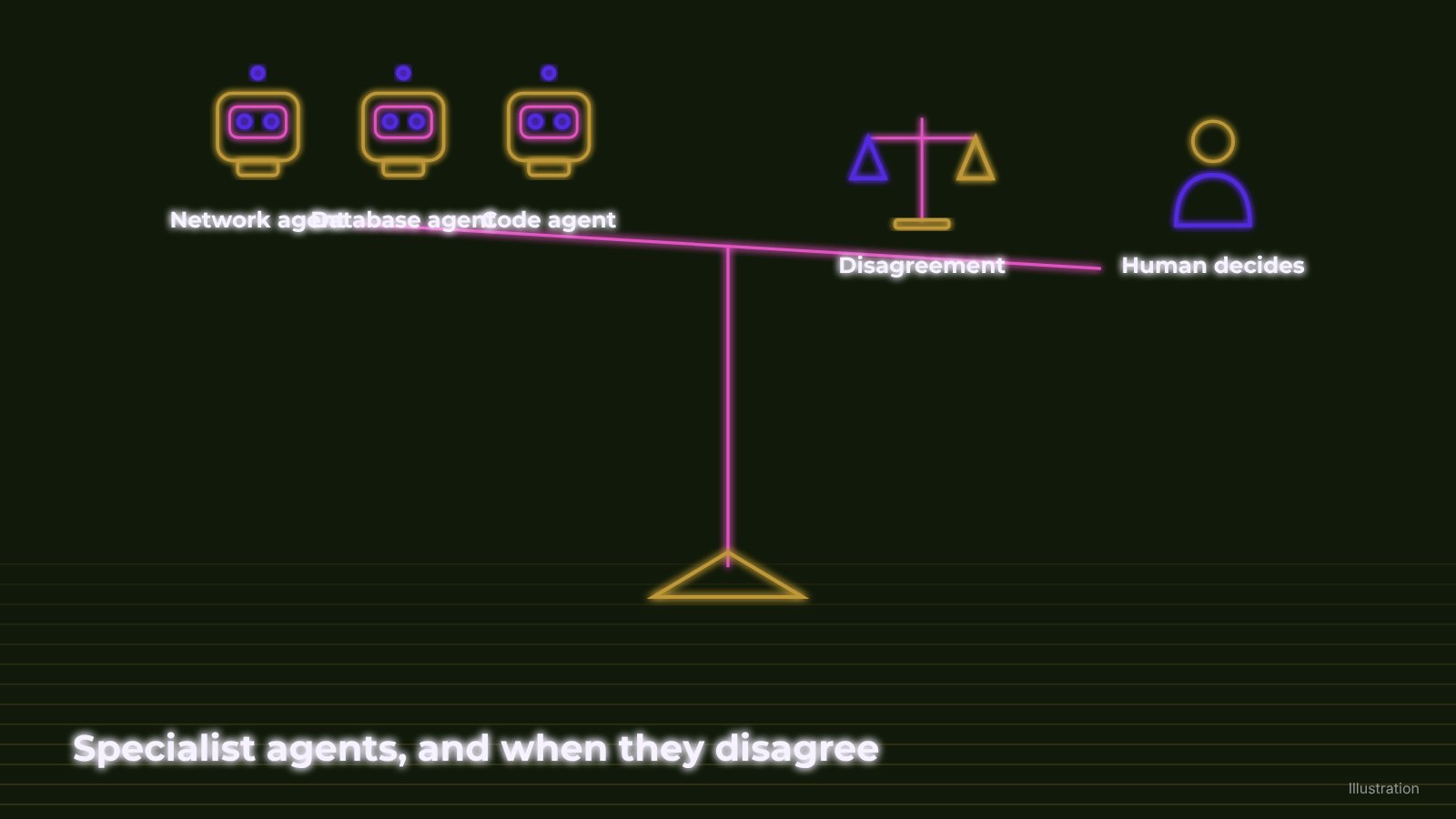
Each agent owns one kind of evidence:
- Intake. The customer, the ticket and its history, and which evidence sources are connected.
- Telemetry. Production errors, live log search, Kubernetes pod health, PagerDuty incidents, traces and metrics.
- API diagnostics. Failing test requests linked to the ticket or investigation.
- Environment. Recent changes in the customer's environment: versions, platforms, configuration.
- Deployments. Releases before the report, compared before and after.
- Knowledge. Known issues, earlier fixes, related tickets and failing synthetic checks.
- Synthesis. Weighs everything: correlations, possible causes, confidence and the report.
- Remediation advisor. Proposes next steps and registered operations that fit the likely cause.
These "agents" are deterministic programs, not extra AI model calls. They're specialists in the sense that matters: each has a narrow job, a time limit and its own record.
In parallel where it's safe
Agents run as a graph. Once intake has finished, telemetry, API diagnostics and environment don't depend on each other, so they run at the same time. Deployments and knowledge need to know which service and errors telemetry found, so they go next. Synthesis waits for everyone.
The result is faster investigations, and a clear picture of where the time goes: every agent's duration is recorded.
A failure is a gap, not a dead end
If the API diagnostics store is unavailable, or a monitoring tool times out, that agent fails, and the others carry on. The report is marked partial and says exactly which evidence is missing. A partial investigation with a named gap is far more useful than an error page.
If the server restarts in the middle of a run, the run picks up from the agents that already finished. Nothing is gathered twice, and two people pressing "Re-run" at the same moment join one run instead of starting two.
When the evidence disagrees
Sometimes two agents' findings point in different directions:
- A release looks related, but the matching errors were first seen before it went out.
- A known issue matches the ticket text, but no matching production error exists.
- Synthetic checks are failing while production errors went down.
A system built to sound confident would quietly pick one. TR-AI shows the conflict on the investigation's overview and in the Agents tab, names the agents involved, and leaves the judgement to your team. A possible cause is still never presented as the confirmed root cause until someone confirms it.
Read-only by design
Every agent reads; none of them change anything. Only the remediation advisor can propose an action (escalate to engineering, recommend a rollback, run a check) and each proposal still goes through its approval level. Ticket text, logs and API responses are treated as untrusted data throughout: masked, flagged if they look like instructions, never executed.
A worked example, start to finish
Here's Nadia's export investigation, with specialist agents. The details are illustrative.
09:40, intake. The investigation starts. Intake reads the customer, the ticket and its history, and which sources are connected: Sentry, the logging tool, Kubernetes, the API test store, deployments.
09:40, three agents at once.
- Telemetry finds
ExportWriterError(500) on export-service, first seen at 09:02, and pods restarting. The slow logging tool takes a while; the others don't wait. - API diagnostics fails: the API test store is down for maintenance. The others carry on.
- Environment finds the customer upgraded to version 7.4 last week.
09:41, next. Knowing the service and errors from telemetry:
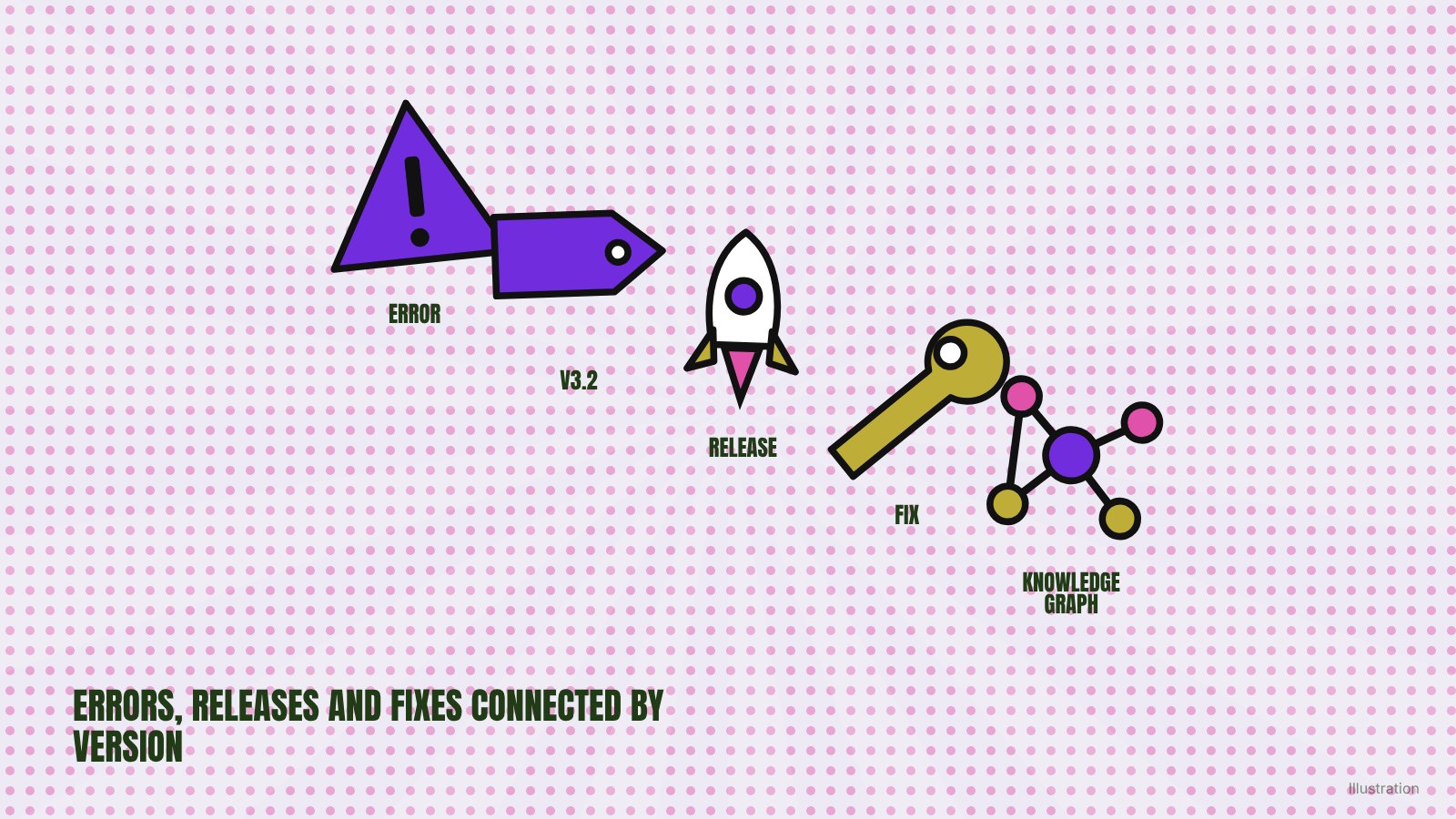
- Deployments finds release export-service 3.2 at 09:10, compared before and after.
- Knowledge finds an earlier ticket with the same error from 7.4 and a known issue "Large exports fail on 7.4".
09:42, a conflict. The release at 09:10 looks related, but the errors were first seen at 09:02, before it went out. The investigation's overview shows the conflict, naming the telemetry and deployments agents. Synthesis doesn't quietly pick one.
09:43, synthesis. Possible causes: the 7.4 large-export issue (strong: the known issue, the earlier ticket, the customer's upgrade); the 3.2 release (weak: timing, contradicted by the error times). The report is marked partial: API test results missing (API diagnostics store unavailable).
09:43, remediation advisor. Proposes linking the ticket to the known issue and running a check on export-service. Each goes through its approval level.
The Agents tab. Nadia sees the graph, what each agent found, how long each took (telemetry the slowest, because of the logging tool), and that API diagnostics failed.
10:00. The API test store comes back. Nadia presses Re-run; a colleague presses it at the same moment. They join one run. Only API diagnostics and the agents after it run again. The report is complete.
Five more real-world scenarios
1. A server restart
Situation. The server restarts mid-investigation.
How TR handles it. The run picks up from the agents that already finished.
2. A known issue with no errors
Situation. A known issue matches the ticket text, but no matching production error exists.
How TR handles it. Shown as a conflict for your team to judge.
3. Synthetic checks failing, errors falling
Situation. Checks fail while production errors went down.
How TR handles it. Shown as a conflict, with the agents involved.
4. Instructions hidden in logs
Situation. A log line reads like an instruction.
How TR handles it. Masked, flagged, never executed.
5. A rollback proposal
Situation. The remediation advisor recommends a rollback.
How TR handles it. It goes through its approval level; agents never change anything themselves.
Before and after
Before. A slow logging tool, a failed investigation because one store was down, two re-runs and a manual search.
After. Three agents at once, one failure shown as a named gap, a conflict surfaced instead of hidden, a partial report in three minutes, and a complete one after a single shared re-run.
How to tell it's working
- Investigations finish, even when a source is down.
- Partial reports name exactly what's missing.
- Conflicts get discussed, not buried.
Who it's for
- Support engineers running investigations.
- Engineers who want to see how a conclusion was reached.
- Platform teams who want to know which source is slow.
How it fits with the rest of TicketResolve
Specialist agents run every TR Investigate investigation, drawing on monitoring, logs, Kubernetes, PagerDuty, traces, the API workbench, customer environments, deployments, known issues and synthetic checks. The remediation advisor proposes registered operations, each with its approval level.
Why show conflicts instead of resolving them
When evidence disagrees, there's usually something interesting going on: a cause that started before the obvious suspect, a known issue that doesn't apply this time, a check that's failing for its own reasons. A system that silently picks one answer hides exactly the information an engineer needs. Naming the conflict, and the agents involved, puts the judgement where it belongs: with your team.
Reading the Agents tab
The Agents tab is the audit trail of an investigation. Read it top to bottom: which sources were connected, what each agent found, how long it took, and which failed. A slow agent tells you which tool to speed up or connect differently. A failed agent tells you what evidence is missing from the report. A conflict tells you where to focus. And earlier runs show what changed between re-runs.
Mistakes to avoid
- Ignoring a "partial" label. Check what's missing.
- Resolving a conflict by picking the more convenient answer.
- Re-running repeatedly when one source is down; fix the source.
Do it in TicketResolve, step by step
Where: any investigation in TR Investigate (/dashboard/investigate), Agents tab. You'll need: the evidence sources you want agents to use, connected. Full guides: TR Investigate: from a ticket to a verified fix and TR Investigate reliability.
- Open an investigation.
- Check the overview for conflicts and whether the report is partial.
- Open the Agents tab to see the graph.
- Read what each agent found and how long it took.
- Note failed agents and the evidence they would have added.
- Judge conflicts with your team; confirm causes on the Findings tab.
- Re-run when a missing source is back.
How to check it worked: the Agents tab shows each agent's result and duration, and a partial report names its missing evidence.
Frequently asked questions
What are the specialist agents? Intake, telemetry, API diagnostics, environment, deployments, knowledge, synthesis and remediation advisor.
Are they AI models? No. They're deterministic programs, not extra AI model calls.
Do they run at the same time? Where safe: telemetry, API diagnostics and environment run in parallel after intake.
What if one fails? The others carry on, and the report is marked partial with the missing evidence named.
What about a server restart? The run picks up from the agents that already finished.
What if two people press Re-run? They join one run.
What happens when evidence disagrees? The conflict is shown, with the agents involved, for your team to judge.
Can agents change anything? No. Only the remediation advisor proposes actions, each through its approval level.
Explore Topics
Written by
Ghulam Shabbir
Content creator and writer sharing insights and stories.