
SLA and Contract Intelligence: Business-Hour Clocks, Breach Prediction and Escalation Before It Happens
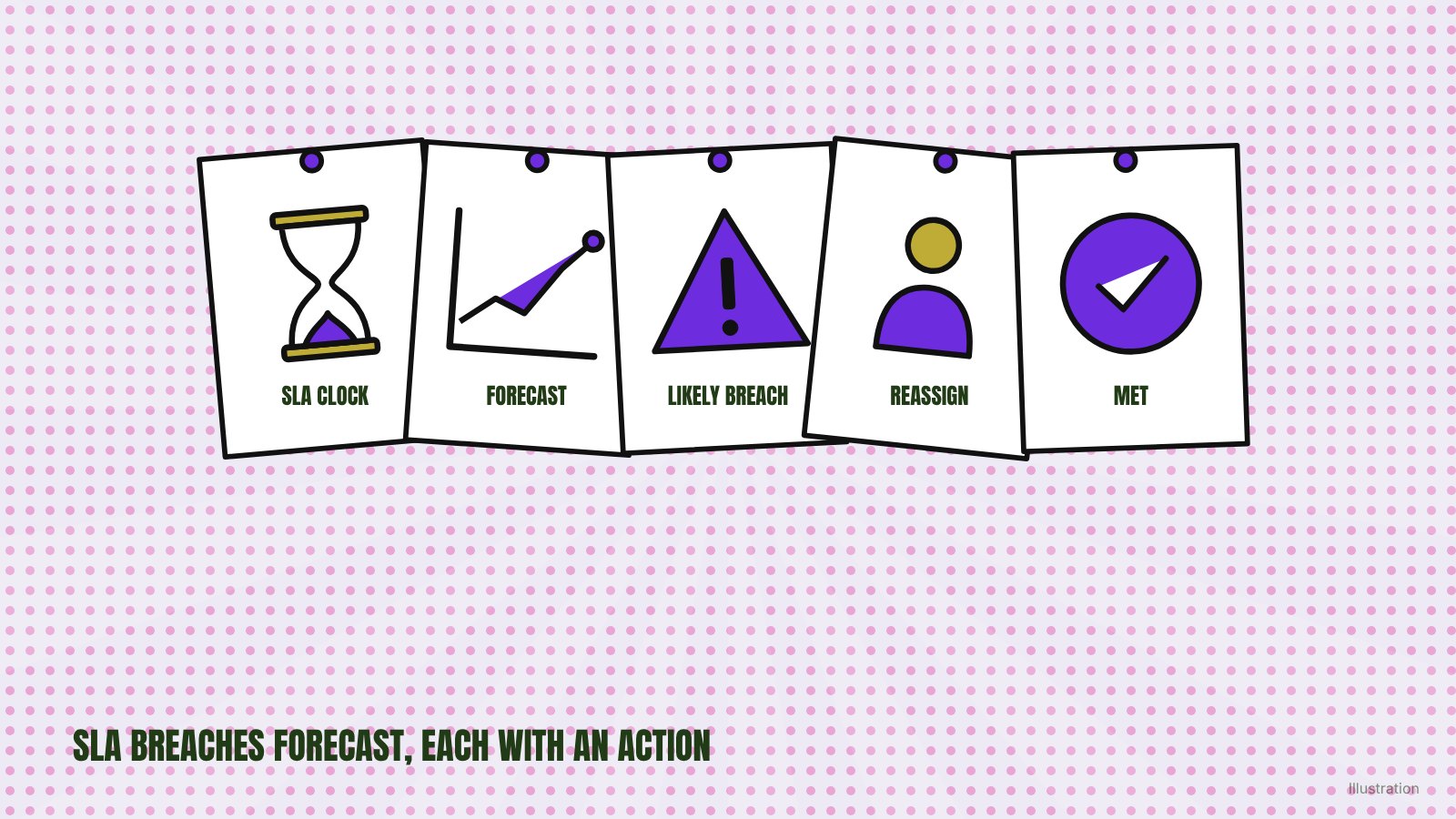
Most help desks have one SLA; most B2B contracts don’t. SLA & contracts models who each promise applies to, separate first-response and resolution targets per priority, business-hour calendars with holidays, defensible pauses, escalation before the deadline, breach predictions, and penalties where contracts have them.
Most help desks have one SLA: "reply within 24 hours". Most B2B contracts don't. Your enterprise customers were promised 30-minute first responses on critical issues, your Growth plan gets business hours only, and somebody signed a contract with service credits for every missed target. If the help desk can't tell these apart, the first time anyone notices a breach is when the customer's procurement team does.
Here's how one SLA fails, at a company that sells a logistics-tracking platform:
- Friday 16:55. A Growth-plan customer reports a minor bug. The help desk's 24-hour clock starts. Over the weekend, it breaches. On Monday, the dashboard shows red, even though the customer's contract says business hours only.
- The same Friday, 17:10. An enterprise customer reports that tracking is down: critical. Their contract promises a 30-minute first response, 24 × 7. The help desk clock shows 24 hours. Nobody replies until Saturday morning.
- A month later, the enterprise customer's procurement team sends a service-credit claim for three breaches. Support didn't know there were any.
- Meanwhile, an agent has learned to pause clocks on any ticket that looks slow. Compliance looks great.
First, the basics
- An SLA (service-level agreement) is a promised response or resolution time.
- A policy says who an SLA applies to and what the targets are.
- First response and resolution are separate targets.
- A business-hour calendar says when the clock runs, in the customer's time zone, with holidays.
- A pause stops the clock while you're waiting on the customer.
- An escalation point is a share of the target (say 75%) when a ticket is escalated.
- A penalty or service credit is what a contract says you owe for a breach.
- A breach prediction estimates the chance of missing the target.
Why does this matter? Contracts are promises with consequences. A support team that tracks each contract's real targets, in the right hours, with honest pauses and early escalation, keeps those promises, and knows about the ones it missed before the customer does.
The problem, in plain terms
- One SLA for every contract.
- Clocks run at weekends for business-hours customers, and stop for 24 × 7 ones.
- Pauses get abused.
- Breaches are counted, not predicted.
- Penalties are discovered by customers first.
Model the contract, not the queue
A useful SLA policy answers four questions:
- Who does it apply to? Plan, customer tags, organisation, e-mail domain, channel and priority. The first matching policy wins, so you can put "Enterprise contract" above "Growth plan" above a 24 × 7 default.
- What are the targets? First response and resolution, separately, per priority. A critical ticket might need a reply in 30 minutes and a fix in 4 hours; a low one can wait two days.
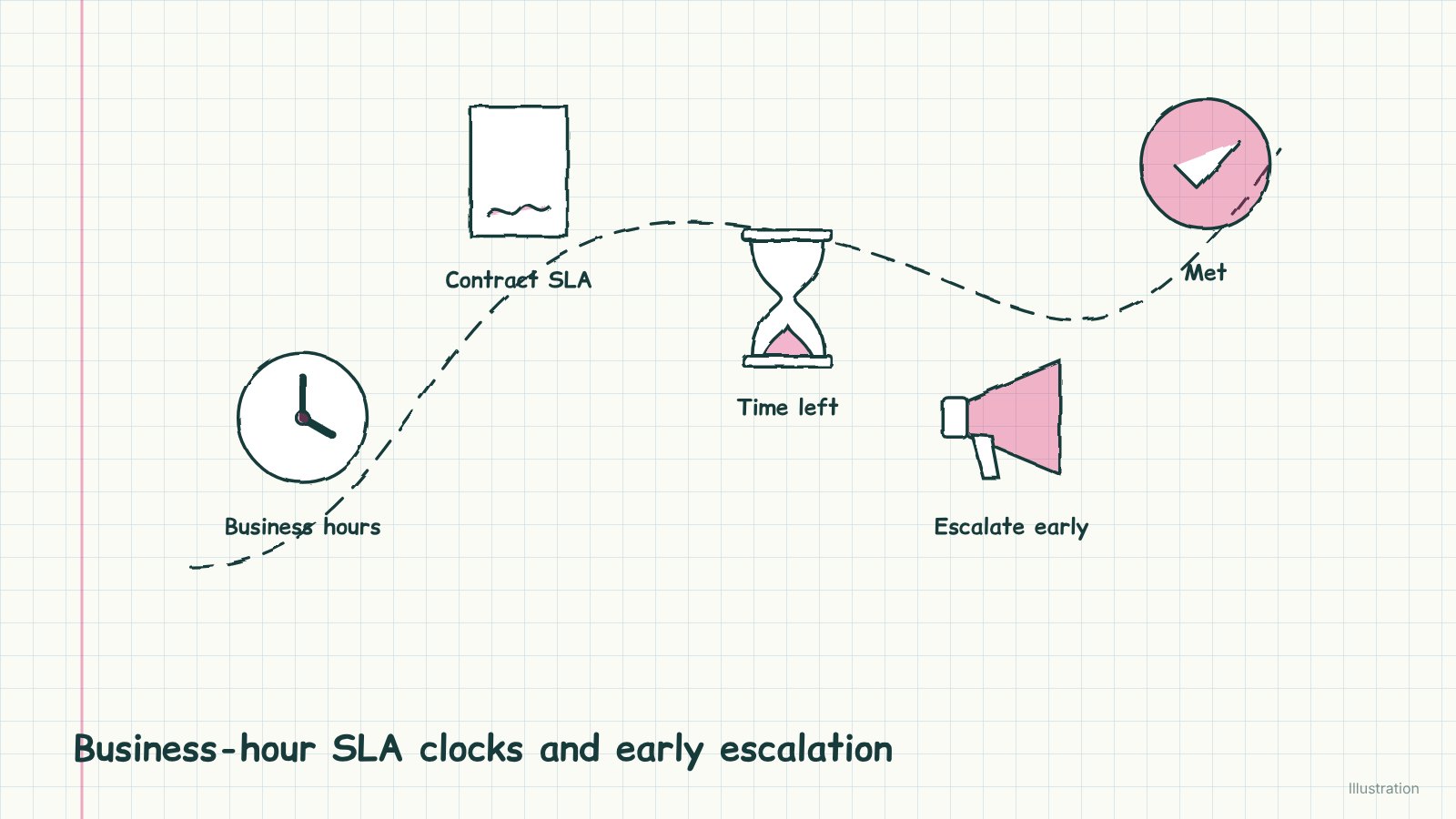
- When does the clock run? A business-hour calendar in the customer's time zone, with holidays. A ticket that arrives at 16:55 on a Friday with a 2-hour target is due at 10:55 on Monday, not at 18:55 on Friday.
- What happens near the end? Escalate at, say, 75% of the target (to the Support Lead queue, the Manager queue or the escalation queue) and record a penalty per breach if the contract has one.
Pause rules people can defend
Clocks should stop while you are genuinely waiting on the customer, and only then. Make pausing explicit (a person or an integration pauses it, with a reason), keep every pause, and resume when the customer replies. The report then shows paused time separately, so nobody games the numbers by pausing everything.
Predict the breach, don't just count it
A countdown tells you how much time is left. It doesn't tell you whether that is enough. Prediction does: compare how long this ticket has been open with how long your own team took to solve similar tickets in the last 90 days, adjust for the current queue load, and you get a breach chance with reasons ("82% of the target used; similar tickets took 9 hours; queue 1.4× busier than usual"). That is an estimate, and it should be labelled as one.
TR-AI checks every open hand-off every five minutes. When a clock passes its escalation point, is predicted to breach, or breaches, the ticket moves to the policy's queue with an internal note on the help-desk ticket (once per ticket and clock, so nobody gets spammed) and any workflow listening for "SLA at risk" starts.
Who is behind the delay?
The breach report breaks compliance down by policy, priority and customer, lists penalties by currency, and shows whose tickets ran late. Read that last table carefully: queue load, hand-offs and missing information make tickets late too. It is a coaching and rebalancing tool, not a ranking. The live view helps with the rebalancing part: it shows who on shift holds the at-risk tickets and suggests moving work to whoever has capacity.
A worked example, start to finish
Here's the logistics company, with SLA & contracts. The details are illustrative.
Setup. The support operations lead, Priya, creates:
- Calendars: EU business hours (Mon–Fri 09:00–18:00 Europe/Berlin, with German holidays) and 24 × 7.
- Policies, in order:
- Enterprise contract (tag
enterprise): 24 × 7; critical: first response 30 min, resolution 4 h; high: 1 h / 8 h; escalate at 75% to the Manager queue; penalty: €500 per breach. - Growth plan (plan
growth): EU business hours; critical 2 h / 1 day; low 1 day / 2 days; escalate at 75% to the Support Lead queue; no penalty. - Default: 24 × 7, 24 h / 3 days.
- Enterprise contract (tag
Friday 16:55, Growth plan. A minor bug, low priority. First-response target 1 business day: the clock runs until 18:00, stops for the weekend, and the ticket is due Monday 16:55, not Saturday. No false breach.
Friday 17:10, enterprise critical. "Tracking is down." Policy 1 matches first: 30-minute first response, 24 × 7. At 75% (17:32), the ticket moves to the Manager queue with an internal note on the help-desk ticket. A workflow listening for "SLA at risk" starts and alerts the on-call lead, Tomasz, who replies at 17:36. Met.
Saturday, a pause. Engineering asks the enterprise customer for logs. Tomasz pauses the resolution clock with a reason: "waiting for customer logs". When the customer replies Sunday morning, it resumes. Paused time shows separately in the report.
Sunday, a prediction. Resolution: "82% of the target used; similar tickets took 9 hours; queue 1.4× busier than usual": breach chance high, labelled an estimate. The live view shows Tomasz holds three at-risk tickets; it suggests moving one to a colleague with capacity. He does. The critical ticket is fixed in time.
End of month, the report. By policy, priority and customer. One enterprise breach (a high-priority ticket during a busy night): €500, listed by currency. Priya knows before procurement does, and offers the credit proactively. The "whose tickets ran late" table shows the agent who used to pause everything now has normal pause times; pauses need reasons.
Five more real-world scenarios
1. A holiday
Situation. A ticket arrives on a public holiday in Germany.
How TR handles it. The EU calendar skips the holiday.
2. A customer in another time zone
Situation. A US customer on business hours.
How TR handles it. Use a calendar in their time zone.
3. Pausing without a reason
Situation. An agent tries to pause a clock with no reason.
How TR handles it. Pausing is explicit and needs a reason; every pause is kept.
4. Repeated escalation notes
Situation. A ticket stays at risk for hours.
How TR handles it. One internal note per ticket and clock, not repeated spam.
5. Pausing from your own systems
Situation. Your status page knows when you're waiting on a customer.
How TR handles it. Integrations can pause clocks through the API, with a reason.
Before and after
Before. One 24-hour clock, false breaches at weekends, a missed 30-minute enterprise promise, abused pauses, and a service-credit claim from procurement.
After. Policies per contract, business hours with holidays, a critical ticket escalated at 75% and answered in 26 minutes, defensible pauses, predictions with reasons, and penalties known first.
How to tell it's working
- Breaches are predicted and escalated before they happen.
- Paused time is reasonable and explained.
- You know about penalties before customers claim them.
Who it's for
- Support operations leads who set up SLAs.
- Support Leads and Managers who receive escalations.
- Account managers of contract customers.
How it fits with the rest of TicketResolve
SLA & contracts uses your help desk tickets and priorities, Customer 360 plans, tags and organisations, SLA predictions, workflows listening for "SLA at risk", and the Lead, Manager and escalation queues. Breaches feed the Command centre.
Why the first matching policy wins
Customers often match more than one rule: an enterprise customer is also on a plan, in a domain, using a channel. Ordering policies from most to least specific, and using the first that matches, means the contract always beats the plan, which beats the default. It's easy to read and easy to explain to a customer asking which promise applies to them.
Writing policies from contracts
Start with your contracts, not your help desk. List each contract tier's promised targets, hours, holidays and penalties. Create one calendar per support region. Create one policy per tier, most specific first. Set the escalation point at 70–80% of the target, to a named queue. Record penalties only where the contract has them. Then test: create a ticket at 16:55 on a Friday and check when it's due.
Mistakes to avoid
- One SLA for all contracts.
- Pausing without a reason.
- Using the late-tickets table to rank people.
Do it in TicketResolve, step by step
Where: SLA & contracts (/dashboard/sla-risk). You'll need: your contract terms; help-desk priorities; Customer 360 plans and tags. Full guides: SLA risk: tickets likely to miss their target and Support operations.
- Create business-hour calendars per support region, with holidays.
- Create a policy per contract tier, most specific first.
- Set first-response and resolution targets per priority.
- Set the escalation point (70–80%) and its queue.
- Record penalties where contracts have them.
- Pause only while waiting on the customer, always with a reason.
- Review the breach report and rebalance from the live view.
How to check it worked: a test ticket at 16:55 on Friday shows the right due time, and escalations arrive in the named queue with one internal note.
Frequently asked questions
Who does a policy apply to? Based on plan, tags, organisation, domain, channel and priority; the first matching policy wins.
Are first response and resolution separate? Yes, per priority.
Do clocks respect business hours? Yes, in the customer's time zone, with holidays.
When are tickets escalated? At the escalation point you set, such as 75% of the target, to a named queue.
How are pauses handled? Explicitly, with a reason, kept, and resumed when the customer replies.
Are breaches predicted? Yes, from similar tickets and queue load, labelled as an estimate.
How often are clocks checked? Every five minutes.
Are penalties tracked? Per breach where the contract has them, listed by currency.
Explore Topics
Written by
Ghulam Shabbir
Content creator and writer sharing insights and stories.