
Not Every Release Deserves the Same Care. Here’s How to Tell Which Ones Do.
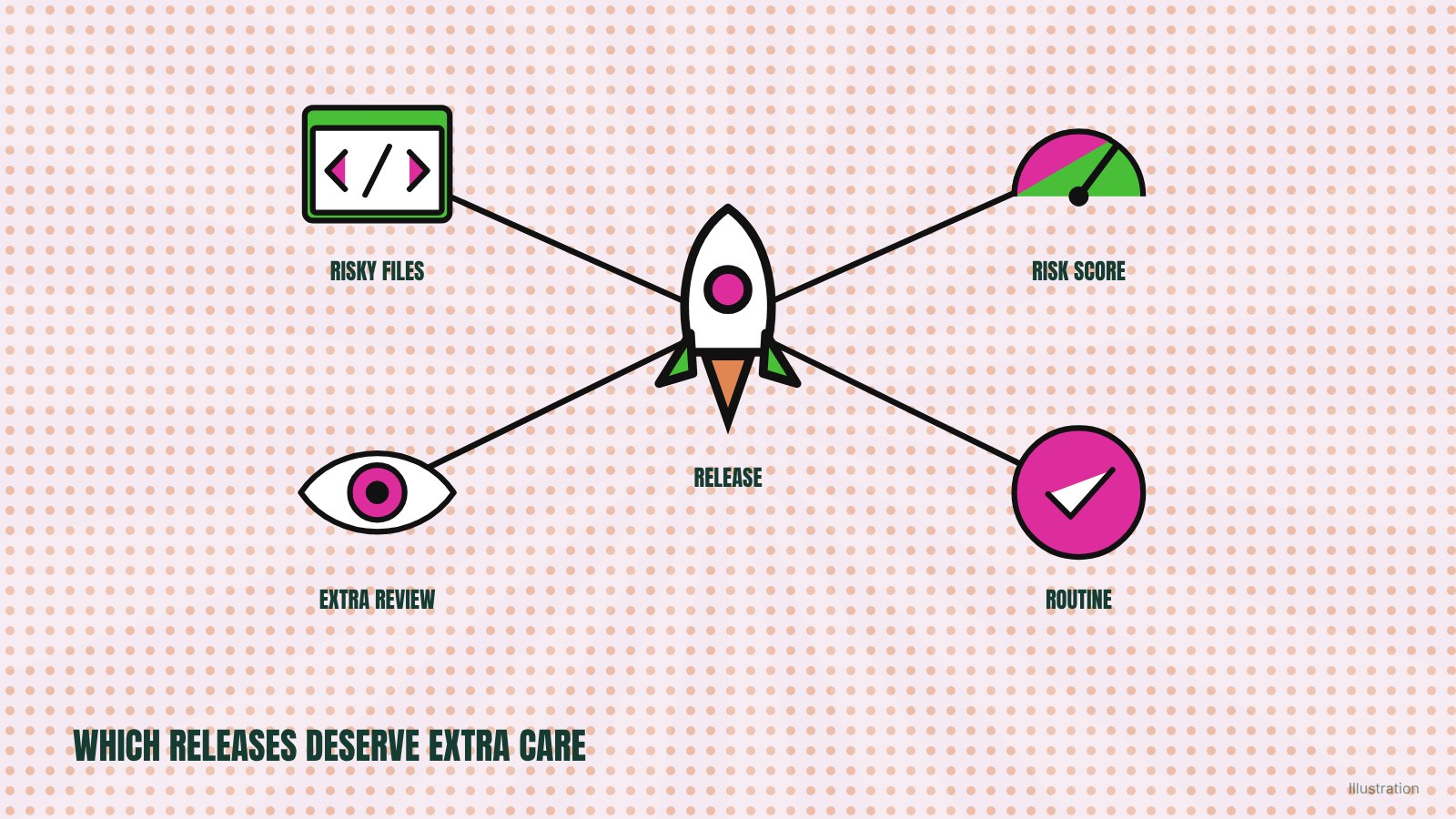
Support usually knows which parts of the product are fragile; release planning usually doesn’t. Release risk scores a pull request, changed files or a service from your own bug, defect, incident and ticket history, explains every factor, suggests tests and safeguards, and never blocks a release unless you set a policy.
Most teams treat every deployment the same way, then remember the hard way that some deserved more care: the release that changed invoice totals on the first of the month, or the migration that couldn't be rolled back.
Support usually knows which parts of the product are fragile. Now that knowledge can reach the release.
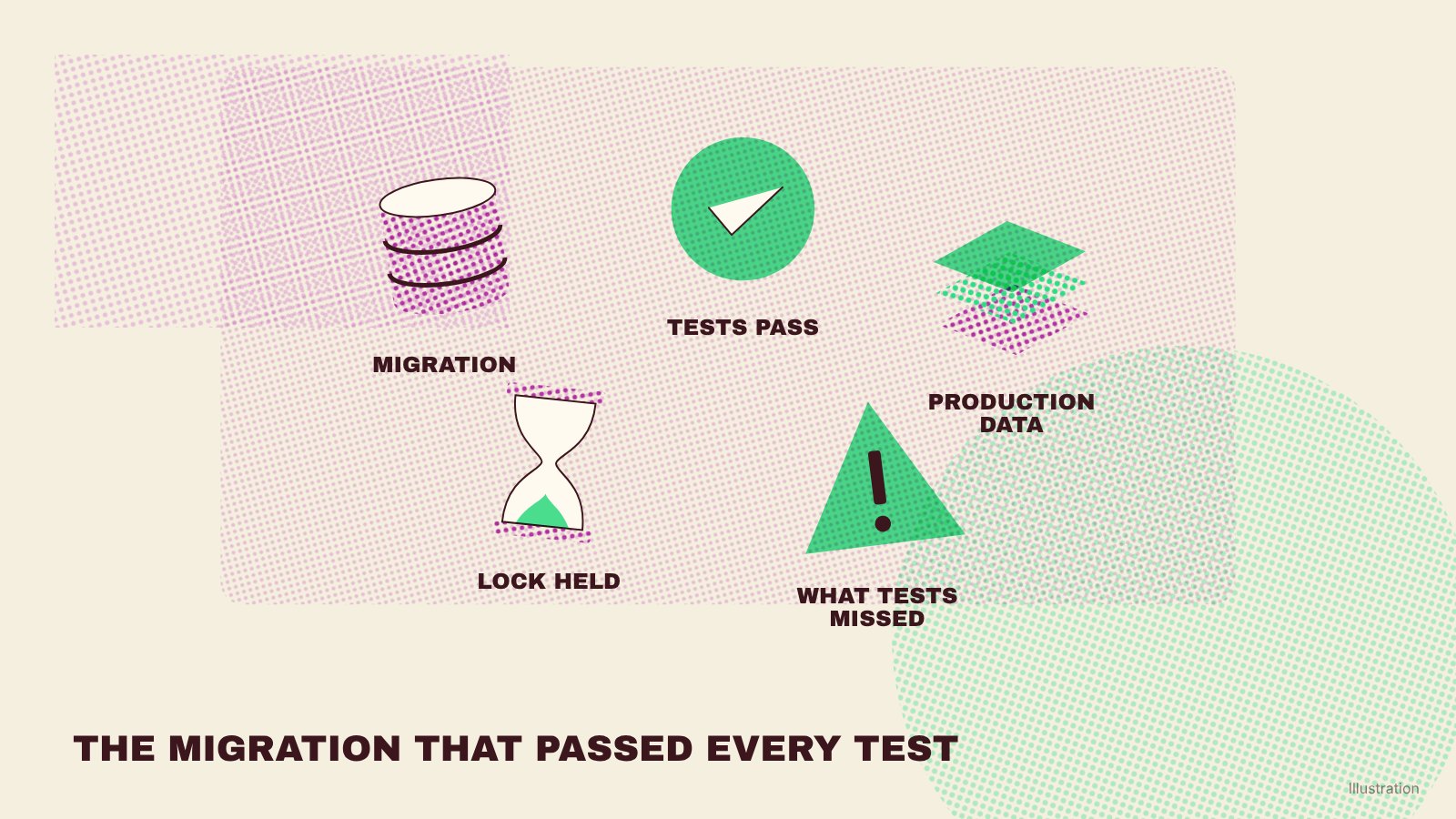
Here's how that gap looks at a company that sells invoicing software to freelancers. On the last Thursday of the month, an engineer, Felipe, opens a pull request:
- What it changes: a small refactor of the tax-rounding function, plus a database migration that renames a column.
- The review: two approvals, "looks clean".
- The deploy: Thursday afternoon, like every other release.
What nobody in the review knew:
- the tax-rounding file had three bug fixes in the last four months;
- support had an open known issue about rounding on multi-currency invoices;
- the last release that touched that service was followed by a spike of billing tickets;
- month-end is when most freelancers send invoices.
On the 1st, invoice totals are off by a cent for some currencies. Rolling back the code doesn't roll back the renamed column. The fix takes two days.
First, the basics
- A release is a deployment of code to production. A pull request is a proposed change to the code.
- Changed files are the files a change touches (from
git diff --name-only). - A bug-fix commit is a commit that referenced a bug ticket.
- An open defect is a known bug not yet fixed.
- A known issue is a problem your team is tracking for customers.
- A migration changes the database structure.
- A canary releases to a small share of users first. A feature flag turns a change on or off without a deploy.
- CI (continuous integration) is the pipeline that tests and ships code.
Why does this matter? Most releases are fine. The few that aren't usually touch areas with a history: repeated bugs, open defects, support pain. Bringing that history to the release, as a score with its evidence and practical advice, lets teams spend extra care where it counts and move quickly everywhere else.
The problem, in plain terms
- Every release gets the same process.
- Bug history and support pain aren't visible to reviewers.
- Migrations are treated like code changes.
- Rollback plans assume everything rolls back.
- Gates are all or nothing.
What it looks at
Pick a pull request (from your connected GitHub or GitLab), paste the changed files, or name the service, and TR-AI checks six things, each with its evidence:
- Bugs fixed in the same files in the last 120 days, from commits that referenced bug tickets.
- Open defects in those areas.
- Problems after earlier releases of the same service: ticket or incident spikes worth checking.
- Customer activity in those areas: how many tickets mention them.
- Open known issues there.
- Size and sensitivity: migrations, authentication, billing, configuration, infrastructure.
The result is a 0–100 score, low, medium or high, with every factor shown so you can disagree with it.
What to do about it
The point isn't the number; it's the advice that comes with it:
- Regression tests to run. The ones made from earlier bugs in these areas.
- Safeguards. A backup and a separate step for a database migration, a canary for configuration, a feature flag for areas that broke before, a known-issue note ready if customers use the area heavily.
- Rollback considerations. Including when a migration won't simply roll back with the code.
In CI, on your terms
CI can ask for the same assessment with a signed request and print it in the pipeline. TR-AI never blocks, or approves, a release by itself. If you want a hard gate, an admin sets a policy ("fail at 80 or more"), and only then does the answer say block.
It's an estimate from your records, not a prediction. A low score doesn't make a release safe; a high one tells you where to look.
A worked example, start to finish
Here's Felipe's pull request again, with release risk. The details are illustrative.
Thursday morning. Felipe opens Engineering intelligence → Release risk, picks his pull request from GitHub, and clicks Assess the release.
The six factors, each with evidence:
- Bugs fixed in the same files: 3 in the last 120 days, from commits referencing BUG-311, BUG-340 and BUG-366.
- Open defects: 1, multi-currency rounding.
- Problems after earlier releases: a spike of billing tickets after the last release of the invoicing service.
- Customer activity: many tickets mention tax or rounding in the last month.
- Open known issues: 1, rounding on multi-currency invoices.
- Size and sensitivity: a migration and billing code.
Score: high, with every factor shown.
The advice.
- Regression tests to run: the three made from BUG-311, BUG-340 and BUG-366.
- Safeguards: a backup and a separate step for the migration; a feature flag for the rounding change, because the area broke before; a known-issue note ready, because customers use the area heavily.
- Rollback considerations: the column rename won't roll back with the code.
Thursday, the changes. Felipe splits the pull request: the migration ships first, on its own, after a backup, adding the new column without dropping the old one. The rounding refactor ships behind a feature flag, off by default. The three regression tests run; one fails on a currency with three decimal places. He fixes it.
Friday, in CI. The pipeline asks for the assessment with a signed request and prints it. The team has an admin-set policy, "fail at 80 or more". The rounding change, now behind a flag with passing tests, still scores high because of its history, so the pipeline says block, exactly as the team's policy intends. A lead reads the factors, checks the flag and the passing tests, and releases it through the team's own override process.
The 1st. Invoices go out. The flag is turned on for a small share of accounts, then everyone. No cent-off totals.
Five more real-world scenarios
1. A low score on a big change
Situation. A large UI change touches files with no bug history.
How TR handles it. A low score, with factors shown. Low doesn't mean safe; it means nothing in your records points at it.
2. A configuration change
Situation. A change to rate limits.
How TR handles it. Sensitivity: configuration. Safeguard: a canary.
3. No pull request
Situation. A hotfix with no PR.
How TR handles it. Paste the changed files, or name the service.
4. No policy set
Situation. CI asks for an assessment; no admin policy exists.
How TR handles it. The assessment is printed. TR-AI never blocks or approves by itself.
5. Disagreeing with the score
Situation. An engineer thinks one factor doesn't apply.
How TR handles it. Every factor is shown with its evidence, so the team can judge for themselves.
Before and after
Before. A clean-looking pull request, a Thursday deploy like any other, cent-off invoices on the 1st, and a migration that wouldn't roll back.
After. A high score with six factors and their evidence, the migration split out with a backup, the rounding change behind a flag, a failing regression test caught before release, and a policy gate the team chose.
How to tell it's working
- High-risk releases get safeguards before they ship.
- Migrations ship as separate steps.
- Post-release spikes fall in fragile areas.
Who it's for
- Engineers opening risky pull requests.
- Release managers deciding how carefully to ship.
- Support leads whose knowledge of fragile areas finally reaches engineering.
How it fits with the rest of TicketResolve
Release risk uses your code connection (GitHub or GitLab), engineering issues, known issues, ticket history, and production regressions from earlier releases. It suggests regression tests from earlier bugs, and its score appears as each release's pre-release risk score in Production regressions.
Why TR-AI never blocks by itself
A tool that blocks releases on its own judgement quickly becomes a tool people work around. The score is an estimate from your records, and records have gaps. So by default the assessment informs, and people decide. If your team wants a hard gate, an admin chooses the threshold and writes it as a policy, and the pipeline enforces what your team decided, not what the tool guessed.
Reading the six factors
Each factor tells you something different. Bug history says the code is hard to get right. Open defects say there are known problems nearby. Problems after earlier releases say this service has surprised you before. Customer activity says how many people will notice. Known issues say customers are already sensitive here. Sensitivity says what kind of mistake would hurt most: billing, authentication, data. A release with one strong factor needs one safeguard; a release with five needs a plan.
Mistakes to avoid
- Treating a low score as proof of safety.
- Shipping migrations together with code that depends on them.
- Turning on a gate without agreeing the threshold as a team.
Do it in TicketResolve, step by step
Where: Engineering intelligence → Release risk (/dashboard/engineering-intelligence). You'll need: GitHub or GitLab connected for pull requests; an issue tracker; tickets. Full guides: Engineering intelligence and the unified timeline and Regression tests and settings history.
- Open Engineering intelligence and go to Release risk.
- Pick a pull request, paste changed files, or name the service.
- Click Assess the release.
- Read the score and all six factors, each with evidence.
- Run the suggested regression tests.
- Apply safeguards: backups and separate steps for migrations, canaries, feature flags, known-issue notes.
- Optionally, have an admin save a policy (for example, fail at 80 or more) for CI.
How to check it worked: the assessment shows a score with every factor and its evidence, plus tests, safeguards and rollback considerations.
Frequently asked questions
What can I assess? A pull request, a list of changed files, or a service.
What does it look at? Bug fixes in the same files, open defects, problems after earlier releases, customer activity, known issues, and size and sensitivity.
How far back does bug history go? 120 days, from commits that referenced bug tickets.
What does the score mean? 0–100, low, medium or high: an estimate from your records, not a prediction.
What advice comes with it? Regression tests to run, safeguards and rollback considerations.
Can it run in CI? Yes, with a signed request; the assessment is printed in the pipeline.
Will it block my release? Only if an admin sets a policy; TR-AI never blocks or approves by itself.
Does a low score mean safe? No. A high one tells you where to look.
Explore Topics
Written by
Ghulam Shabbir
Content creator and writer sharing insights and stories.