
Tell Customers First: Proactive Outreach With a Second Pair of Eyes
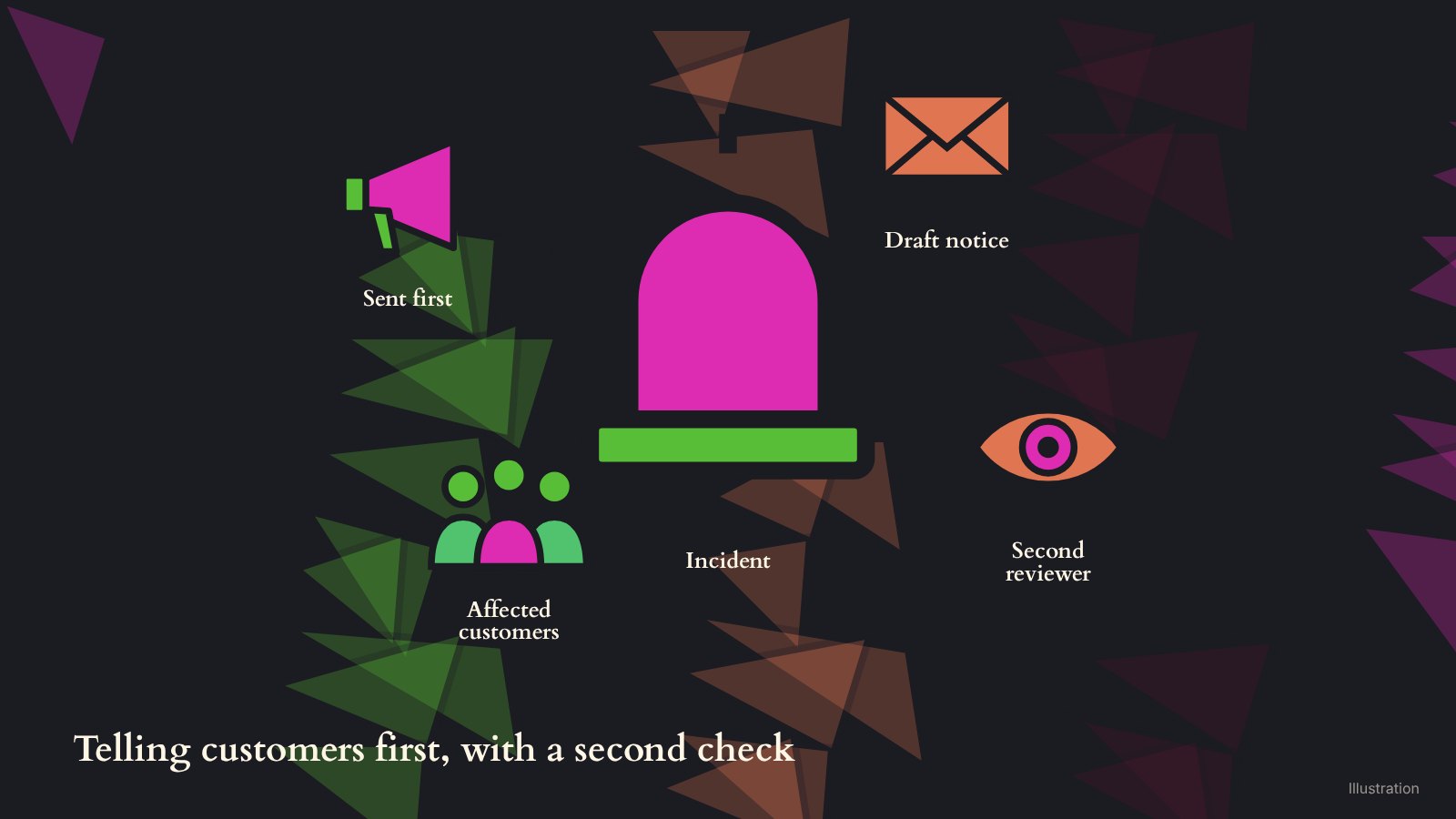
When something breaks, the customers it affects shouldn’t have to open a ticket to find out. Outreach writes one notice for everyone affected by an incident or at technical risk, has mass and sensitive messages approved by a teammate, never sends twice, and tracks every delivery.
Most support teams find out a customer is affected when the customer tells them. During an incident that means a queue of near-identical tickets, each answered one at a time, while the people who haven't written in yet stay in the dark. Proactive outreach turns that around: you already know who's affected, so tell them.
Here's an incident at a company that sells a payroll platform. On the last working day of the month, payslip generation fails for customers using a particular bank-file format:
- 10:00. The first ticket arrives. By 11:00, there are 46, all asking the same thing.
- The team answers each one by hand, with slightly different wording, some more accurate than others.
- Around 120 other affected customers haven't noticed yet. They find out at 16:00, when their payroll run fails.
- At 14:00, a well-meaning agent sends a bulk e-mail from the help desk: "This is fixed." It wasn't, yet. A second e-mail follows an hour later to correct it.
Every piece of information existed: who was affected, what was happening, and what to do. It just didn't reach customers in one clear, checked message.
First, the basics
- Proactive outreach tells customers about a problem before they ask.
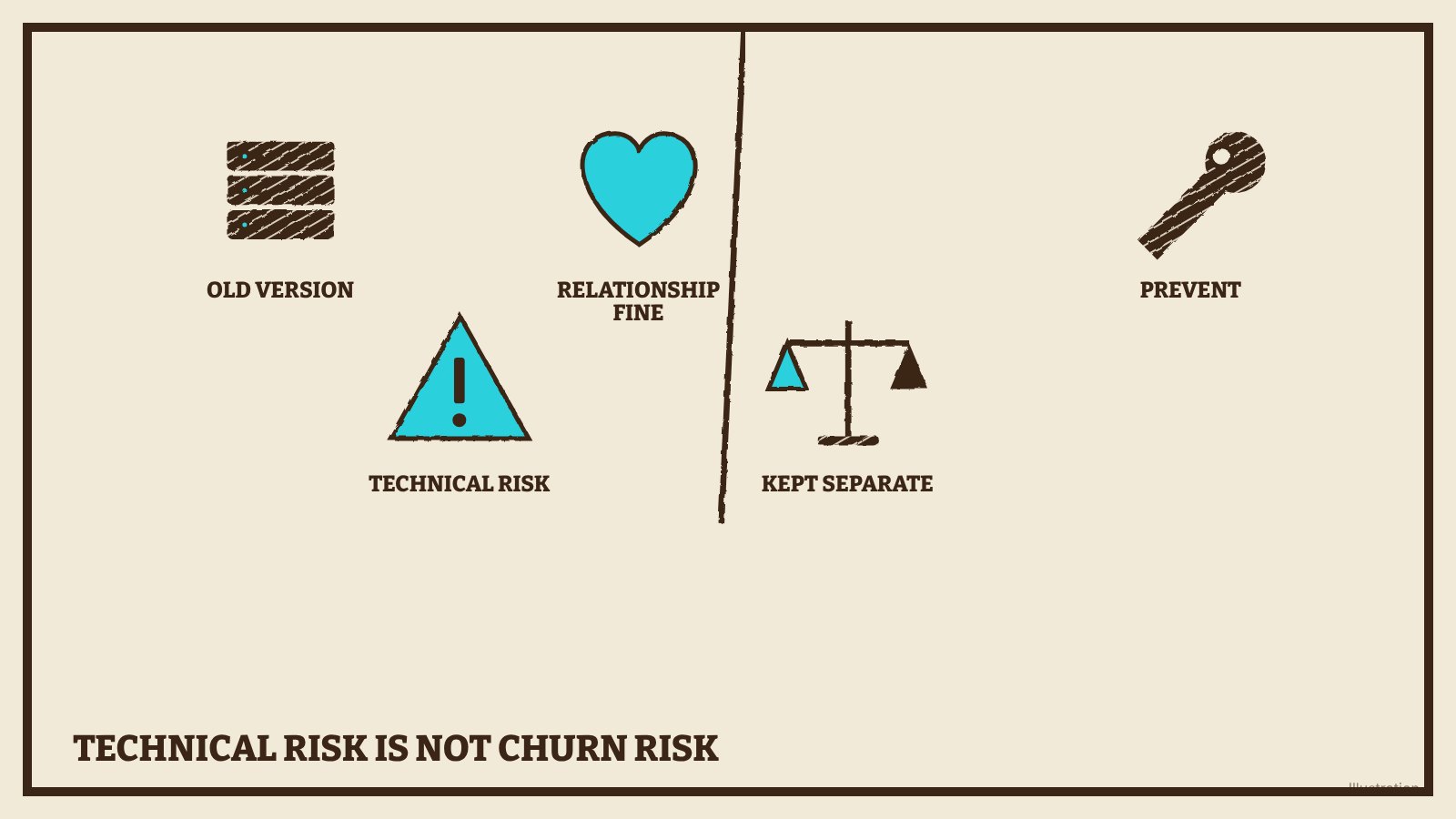
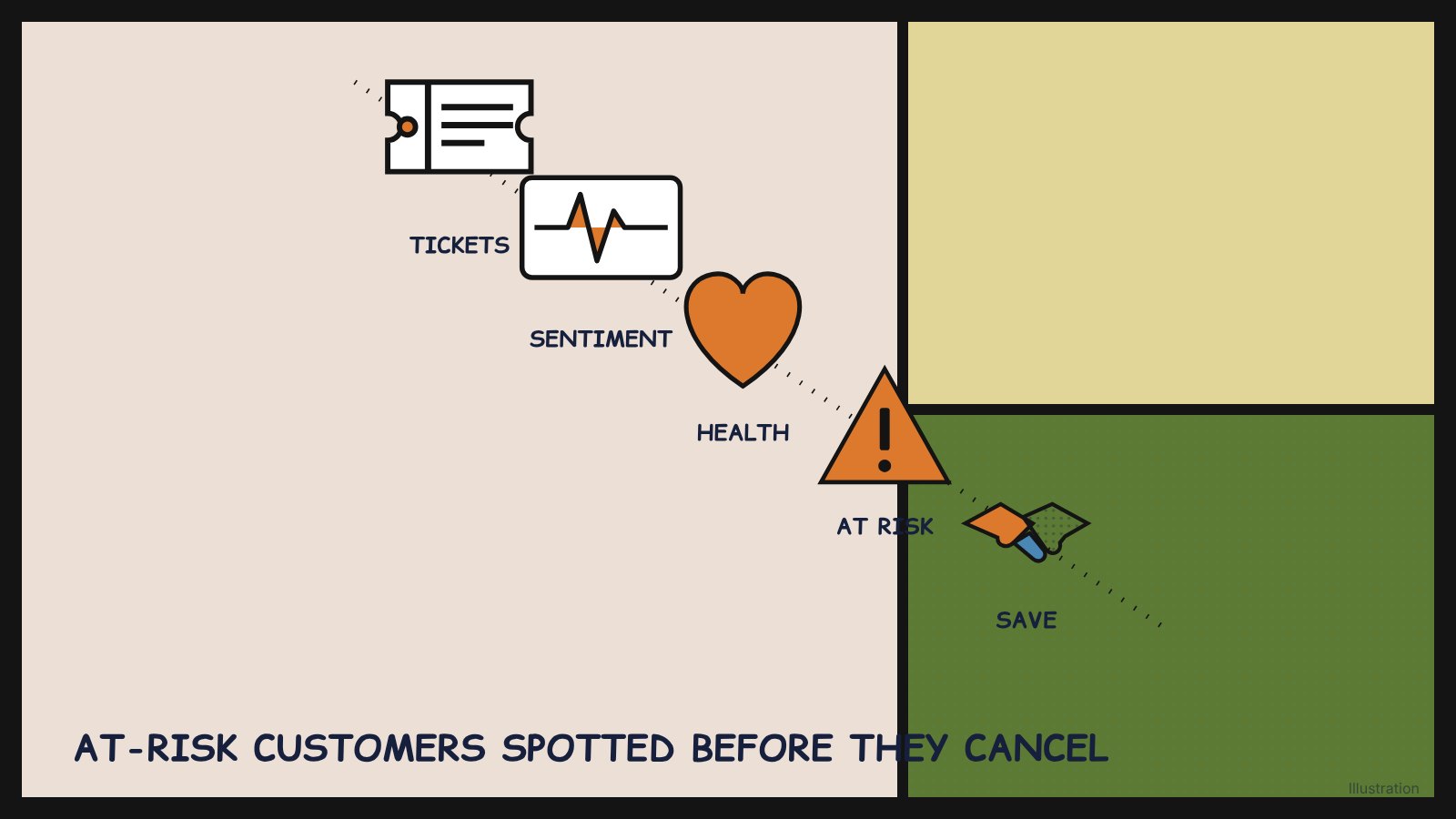
- An incident groups tickets about the same problem. Technical risk flags accounts whose technical problems are piling up.
- A recipient is reached on their most recent conversation in the last 90 days.
- A template is a starting message for each kind of notice. A placeholder like
{{workaround}}must be filled in. - SEV1/SEV2 are the most severe incident levels.
- Approval means someone other than the author checks a message before it's sent.
- A delivery is one message to one conversation: delivered, failed (with reason) or skipped.
Why does this matter? During an incident, customers who hear from you first stay calmer, write in less and trust your updates more. One clear message, checked by a second person when it matters, and tracked to every recipient, does more than dozens of individual replies.
The problem, in plain terms
- Customers find out by hitting the problem.
- Agents answer the same question dozens of times.
- Bulk messages go out without anyone checking them.
- Sensitive wording (security, refunds, legal) isn't reviewed.
- Nobody knows who actually received the message.
Start from who is affected
TicketResolve already groups tickets into incidents, estimates customer impact and flags accounts whose technical problems are piling up. Outreach builds on that. From an incident, click Notify these customers. From Technical risk, click Reach out on an account. Or paste a list of ticket numbers.
Find recipients shows how many customers can be reached and how many can't. A customer is reached on their most recent conversation from the last 90 days. Anyone without one is counted, not guessed at. Enterprise and VIP accounts are counted separately.
Seven kinds of message, all editable
Each kind starts from a plain template you can change before sending:
- Incident notice: we know about it, we're working on it, no need to reply.
- Workaround: what to do in the meantime.
- Technical advisory: a heads-up to avoid a problem.
- Maintenance announcement: when it happens and what you might notice.
- Status update and resolution notice: what changed, and what to do if it still fails.
- Preventive check-in: for an account at technical risk, before the trouble gets in their way.
Placeholders that haven't been filled in block the draft, so a message never goes out with {{workaround}} still in it.
A second person for the messages that matter
Some messages shouldn't depend on one person's judgement at 2 a.m. A draft needs approval when it:
- goes to 10 or more customers (the threshold is configurable),
- mentions security, data loss, legal matters, refunds or compensation, or is marked sensitive,
- reaches an enterprise or VIP account, or
- is about a SEV1 or SEV2 incident.
Someone other than the author has to approve it. The reasons are shown on the draft, so the approver knows what they're signing off on. Everything else sends as soon as you click Send.
Every delivery accounted for
Messages go out in the background, one conversation at a time. Each delivery is recorded as delivered, failed (with the reason) or skipped. If a send is interrupted, that delivery is marked failed and never sent twice: a customer getting the same notice two times is worse than one failure you can see and fix. The history keeps every message, who wrote it, who approved or rejected it, and how its deliveries went.
What it doesn't do
Outreach never decides on its own to message customers. It doesn't estimate who might be affected beyond the tickets, incidents and risk signals you can already inspect. And it doesn't write the update for you: the facts in a status update come from your team.
A worked example, start to finish
Here's the payroll incident, with Outreach. The details are illustrative.
10:20, the incident. TicketResolve has grouped the first 14 tickets into an incident: payslip generation fails for bank-file format B. The support lead, Rania, confirms it.
10:25, recipients. From the incident, she clicks Notify these customers. Find recipients: 14 reachable from the incident's tickets. She adds a pasted list of 126 ticket numbers from customers whose configuration uses format B and who've had tickets in the last 90 days: 131 reachable, 9 can't be reached (no conversation in 90 days, counted, not guessed), 6 enterprise or VIP.
10:30, the draft. She picks Workaround: "Payslips using bank-file format B are failing to generate. While we fix this, you can switch to format A under Settings → Payroll → Bank files; your payroll run will work as normal." She fills the {{workaround}} placeholder; until then, the draft was blocked.
10:32, approval needed. The draft shows why: 131 customers (10 or more), 6 enterprise or VIP. Rania can't approve her own draft. Her colleague Tom reads it, checks the workaround with engineering, and approves.
10:40, sending. Messages go out in the background, one conversation at a time: 128 delivered, 2 failed (help desk returned "conversation closed"), 1 skipped (customer unsubscribed). Rania sees each.
10:41. Tickets slow down; most customers switch formats before their payroll run.
13:00, a status update. Engineering has a fix in testing. Rania drafts a Status update with the facts from engineering: "A fix is being tested; we'll confirm when it's live. The workaround still works." Same approval rule; Tom approves.
15:30, resolution notice. The fix is live and verified. A Resolution notice: "Format B works again. If you switched to format A, you can switch back, or stay." Approved and delivered.
At no point did anyone send "fixed" before it was, and no customer got the same notice twice.
Five more real-world scenarios
1. An interrupted send
Situation. The service restarts in the middle of sending.
How TR handles it. That delivery is marked failed and never sent twice.
2. A small, routine notice
Situation. A maintenance announcement to 6 customers, nothing sensitive.
How TR handles it. It sends as soon as you click Send.
3. A message mentioning compensation
Situation. A notice offers a service credit.
How TR handles it. Refunds or compensation need approval.
4. An account at technical risk
Situation. Technical risk flags a customer with repeated sync errors.
How TR handles it. Click Reach out to send a preventive check-in.
5. Customers nobody can reach
Situation. Some affected customers haven't contacted you in 90 days.
How TR handles it. They're counted as unreachable, not guessed at.
Before and after
Before. 46 tickets answered one by one, 120 customers finding out when payroll failed, and a "fixed" bulk e-mail that had to be corrected.
After. 131 customers reached before most of them noticed, a workaround checked by a second person, every delivery accounted for, and status and resolution notices with facts from engineering.
How to tell it's working
- Incident ticket volume falls after a notice goes out.
- Every mass or sensitive message has an approver.
- Failed deliveries are seen and fixed.
The history as a record
Every message keeps its author, its approver (or who rejected it and why), and every delivery's result. After an incident, that history answers the questions a review asks: what did customers hear, when, from whom, and did it reach them.
Who it's for
- Support leads during incidents.
- Customer success for at-risk accounts.
- Anyone who sends maintenance or advisory notices.
How it fits with the rest of TicketResolve
Outreach starts from incidents, customer impact and technical risk. It uses each customer's most recent conversation in your help desk, and its history sits beside the audit trail.
Writing a good incident notice
Short and specific beats long and reassuring. Say what's affected, in the customer's terms; what they can do now, if anything; whether they need to reply (usually not); and when you'll update them next. Avoid "fixed" until verification says so; use a resolution notice for that. If a workaround has a cost or a risk, say so plainly.
Mistakes to avoid
- Sending "fixed" before it's verified.
- Bypassing approval with a help-desk bulk send.
- Leaving placeholders in templates.
Do it in TicketResolve, step by step
Where: Outreach (/dashboard/outreach), from an incident or Technical risk. You'll need: incidents or technical risk signals; a teammate to approve mass or sensitive messages. Full guides: Incidents: group, review and split tickets and Customer technical risk and prevention.
- Start from an incident (Notify these customers), an account (Reach out), or a list of tickets.
- Find recipients: reachable, not reachable, enterprise and VIP.
- Choose a message kind and edit the template; fill every placeholder.
- Check whether approval is needed; the reasons are on the draft.
- Get approval from someone other than the author, if needed.
- Send and watch deliveries: delivered, failed with reason, or skipped.
- Follow up with status and resolution notices.
How to check it worked: the history shows the message, its author and approver, and every delivery's result.
Frequently asked questions
Where can outreach start? From an incident, an account in Technical risk, or a list of ticket numbers.
How are customers reached? On their most recent conversation in the last 90 days.
What about customers with no recent conversation? They're counted as unreachable, not guessed at.
What kinds of message are there? Incident notice, workaround, technical advisory, maintenance, status update, resolution notice and preventive check-in.
When is approval needed? 10 or more customers, sensitive topics, enterprise or VIP accounts, or SEV1/SEV2 incidents.
Who approves? Someone other than the author.
Can a customer get the same notice twice? No. An interrupted delivery is marked failed, never sent twice.
Does outreach decide to message customers by itself? No. A person starts every message.
Can the approval threshold be changed? Yes. The 10-customer threshold is configurable.
Explore Topics
Written by
Ghulam Shabbir
Content creator and writer sharing insights and stories.