
Customer Health From Support Signals: Spotting At-Risk Customers Before They Cancel
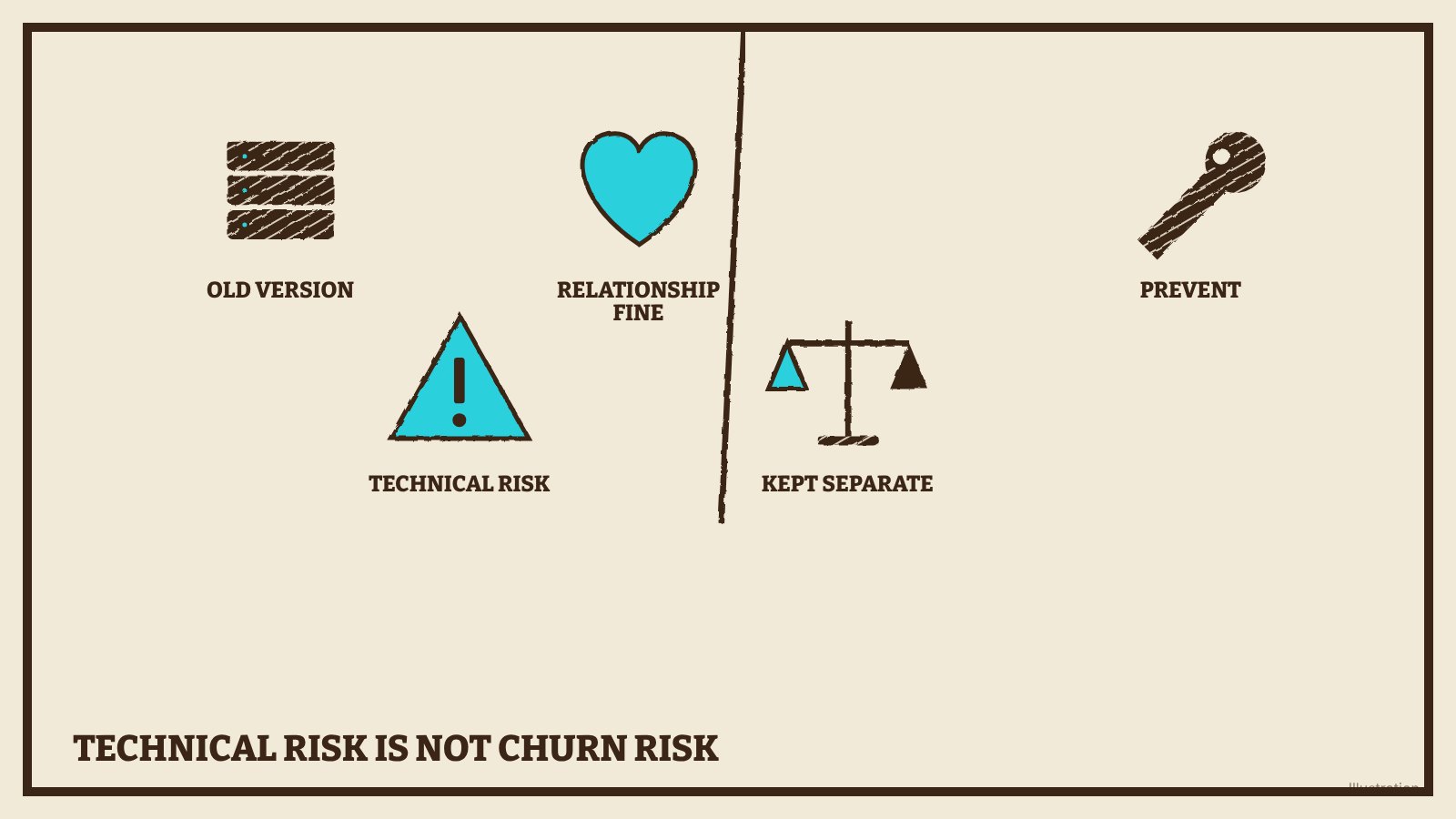
Support sees trouble before anyone else: rising tickets, repeat problems, answers that didn’t work, frustrated language. Turn those signals into a health status with every reason shown, watch how new customers are getting on through onboarding milestones, and route at-risk customers to a person rather than an automatic message. With an illustrative quarter, start to finish.
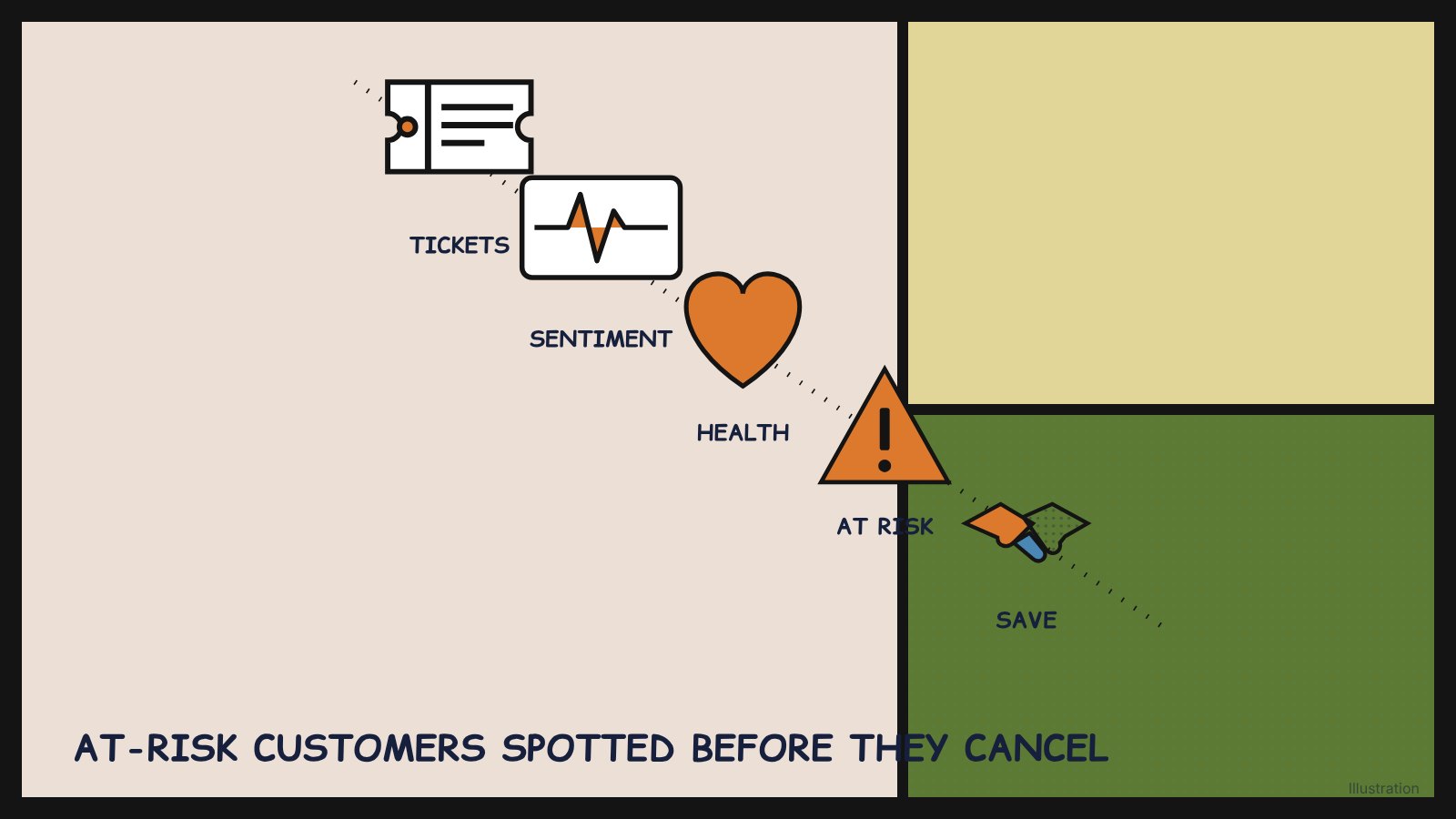
Customer success tools score health from product usage and contract data. Support holds signals they miss: the account whose tickets doubled this month, the admin who has asked about the same export three times, the message that says "we're evaluating alternatives".
Here's how those signals go unnoticed at a company that sells scheduling software to home-care agencies:
- January: an agency's tickets go from four a month to fourteen. Each one is answered; none is escalated.
- February: the same admin asks three times how to export visit logs for an audit. Each time a different agent sends the same article.
- Early March: one ticket says: "Honestly we're looking at other options if this keeps happening." It's answered politely and closed.
- Late March: the customer success manager sees a healthy usage dashboard and a renewal coming up. She sends a cheerful check-in.
- April: the agency cancels. The exit note mentions "constant problems with exports and nobody seemed to notice".
Every warning sign was in the support queue. Nobody was looking at the queue that way.
First, the basics
- Customer health is a summary of how a customer is doing: healthy, watch or at risk.
- A support signal is something in tickets that hints at how a customer is doing.
- A reopen is a customer coming back about the same problem after it was closed.
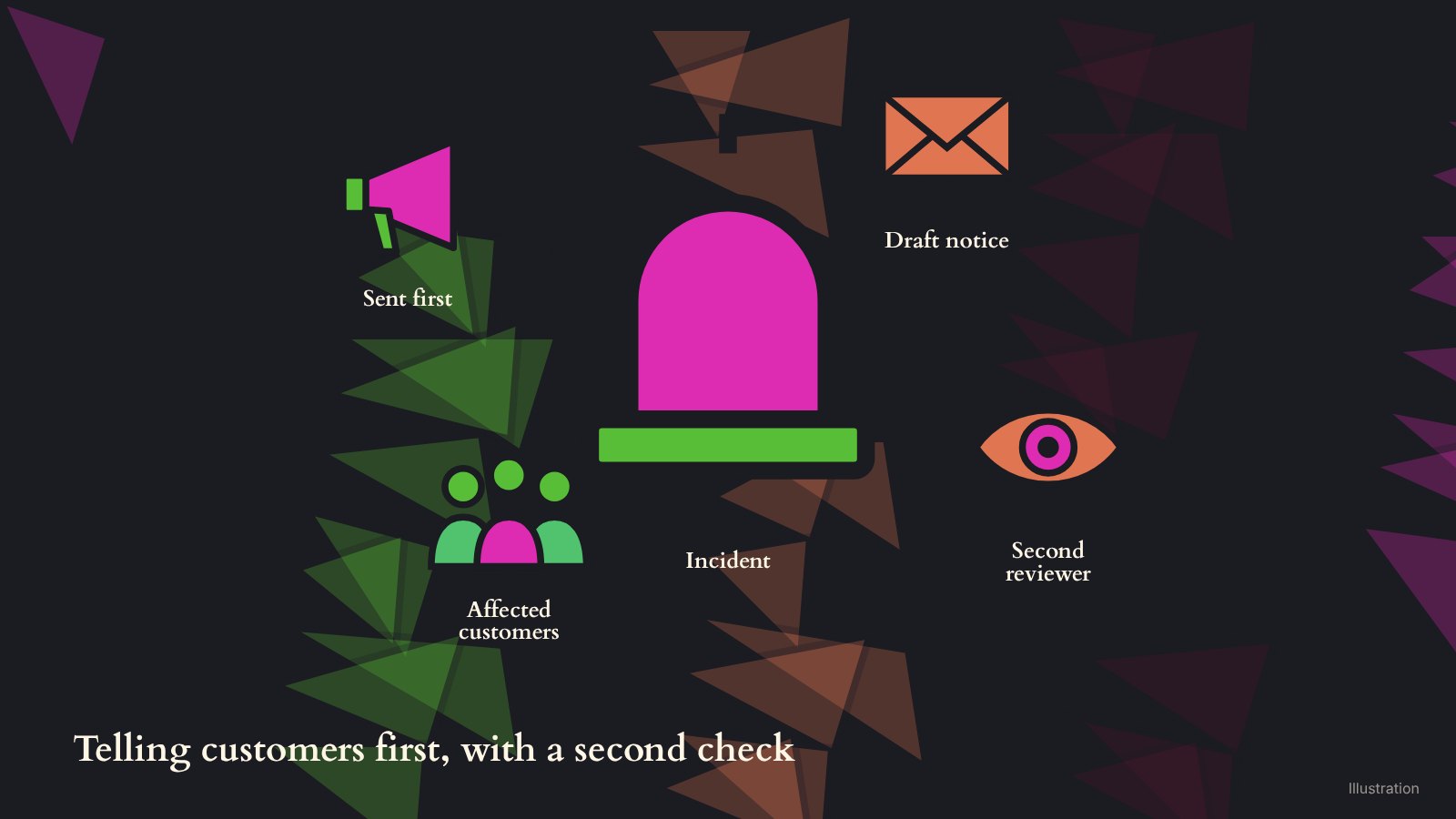
- A hand-off is a ticket the AI couldn't answer and passed to a person.
- Churn language is wording such as "cancel", "switch", "refund" or a competitor's name.
- Onboarding milestones are the first steps a new customer should complete, such as set-up, first integration or first team invite.
- Stalled means a milestone hasn't moved for a while; blocked means a ticket shows the customer hit a problem with it.
Why does this matter? Customers rarely cancel without warning. They warn support first, in small ways, over weeks. Turning those signals into a status with reasons gives customer success time to help while the customer still wants to stay.
The problem, in plain terms
- Health scores ignore support, so they miss the earliest signals.
- Each ticket is handled alone, and patterns across tickets go unseen.
- Repeat questions are answered again instead of being noticed.
- Churn language is closed like any other ticket.
- A score without reasons starts arguments instead of conversations.
The support signals that matter
- Rising volume compared with the previous period.
- Hand-offs: tickets the AI couldn't answer.
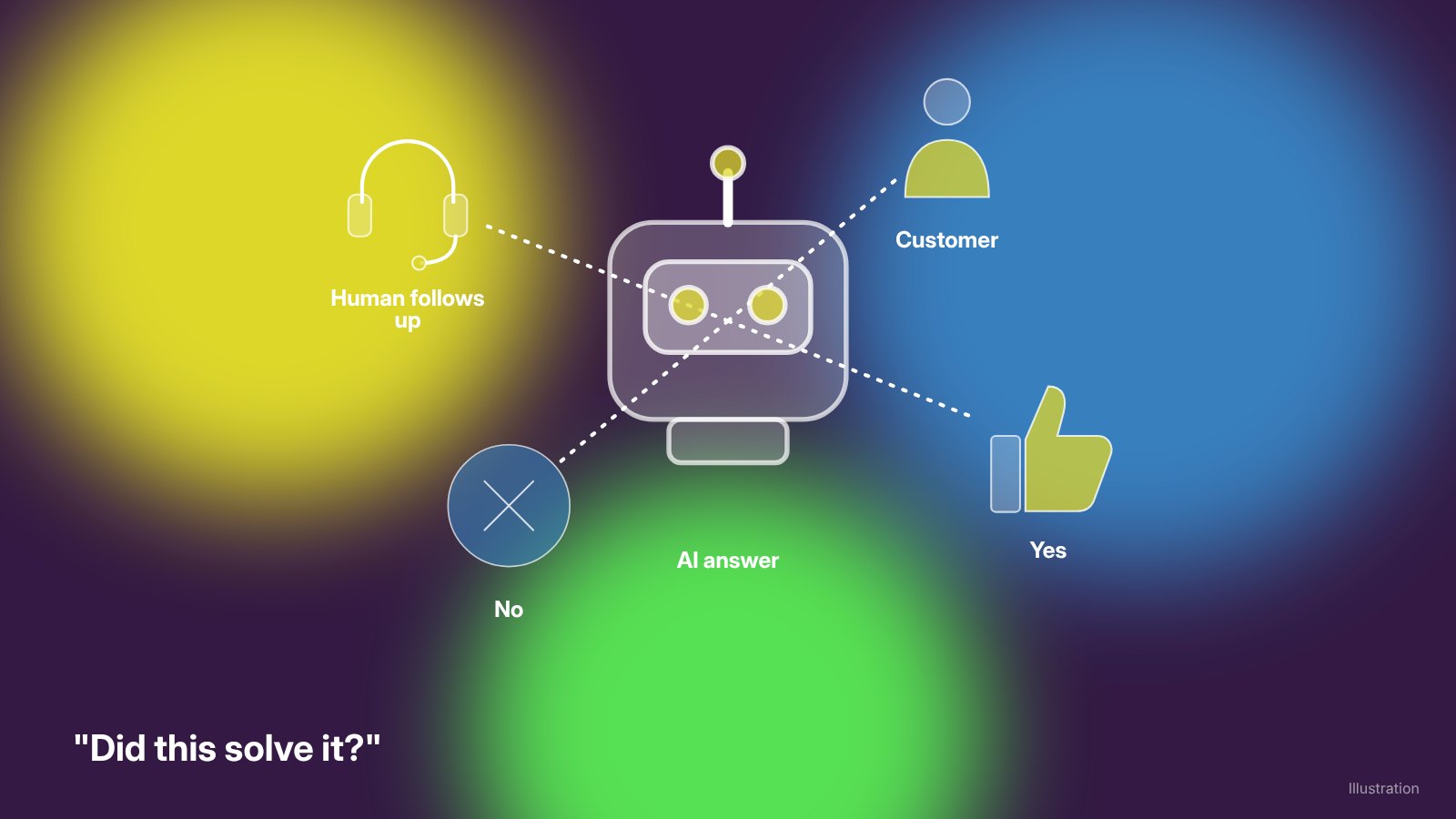
- Answers that didn't work: reopened tickets or customers who said "no, still broken".
- Low satisfaction scores.
- Repeat problems: the same issue more than once.
- Waiting on your team: open tickets with no reply.
- Churn language: cancel, switch, refund, competitor names.
- Known issues affecting them.
Always show the reasons
A score alone invites argument. "Watch · 58" is useful only with "tickets up 3× in 30 days; two reopened; asked to cancel once". The reasons tell the account manager what to say.
New customers: onboarding progress
For customers in their first weeks, look at milestones from their tickets (set-up, first integration, first team invite) and where they stalled or got blocked. A new customer silent for two weeks after a blocked integration is at risk even with no complaints.
In TR-AI
Customer health (/dashboard/customer-health) lists customers as healthy, watch or at risk with every reason, and an Onboarding tab with milestones done, blocked or stalled. Customers appear as codes; open a ticket to see who it is. For company-level churn risk, the Account Manager dashboard adds account data. No AI model is used.
A worked example, start to finish
Here's the home-care scheduling company with Customer health. The names and numbers are illustrative.
Mid-January. The agency moves from healthy to watch. Reasons: tickets up 3.5× compared with the previous 30 days; two hand-offs. Zainab, the customer success manager, reviews the watch list every Monday. She opens one of the tickets to see who it is and makes a note to check in.
Early February. Reasons now include: repeat problem: visit-log export asked about 3 times. Zainab sees the pattern immediately. She asks support to stop sending the article and investigate why the export fails for this customer. It turns out the agency's audit requires a date range the export doesn't support.
Early March. The agency moves to at risk. Reasons: churn language: "looking at other options"; one reopened ticket; known issue affecting them: export date range. Zainab calls the agency's operations manager the same day. She doesn't send a template; she says what she's seen: "You've asked about exports three times and it's still not right. Here's the workaround for your audit now, and the fix is scheduled for the next release."
Late March. The fix ships. The agency's tickets drop back to normal. Status returns to watch, then healthy a month later.
The renewal. It goes through. The operations manager mentions in the renewal call that "someone finally noticed".
Meanwhile, Onboarding. A new agency signed up in February. The Onboarding tab shows set-up: done; first integration (payroll): blocked, 16 days ago; first team invite: not started. There have been no complaints. Zainab reaches out about the payroll integration. The agency had given up on it and was about to ask for a refund.
What changed: two customers who would have left were helped in time, both by a person who knew exactly what to talk about.
Five more real-world scenarios
1. A busy but happy customer
Situation. A large customer's tickets rise because they added 200 users.
How TR handles it. Volume goes up, but with no reopens, hand-offs or churn language the reasons show it's growth, and the manager can tell.
2. A known issue hits many accounts
Situation. A bug affects 40 customers.
How TR handles it. "Known issue affecting them" appears in each one's reasons, so success managers can reach out with the status.
3. A competitor's name
Situation. A ticket mentions a competitor in passing.
How TR handles it. It's one reason among several; one mention alone rarely makes a customer at risk.
4. Silence after a block
Situation. A new customer's first integration is blocked, then nothing.
How TR handles it. The Onboarding tab shows the blocked milestone and how long it's been.
5. Waiting on your team
Situation. A customer has three open tickets with no reply.
How TR handles it. That appears as a reason, so the fix may be inside your own queue.
Before and after
Before. Fourteen tickets a month handled one by one, the same article sent three times, "looking at other options" closed as resolved, a cheerful check-in, and a cancellation.
After. A watch status in January with reasons, a repeat problem investigated in February, a specific call the same day as the churn language, a fix, and a renewal.
How to tell it's working
- At-risk customers are contacted within days, with specific reasons.
- Repeat problems get investigated, not re-answered.
- Onboarding blocks are spotted before refund requests.
- Fewer cancellations come as a surprise.
Who it's for
- Customer success managers and account managers.
- Support leads who see the signals first.
- Onboarding specialists watching new customers.
How it fits with the rest of TicketResolve
Health uses customer confirmation ("no, still broken"), reopens, CSAT, known issues and hand-offs. At-risk customers feed defect priorities through churn risk, and the customer success workspace adds account data, plans and playbooks for teams that run a full success programme.
Why route to a person, not an automatic message
Better to route it to a person with the reasons; automatic messages to unhappy customers often make it worse. A customer who has asked three times about the same export doesn't want a survey or a generic "how are we doing?". They want someone who knows what went wrong and can do something about it.
Why no AI model is used
Health is built from countable signals: tickets, reopens, scores, words, known issues. Rules over those signals produce reasons anyone can check. An AI model asked to "assess health" might produce a plausible summary without being able to show why, which is exactly what makes a score hard to act on.
A weekly routine that works
Health is most useful as a habit. Once a week, look at customers who moved to watch or at risk since last week, read their reasons, and decide on one action for each: a call, a fix to chase, a workaround to send or simply "keep watching". Then look at the Onboarding tab for any milestone that's been blocked or stalled for more than a week. Twenty minutes on Monday morning is usually enough for a mid-sized customer base, and it catches most problems weeks before they reach a renewal conversation.
What to say when you call
Open with what you've seen, not with a question about how they feel. "You've had more tickets than usual this month, two of them came back, and you mentioned looking at other options; I wanted to talk about what's going wrong" tells the customer you've been paying attention. Then listen. Most at-risk customers have one or two specific problems behind their frustration, and fixing those, or giving a date for the fix, does more than any discount.
Mistakes to avoid
- Acting on the status without reading the reasons.
- Automatic messages to at-risk customers.
- Ignoring silent new customers.
- Treating volume alone as a problem.
Do it in TicketResolve, step by step
Where: Customer health (/dashboard/customer-health). You'll need: ticket history; CSAT and customer confirmation help. Full guides: Customer health and onboarding, Customer accounts and explainable health and At-risk customers and interventions.
- Open Customer health.
- Filter to watch and at risk.
- Read every reason for each customer.
- Open a ticket to see who the customer is.
- Decide one action: call, fix, workaround or keep watching.
- Open the Onboarding tab and look for blocked or stalled milestones.
- Repeat weekly.
How to check it worked: each customer shows a status with its reasons, and new customers show milestones as done, blocked or stalled.
Frequently asked questions
Can support data predict churn? It adds strong early signals: repeat problems, failed answers and cancellation language often appear weeks before a cancellation.
Should the health score trigger automatic outreach? Better to route it to a person with the reasons; automatic messages to unhappy customers often make it worse.
What statuses are there? Healthy, watch and at risk.
Which signals are used? Volume, hand-offs, answers that didn't work, satisfaction, repeat problems, waiting on your team, churn language and known issues.
Why are customers shown as codes? To keep personal details out of the list; open a ticket to see who it is.
What does the Onboarding tab show? Milestones from tickets for new customers: done, blocked or stalled.
Is an AI model used? No.
Where do I get company-level churn risk? The Account Manager dashboard adds account data.
How often should we review it? Weekly works for most teams.
Explore Topics
Written by
Ghulam Shabbir
Content creator and writer sharing insights and stories.