
People Data That Stays Private
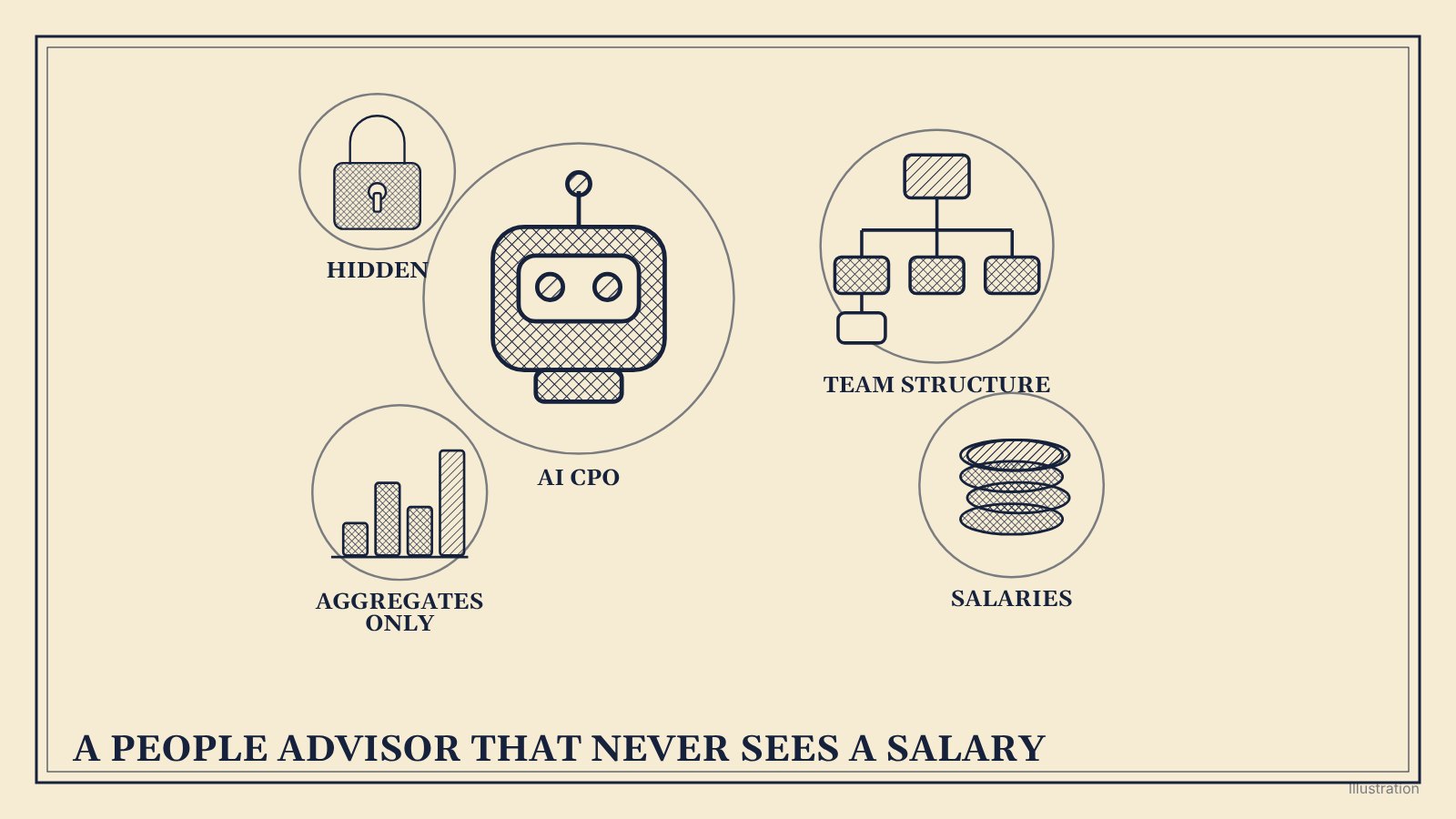
People data is the data you can least afford to get wrong. The AI Chief People Officer gives you headcount, hiring, attrition, org design, pay bands and performance reviews, with pay and ratings behind their own permissions, small teams never singled out and no protected characteristics stored.
Marta is head of people at a 340-person software company. Every quarter she builds a workforce report for the leadership team, from a spreadsheet exported out of the HR system. It has everything in it: names, salaries, performance ratings, dates of birth, gender, and an "exit reason" column with notes like "left due to burnout; manager issues".
The spreadsheet gets shared, because people need it. The finance director needs headcount for the budget. The CTO wants attrition for engineering. A department head asks for "just my team". Each copy is a little different, and each one carries everyone's salary and date of birth.
Then the report itself. Marta shows attrition by department, and the four-person legal team had one leaver last quarter: 25% attrition. Everyone in the room knows exactly who left. One slide later, the "average rating by department" chart makes it obvious which of the three people in the design team got a low score.
None of this is malicious. It's just what happens when people data lives in spreadsheets that were built to hold everything.
First, the basics
- People data is information about employees: role, department, start date, manager, pay, performance and so on.
- Headcount is the number of people. FTE (full-time equivalent) counts part-timers as fractions: two half-time people are one FTE.
- Attrition is people leaving. Voluntary means they chose to; involuntary means the company decided; regretted means the company wishes they'd stayed.
- Span of control is how many people report to one manager.
- A requisition is an approved request to hire someone, with the level and budget.
- A pay band is the salary range for a level. Compa-ratio compares someone's pay to the middle of their band: 1.0 means exactly in the middle.
- Calibration is when ratings are reviewed by someone other than the manager, to make them fair across teams.
- Protected characteristics are things like gender, age, ethnicity and health, which the law protects from discrimination.
- A threshold here is the smallest group size that can be shown without identifying individuals.
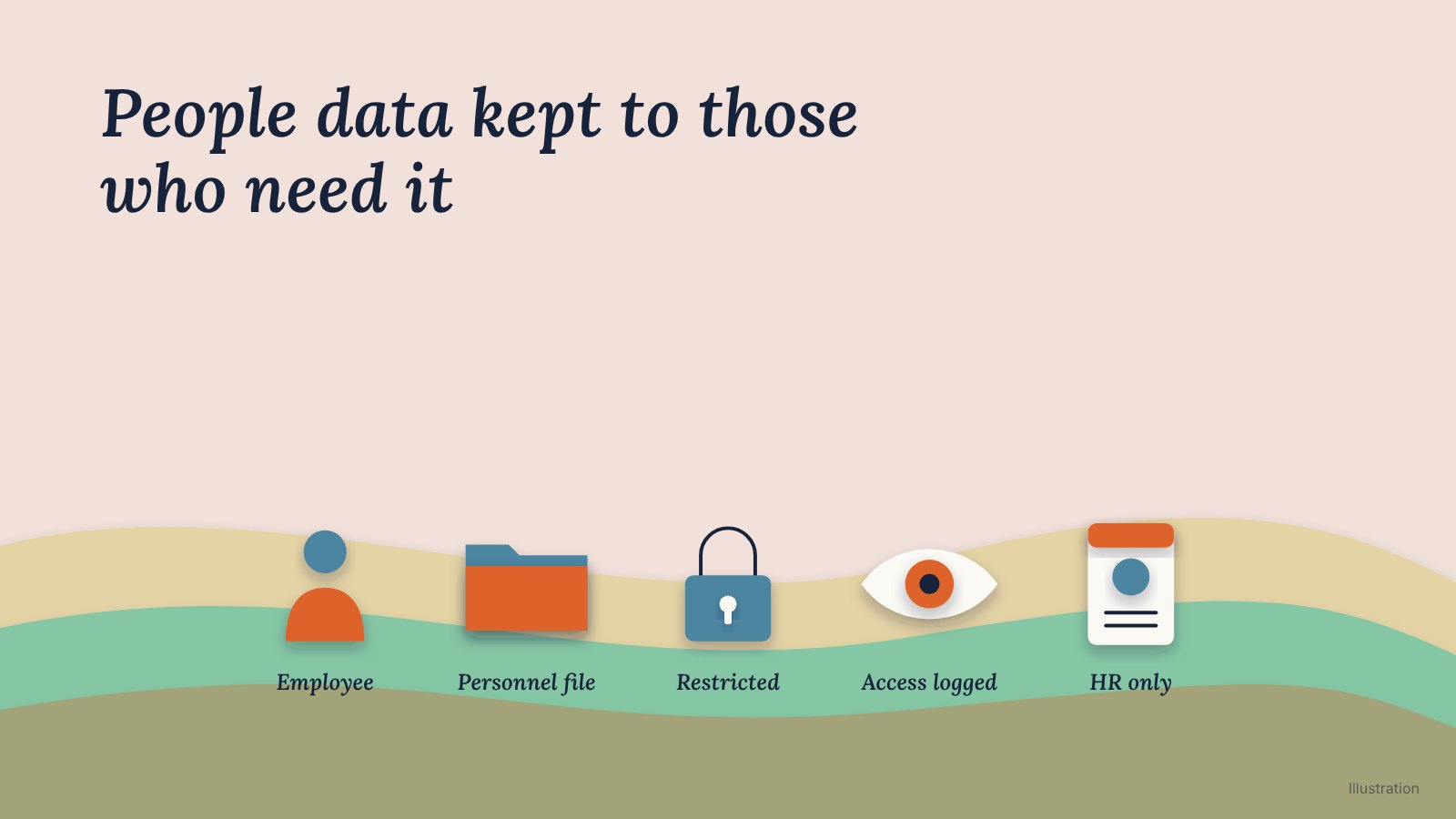
Why does this matter? People data can hurt people if it leaks or is shown carelessly: a salary in the wrong inbox, or a small team where everyone can tell who was rated low. A people system should help leaders plan and decide, without exposing individuals who never agreed to be on a slide.
The problem, in plain terms
- Spreadsheets hold everything. Pay, ratings and personal details travel together, to everyone.
- Small groups reveal individuals. Percentages for a team of four aren't statistics; they're people.
- Protected characteristics get stored by default, because the HR export includes them.
- Hiring approvals are informal. A requisition over budget slips through because the right person never saw it.
- Ratings are decided by one person. Without calibration, a manager's habits become an employee's career.
- AI tools make it worse if they're given raw people data and asked to "find the problem".
What it refuses
- Columns for gender, age, ethnicity, health and other protected characteristics are refused at import and never stored.
- A department with fewer people than your threshold shows its headcount and nothing else, so no one can work out who left or how they were rated.
- The AI never rates, ranks or decides about a person.
What it shows
- Headcount and FTE, hires and exits over the last year;
- attrition split into voluntary, involuntary and regretted;
- tenure, levels, locations and every manager's span of control;
- plan headcount by department and quarter, against actual and the roles still open.
Signals flag a department losing people, managers with too many reports and roles that have been open too long.
Hiring with a second pair of eyes
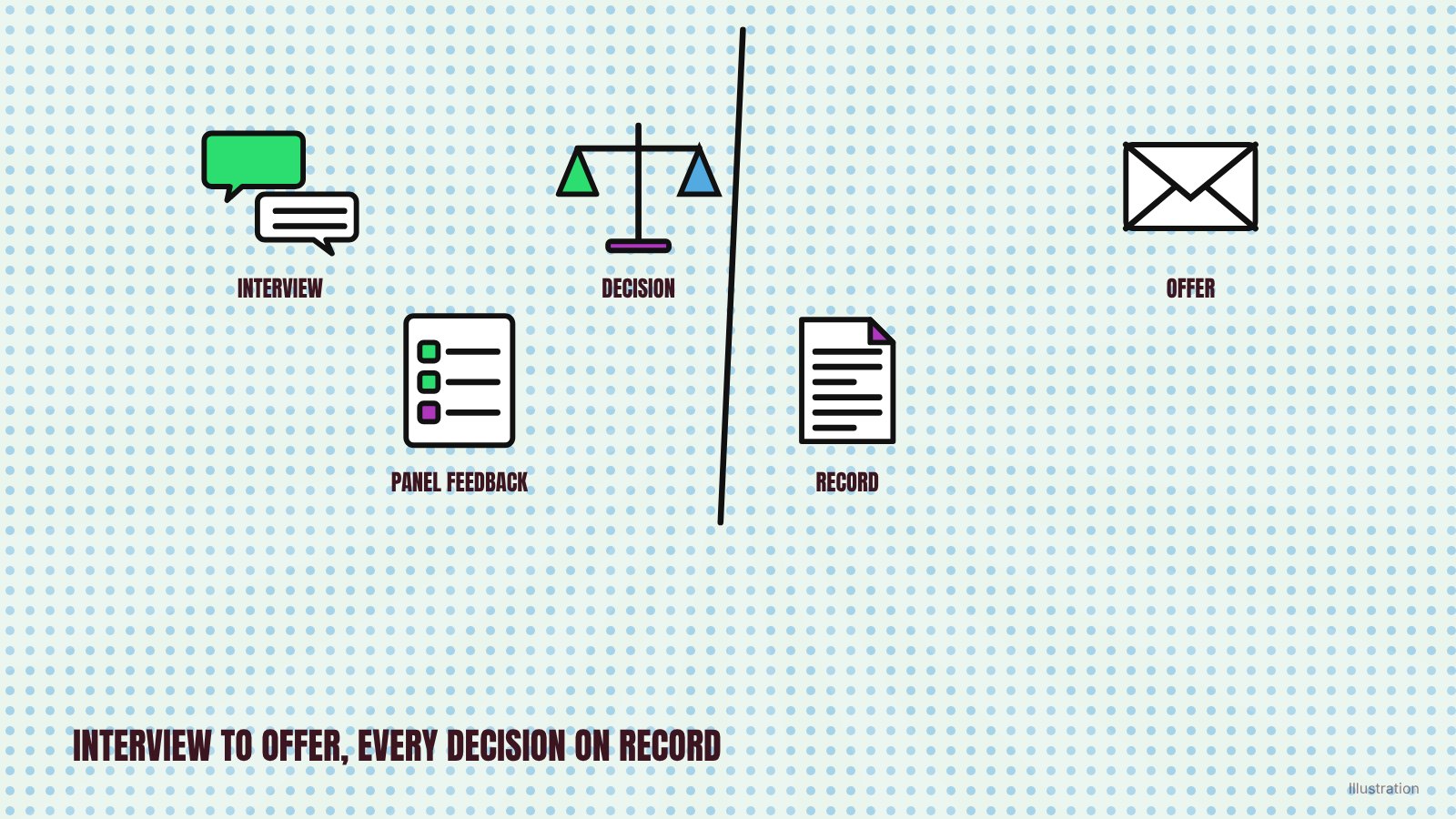
A requisition records the level, the hiring manager and the budget. Someone who didn't ask for it approves it, within their limit, and a budget above the band needs a reason that says why. Only funnel counts are kept; candidate details stay in your recruiting system.
Pay and ratings, under lock
- Pay bands, base pay, compa-ratios and who sits outside their band are visible only with the Compensation permission.
- Nobody records their own pay.
- In review cycles, managers rate their own reports, someone else calibrates with a reason, and individual ratings are visible only with the Performance permission.
A worked example, start to finish
Here's Marta's first quarter with the AI Chief People Officer.
Week 1, Monday. Marta exports people from the HR system as a CSV, one row per person, with employee_id. She opens Import. The file has 22 columns. The gender, date of birth and ethnicity columns are refused and never stored. The salary column is accepted, because Marta has the Compensation permission. 340 people come in, matched by employee ID.
Monday, 11:00. In Settings, she sets the small-group threshold to 5.
Monday, 14:00. Under People, she links each manager to their TicketResolve user and gives them the People Manager role. Each manager sees their own reporting line and can rate their reports, without needing a seat.
Tuesday. She enters the headcount plan: planned FTE per department and quarter. The command center now shows engineering at 92 against a plan of 100, with 6 roles open.
Wednesday. The command center's signals show: Customer support is losing people (5 exits in 90 days, 3 voluntary and regretted), one manager has 14 direct reports, and a senior data engineer role has been open 110 days.
Thursday. The leadership report goes out from the command center instead of a spreadsheet. The legal team of four shows headcount only, because it's under the threshold. Nobody can work out who left. The finance director gets headcount and FTE by department; pay totals appear only for readers with Compensation.
Week 3. The CTO raises a requisition for a staff engineer with a budget 8% above the band. It needs a reason: "market rate for platform security experience; two candidates declined at band maximum". The VP of finance, who didn't ask for it, approves it within her limit. Only funnel counts (applied, interviewed, offered) are kept in TicketResolve.
Week 6. The mid-year review cycle opens. Managers rate their own reports. The manager with 14 reports rates nine of them "exceeds". In calibration, the head of engineering, who has the Performance permission, adjusts four ratings, each with a reason. Individual ratings stay visible only to people with Performance.
Quarter end. The leadership team discusses the support team's attrition and the overloaded manager. Nobody sees anyone's salary, rating or date of birth.
Five more real-world scenarios
1. A department head asks for "just my team's salaries"
Situation. The head of sales wants to see her team's pay before planning raises.
How TR handles it. Pay is visible only with the Compensation permission. If she's given it, she sees pay bands, base pay and compa-ratios, not anyone else's protected characteristics, because those were never stored.
2. Recording your own pay
Situation. An HR coordinator with Compensation tries to update their own salary record.
How TR handles it. It's refused. Nobody records their own pay.
3. A tiny team's attrition
Situation. The three-person design team had one leaver.
How TR handles it. Below the threshold, the department shows headcount only. No attrition rate, no ratings.
4. A role that's been open too long
Situation. A requisition was approved four months ago and still isn't filled.
How TR handles it. It appears in signals as a role open too long, so the hiring manager and recruiter can rethink the level, the budget or the search.
5. Asking the AI to name the weakest performer
Situation. A manager asks the AI who on their team is the weakest.
How TR handles it. The AI never rates, ranks or decides about a person. It says no.
Before and after
Before. Spreadsheets with everyone's pay and date of birth, small teams exposed on slides, and requisitions approved informally.
After. No protected characteristics stored, small groups protected, pay and ratings behind their own permissions, requisitions approved by someone else within limits, and ratings calibrated with reasons.
How to tell it's working
- No spreadsheet with people data is circulating for the leadership report.
- Small teams show headcount only.
- Every requisition above band has a written reason and a different approver.
- Calibration changes have reasons recorded.
Who it's for
- Heads of people and HR leaders who report on the workforce.
- Executives and finance who plan headcount and budget.
- Managers who rate their reports and plan their teams.
How it fits with the rest of TicketResolve
The AI Chief People Officer sits alongside the other AI executive modules. Next came development plans, team engagement and people initiatives, then an AI CPO assistant that answers from the same figures, never from anyone's pay or rating without permission.
Mistakes to avoid
- Setting the threshold too low. Five is a sensible minimum; smaller groups identify people.
- Giving Compensation to everyone who asks. Give it to the people who make pay decisions.
- Approving your own requisition. Someone else approves it, within their limit.
- Skipping calibration reasons. The reason is what makes a change fair and reviewable.
Do it in TicketResolve, step by step
Where: AI Chief People Officer → Import, People, Headcount plan, Hiring and Performance (/dashboard/cpo/import). You'll need: a CPO seat, the Compensation permission for pay columns and the Performance permission for calibration. Full guide: Setting up your people data.
- Import people. Import → a CSV export from your HR system, one row per person, matched by
employee_id. Columns for protected characteristics are refused and never stored. Pay columns need Compensation. - Set the threshold. In settings, choose the smallest group that may show more than headcount.
- Link managers. People → edit a manager → choose their TicketResolve user, and give them the People Manager role.
- Plan headcount. Headcount plan → planned FTE per department and fiscal quarter. The command center compares it with actual and open roles.
- Read signals. Departments losing people, managers with too many reports and roles open too long.
- Run hiring. Hiring → New requisition with the level, hiring manager and (with Compensation) the yearly budget. Someone else approves it within their limit; a budget above the band needs a justified exception.
- Review performance. Performance → create a cycle. Managers rate their reports; someone else with Performance calibrates, with a reason.
How to check it worked: the import report shows protected columns refused, small departments show headcount only, and every requisition has an approver who isn't its requester.
The AI Chief People Officer is $149 per CPO seat a month and in the 7-day free trial.
Frequently asked questions
Are protected characteristics ever stored? No. Those columns are refused at import.
Who can see pay? Only people with the Compensation permission.
Who can see individual ratings? Only people with the Performance permission.
What do small departments show? Headcount only, below your threshold.
Are candidate details stored? No. Only funnel counts. Candidate details stay in your recruiting system.
Can someone record their own pay? No.
Does the AI rate or rank people? No. It never rates, ranks or decides about a person.
Do managers need a seat? No. The People Manager role lets them see their own reporting line and rate their reports.
Explore Topics
Written by
Ghulam Shabbir
Content creator and writer sharing insights and stories.