
One Place to Ask for Anything: Introducing TR Enterprise Service Management
TicketResolve now runs internal service delivery too. Departments open service desks, publish services with proper forms and SLAs, and work requests together with tasks across IT, HR, Finance and Facilities. Employees see one request from start to finish.
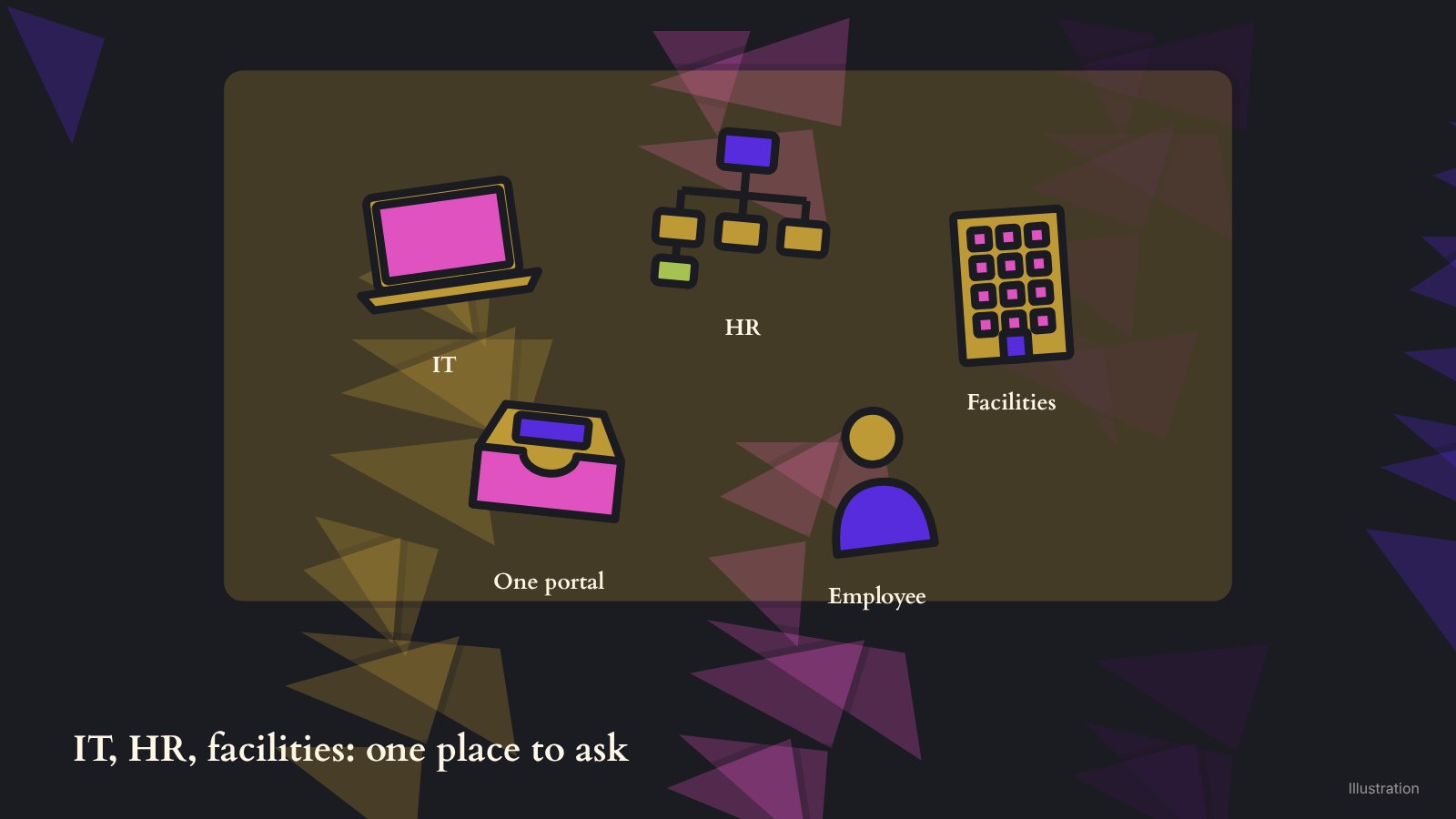
Ask a new hire how to get access to the finance reports, and you'll hear a familiar answer: message someone in IT. Or was it the shared inbox? Or the form on the intranet that nobody updates? Now ask them how to get an employment letter for a flat rental, a parking permit, or a second monitor. Each has its own channel, its own unwritten rules, and its own person who's on holiday this week.
Every organisation provides services to its own people. Some are IT services. Many aren't: HR letters, expense questions, building access, a new desk, a contract review from Legal. Those requests end up scattered across chats, inboxes and spreadsheets. That makes them hard to find, hard to track and impossible to measure.
TR Enterprise Service Management gives them one home. This first release laid the foundation that everything after it builds on: department desks, a real service catalogue, requests and tasks.
First, the basics
- Enterprise service management (ESM) means giving every internal department (IT, HR, Finance, Facilities, Legal) the same kind of help desk IT has always had, so employees ask for things the same way everywhere.
- A service catalogue is the menu of things employees can request, such as "new laptop", "employment letter" or "building access card".
- A request is one employee asking for one service. It gets a number, an owner and a status, like a parcel with a tracking number.
- A queue is a department's to-do list of requests. A task is a piece of work on a request, possibly given to another department.
- An SLA (service level agreement) is the promised time to finish, counted in business hours, so a request made on Friday evening doesn't look late on Monday morning.
Why does this matter? Without one system, requests get lost between e-mail, chat and different tools, and new employees wait for basics on their first day. One place to ask, with clear owners and deadlines, fixes that.
The problem, in plain terms
- No front door. Employees don't know where to ask, so they ask whoever they know. That person becomes a bottleneck.
- Incomplete requests. "Can I get access?" arrives without saying to what, or why. Three messages later, work can start.
- Work that crosses teams gets lost. IT grants the access, but Finance had to confirm the cost centre first, and nobody told Finance.
- Nothing is measured. Nobody knows how long HR letters take, or which department's queue is growing.
Where it bites: three real-world scenarios
1. The HR letter that took nine days
The situation. An employee needs an employment verification letter for a mortgage application. They email HR. The email sits behind 60 others, gets answered with "what details does the bank need?", then waits again.
How TR ESM handles it. HR opens a service desk and publishes Employment verification letter in the catalogue. The service has:
- a request form asking for exactly what's needed: the addressee, whether salary should be included, and the delivery method. Personal details such as salary are marked sensitive, so only the requester and staff allowed to see personal data can read them;
- an SLA target of, say, 16 business hours, counted on HR's business-hours calendar, so a request on Friday afternoon isn't "late" on Saturday;
- "What to expect" for the employee ("you'll receive a signed PDF by email within two working days") and "Done when" for the desk ("the signed letter is sent and filed").
The employee gets a request number (REQ-118), an owner and a due time. HR sees it in its queue with everything needed on the first attempt.
2. Application access that needs two departments
The situation. A contractor needs access to the procurement tool. IT grants roles, but Finance must confirm which cost centre the licence is charged to.
How TR ESM handles it. The request lands with IT. IT adds a task for Finance ("Confirm the cost centre for this licence"), which appears in Finance's own queue. The contractor sees one request showing each task's progress, not two disconnected tickets in two systems. The request can't be marked fulfilled while any task is still open, so it never shows "done" while Finance hasn't answered.
3. Changing a form without breaking open requests
The situation. Facilities adds a new question, "Do you need a height-adjustable desk?", to the New desk service while twenty requests are already open.
How TR ESM handles it. Services are published as versions. The twenty open requests keep the version of the form they were made with, so their answers still make sense. New requests use the new version.
How it works
- Departments come from your organisation structure. They're defined once, in AI VP of Operations, and reused, so IT, HR, Finance, Facilities, Legal and Security are the same departments everywhere in TicketResolve.
- Each department's desk has a contact and teams of the people who work its requests. A default team receives new requests.
- Who may request a service can be everyone, or only certain departments. Someone outside them doesn't see the service at all.
- A clear lifecycle: new → in progress → waiting on the requester → fulfilled, with cancelled and reopened (within a set number of days) where they apply.
- Privacy built in:
- employees see only their own requests;
- desk staff can add internal notes the requester never sees;
- sensitive answers are shown only to the requester and permitted staff.
- Roles for each kind of person: Service Management · Employee (requests services, sees nothing else, needs no seat), Desk agent and Desk manager.
What it deliberately doesn't do
TR ESM coordinates service delivery. It isn't another HR, ERP or device-management system, and it works alongside the ones you already have. It also doesn't charge per employee, per request or per department.
What came next
This foundation now has four more releases on top of it:
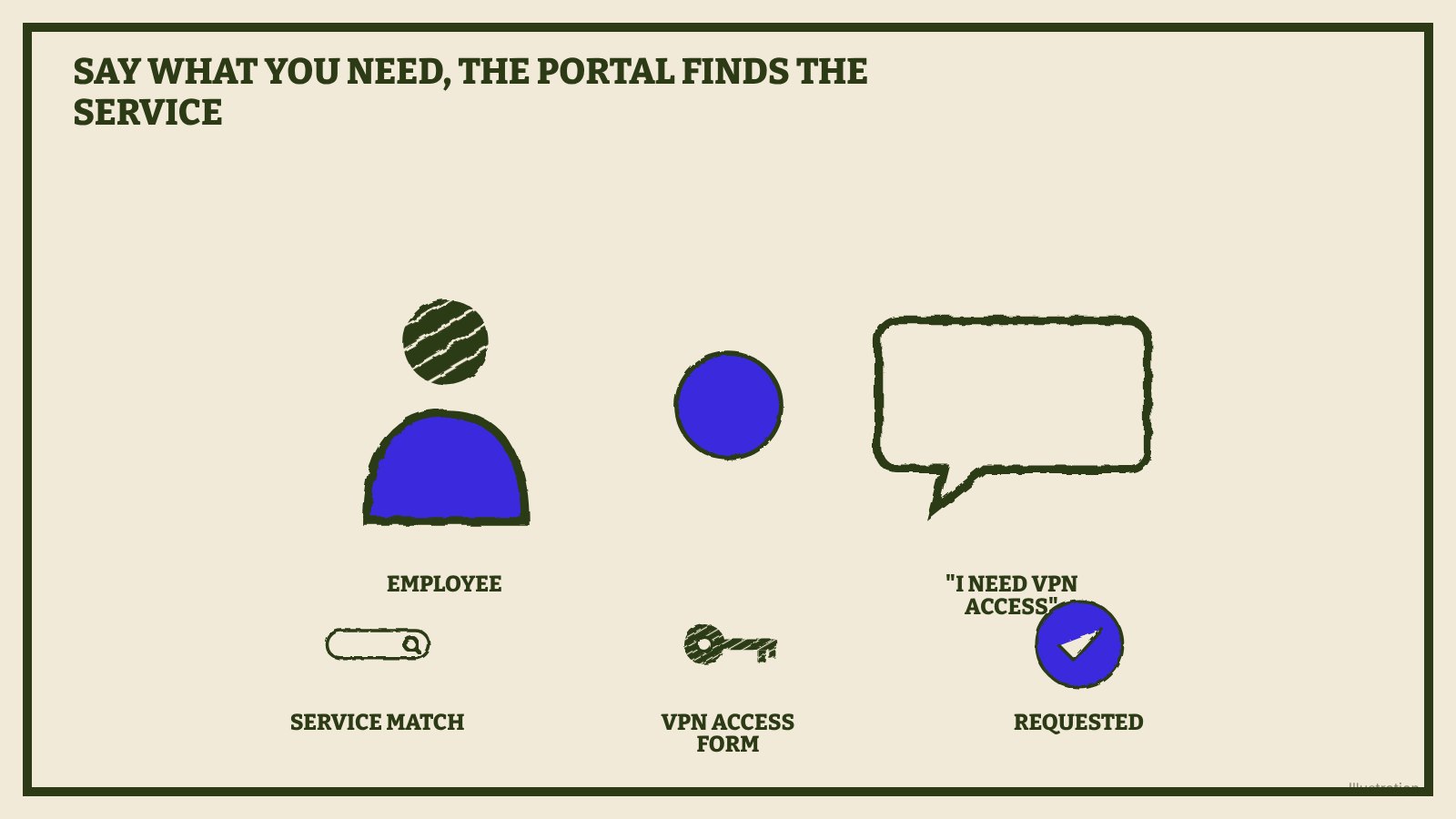
- an employee portal where you describe what you need in your own words;
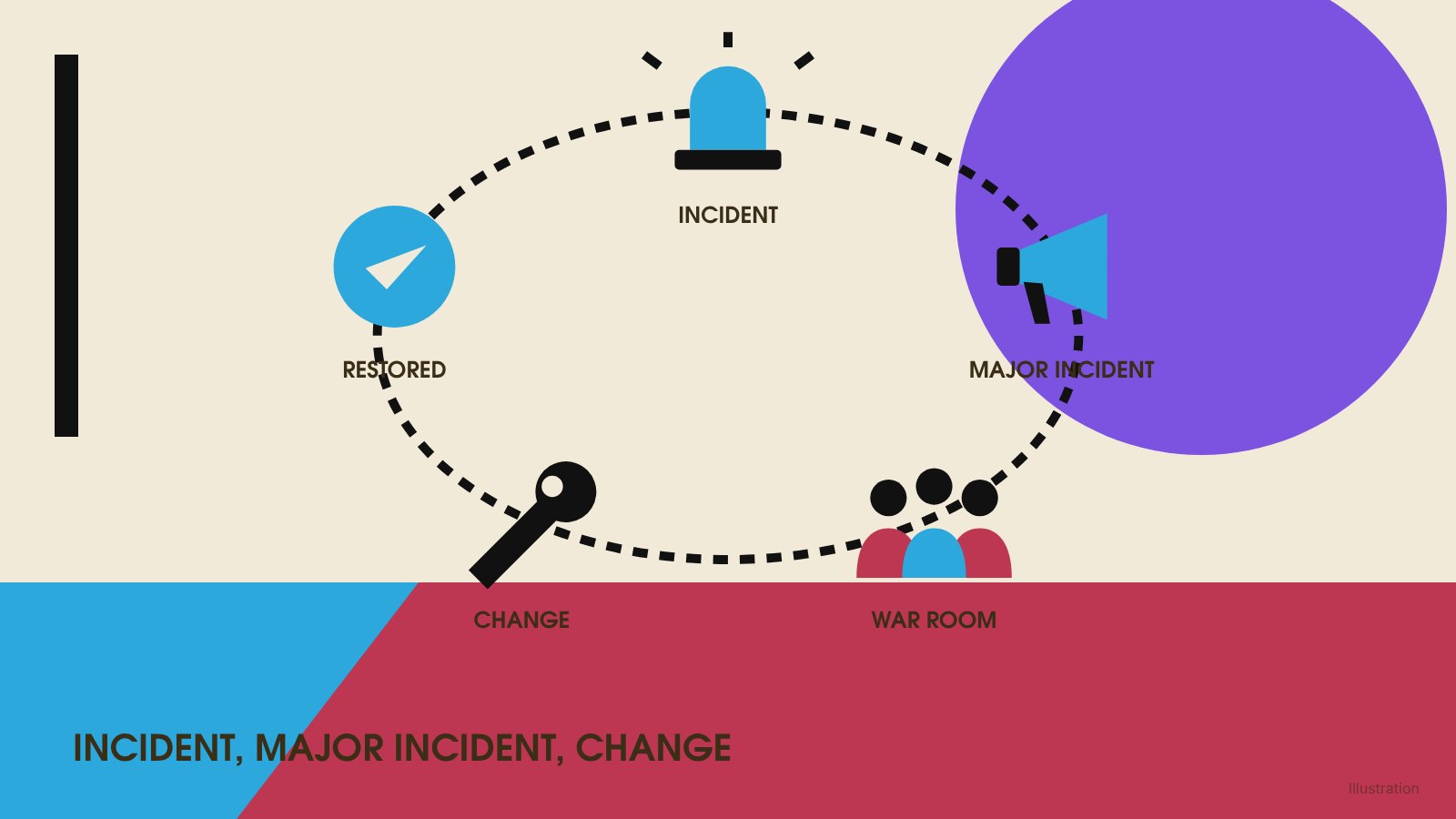
- core ITSM for incidents, major incidents, problems and changes;
- fulfilment through TR Workflow OS, with enforced approvals and parallel department tasks;
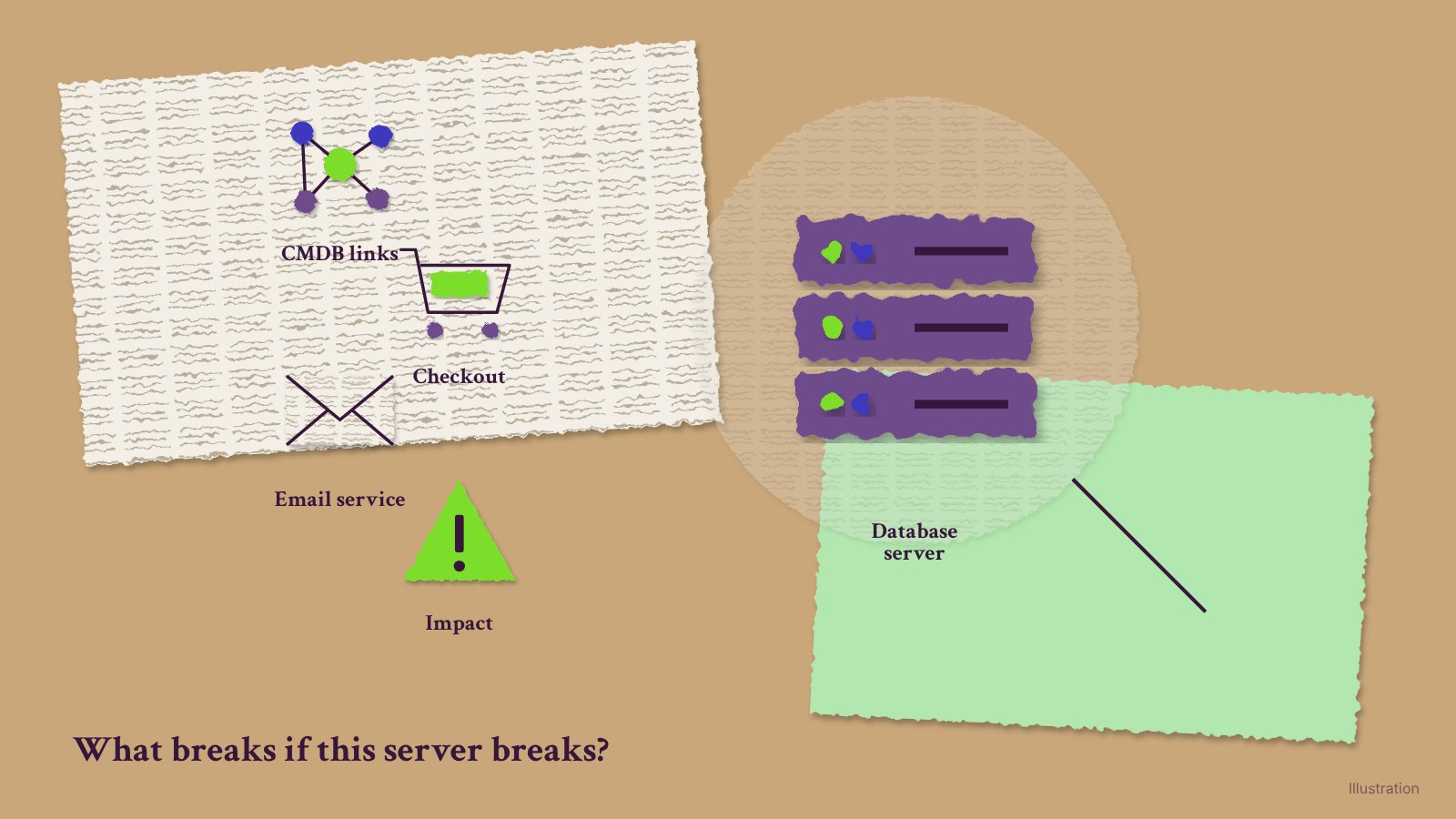
- assets and CMDB with impact analysis.
Before and after: a new joiner's first day
Before. The new joiner's manager e-mails HR about the contract, messages IT on chat about a laptop, and files a facilities ticket for a desk in a third tool. Each team has its own form, its own queue and its own idea of "urgent". On day one the laptop isn't ready, and nobody can say who was supposed to do what.
After. The manager makes requests in one portal. Each request goes to the department that owns that service, with the right form, the right team and an SLA in business hours. Tasks that other departments must do are added to the same record, so everyone can see what's open and who has it. The manager follows one timeline instead of three inboxes.
Who it's for
- Employees get one place to ask, with forms that only ask what's needed.
- Department desks in IT, HR, Finance, Facilities, Legal and others get their own queues and teams without buying separate tools.
- Operations leaders get one model for requests across departments, built on the departments and people the company already keeps in TicketResolve.
Mistakes to avoid
- Copying old forms field by field. Ask only what the desk really needs, and show conditional fields only when an earlier answer calls for them.
- Unrealistic SLA targets. A target in business hours that nobody can meet trains everyone to ignore it.
- No default team. Without one, new requests land in a department with nobody responsible for picking them up.
A worked example, start to finish
Here's how one operations manager sets up three desks in a morning, and what a new joiner sees that afternoon.
09:00. Elena, the operations manager, checks AI VP of Operations → Departments and scorecards. IT and HR are there; Facilities isn't, so she adds it.
09:15. In Service requests → Departments, she ticks Service desk open for IT, HR and Facilities. For each, she adds a team (IT Service Desk, People Team, Workplace), ticks its members and makes it the default team.
09:40. She publishes the first three services:
- New laptop (IT, Hardware): a form asking for the model and the delivery location, with an accessibility needs field marked sensitive. SLA: 3 business days. What to expect: "We'll confirm the model within a day." Done when: "Laptop delivered and signed for."
- Employment letter (HR): the purpose, and the address it's for, shown only when the purpose is rental. SLA: 2 business days.
- Parking permit (Facilities): the vehicle registration and the days needed. SLA: 1 business day.
10:30. In Team, she gives desk staff the Desk agent role, the three department heads the Desk manager role, and everyone else the Employee role.
14:00. Ben, who joined last week, opens Portal and requests a parking permit and an employment letter for a flat rental. Each gets a number (REQ-…), lands in the right department's queue with a due time in business hours, and shows Ben what to expect.
14:20. The Workplace team sees the parking request with its due time and approves the permit by 15:00.
Next day. Ben requests a second monitor from IT. It needs a bigger desk, so the IT agent adds a task for Facilities from the same request. The task appears in Facilities' queue too, and Ben follows one request, not two.
How to tell it's working
- Requests arrive through the portal, not chats and inboxes.
- Every request has a number, an owner and a due time.
- Services have clear "What to expect" and "Done when" text, and forms ask only what's needed.
Do it in TicketResolve, step by step
Where: Service requests (/dashboard/esm). You'll need: the Service Management · Desk manager role (or workspace admin), and your departments set up in AI VP of Operations. Full guides: Setting up department service desks and Publishing a service.
Here's how to set up the new-starter scenario: IT, HR and Facilities taking requests in one place.
- Check your departments. Departments come from AI VP of Operations → Departments and scorecards. Make sure IT, HR and Facilities exist there; add any that are missing first.
- Open each department's desk. Go to Service requests → Departments and tick Service desk open for IT, HR and Facilities.
- Add teams. For each department, add a team (for example IT Service Desk), tick its members and make it the default team, so new requests always land with someone.
- Publish the first services. Go to Catalogue → Service:
- name it (New laptop), choose a category (Hardware) and the department and team that provide it;
- build the form: only the fields the desk really needs; mark personal details sensitive; show a field only when an earlier answer calls for it;
- set the SLA in business hours and pick the business-hours calendar;
- write What to expect for the requester and Done when for the desk;
- Save and publish. Each publish is a new version, and requests keep the version they were made with.
- Give people their roles. In Team, give desk staff Service Management · Desk agent, owners Desk manager, and everyone else Service Management · Employee.
- Try it as an employee. Open Portal, request New laptop, and watch it appear in IT's queue with its due time.
How to check it worked: the request shows a number (REQ-…), the right department and team, and an SLA due time in business hours. Adding a task for HR from the request puts it in HR's queue too.
Frequently asked questions
Is TR ESM only for IT? No. Any department in your organisation structure can open a desk: HR, Finance, Facilities, Legal, Security and others.
Can one request involve several departments? Yes. Each piece of work is a task in its own department's queue, and the requester sees one request with every task's progress.
What happens to open requests when I change a service's form? They keep the version they were made with. New requests use the new version.
Does every employee need a paid seat? No. The Employee role only requests services and sees nothing else, and pricing is flat, not per employee or per request.
Do requests change if I edit a service's form? No. Each publish is a new version, and requests keep the version they were made with.
Where do departments come from? From AI VP of Operations → Departments and scorecards.
Can one request involve several departments? Yes. Add a task for another department from the request; it appears in that department's queue.
Explore Topics
Written by
Ghulam Shabbir
Content creator and writer sharing insights and stories.