
From Ticket to Evidence-Backed Diagnosis: Inside the Investigation Engine
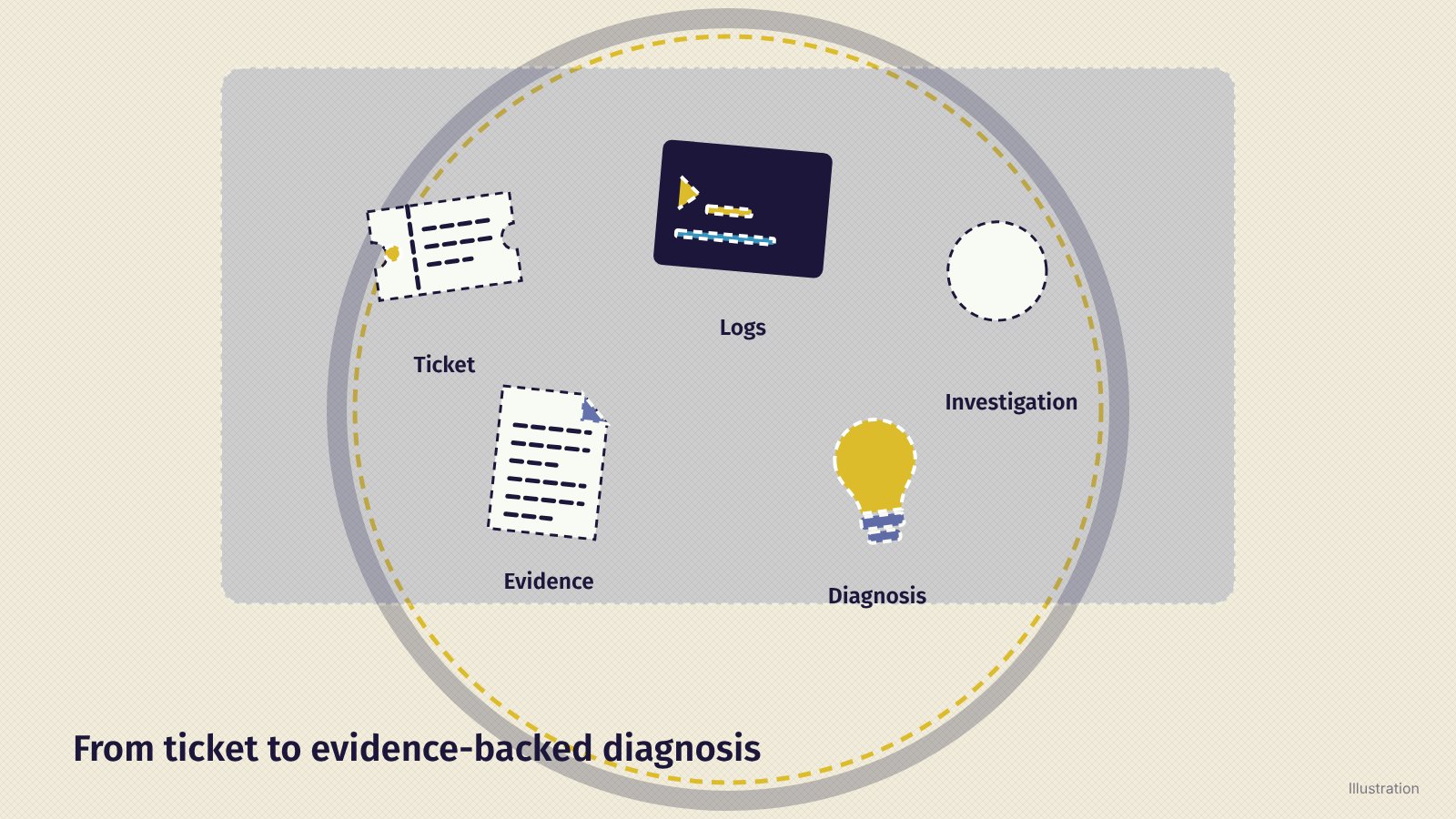
Most L2 and L3 escalations aren’t slow because the bug is clever. They’re slow because the version is in one message, the error in a screenshot, the stack trace in a log and the fix in a ticket someone solved last spring. The investigation engine gives a technical ticket a structured intake, eleven specialist agents, a plan for every possible cause, history that tells real matches from look-alikes, a request for what’s missing, and a review before anyone relies on the report.
At a company that sells warehouse-management software, a customer writes on a Monday: "Exports have stopped working since the weekend. This is urgent; our month-end close depends on it."
The L1 agent, Tomas, escalates it. The L2 engineer, Priya, picks it up on Tuesday afternoon and starts collecting:
- Which version are they on? She asks. The customer replies on Wednesday: 7.4.
- What's the exact error? The customer sends a screenshot. It's cropped; the request id is cut off.
- Was anything deployed? She checks the release channel: yes, 7.4.2 went out Friday.
- Has this happened before? She searches the help desk for "export not working" and finds 46 tickets. She opens the most recent, which says "cleared the browser cache, fixed", and suggests that.
It doesn't work. On Thursday, a senior engineer recognises the error: a timeout in the export service when a report has more than 50,000 rows, seen once before in March. That fix, raising a batch-size setting, works in ten minutes.
The bug took ten minutes. Collecting the facts took four days.
First, the basics
- L1, L2, L3 are support tiers: L1 answers first, L2 investigates technical problems, L3 is usually engineering.
- An escalation moves a ticket up a tier.
- An investigation in TicketResolve is the structured look at one technical ticket: what it says, what the evidence shows, and the possible causes.
- Intake is reading the ticket properly: category, version, environment, errors, steps to reproduce, impact.
- An agent here is a specialist component that gathers one kind of evidence (logs, deployments, configuration, history). None of the new ones calls an AI model.
- A possible cause (hypothesis) is an explanation that could be true. Evidence supports it, is consistent with it, or contradicts it.
- An error signature is a normalised fingerprint of an error, so the same failure can be matched across tickets.
- Customer-reported evidence is what the customer told you; measured evidence comes from your systems. They're kept apart.
- A frozen report is approved and fingerprinted with a hash, so later changes are visible.
Why does this matter? Technical escalations are expensive because skilled people spend most of their time collecting facts. Collecting them first, in one place, with every value traced back to where it came from, means the engineer starts from the evidence instead of from a cropped screenshot.
The problem, in plain terms
- Facts are scattered across messages, screenshots, logs and old tickets.
- Missing details are asked for one at a time, days apart.
- Old tickets that look similar are treated as the same problem.
- The first plausible cause wins, and the evidence against it is forgotten.
- Reports are relied on before anyone has checked them.
It starts by reading the ticket properly
Every technical ticket gets an intake. It is classified into one or more of nine categories:
- software defect, configuration, authentication, API and integration, database and infrastructure;
- performance, deployment and version, data sync, user- or environment-specific.
Each category comes with the words that put it there.
The intake pulls out the module, version, environment, error messages, stack traces, steps to reproduce, expected and actual behaviour, impact and times. Every value keeps the sentence it came from. What isn't there becomes a question for the customer.
Eleven specialists, one shared context
The investigation already ran agents for telemetry, API diagnostics, deployments, known issues, synthesis, the root-cause engine and remediation. Five more join them:
- Logs and stack traces turns exceptions into frames and error signatures.
- Configuration analysis compares configuration before and after, and against a working environment.
- Documentation research finds the help articles that mention the error.
- Historical correlation finds earlier cases with the same failure.
- Evidence verification checks what was found and builds the plan.
They run in parallel when they can. They share one context, so nothing is gathered twice. If one fails, the report names what's missing instead of guessing. None of them calls an AI model.
History that knows a match from a look-alike
Two tickets that both say "export not working" are not the same problem. An earlier case only counts when something technical matches: the error signature, the error terms, the module, the symptoms. Tickets that are only worded alike are listed as rejected, so nobody reuses their fix by accident.
What the earlier case proves matters too. A resolution verified in production counts more than a ticket a person resolved, which counts more than an unverified fix. A fix that was tried and failed counts against.
A plan for every possible cause
For each possible cause, the investigation lists the evidence that would support or rule it out, and which agent gathers it. Each item shows whether that evidence was found, contradicted, still open, unavailable because the source isn't connected, or ruled out.
Evidence that contradicts a cause stays visible. The engine never picks a winner.
Asking for what's missing
When the version, the exact error or a request id is missing, Ask the customer creates a short form for exactly those things. You paste the link into your reply. When the customer answers, their details become customer-reported evidence and the investigation runs again. It's never counted as measured.
A person approves the report
Anyone can submit an investigation for review. A Support Lead approves it or returns it with a reason, and the person who submitted it can't approve their own. Approval freezes the report with its hash, so later re-analysis can't quietly change what was approved.
Budgets and agents are set per workspace in a versioned investigation policy. Every run records the version it ran under.
A worked example, start to finish
Here's the same export ticket, with the investigation engine.
Monday, 09:02. The ticket arrives. Investigate technical tickets automatically is on, so an investigation starts.
09:03, intake. Category: software defect and deployment and version, with the words that put it there ("stopped working since the weekend", "exports"). Module: export. Version: missing. Error: missing (only "stopped working"). Impact: "month-end close depends on it". Two questions for the customer.
09:04, ask the customer. Tomas presses Create the request under Ask the customer, then Copy, and pastes the line into his first reply: "So we can look into this straight away, could you fill in this short form? It asks for your version and the exact error."
09:40. The customer fills in the form: version 7.4.2, error "Export failed: request timed out (req-8f21c)", and a report of 62,000 rows. The investigation runs again; these are marked customer-reported.
09:41, agents. In parallel:
- Logs and stack traces: the request id matches a timeout in the export service; error signature
ExportTimeout@BatchWriter.flush. - Deployments: 7.4.2 on Friday changed the export service.
- Configuration analysis: batch size changed from 5,000 to 50,000 in 7.4.2.
- Historical correlation: one earlier case from March with the same error signature, resolution verified in production (batch size reduced). 45 tickets that only say "export not working" are listed as rejected look-alikes, including the "cleared the browser cache" one.
- Documentation research: a help article on export limits.
- Telemetry: unavailable (the customer's APM isn't connected), named as missing.
09:42, possible causes.
- Batch-size change in 7.4.2 causes timeouts on large exports: supported by the stack trace, the configuration diff and the March case. Plan: timeouts only above a row threshold: found.
- Customer network issue: contradicted by the server-side timeout in the logs. Stays visible.
- Database load at month-end: open; database metrics unavailable.
10:00. Priya opens it. She doesn't collect anything; she reads. On the Findings tab she confirms cause 1 and rules out cause 2. She presses Submit for review.
10:15. The Support Lead checks the supporting and contradicting evidence and the evidence checks (the version is customer-reported, noted), and presses Approve. The report is frozen with its fingerprint.
10:30. Engineering applies the batch-size fix. The customer's exports work before lunch on Monday.
Five more real-world scenarios
1. A source fails
Situation. The log source times out during the run.
How TR handles it. The agent shows a cross with the error, and the report names what's missing instead of guessing.
2. A fix that failed before
Situation. An earlier case with the same signature records a fix that was tried and didn't work.
How TR handles it. It counts against that fix, so nobody tries it again blindly.
3. Approving your own report
Situation. The engineer who submitted the investigation is also a Support Lead.
How TR handles it. They can't approve their own submission while someone else can.
4. A re-run after approval
Situation. New evidence arrives after the report was approved and the investigation re-runs.
How TR handles it. The approved report stays frozen; the review says the report has changed since.
5. A budget limit
Situation. A noisy ticket keeps triggering re-runs.
How TR handles it. Runs per investigation per day (default 20) caps it, under the policy version recorded on each run.
Before and after
Before. Four days of asking for the version, a cropped screenshot, a look-alike "fix" that didn't work, and a senior engineer who happened to remember March.
After. An intake that knew what was missing, a form for exactly those things, eleven agents in parallel, the March case matched by error signature and 45 look-alikes rejected, a cause confirmed by a person, and a report approved by someone else.
How to tell it's working
- Escalations arrive with an intake and agents already run.
- Look-alike tickets are rejected, not reused.
- Missing details are requested in the first reply.
- Reports are approved by someone other than the submitter.
Who it's for
- L2 and L3 engineers who spend their days collecting facts.
- Support leads who review and approve investigations.
- L1 agents who want to ask for the right details first time.
How it fits with the rest of TicketResolve
The investigation engine builds on TR Investigate's production evidence, deployments and API tests, and feeds known issues, fix verification and Resolution Assurance. Customer access goes through TicketResolve Connect's consent.
Mistakes to avoid
- Treating customer-reported details as measured. They're labelled for a reason.
- Confirming a cause while contradicting evidence is unexplained.
- Leaving telemetry unconnected. Unavailable evidence is named, but it's still missing.
Do it in TicketResolve, step by step
Where: Investigate → Investigation overview (/dashboard/investigate). You'll need: a help desk connected; Support Leads or Managers to approve. Full guides: TR Investigate: from a ticket to a verified fix and Diagnostics form for customers.
- Start an investigation. Under Start an investigation, choose From a ticket, pick the help desk, enter the ticket number and press Investigate. Or turn on Investigate technical tickets automatically under Investigate → Integrations → Investigation settings.
- Open the Investigation tab.
- Check the Technical intake: the category and why, version, environment, errors, steps, expected vs actual and impact.
- Check Agents. A cross means a source failed, with the error shown. A dashed circle means the agent was skipped, for example by your policy.
- Read Possible causes and their evidence: what supports, what is consistent, what contradicts, and the plan.
- Check Evidence checks and Earlier cases: stale or reported-only evidence, verified resolutions, failed fixes and rejected look-alikes.
- Ask for what's missing. Create the request under Ask the customer, then Copy and paste into your reply. The investigation re-runs when the customer answers.
- Confirm or rule out. On the Findings tab, Confirm the cause the evidence proves or Rule out the ones it disproves.
- Submit for review. A Support Lead or Manager presses Approve, or writes what needs to change and presses Return for changes.
- Set the policy (admins). Investigate → Integrations → Investigation policy: runs per investigation per day (default 20), runs per workspace per day (default 500), optional agents, history window (default 730 days). Each save is a new version.
How to check it worked: an investigation shows an intake, agents with their status, possible causes with a plan, and earlier cases with rejected look-alikes.
How the investigation engine works has every step in more detail, what the customer sees, troubleshooting and the API.
Frequently asked questions
Do the new agents use AI? No. None of the five new agents calls an AI model.
What counts as a matching earlier case? Only one where something technical matches: error signature, error terms, module or symptoms.
Does the engine choose the root cause? No. Possible causes stay hypotheses until a person confirms one.
What happens to what the customer tells us? It becomes customer-reported evidence and the investigation re-runs. It's never counted as measured.
Who approves a report? A Support Lead or Manager who didn't submit it.
Can a re-run change an approved report? No. Approval freezes it with its hash; the review says if a re-run changed it.
Are diagnostics read-only? Yes. Customer access goes through Connect's consent.
Can another workspace see our investigations? No. One workspace never sees another's.
Explore Topics
Written by
Ghulam Shabbir
Content creator and writer sharing insights and stories.