
From Ticket to Code Map Without the Clicks
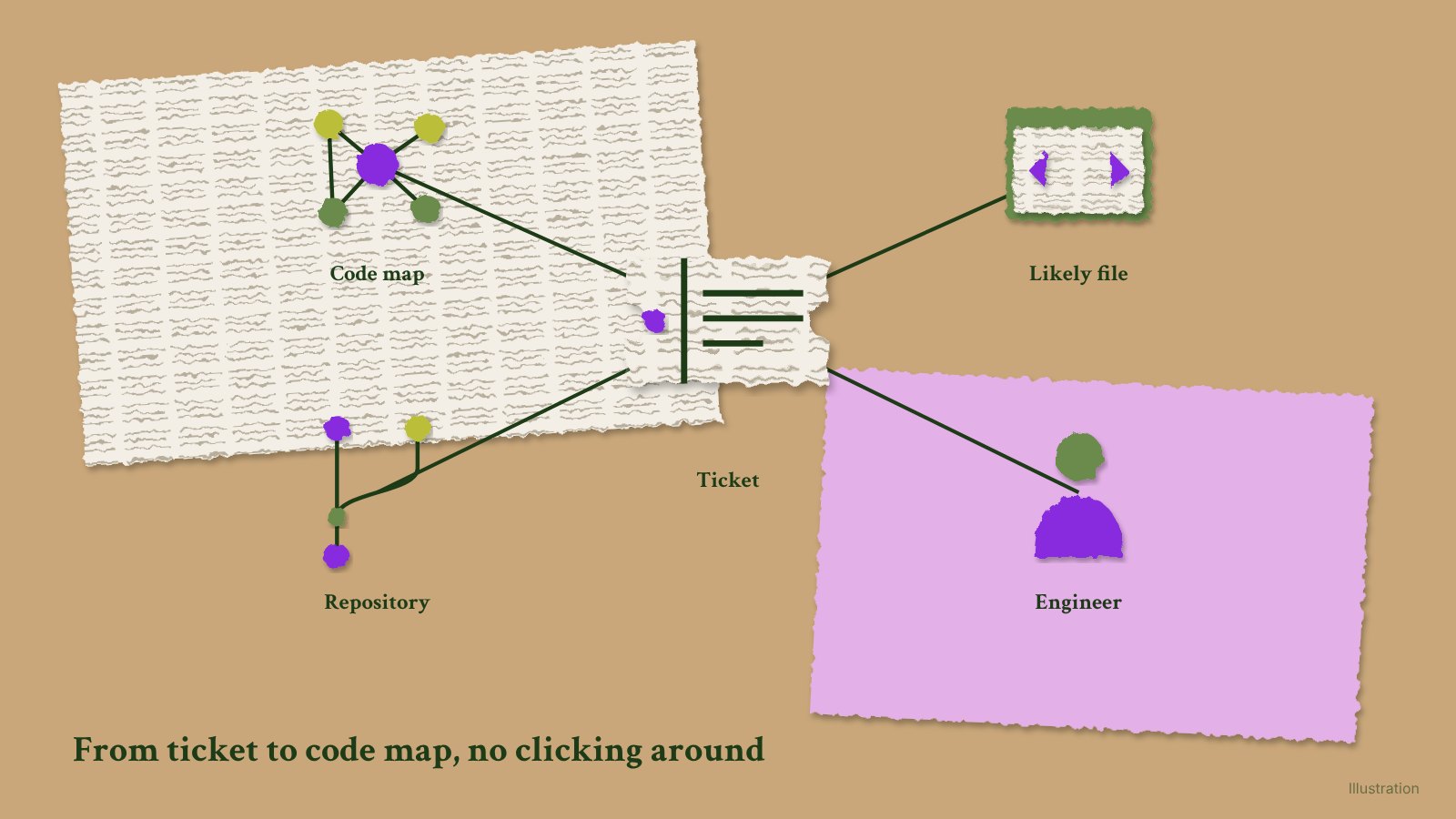
We ran a real Salesforce ticket through TicketResolve Connect and counted the clicks that only moved data along. Now the session, evidence, analysis, repository and code map follow each other on their own, and people decide only consent, the repository when it’s unclear, the fix and the merge.
A Salesforce case said: running OUTPUT-PARSERS on branch bug_test fails with KeyError: missing variable 'topic', and the logs are in app.log.
It's the kind of ticket an engineer can fix in minutes once they're looking at the right line of the right file. We took it from report to proposed fix with TicketResolve Connect, as a test of our own product. It worked, but we counted the steps along the way, and too many of them only moved data from one screen to the next:
- The Connect session we made from the Connect page wasn't part of the investigation of the same ticket, so we requested access a second time.
- The agent collected app.log, but the investigation still said "Awaiting evidence". Re-running it changed nothing.
- Code mapping used CRUD-in-FastApi, the first repository chosen for the workspace, not OUTPUT-PARSERS. There was no way to pick another.
- The agent command only worked in a Linux shell.
- On Windows the agent seemed to stall until someone clicked into its window.
None of these needed a decision. Each needed a person to move something along.
First, the basics
- TicketResolve Connect lets a customer approve diagnostic access for a support request and run our agent to collect what they allow.
- A Connect session is one approved access. The agent is the small program that collects.
- An investigation is TicketResolve's structured look at one technical ticket. "Awaiting evidence" means it has nothing to work with yet; "Findings ready" means it has possible causes.
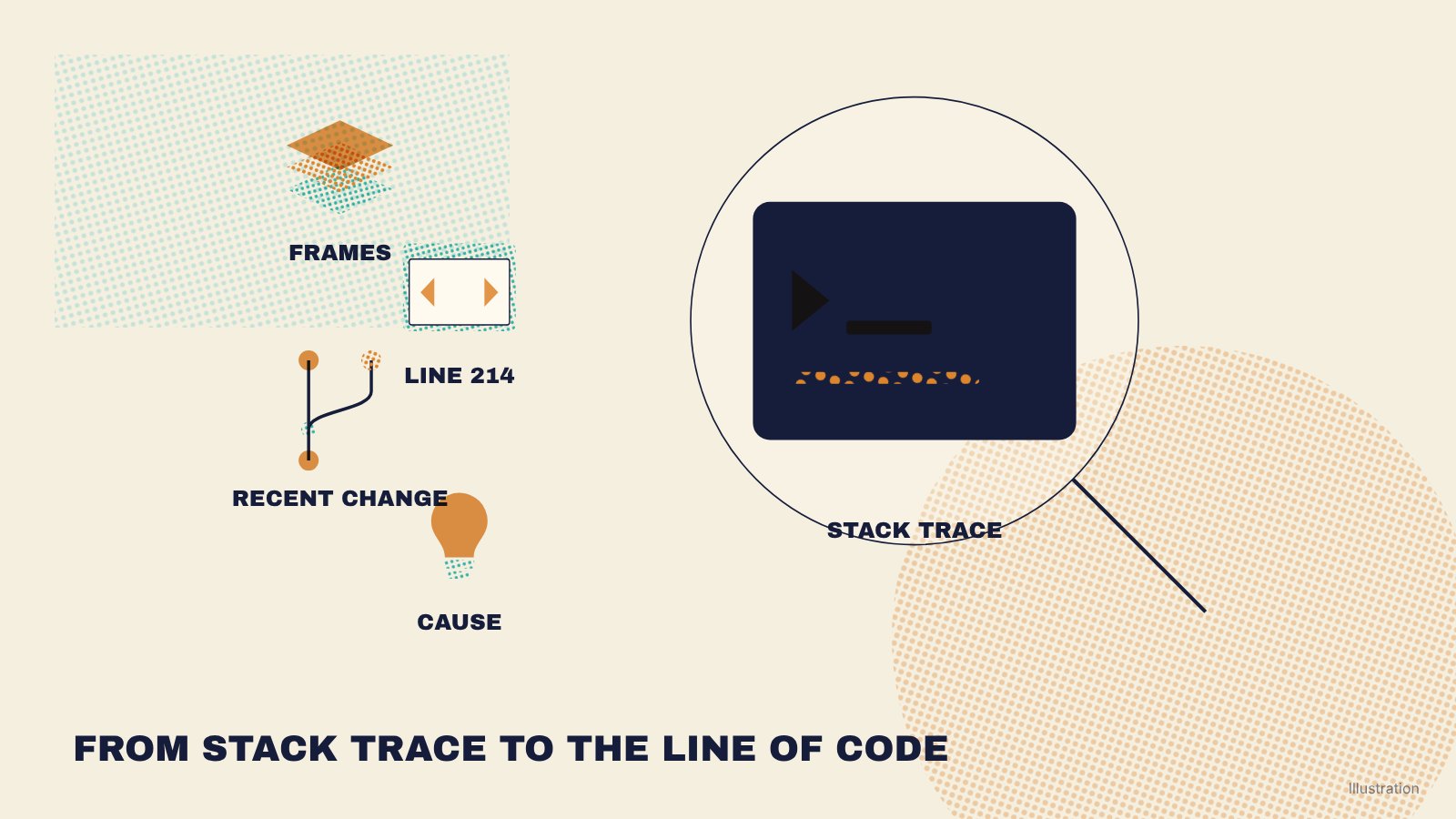
- A traceback (stack trace) lists the functions that were running when the error happened, with file paths.
- A repository holds code; a branch is one version of it, such as
bug_test. - Code mapping links the evidence to the files and lines it points at.
- A draft pull request is a proposed code change waiting for review.
- PowerShell and Command Prompt are Windows shells; Linux and macOS use others. QuickEdit is a Windows console setting that pauses output when you click in the window.
Why does this matter? In a technical ticket, the slow part is often not deciding but moving: copying a session to an investigation, re-running an analysis, picking a repository. When those steps follow each other on their own, people only spend time on the decisions that need them.
The problem, in plain terms
- Things that belong together aren't linked.
- New evidence doesn't change the analysis.
- The wrong repository is searched.
- Commands only work on one system.
- Agents stall for reasons nobody can see.
What was actually wrong
Each of these had its own cause.
- Sessions were linked only by investigation id. A session made on the Connect page stored the ticket number, but the investigation never looked for sessions by ticket.
- The analysis didn't read Connect evidence. It built its possible causes from monitoring tools only. The traceback in app.log was stored but never considered, so the result stayed the same however often it ran.
- Code mapping had no idea which repository the ticket was about. It searched the workspace's chosen repositories in order, at the deployed commit, never at the branch the customer named.
- The command used
VAR=value node …. That syntax doesn't exist in PowerShell or Command Prompt. - QuickEdit. In a Windows console with QuickEdit on, a click selects text and pauses every write to the window. The agent logs each step to its window, so it paused too.
What runs on its own now
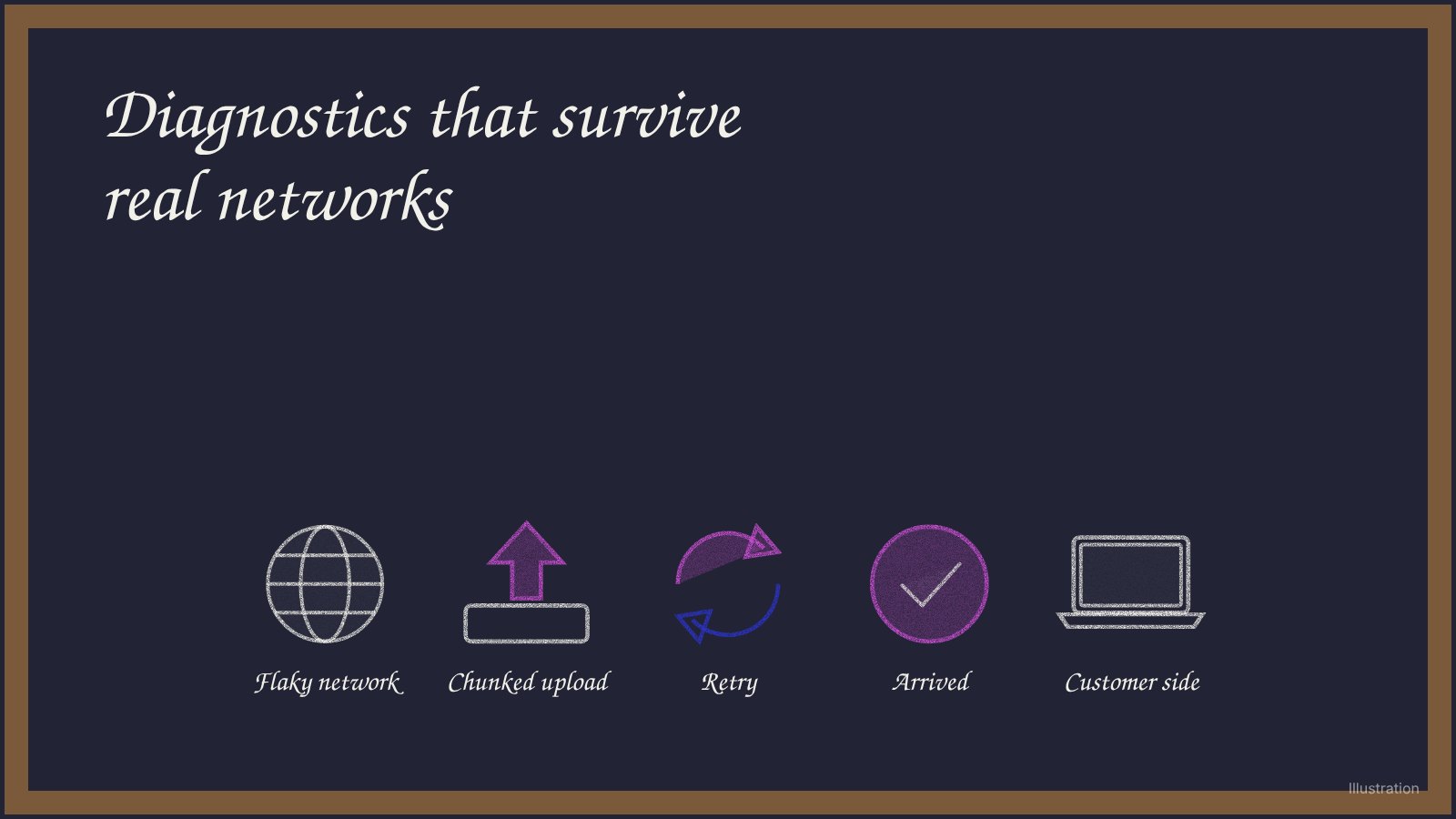
- Session and investigation find each other. They match on the same ticket in the same workspace, whichever comes first. The session's evidence goes with it.
- The agent collects as soon as it connects. It gathers everything the customer allowed and configured: environment details, the last day of the listed log files, and so on. Nothing the customer didn't allow is collected.
- New evidence re-runs the investigation. Exceptions in the customer's logs count as evidence when they match the report. Our ticket moved from "Awaiting evidence" to "Findings ready" with the KeyError as the top cause.
- The repository comes from the evidence. A repository named in the ticket, a stack-trace path or a log path is chosen with its branch (
bug_test). Nothing named? It asks instead of guessing. If the named repository isn't in the workspace yet, it's offered with one "Add and use" button. - The evidence is mapped to code at that repository and branch. In our ticket that was
main.py, whererun()passessubjectto a prompt that expectstopic. - The agent runs anywhere. The authorization page shows the command for PowerShell, Command Prompt, Linux or macOS.
--backgroundruns the agent with no window to click into, and on Windows it switches QuickEdit off.
Every step shows on the investigation with its time and, if it failed, the reason. Failed steps are retried.
What people still decide
- The customer decides what may be collected.
- Someone on your team picks the repository when two match, or adds one to the workspace.
- Someone other than the person who asked for the fix approves it before a draft pull request is opened.
- Merging and deploying stay in your own Git and CI.
A worked example, start to finish
Here's the same Salesforce case, after the change. Times are illustrative; the steps are the ones that now run.
10:00. The case syncs from Salesforce. An investigation starts: Awaiting evidence. The intake reads the ticket: repository OUTPUT-PARSERS, branch bug_test, error KeyError: missing variable 'topic', log file app.log.
10:02. The support engineer, Amira, creates a Connect request from the Connect page (out of habit). Because it's the same ticket in the same workspace, the session and the investigation find each other. No second access request.
10:05. The customer's developer opens the authorization page. He's on Windows, so he copies the PowerShell command. He ticks environment details and log files: app.log, and runs the agent with --background. There's no window to click into, and QuickEdit is off.
10:06. The agent collects as soon as it connects: Python version, package versions, and the last day of app.log. Nothing else.
10:07. The new evidence re-runs the investigation. The traceback in app.log matches the reported KeyError, so it counts as evidence. Status: Findings ready, top cause: prompt variable topic missing at render.
10:07. The repository comes from the evidence: OUTPUT-PARSERS, named in the ticket and in the traceback paths, at branch bug_test. It isn't in the workspace yet, so it's offered with Add and use. Amira presses it.
10:09. Code mapping at OUTPUT-PARSERS / bug_test: main.py, where run() passes subject to a prompt that expects topic.
10:15. Amira asks for a fix proposal: rename subject to topic in the call. Her colleague Jon, not Amira, approves it. A draft pull request opens on bug_test.
10:40. The customer's team reviews, merges and deploys in their own Git and CI.
On the investigation, every step shows with its time: session linked 10:02, evidence collected 10:06, re-run 10:07, repository chosen 10:07, mapped 10:09.
Five more real-world scenarios
1. Nothing names a repository
Situation. The ticket and logs don't mention a repository or a path.
How TR handles it. It asks instead of guessing.
2. Two repositories match
Situation. The stack trace paths match two repositories.
How TR handles it. Someone on your team picks one.
3. A step fails
Situation. Code mapping fails because the branch was deleted.
How TR handles it. The step shows on the investigation with its time and the reason, and is retried.
4. A log that doesn't match
Situation. app.log contains an unrelated warning.
How TR handles it. Exceptions count as evidence only when they match the report.
5. A Mac developer
Situation. The customer's developer uses macOS.
How TR handles it. The authorization page shows the macOS command.
Before and after
Before. Access requested twice, "Awaiting evidence" after the logs arrived, the wrong repository, a Linux-only command, and an agent that paused when clicked.
After. The session and investigation link on the ticket, evidence re-runs the analysis, the repository and branch come from the evidence, the agent runs on any system, and people decide consent, the repository when unclear, the fix and the merge.
How to tell it's working
- No second access requests for the same ticket.
- Investigations move to Findings ready when evidence arrives.
- Code maps point at the right repository and branch.
- Every step shows its time, and failed ones their reason.
Who it's for
- Support engineers who work technical tickets with customers' consent.
- Engineering teams who receive the fix proposal.
- Customers' developers, on any system.
How it fits with the rest of TicketResolve
It joins TicketResolve Connect (Customer environment connect), investigations and Autonomous engineering's code mapping and fix proposals. Merging and deploying stay in your own Git and CI.
Mistakes to avoid
- Picking a repository by habit when the evidence names another.
- Approving your own fix request. Someone else approves.
- Collecting more than needed. The customer ticks only what's required.
Do it in TicketResolve, step by step
Where: Investigate (/dashboard/investigate) and the ticket's Connect request. You'll need: Customer environment connect; Autonomous engineering for code mapping and fixes; a colleague to approve. Full guides: TR Investigate: from a ticket to a verified fix and Ticket investigation: possible causes ranked by evidence.
- Create a Connect request from the ticket's investigation or the Connect page. They link on the same ticket.
- The customer authorizes. They tick what may be collected and copy the command for PowerShell, Command Prompt, Linux or macOS, optionally with
--background. - The agent collects what was allowed as soon as it connects.
- Watch the investigation re-run and move to Findings ready.
- Check the repository and branch. Pick one if two match; press Add and use if it's not in the workspace.
- Read the code map: the file and line the evidence points to.
- Request a fix, and have someone else approve it. A draft pull request opens.
- Merge and deploy in your own Git and CI.
How to check it worked: the investigation lists each step with its time: session linked, evidence collected, re-run, repository chosen, mapped.
How Connect works has the commands for each system, and Autonomous engineering has what runs on its own.
Frequently asked questions
Do I need to request access twice? No. The session and investigation match on the same ticket in the same workspace.
Does the agent collect everything? No. Only what the customer allowed and configured.
When does the investigation re-run? When new evidence arrives.
How is the repository chosen? From the ticket, a stack-trace path or a log path, with its branch. If nothing's named, it asks.
Does it work on Windows?
Yes. The page shows commands for PowerShell and Command Prompt, and --background switches QuickEdit off.
Who approves a fix? Someone other than the person who asked for it.
Does TicketResolve merge the fix? No. Merging and deploying stay in your own Git and CI.
What if a step fails? It shows the reason on the investigation and is retried.
Explore Topics
Written by
Ghulam Shabbir
Content creator and writer sharing insights and stories.