
From Approved Draft to the Answer Customers Get
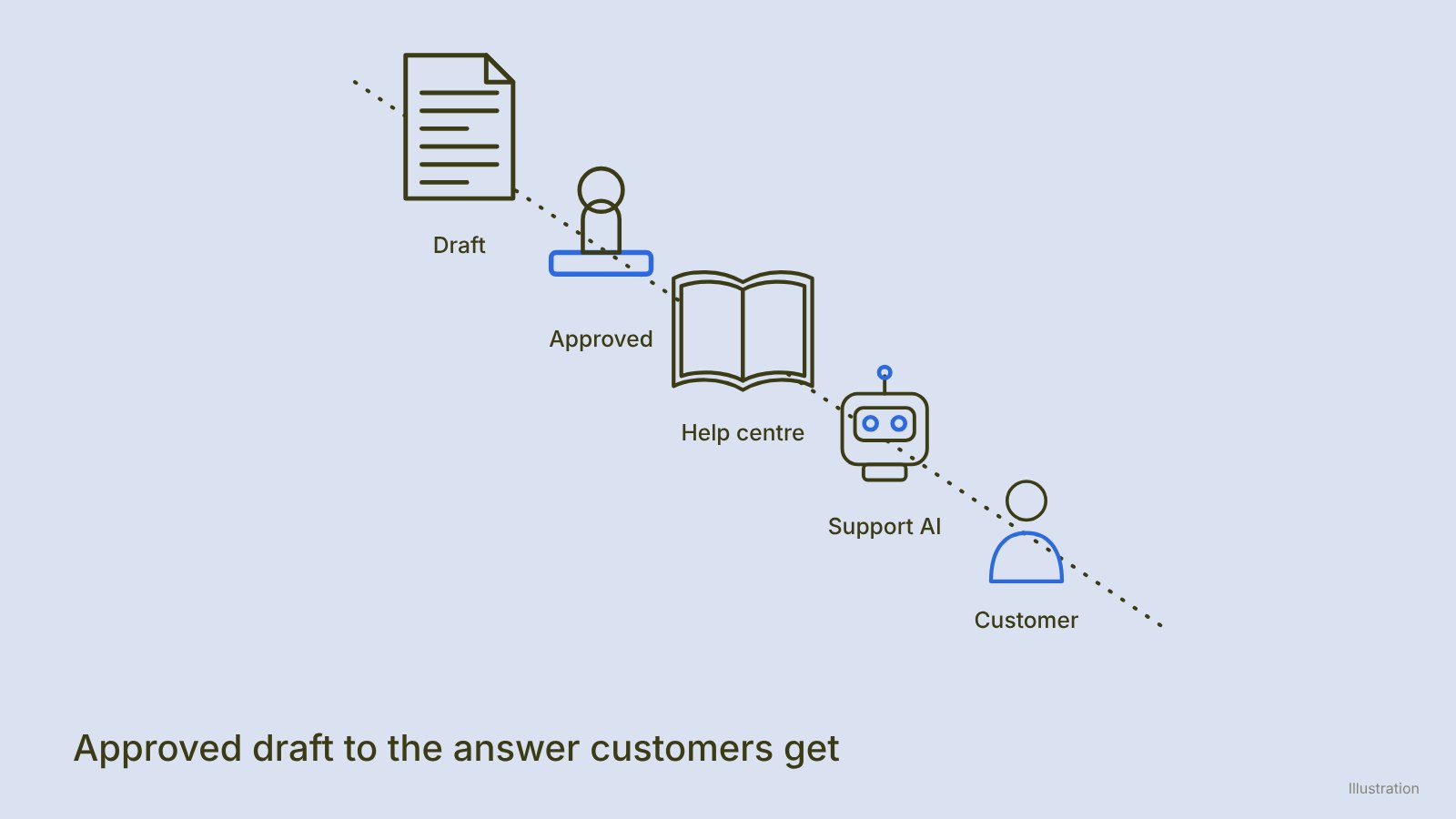
A document that’s been reviewed and approved still isn’t doing anything until customers, or the support AI answering them, can read it. Technical Writing Intelligence publishes approved documents to your knowledge base and help centre, shows what’s missing or stale in analytics, and adds a documentation copilot that answers status questions from figures and everything else only from your documents.
At a payroll software company, the documentation team spent two weeks writing a new guide: "Running payroll for employees on leave". It went through technical review with a payroll specialist, editorial review and approval. The status in the documentation tool turned green: Approved.
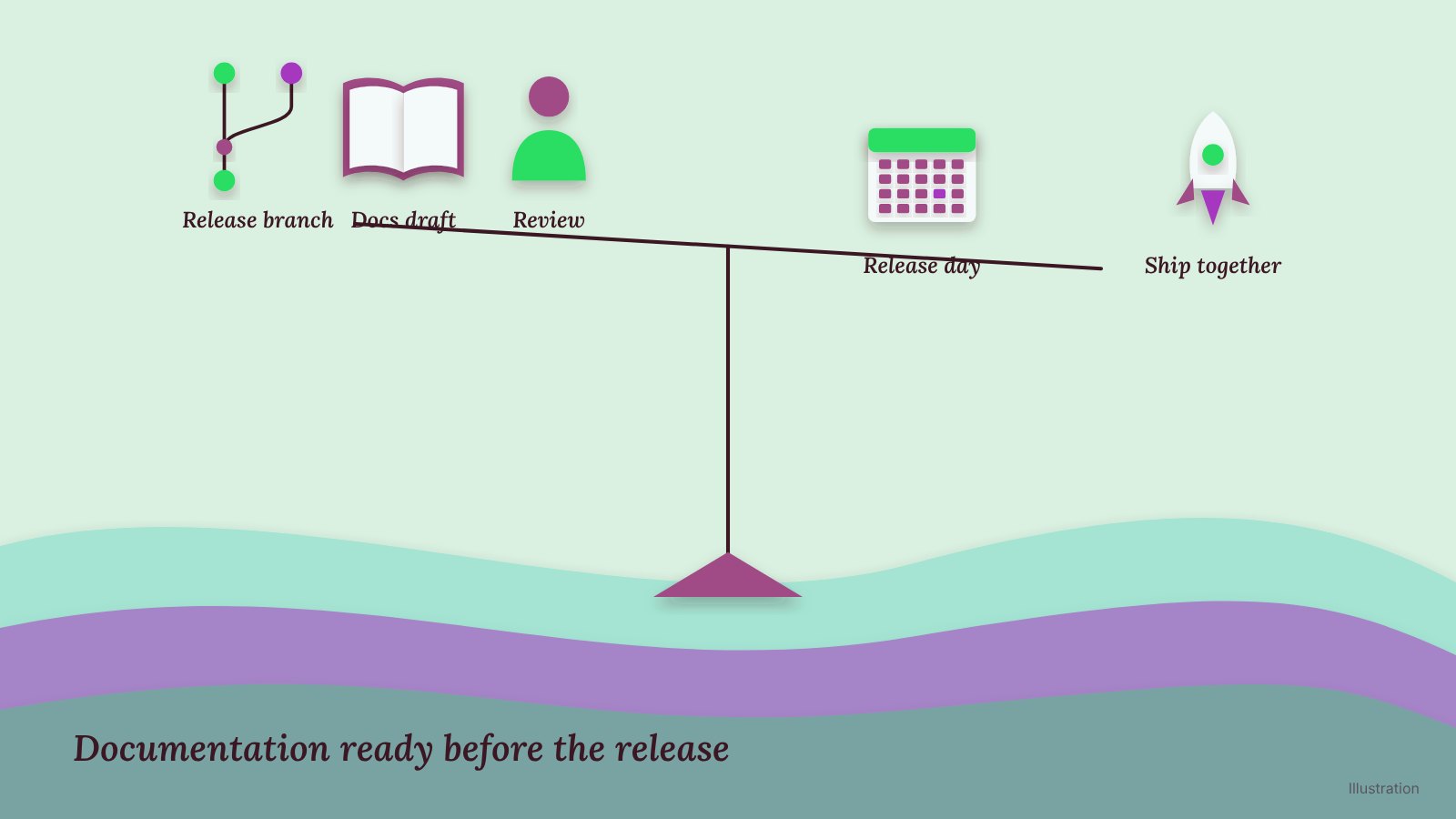
Then nothing happened. The guide wasn't in the help centre, because publishing there was a separate step someone did by hand on Fridays, and that Friday the person was off. It wasn't in the knowledge base the support AI used either, so the AI kept answering leave questions from an outdated article. In the next fortnight, support handled 68 tickets about leave payroll, several with wrong answers from the AI.
Meanwhile, a writer had already started editing the approved guide for the next product version. When it finally was published by hand, the wrong copy (the half-finished working version) went out.
A document that's been reviewed and approved still isn't doing anything until customers, or the support AI answering them, can read it.
First, the basics
- A documentation team writes the guides, references and articles customers read.
- The approved version is the one that passed review. The working copy is what a writer is currently editing.
- TicketResolve's knowledge base is what the support AI answers from. Indexed means the AI can now find it.
- A help centre is the customer-facing support site, such as Zendesk Guide, Freshdesk, Intercom or Salesforce Knowledge. An article can be published there as a draft or live.
- Visibility says who a document is for: public, customer-facing, internal, or documentation-team-only.
- Coverage is whether each product has the core types of document: getting started, installation, configuration, troubleshooting and release notes.
- Freshness is how long ago a published version was approved.
- Gaps are things that should be documented but aren't: API operations no document mentions, questions the knowledge base couldn't answer, broken links.
- A copilot is an assistant that answers questions.
Why does this matter? Approval isn't the finish line; being read is. If approved content doesn't reach customers and the support AI quickly and correctly, the documentation team's work doesn't reduce tickets, and outdated answers keep being given.
The problem, in plain terms
- Publishing is a manual, separate step, and it slips.
- The wrong version gets published: a working copy instead of the approved one.
- Internal documents leak into public help centres.
- Help-centre copies fall behind after a newer version is approved.
- Nobody can see what's missing: which products lack troubleshooting guides, which questions have no answer.
- Documentation copilots invent answers, especially about status.
Publishing the approved version, not the draft
From the studio, someone with "Approve documentation" can send a document to:
- TicketResolve's knowledge base, where the support AI can answer from it once it's indexed;
- the connected help centre (Zendesk Guide, Freshdesk, Intercom or Salesforce Knowledge), as a draft or live.
What goes out is always the approved version. A writer can keep editing the working copy; the knowledge base keeps the approved text until the next version is approved and published again, and then it's updated in place. Internal and documentation-team-only documents never leave TicketResolve.
A help-centre article is created once. When a newer version is approved, analytics shows that the help-centre copy is behind, so someone updates it there, rather than TicketResolve overwriting an article your team may have adjusted.
Analytics that show what's missing
Analytics are calculated without AI from your documents and connected sources:
- Coverage by product, and which core types a product has none of: getting started, installation, configuration, troubleshooting, release notes.
- Freshness: days since each published version was approved.
- Review turnaround by month, and the spread of quality scores.
- Publishing: what's in the knowledge base and help centre, and what's behind.
- Gaps: API operations no published document mentions, questions the knowledge base had no answer for, broken internal links, and documents written for a product version the product no longer lists.
The same checks feed the documentation agent in Suggestions. Accepting one opens the document; it changes nothing on its own.
A copilot that knows when not to write
Ask "what's waiting for review?" or "which documents are outdated?" and the answer comes from the calculated figures, with links, no AI involved.
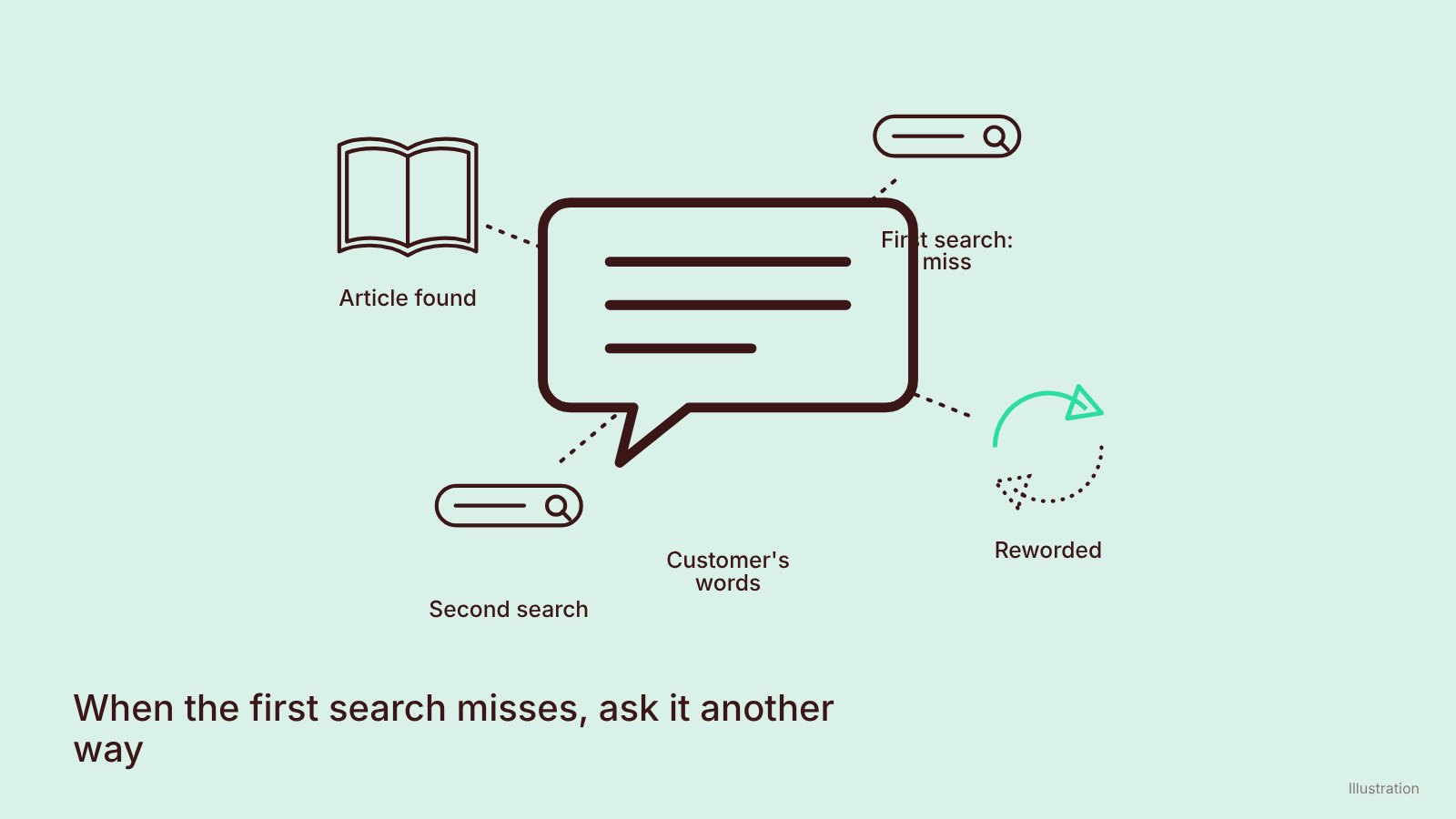
Ask how something works, and the copilot answers only from published documents and source material, citing each point; a point it can't tie to a source is dropped rather than shown.
And when the right fix is in the product rather than the documentation, a recurring question can go to Product Management as feedback in one click.
A worked example, start to finish
Here's the leave-payroll guide, published through Technical Writing Intelligence.
Monday, 10:00. The guide is approved by the documentation lead, Nadia, who didn't write it. Its visibility is customer-facing.
10:05. Nadia opens it in the Studio and chooses Publish: add to the knowledge base, and publish to the help centre (Zendesk Guide) live. Both send the approved version.
10:20. The knowledge-base copy is indexed. The support AI can now answer from it.
10:30. A leave-payroll ticket arrives. The support AI's draft answer cites the new guide. The agent approves it.
Tuesday. The writer, Owen, starts editing the guide for next quarter's product version. The working copy changes; the knowledge base and help centre keep the approved text.
Two weeks later. Owen's new version is approved. Nadia publishes to the knowledge base again; it's updated in place. In Analytics & gaps, the help-centre article shows as behind. Nadia updates it in Zendesk herself, because the support team had added a short note to that article which she wants to keep.
Month end, analytics. Nadia opens Analytics & gaps:
- Coverage: the time-tracking product has no troubleshooting guide.
- Freshness: 11 published documents were approved more than 12 months ago.
- Gaps: 6 API operations no published document mentions; 23 questions the knowledge base couldn't answer last month, the most common being "How do I correct a payslip after it's been sent?"; 4 broken internal links; 2 documents written for a product version no longer listed.
Same day. She asks the copilot: "Which documents are outdated?" It's calculated with links, no AI. Then: "How does payslip correction work?" The copilot answers from two published documents and an engineering note, citing each point. One sentence about "automatic correction" had no source and was dropped.
Next week. The payslip-correction question keeps coming up, but the real problem is that the product makes corrections hard. Nadia sends it to Product Management as feedback in one click. She also starts a troubleshooting guide for time tracking from the gap.
Five more real-world scenarios
1. An internal runbook
Situation. A writer tries to publish an internal escalation runbook to the help centre.
How TR handles it. Internal and documentation-team-only documents never leave TicketResolve.
2. Publishing as a draft first
Situation. The help-centre team wants to preview articles before they go live.
How TR handles it. Publish to the help centre as a draft; they make it live when ready.
3. Documents for an old version
Situation. Three guides are written for version 6, which the product no longer lists.
How TR handles it. Analytics flags them as written for a version the product no longer lists.
4. A documentation agent suggestion
Situation. The agent suggests updating a guide with a broken link.
How TR handles it. Accepting it opens the document. It changes nothing on its own.
5. A copilot question with no source
Situation. Someone asks how a feature works that isn't documented anywhere.
How TR handles it. Points without a source are dropped, so the copilot says what the sources cover and nothing more.
Before and after
Before. An approved guide that sat unpublished for two weeks, an AI answering from an outdated article, and a working copy published by mistake.
After. The approved version published to the knowledge base and help centre from the studio, kept in place while writers keep editing, help-centre copies flagged when they fall behind, gaps visible in analytics, and a copilot that cites or stays quiet.
How to tell it's working
- Approved documents are published within a day.
- The support AI cites current documents.
- Help-centre copies aren't left behind for long.
- Gaps shrink: core types filled, unanswered questions answered.
Who it's for
- Documentation leads and technical writers.
- Support leaders whose AI and agents answer from the knowledge base.
- Product managers who receive recurring questions as feedback.
How it fits with the rest of TicketResolve
This completed Technical Writing Intelligence. Published documents feed the knowledge base that the support AI and agents use. Recurring questions go to Product Management Intelligence. Continuous Documentation Intelligence, which keeps documentation in step with code changes, builds on it.
Mistakes to avoid
- Treating approval as done. Publish, then check it's indexed.
- Overwriting help-centre edits. Update the behind copy there, keeping local adjustments.
- Ignoring unanswered questions. They're the clearest list of what to write next.
Do it in TicketResolve, step by step
Where: Technical Writing → Studio, Analytics & gaps and Command center (/dashboard/technical-writing/analytics). You'll need: Approve documentation to publish, and a help centre connected. Full guides: Publishing, analytics and the copilot and Writing and reviewing a document.
- Publish. Studio → Publish: add the approved version to the knowledge base, or publish it to the help centre as a draft or live.
- Keep copies current. After a newer version is approved, publish to the knowledge base again. Analytics lists help-centre articles that are behind.
- Find gaps. Analytics & gaps: products missing core document types, stale versions, broken links, undocumented API operations and unanswered questions.
- Work suggestions. The documentation agent's suggestions open the right document when accepted.
- Ask the copilot. Command center → Ask about the documentation. Status questions are calculated; others are answered from published documents with sources.
- Send product problems to Product Management. Send a recurring question as feedback in one click.
How to check it worked: the document shows as indexed in the knowledge base and live (or draft) in the help centre, and analytics shows no copies behind.
Frequently asked questions
Which version is published? Always the approved version, never the working copy.
Who can publish? Someone with Approve documentation.
Which help centres are supported? Zendesk Guide, Freshdesk, Intercom and Salesforce Knowledge.
Do internal documents get published? No. Internal and documentation-team-only documents never leave TicketResolve.
What happens when a newer version is approved? Publish to the knowledge base again to update it in place. Analytics shows help-centre copies that are behind.
Does TicketResolve overwrite help-centre articles? No. It creates an article once; later updates are made there.
Are analytics calculated with AI? No.
Can the copilot answer without a source? No. Points it can't tie to a source are dropped.
Explore Topics
Written by
Ghulam Shabbir
Content creator and writer sharing insights and stories.