
Documentation That Someone Else Signed Off
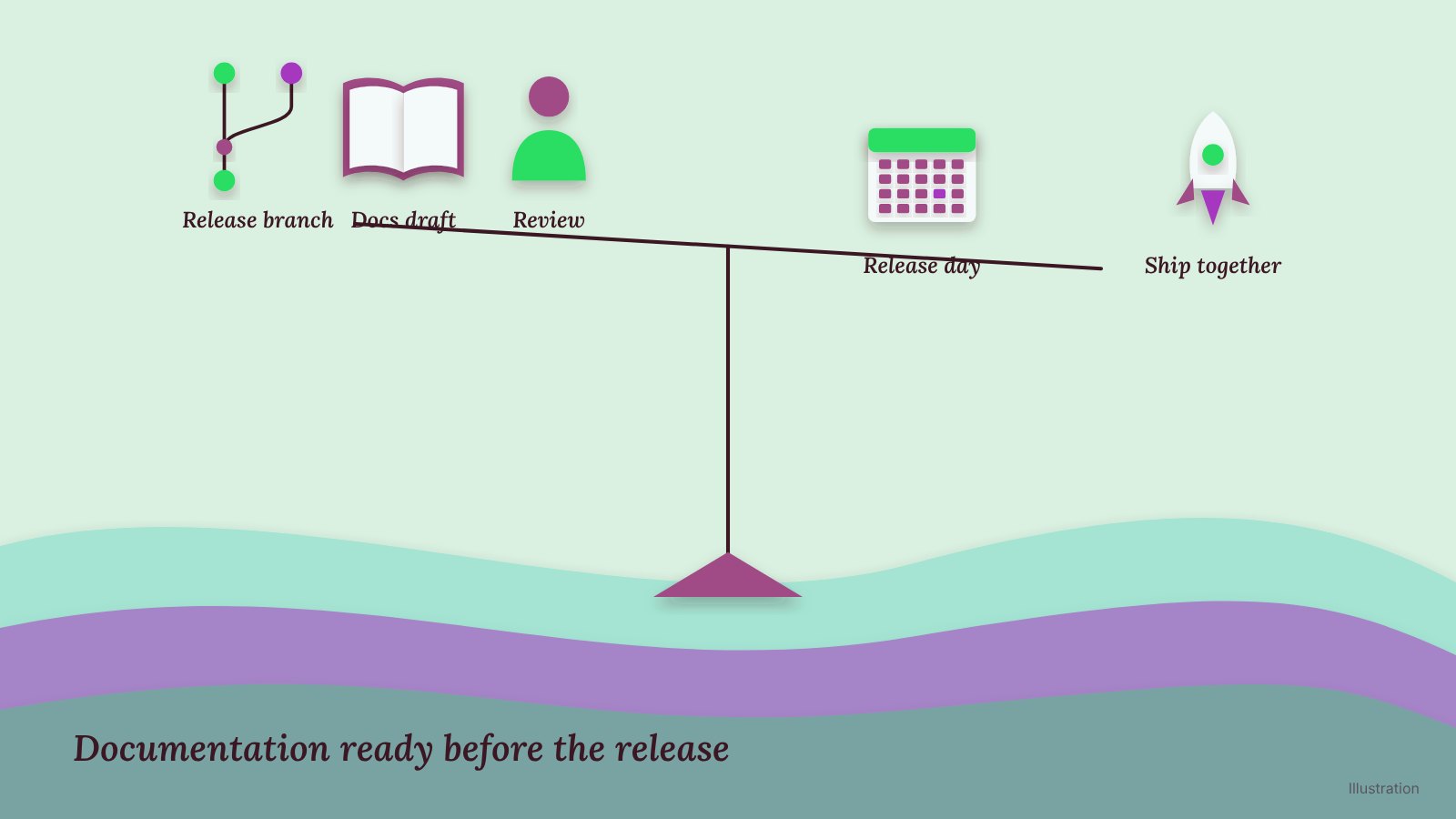
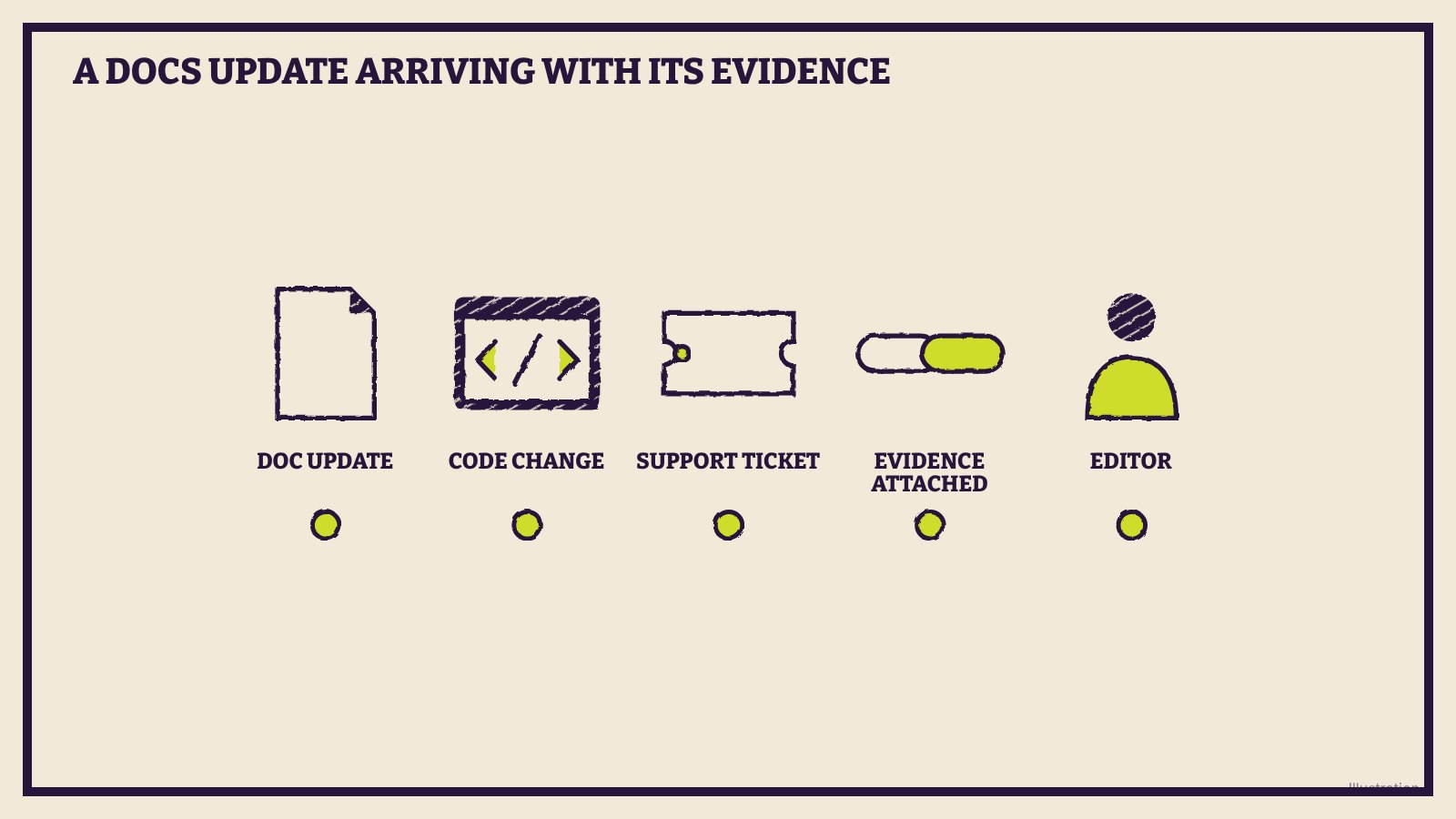
Most documentation isn’t wrong because the writer was careless. It’s wrong because nobody else read it before it shipped, and nobody read it again after the product changed. Technical Writing Intelligence starts with a real review lifecycle: write in a Markdown studio, get a technical and an editorial review from people who didn’t write it, and publish only after approval.
At a company that sells inventory software to restaurants, Karin writes the installation guide for the new barcode-scanner integration. She's thorough. She tests it on her own laptop, checks every screenshot and publishes it to the help centre on Thursday.
On Monday, a restaurant chain's IT team follows it on 30 tablets. Step 6 tells them to install the scanner driver from the vendor's site. On the restaurant tablets, that driver needs a newer operating-system version than the guide's requirements section says. Karin's laptop had it. The tablets don't. The chain's rollout stops for two days.
The integration's engineer would have spotted it in a minute. Nobody asked him. And in June, when the vendor renamed the driver, nobody looked at the guide again either; it still points to a download page that redirects to a 404.
Most documentation isn't wrong because the writer was careless. It's wrong because nobody else read it before it shipped, and nobody read it again after the product changed.
First, the basics
- Markdown is a simple way to write formatted text with symbols:
#for headings, backticks for code. A live preview shows how it will look. - A document type is the kind of document: installation guide, API reference, troubleshooting article, SOP (standard operating procedure), release notes and more. A template gives each type its headings and prompts.
- A version is a saved state of a document, with its author and a note.
- A technical review is done by a subject-matter expert (SME), who checks it's correct. An editorial review checks it's clear and consistent. Approval signs it off for publishing.
- Customer-facing and public documents are read by customers; internal ones aren't.
- A review date is when a published document must be checked again.
- A product profile holds facts the team verified: versions, the official documentation address, and terminology to use or avoid.
Why does this matter? Customers follow documentation exactly, and a single wrong step can stop a rollout. A second pair of eyes before publishing, and a reminder to look again later, catch most of what goes wrong.
The problem, in plain terms
- Writers review their own work, and test only in their own environment.
- Subject-matter experts aren't asked, or are asked informally and forget.
- Templates don't exist, so documents miss sections their type needs.
- Editing a published document changes what readers see immediately, half-finished.
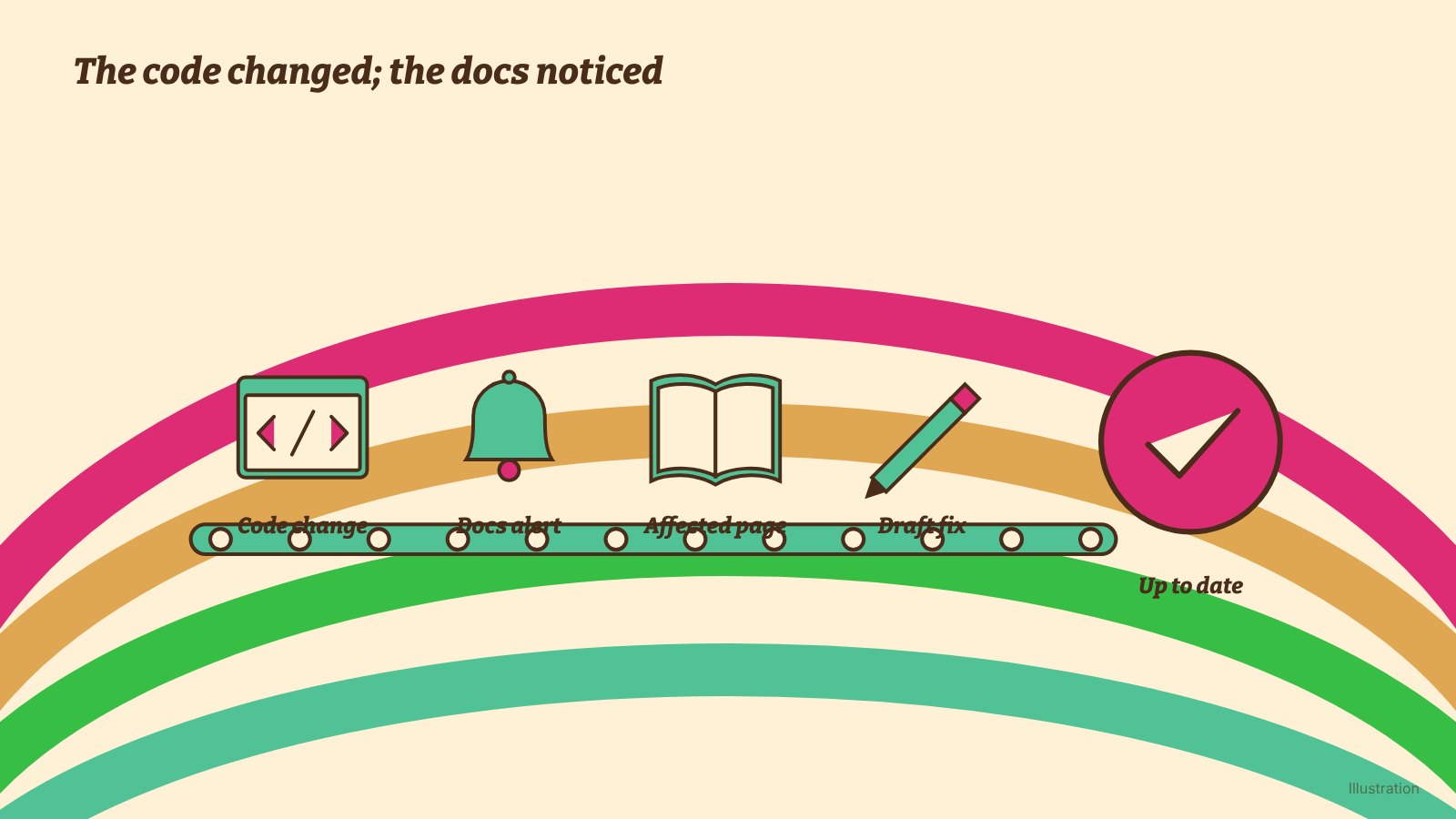
- Nobody looks again after the product changes.
- Terminology drifts: "location", "site" and "branch" for the same thing.
A studio built for technical content
Write in Markdown with a live preview: code blocks keep their language, tables and callouts render as readers will see them, and an outline follows your headings.
Every document type (installation guide, API reference, troubleshooting article, SOP, release notes and more) starts from a template of headings and prompts, never invented facts. A document can't go to review while a prompt like [Step] is still in it.
Every save is a version with its author and a note. Compare any two line by line, roll back when you need to, and export to Markdown, HTML or Word with the version stamped on it.
Reviewed by people who didn't write it
- API, developer, installation and troubleshooting documents get a technical review by a subject-matter expert first.
- Then an editorial review.
- Customer-facing and public documents then need approval.
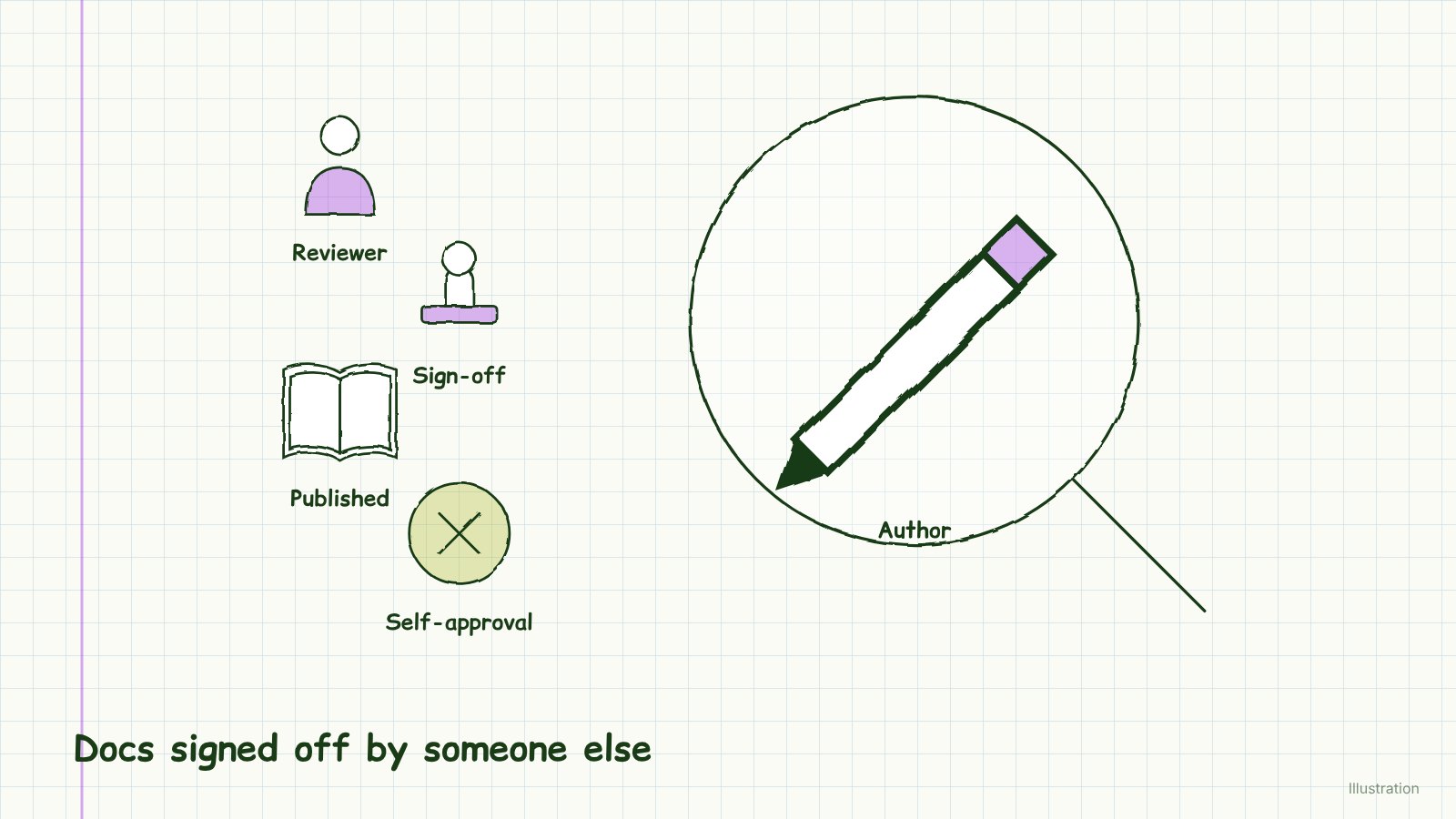
At every step, the person deciding can't be one of the document's authors: not the writer, not anyone who saved a version.
While a document is in review, it's locked. The reviewer requests changes with a note, or approves it on.
Published stays published
Edit a published document and it becomes a new version in progress. Readers keep seeing the published one until the new one is reviewed and approved. And when a document's review date comes round, a reviewer confirms it's still accurate or a writer updates it.
Product facts aren't assumed
Product profiles hold what your team verified: versions, the official documentation address and terminology to use and avoid. The studio warns you when you use an avoided term.
A worked example, start to finish
Here's the barcode-scanner guide, written in Technical Writing Intelligence.
Before Karin starts. The documentation lead set up roles under Team & roles: Karin as Technical Writer (seat), the integration's engineer, Diego, as Reviewer (an SME, no seat needed), and the support lead as Documentation Lead. Under Projects & products, the restaurant product's profile lists supported versions (7.2 and 7.3), the official documentation address and terminology: use "location", avoid "site" and "branch". Settings say installation guides need a technical review, and published documents are reviewed every six months.
Monday. Karin creates a New document: title "Installing the barcode-scanner integration", type installation guide, audience restaurant IT teams, visibility customer-facing, product and version 7.3. It starts from the installation-guide template: Requirements, Before you begin, Install, Configure, Verify it works, Troubleshooting, each with bracketed prompts.
Monday–Tuesday. She writes, replacing every prompt. The preview shows her code blocks and the requirements table as readers will see them. The studio warns her twice for writing "site"; she changes both to "location". She saves versions with notes along the way.
Tuesday, 16:00. In Details, she assigns Diego as technical reviewer and the documentation lead as editorial reviewer. She sends it for review. It's locked.
Wednesday, 10:00. Diego reads it. He requests changes: "Step 6: the vendor driver needs OS 13 or later. Tablets on 12 must use our bundled driver instead. Add both paths, and put the OS requirement in Requirements." The document unlocks for Karin.
Wednesday afternoon. Karin adds both paths and updates the requirements. She sends it back. Diego approves the technical review.
Thursday. The documentation lead does the editorial review: two headings at the wrong level, one procedure without an expected result. She requests changes; Karin fixes them. It goes on to approval. Because it's customer-facing, someone who didn't write it must approve: the documentation lead approves it.
Thursday, 15:00. It's published. Karin exports a Word copy for the restaurant chain's IT team, with the version stamped on it.
June. The vendor renames its driver. Karin edits the guide; it becomes a new version in progress. Readers keep seeing the published one until Diego and the lead review and approve the update.
Six months after publishing. The review date arrives. Diego confirms the guide is still accurate, and the next review is set.
Five more real-world scenarios
1. Approving your own document
Situation. A writer who saved a version tries to approve the document.
How TR handles it. Anyone who saved a version is an author, and can't decide at any review step.
2. A leftover template prompt
Situation. A troubleshooting article still contains [Expected result].
How TR handles it. It can't go to review until the prompt is replaced.
3. Rolling back a bad edit
Situation. A writer's change broke a code example.
How TR handles it. Compare versions line by line and roll back.
4. An internal SOP
Situation. Support writes an internal SOP for refunds.
How TR handles it. Internal documents publish after editorial review, unless settings require approval for them too.
5. Avoided terminology
Situation. A new writer keeps using "branch" for restaurant locations.
How TR handles it. The studio warns on avoided terms from the product profile.
What a useful review note looks like
A review is only as good as the note that comes with it. The notes that save the most time share three things:
- They point at a place. "Step 6" or "the Requirements table", not "the install section".
- They say what's wrong and why. "The vendor driver needs OS 13 or later; restaurant tablets run 12."
- They say what would fix it. "Add the bundled-driver path for OS 12, and list the OS requirement under Requirements."
Writers can act on a note like that in minutes, and the next reviewer can see exactly what changed and why when they compare versions.
Before and after
Before. A guide tested on one laptop, published by its writer, with nobody asked and nobody looking again.
After. A template that asks for every section, a technical review by the engineer who knows, an editorial review, approval by someone who didn't write it, published versions that stay stable while edits are reviewed, and a reminder to look again.
How to tell it's working
- Every customer-facing document has a different reviewer and approver from its authors.
- Technical reviews catch problems before customers do.
- Review dates are met, not skipped.
- Avoided terms disappear from published documents.
Who it's for
- Technical writers and documentation leads.
- Engineers and product specialists who review for accuracy.
- Support teams who rely on correct, current documentation.
How it fits with the rest of TicketResolve
This was the first phase of Technical Writing Intelligence. Next came the AI Technical Writer, which drafts section by section from cited sources, and quality checks; then API references, release notes and articles from evidence; and finally publishing, analytics and the documentation copilot.
Mistakes to avoid
- Skipping the technical reviewer because "it's just an update".
- Leaving product profiles empty. Terminology warnings and version facts depend on them.
- Setting review dates too far apart for fast-changing products.
Do it in TicketResolve, step by step
Where: Technical Writing → Team & roles, Projects & products, Studio and Settings (/dashboard/technical-writing/studio). You'll need: a Technical Writer seat; reviewers don't need seats. Full guides: Setting up documentation and Writing and reviewing a document.
- Give people roles. Team & roles: Documentation · Technical Writer (seat), Documentation Lead, Reviewer (SME, no seat) or Reader.
- Add products. Projects & products → add product families. Enter versions, the official documentation address and terminology you verified.
- Check the review rules. Settings: which types need a technical review, whether internal documents need approval, and how often published documents are reviewed.
- Create it. New document: title, type, audience, visibility, product and version. It starts from the template for its type.
- Write. Replace every bracketed prompt. The preview shows code, tables and callouts as readers will see them. Save versions with a short note.
- Assign reviewers. Details: the technical reviewer and the editorial reviewer.
- Send for review. Reviewers approve or request changes with a note. The document is locked while in review.
- Approve and publish. Someone who didn't write it approves customer-facing and public documents.
- Keep it current. When its review date comes, a reviewer confirms it or a writer updates it.
How to check it worked: the document's history shows its versions, a technical and an editorial reviewer who aren't authors, and an approver.
Frequently asked questions
Who can approve a document? Someone who isn't one of its authors: not the writer, not anyone who saved a version.
Which documents need a technical review? API, developer, installation and troubleshooting documents by default; settings decide.
Can a document go to review with template prompts left? No.
What do readers see while I edit a published document? The published version, until the new one is reviewed and approved.
Can I undo a change? Yes. Compare versions line by line and roll back.
What formats can I export? Markdown, HTML or Word, with the version stamped on it.
Do reviewers need a seat? No. Reviewers (SMEs) don't need a seat.
What's a product profile for? Verified versions, the official documentation address and terminology to use and avoid.
Explore Topics
Written by
Ghulam Shabbir
Content creator and writer sharing insights and stories.