
When the Code Changes, the Docs Know
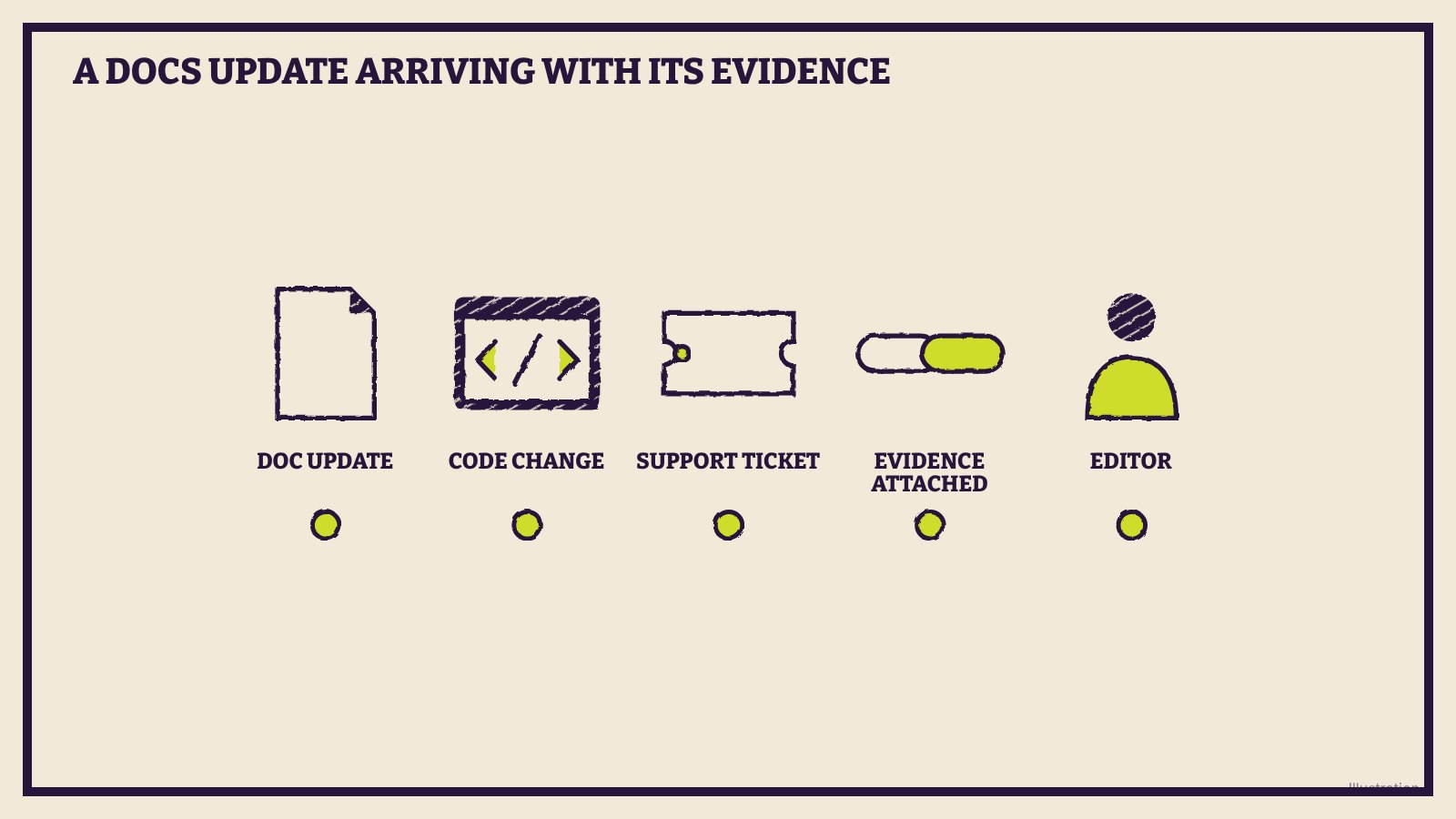
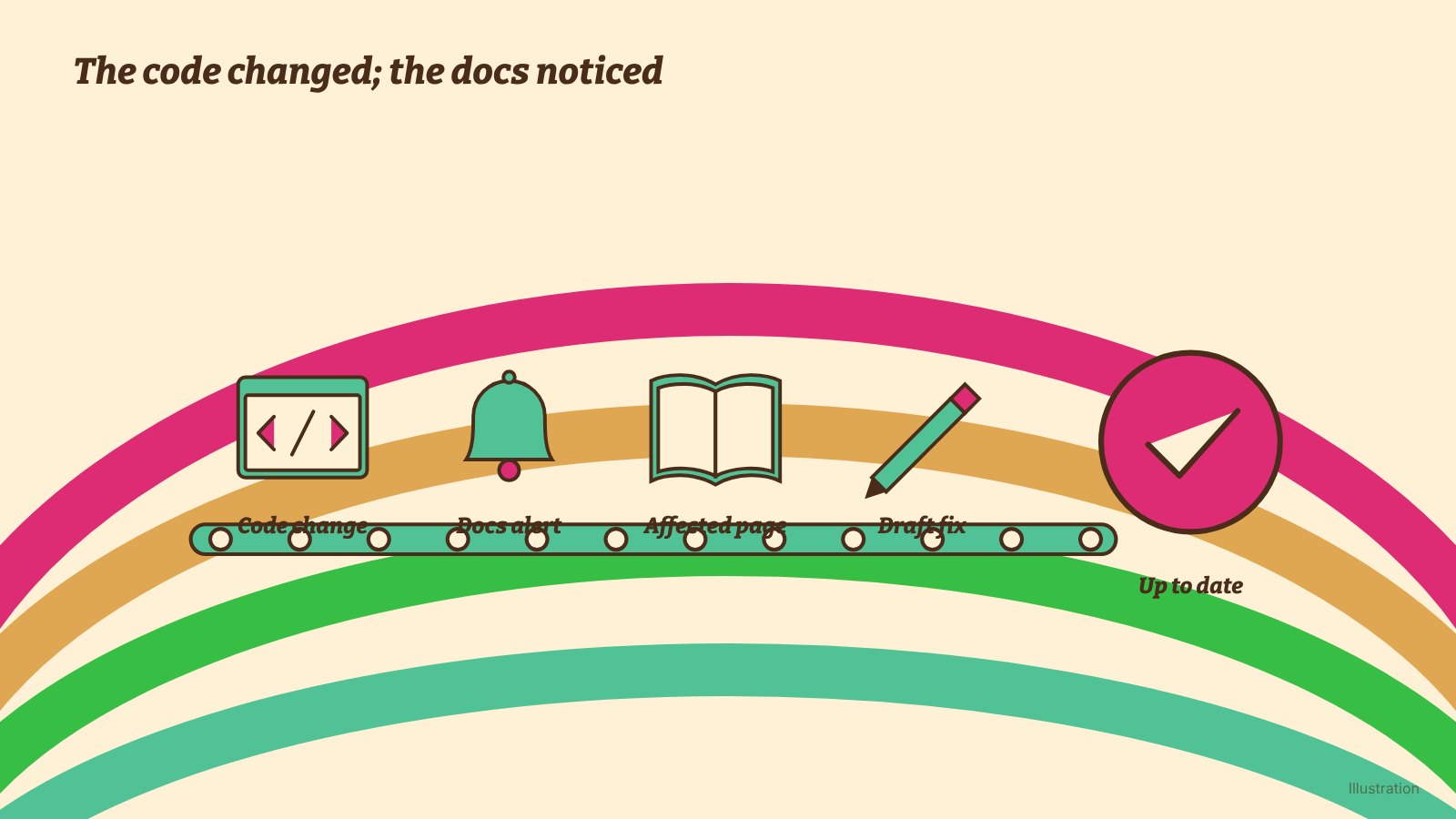
Documentation rarely goes wrong the day it’s written. It goes wrong three releases later, when an endpoint is removed in a pull request nobody on the docs team saw. Continuous Documentation Intelligence watches your repositories for merged changes and finds the documents and sections they affect, with the evidence for every finding, and no finding without it.
At a company that sells a logistics API, the documentation team is three writers and a lead. Engineering is sixty people across eight teams, merging about 40 pull requests a day.
In March, the shipments team merges a change: the carrier_code setting is renamed to carrier_id, and the old GET /v2/shipments/{id}/label endpoint is removed in favour of a new labels service. The pull request title is "Refactor shipment labels (#4412)". Nobody tags the docs team. Why would they? It's a refactor.
The "Printing shipping labels" guide still describes the old endpoint. The configuration reference still lists carrier_code. The "Getting started" page still has a curl example using both.
Six weeks later, a large retailer's integration team follows the getting-started guide for a new warehouse. It fails. Their engineer opens a ticket, then another, then escalates. The docs lead finds the cause in an afternoon, but only after the customer did.
Documentation rarely goes wrong on the day it's written. It goes wrong three releases later, when an endpoint is removed in a pull request nobody on the docs team saw.
First, the basics
- A repository is where code lives, on GitHub, GitLab or Bitbucket. A pull request (or merge request) proposes a change; merging accepts it. A merge commit records the merged result.
- A webhook is a message the code host sends the moment something happens, such as a merge. A signature proves it came from the code host.
- A release tag marks a version in the repository.
- An API specification (OpenAPI, Swagger, Postman) formally describes every endpoint. A breaking change stops existing integrations working.
- A configuration setting is an option customers set, such as
carrier_id. - A finding is a flag that a document may now be wrong, with evidence, a severity (critical to low) and a confidence.
- A mapping links a document or section to code paths or endpoints it doesn't name in its text.
- An issue key is a ticket reference such as
SHIP-412.
Why does this matter? Customers follow documentation exactly. When it's wrong, they lose hours, file tickets and lose trust, and the documentation team only finds out from them. Catching affected documents the moment code merges turns a customer-reported problem into a writer's task.
The problem, in plain terms
- Docs teams don't see every merge. Most changes aren't tagged for documentation.
- Change titles hide impact. "Refactor" can remove an endpoint.
- Webhooks are missed, so even automated systems miss changes.
- Keyword matching is noisy. Flagging every document that mentions "shipment" buries the real problems.
- Nobody knows why a document was flagged, so findings are ignored.
Every merged change, once
Connect GitHub, GitLab or Bitbucket with a read-only token and choose the repositories to monitor. Each one gets its own webhook address and secret.
- Deliveries are checked against the signature before anything is read.
- They're recorded by their id, so a repeated one is ignored.
- Each triggers a scan of the repository.
- Merged pull and merge requests are recorded with their merge commit, author, changed files and issue keys; release tags come straight from the payload.
Webhooks get missed, so every monitored repository is also scanned every 30 minutes. Each change is stored once per repository, so the scan recovers what a webhook missed without creating duplicates.
What changed, in plain terms
Each change is classified from its files: API, configuration, authentication, database, SDK, dependencies, installation, integrations, or only docs, tests and CI, which need no action. A title marked feat!: or a description that says BREAKING CHANGE marks it breaking.
- When an OpenAPI, Swagger or Postman file changes, CDI reads it at the merge commit and records it as a new version of that specification, with the breaking changes against the previous one.
- When a configuration file changes, the settings added or removed since the previous recorded change are listed.
Which documents, and why
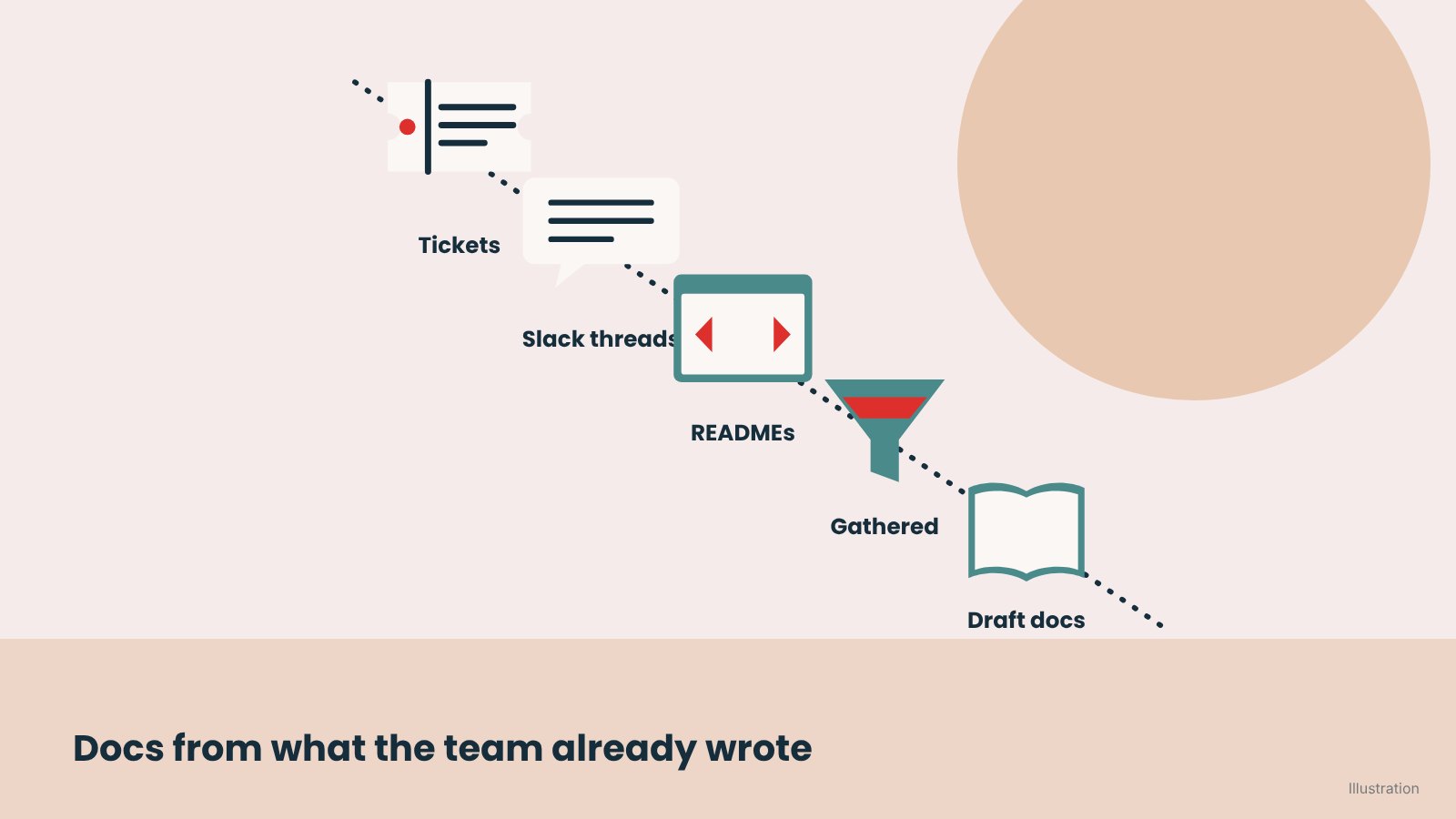
CDI reads what every document refers to: the endpoints it describes, the settings it names, file paths, commands in shell blocks, packages in install commands, each with its line and section. Writers can add explicit mappings for what the text doesn't name, from a section to src/auth/** or to GET /v1/users/{id}.
A document is flagged only when there's evidence:
- a mapping that matches;
- an endpoint the specification change touched;
- a setting that was removed;
- a file it names;
- an issue key it mentions.
Each finding shows that evidence with the line, a severity from critical to low, a confidence that reflects how direct the evidence is, and a recommended action. Word overlap alone never makes a finding.
Critical means published instructions now describe something a breaking change removed or altered. Those notify the documentation team.
People decide
Writers and reviewers work the queue: mark a finding resolved once the document is updated, or say why no update is needed or why it's wrong. Every step (received, analysed, findings, decisions) is in the trail. CDI never writes to a repository and never publishes on its own.
A worked example, start to finish
Here's the same March merge, with CDI watching.
Last month. The docs lead, Fatima, connected GitHub under Engineering intelligence → Code with a read-only token. In Technical Writing → Continuous docs → Repositories, she monitored the shipments repository and the API specification repository, each mapped to its product. She copied each webhook address and secret, shown once, into the repositories' webhook settings, as JSON, for pull requests, pushes and releases.
Tuesday, 14:02. "Refactor shipment labels (#4412)" merges. The webhook delivery's signature is checked, and the change is recorded with its merge commit, author, 31 changed files and the issue key SHIP-412.
14:03. The change is classified: API, configuration. The description includes "BREAKING CHANGE: label endpoint removed", so it's breaking. The OpenAPI file changed, so CDI reads it at the merge commit and records version 2.14 of the specification: breaking changes against 2.13: GET /v2/shipments/{id}/label removed. The configuration file changed: carrier_code removed, carrier_id added.
14:04. The impact queue shows four findings:
- Critical, "Printing shipping labels", section "Get the label", line 18: describes
GET /v2/shipments/{id}/label, removed by #4412. High confidence. - Critical, "Getting started", line 52: the curl example uses the removed endpoint and
carrier_code. High confidence. - High, "Configuration reference", line 140: lists
carrier_code, removed. High confidence. - Medium, "Webhooks for shipment events": mentions
SHIP-412in a "known changes" note. Lower confidence; the reference is indirect.
A dozen other documents mention the word "label", but word overlap alone never makes a finding, so they aren't flagged.
14:05. The documentation team is notified about the two critical findings.
Tuesday afternoon. A writer updates "Printing shipping labels" and "Getting started" and sends them through review. Another updates the configuration reference.
Wednesday. The webhook-events finding turns out to be harmless: the note already describes the new behaviour. The writer marks it "no update needed", with that reason.
Thursday. The updated documents are approved and published. The findings are marked resolved. The trail shows every step from the merge to the decisions.
Six weeks later. The retailer's team follows "Getting started" for its new warehouse. It works.
Five more real-world scenarios
1. A missed webhook
Situation. The code host has an outage, and a webhook for a merge never arrives.
How TR handles it. The 30-minute scan picks up the merge. It's stored once, with no duplicate.
2. A change that's only tests
Situation. A pull request changes only test files and CI configuration.
How TR handles it. It's classified as tests and CI, which need no action.
3. A section that doesn't name the code
Situation. "Authentication best practices" describes behaviour from src/auth/ without naming files.
How TR handles it. A writer adds a mapping from the section to src/auth/**. Future changes there flag it.
4. A finding that's wrong
Situation. A finding flags a document that actually describes a different product's endpoint with the same path.
How TR handles it. The writer marks it wrong, with why. The decision is in the trail.
5. A forged webhook
Situation. Someone sends a fake delivery to the webhook address.
How TR handles it. It fails the signature check and nothing is read.
Before and after
Before. A "refactor" removed an endpoint, three documents went wrong, and a customer found it six weeks later.
After. The merge is recorded within seconds, classified as breaking, the specification change is read, and four findings with evidence and line numbers reach the docs team the same afternoon.
How to tell it's working
- Critical findings are resolved within days of the merge.
- Webhook health is good, with no refused signatures you can't explain.
- Findings carry evidence, and "no update needed" decisions have reasons.
- Support tickets about wrong documentation fall.
Who it's for
- Documentation leads and technical writers.
- Developer-relations teams responsible for API and SDK docs.
- Engineering managers who want docs to keep up without slowing merges.
How it fits with the rest of TicketResolve
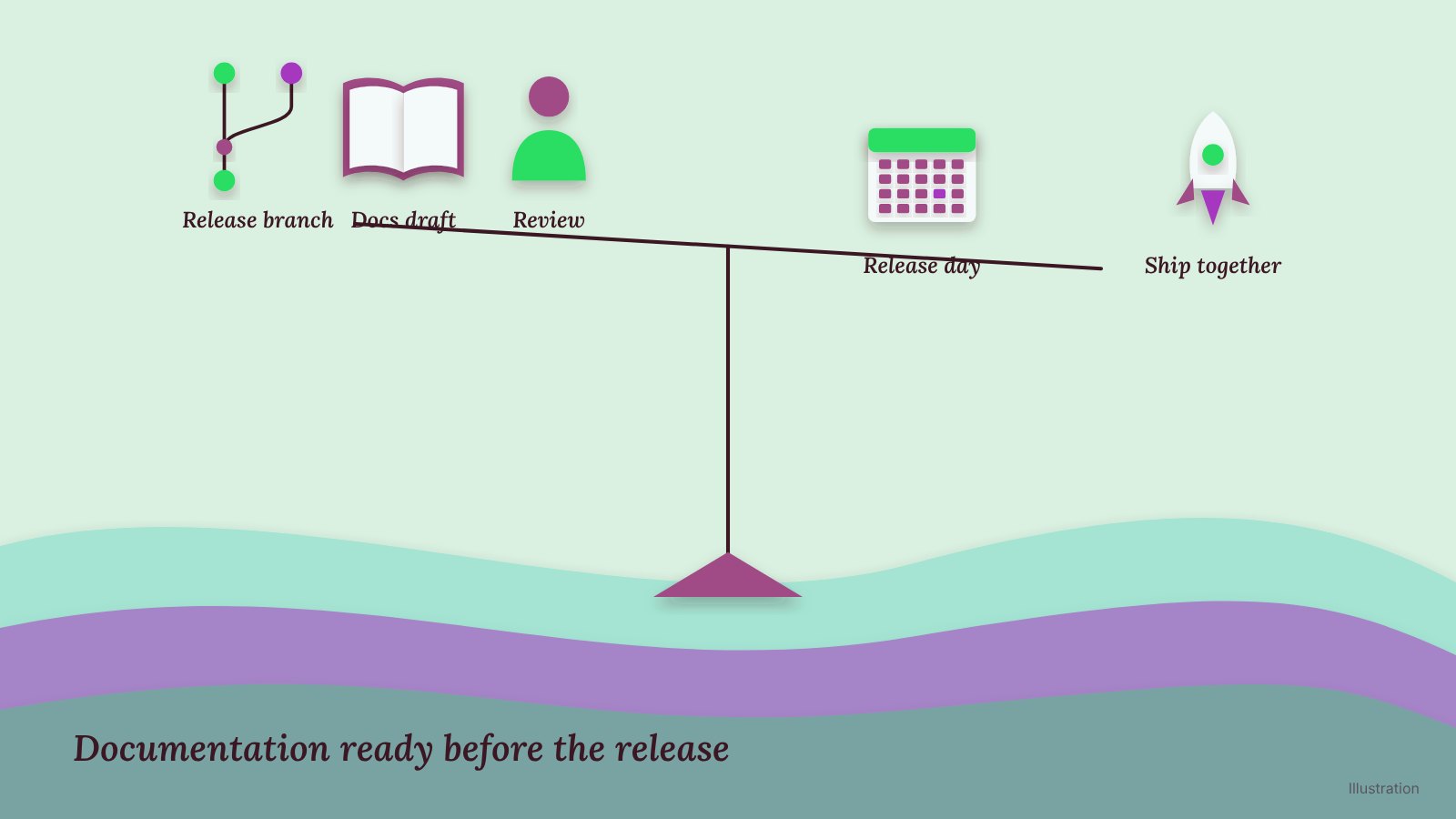
This was the first phase of Continuous Documentation Intelligence, built on Technical Writing Intelligence and the code-host connection from Engineering Intelligence. Next came drafting the section update from the change's evidence with validation, then approval, publishing with verification and release readiness.
Mistakes to avoid
- Monitoring repositories without mapping them to products. Findings need to know which documents to check.
- Skipping the webhook because scans exist. Webhooks are faster; scans are the safety net.
- Closing findings without a reason. The reason is how the team learns.
Do it in TicketResolve, step by step
Where: Technical Writing → Continuous docs (/dashboard/technical-writing/cdi). You'll need: a read-only token for your code host, admin access to add repository webhooks, and Technical Writing set up. Full guides: Monitoring a repository and Working the impact queue.
- Connect the code host. Engineering intelligence → Code: GitHub, GitLab or Bitbucket with a read-only token, and select the repositories.
- Monitor a repository. Technical Writing → Continuous docs → Repositories: choose the repository and its product.
- Add the webhook. Copy the address and secret, shown once, into the repository's webhook settings, as JSON, for pull requests, pushes and releases.
- Check health. Overview shows deliveries, refused signatures and each repository's last scan. Without a webhook, scans every 30 minutes still pick changes up.
- Start with critical. Impact queue: critical findings are published instructions a breaking change made wrong.
- Read the evidence. Each finding lists the change, what it touched, and the line in the document that refers to it.
- Update the document. Open it, update the section and send it through review as usual.
- Record the decision. Mark resolved, or say why no update is needed or why the finding is wrong.
- Add mappings. Dependency map: map documents or sections to repository paths or endpoints the text doesn't name.
How to check it worked: your next breaking merge produces findings in the impact queue within minutes, each with evidence and a line number.
Frequently asked questions
Does CDI need write access to our repositories? No. A read-only token, and it never writes to a repository.
What if a webhook is missed? Every monitored repository is scanned every 30 minutes as well.
Will a change be recorded twice? No. Each change is stored once per repository.
How is a change marked breaking?
A feat!: title or "BREAKING CHANGE" in the description, and breaking differences between specification versions.
Can a document be flagged just for mentioning a word? No. Word overlap alone never makes a finding.
What does critical mean? Published instructions now describe something a breaking change removed or altered.
Does CDI publish fixes? No. People update documents through review, and CDI never publishes on its own.
What's a mapping for? Linking a document or section to code paths or endpoints its text doesn't name.
Explore Topics
Written by
Ghulam Shabbir
Content creator and writer sharing insights and stories.