
Deployments, Config Changes and Rollbacks: Change Intelligence Without Auto-Rollback
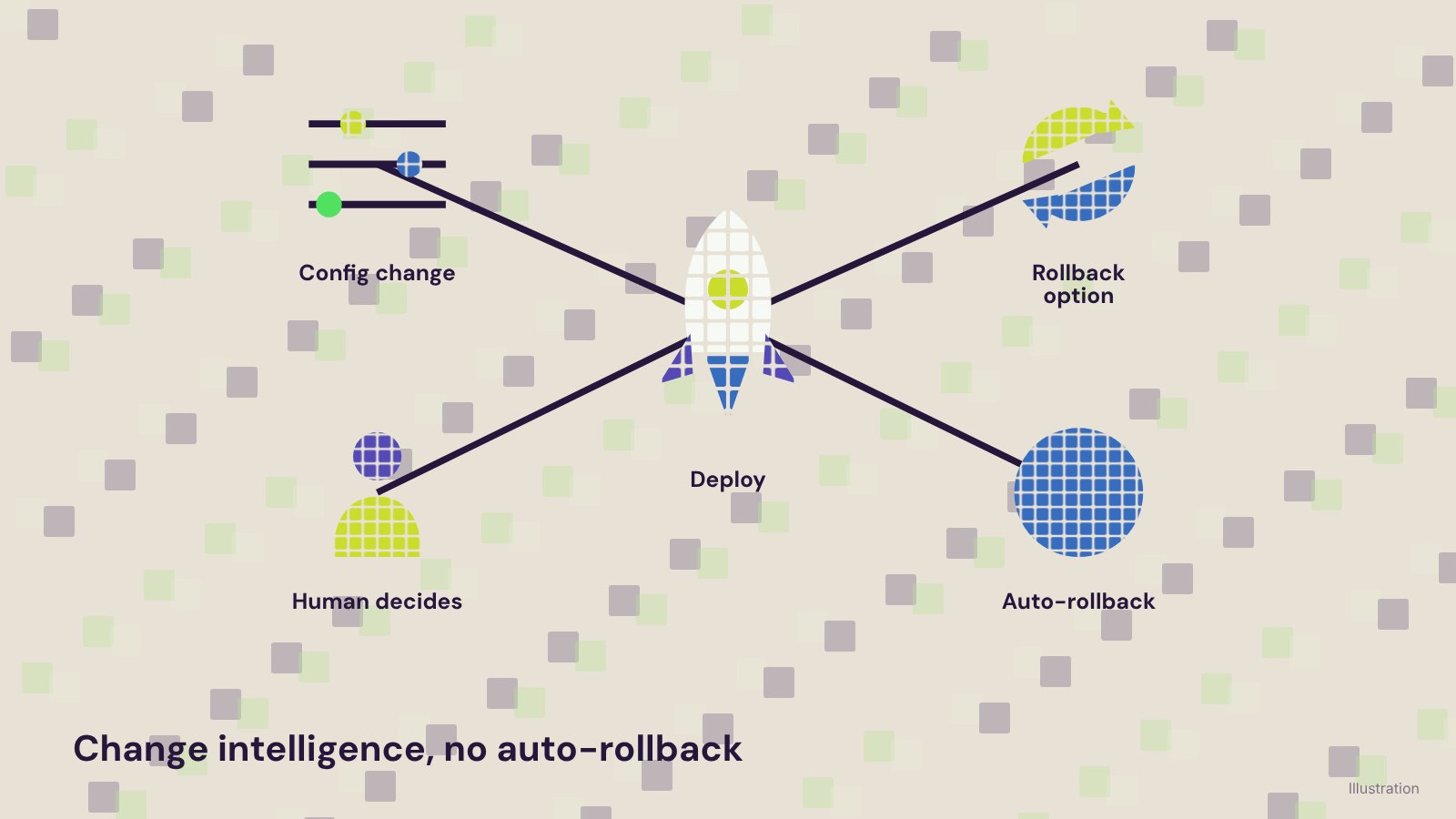
“Nothing was deployed” is one of the most expensive sentences in incident response, because something usually was changed: a flag, a config file, a migration. Change intelligence puts deployments and changes on one timeline, compares every release before and after, and needs two people for any rollback.
"Nothing was deployed" is one of the most expensive sentences in incident response. Something usually was changed (a feature flag flipped to 50%, a timeout lowered in a YAML file, a Terraform apply, a database migration). It just didn't go through the deploy pipeline you were watching.
Here's how that sentence costs a morning, at a company that sells an online grocery-ordering platform:
- Thursday 10:15. Checkout errors double. Support sees "payment failed" tickets climbing.
- 10:20. In the incident channel: "Nothing was deployed today." True: the last release was Tuesday.
- 10:20–11:30. Engineers check the payment provider, the database, the network.
- 11:35. Someone remembers that at 10:05 a product manager flipped the new-checkout feature flag to 50% of users. And at 09:50 a platform engineer lowered the payment timeout in a YAML file to reduce latency.
- 11:40. The flag is turned off; errors fall.
An hour and twenty minutes, because the changes weren't on the timeline anyone was watching.
First, the basics
- A deployment sends a new version of code to production.
- A change is anything that alters how production behaves: a configuration file, a feature flag, infrastructure, a database migration.
- A feature flag turns a feature on or off, often for a percentage of users.
- Terraform and Helm describe infrastructure; Dockerfiles describe containers; CI workflows describe pipelines.
- An error signature identifies a specific error.
- A rollback returns production to an earlier version.
- HMAC signing proves a request came from you; an idempotency key stops a retried request from running twice.
- The approvals permission lets someone approve sensitive actions.
Why does this matter? Most production problems follow a change, and many changes never go through the deploy pipeline. Putting every change next to every deployment, comparing each release before and after, and making rollbacks a two-person decision means faster answers and safer fixes.
The problem, in plain terms
- "Nothing was deployed" hides config, flags and infrastructure changes.
- Releases aren't compared before and after.
- Nobody knows which customers a bad release reached.
- Rollbacks are decided under pressure by one person.
- Retried rollbacks can run twice.
Track changes, not only deployments
A deployment event says what version went out. A change event says what was different. Both belong on the same timeline:
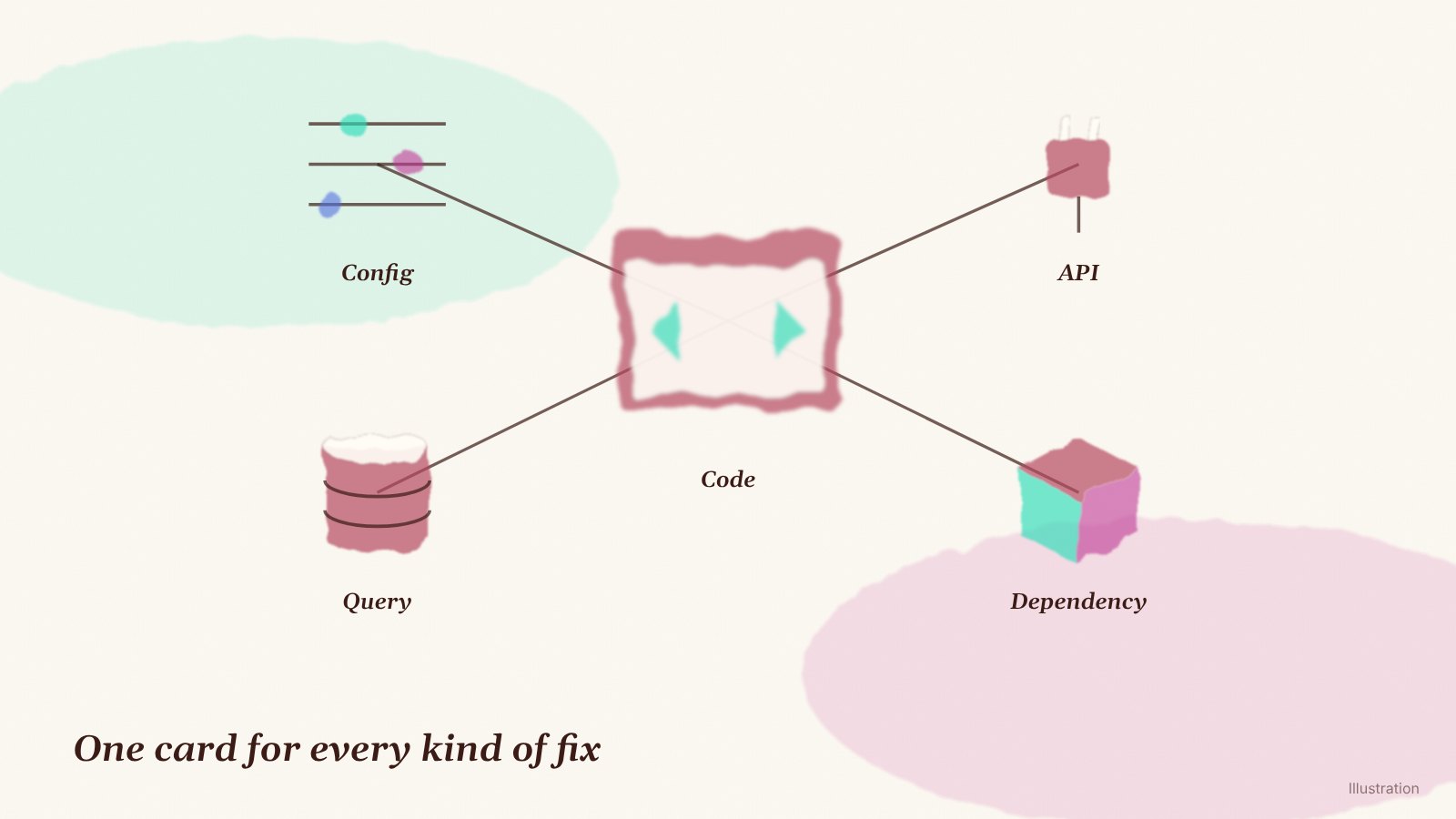
- Pushes that touch configuration (
config/,.env,*.yml), feature-flag files, infrastructure (*.tf, Helm charts, Dockerfiles, CI workflows) or migrations - Explicit change events from tools that don't push code (your flag service, your config store) sent as
{"type": "feature_flag", "service": "web", "summary": "new-checkout on for 50%"}
TR Investigate classifies pushes from GitHub and GitLab automatically and accepts the JSON from any tool (or POST /v1/changes). Bitbucket Pipelines joins GitHub Actions, GitLab, Jenkins, CircleCI and Argo CD for deployments.
Before and after, for each release
For every release: errors, latency and tickets before and after, the error signatures that didn't exist before, and the changes shipped within six hours. Then a plain recommendation:
| Recommendation | When |
|---|---|
| No action | Nothing moved |
| Monitor | Something moved, but weakly |
| Investigate | Strong evidence, tickets rose, or two new signatures |
| Consider a rollback | Strong evidence, errors at least doubled, and a good release to go back to |
"Consider" is deliberate. The recommendation explains its reasons; a person decides.
Who was affected
The impact view lists the companies whose tickets after the release mention its new errors, and the users affected according to your monitoring tool. That's the difference between "error rate up 4×" and "Acme, Globex and Initech are writing in".
Rollbacks need two people
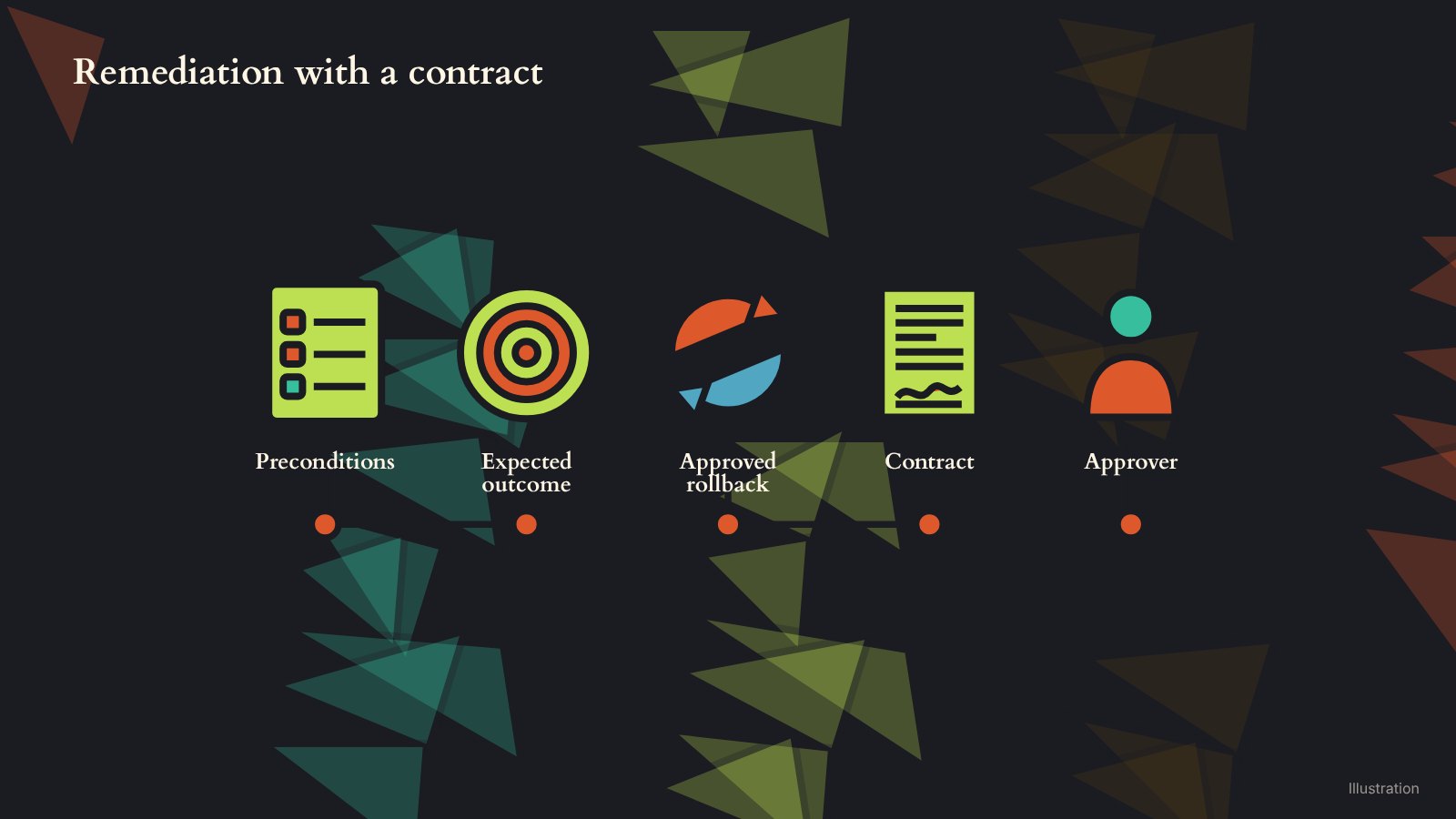
We think automatic production rollbacks are a policy decision, not a feature toggle. So TR-AI never rolls back by itself. With a rollback policy configured:
- Someone requests a rollback on the release, with a reason. The evidence at that moment is saved with the request.
- A different person with the approvals permission approves it.
- The policy is checked again, then your CI/CD webhook is called once, HMAC-signed over the timestamp and body, with an idempotency key so a retry can't roll back twice.
- The result and every step are in the audit log.
Without a policy, TR-AI only recommends.
A worked example, start to finish
Here's the grocery platform's Thursday, with change intelligence. The details are illustrative.
Setup. GitHub pushes are connected, so changes to config/ and *.yml are classified automatically. The feature-flag service sends change events with POST /v1/changes. A rollback policy is configured under TR Investigate → Integrations → Rollback policy.
Thursday 10:15, the timeline. When checkout errors double, the support lead, Esi, opens Deployments. The timeline shows:
- Tuesday 16:00: release web 9.4.0.
- Thursday 09:50: change: push touching
config/payments.yml(payment timeout 10 s → 4 s), classified as configuration. - Thursday 10:05: change:
{"type": "feature_flag", "service": "web", "summary": "new-checkout on for 50%"}.
Nobody has to remember. 10:18: the team turns the flag off and restores the timeout. Errors fall by 10:30.
The following week, a release. web 9.5.0 ships. Before and after:
- Errors: up 2.5×. New signatures:
CartMergeError,PromoApplyNull. Tickets: rising. - Changes within six hours: none besides the release.
- Recommendation: Consider a rollback. Reasons: strong evidence, errors more than doubled, and 9.4.2 is a good release to go back to.
Impact view: three grocery-chain customers' tickets mention the new errors; the monitoring tool reports many users affected.
The rollback. The on-call engineer, Kai, requests a rollback with a reason: "Cart errors 2.5× since 9.5.0; customers affected." The evidence is saved with the request. Kai can't approve it. The engineering lead, Ana, who has the approvals permission, reads it and approves. The policy is checked again; the CI/CD webhook is called once, HMAC-signed, with an idempotency key. When the network blips and the call is retried, it doesn't roll back twice. Everything is in the audit log.
Five more real-world scenarios
1. A Terraform apply
Situation. Infrastructure changes through Terraform.
How TR handles it. Pushes touching *.tf are classified as infrastructure changes.
2. A migration
Situation. A database migration ships separately.
How TR handles it. Pushes touching migrations appear on the timeline.
3. A weak signal
Situation. Latency rose slightly after a release.
How TR handles it. Monitor.
4. No good release to go back to
Situation. The previous release also had problems.
How TR handles it. Rollback isn't recommended without a good release to return to.
5. No rollback policy
Situation. The team hasn't configured one.
How TR handles it. TR-AI only recommends.
Before and after
Before. "Nothing was deployed", an hour and twenty minutes of searching, and a feature flag nobody connected to the errors.
After. The flag and config change on the timeline within seconds, the fix in three minutes, a later bad release compared before and after, and a rollback requested by one person, approved by another, and called exactly once.
How to tell it's working
- "Nothing was deployed" stops ending investigations.
- Rollbacks have a reason, an approver and saved evidence.
- Bad releases are spotted from before-and-after, not hunches.
Who it's for
- On-call engineers and SREs.
- Release managers.
- Support leads who need to know what changed.
How it fits with the rest of TicketResolve
Change intelligence feeds Deployments, production regressions, release risk, customer impact and TR Investigate's deployments agent. Rollbacks use the approvals permission and the audit log, like other sensitive actions.
Why two people for a rollback
Rolling back production is usually right when it's needed, and costly when it isn't: it can undo fixes, reintroduce old bugs, or interrupt a migration. Under pressure, one person can talk themselves into it. A second person with the approvals permission, reading the saved evidence, is a small delay that prevents most bad rollbacks, and a clear record of who decided and why.
Sending change events from your tools
The changes that cause the most surprise are the ones that don't touch code: a flag flipped, a config value edited in a console, a rate limit changed. If your flag service or config store can send a webhook, point it at TR Investigate with a small JSON body (type, service, summary), or call POST /v1/changes from a script. Start with feature flags; they're the most common hidden change.
Setting up a rollback policy
A rollback policy is a short agreement written down before you need it.
- Decide who can approve. Give the approvals permission to the people who should decide on production rollbacks, usually engineering leads and on-call seniors.
- Point it at your CI/CD. Configure the rollback webhook your pipeline exposes, and check it verifies the HMAC signature over the timestamp and body.
- Make the pipeline idempotent. Your side should ignore a second request with the same idempotency key.
- Agree what "a good release" means. Usually the most recent release that ran cleanly for a day.
- Practise once. Request and approve a rollback on a staging service, so the first real one isn't the first time anyone has done it.
Mistakes to avoid
- Watching only the deploy pipeline.
- Rolling back on "Monitor".
- Calling rollback webhooks without idempotency.
Do it in TicketResolve, step by step
Where: Deployments (/dashboard/deployments); rollback policy under TR Investigate → Integrations → Rollback policy. You'll need: CI/CD and GitHub or GitLab connected; change events from flag or config tools; a CI/CD rollback webhook for rollbacks. Full guides: Deployments: what happened to tickets after each release and TR Investigate reliability.
- Connect your CI/CD and code host so deployments and pushes are recorded.
- Send change events from flag and config tools, or use
POST /v1/changes. - Open a release to see errors, latency and tickets before and after.
- Read new error signatures and changes within six hours.
- Read the recommendation and its reasons.
- Check the impact view for affected companies and users.
- Request a rollback if needed; a different person approves.
How to check it worked: changes appear on the timeline next to deployments, and a rollback shows its requester, approver and single webhook call in the audit log.
Frequently asked questions
What counts as a change? Pushes touching configuration, feature flags, infrastructure or migrations, plus explicit change events.
Which CI/CD tools send deployments? GitHub Actions, GitLab, Jenkins, CircleCI, Argo CD and Bitbucket Pipelines.
What's compared for each release? Errors, latency and tickets before and after, new error signatures, and changes within six hours.
When is a rollback recommended? Strong evidence, errors at least doubled, and a good release to go back to.
Does TR-AI roll back by itself? Never.
Who approves a rollback? A different person with the approvals permission.
Can a retry roll back twice? No. The webhook call has an idempotency key.
What if there's no rollback policy? TR-AI only recommends.
Where do I set up the rollback policy? Under TR Investigate → Integrations → Rollback policy.
Explore Topics
Written by
Ghulam Shabbir
Content creator and writer sharing insights and stories.