
Your Answers Aren’t Only in the Help Centre: Connecting SharePoint, Google Drive, Confluence and More to AI Support
Policies live in SharePoint, runbooks in Confluence, product notes in Google Drive and Notion. Connect the places your answers really live to AI support, add them on purpose rather than all at once, keep internal-only content from leaking into customer replies, and keep everything in sync. With an illustrative rollout, start to finish.
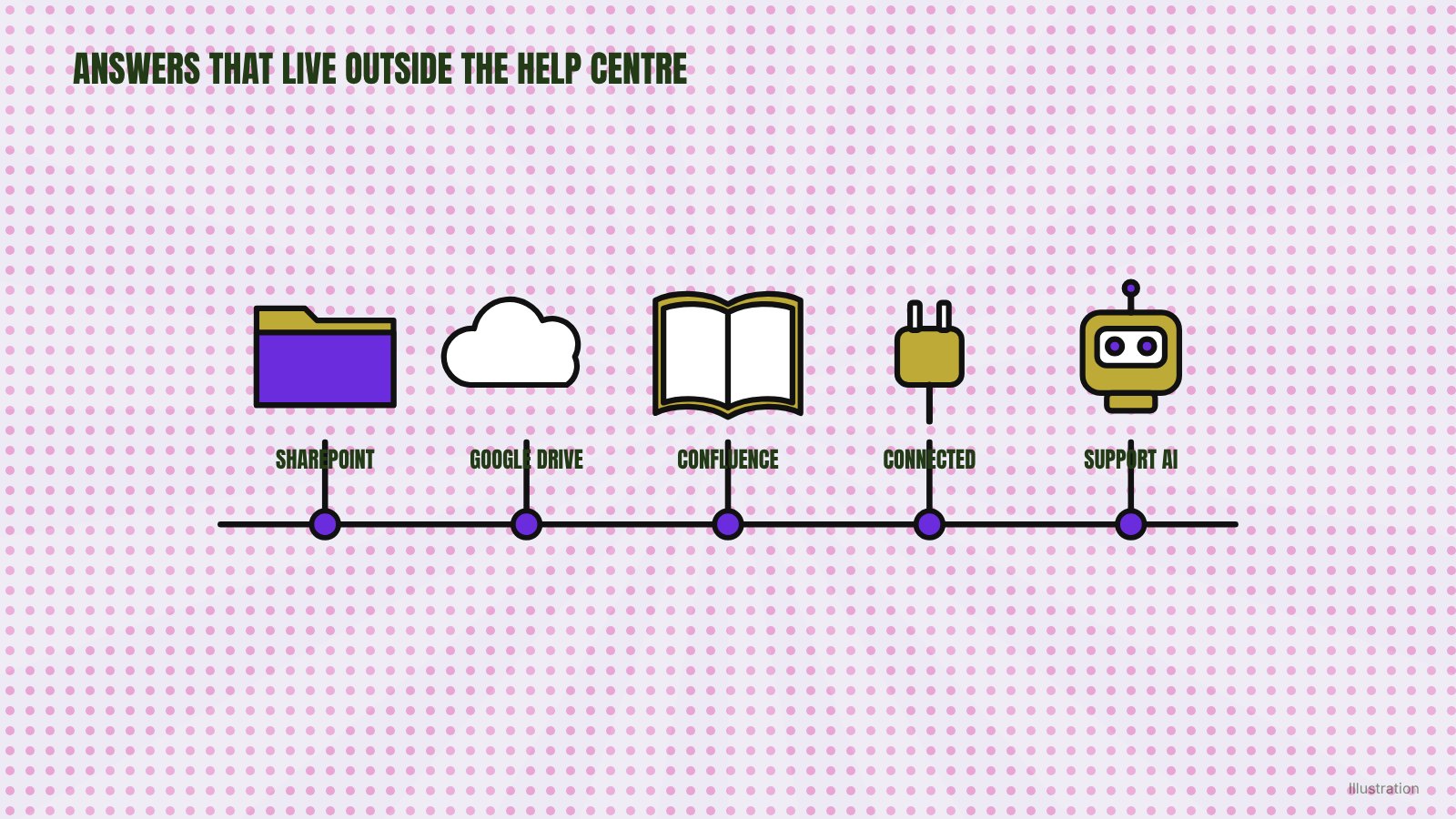
AI support is only as good as what it can read. Most teams start by connecting the public help centre, then notice how many answers aren't there. The refund policy lives in a SharePoint document. The troubleshooting runbook is in Confluence. The product team's release notes are in Notion. The pricing FAQ is in a Google Doc sales maintains.
Connecting those sources often moves the automation rate more than anything else. This post covers how to do it without importing a mess.
Here's what happens when it's done in a rush at a company that sells a travel-expense app to mid-sized businesses:
- Week 1: the AI only reads the help centre. It hands off every question about refund rules, mileage rates and VAT reclaim, because those live elsewhere.
- Week 2: someone connects the whole company Google Drive "to be safe".
- Week 3: the AI quotes a mileage rate from a 2021 draft. A customer files an expense at the wrong rate.
- Week 3: another reply mentions "our internal override tool, ask Petra in finance". That came from an internal Confluence runbook.
- Week 4: the team disconnects everything except the help centre and goes back to handing off half the tickets.
The answers were in those sources. The problem was connecting everything at once, with no exclusions, no idea what was internal, and no sync plan.
First, the basics
- A knowledge source is any place the AI reads answers from: a help centre, a docs site, a wiki, a drive.
- Indexing means reading content and splitting it into sections the AI can search.
- Syncing means checking sources for changes and re-indexing only what changed.
- An exclusion pattern tells the crawler which URLs or paths to skip.
- Internal-only content is anything customers mustn't see: internal tools, workarounds, colleagues' names.
- Searched by meaning and keyword means the AI finds content by what it's about and by exact terms like product names and error codes.
Why does this matter? Many of the questions that reach your team have answers that already exist inside the company, just not in the help centre. Connecting the right sources, carefully, is often the single biggest step towards answering more tickets well.
The problem, in plain terms
- The help centre is a fraction of what the company knows.
- Connecting everything imports drafts, duplicates and old versions.
- Internal content leaks into customer replies.
- Sources go stale without syncing.
- Different products' content gets mixed.
Where answers typically live
| Source | Typical content |
|---|---|
| Help centre and docs sites | Public how-tos, FAQs, API docs |
| Confluence / Notion | Runbooks, internal troubleshooting, release notes |
| SharePoint / OneDrive | Policies, contracts, procedures |
| Google Drive | FAQs, pricing sheets, guides kept by other teams |
| Guru / Document360 | Curated knowledge cards and articles |
| Past resolved tickets | How your team actually solved things |
Three rules for adding sources
1. Add on purpose, not everything
Connecting a whole drive imports drafts, duplicates and outdated documents. Point to the folders and spaces that hold answers, and exclude noise such as release-note archives, legal boilerplate and old versions by URL pattern.
2. Decide what's customer-facing
Internal runbooks often contain things customers must never see: internal tools, workarounds, colleagues' names. Either keep internal-only sources out, or make sure the AI can use them to understand without quoting them. Internal notes in past tickets need the same care.
3. Keep them in sync
Knowledge goes stale. Sync on a schedule, re-index only what changed, and re-crawl after big restructures. See keeping AI answers up to date.
Several help centres, one AI
Many companies have more than one public site: a help centre, developer docs and a product guide. They should all feed the same AI. See connecting several documentation sites.
Structure matters as much as source
However content arrives, it gets split into sections the AI reads. Content with clear headings, numbered steps, tables and question-and-answer pairs is read much more reliably than long unstructured documents. See how to build an AI-ready knowledge base.
How TR-AI connects knowledge
Knowledge base sources (all plans; the number of sources and sync frequency depend on plan):
- Help-centre and docs sites, up to 10 help-article sites (help article sources), including login-protected sites crawled with a login or header.
- Confluence, Notion, SharePoint / OneDrive, Google Drive, Guru and Document360.
- Content is split into sections that keep headings, numbered steps, tables and FAQ pairs together, and is searched by meaning and by keyword.
- Auto-sync weekly, daily or every 6 hours depending on plan, re-indexing only changed pages. You can exclude URL patterns.
- Each brand is its own workspace with its own sources, so one product's steps never appear in another's answers.
A worked example, start to finish
Here's the travel-expense company connecting sources carefully. The names and folders are illustrative.
Day 1. Find where answers live. Ines, the support operations lead, looks at the last 200 hand-offs and asks: where would the answer have come from? She finds three places: the Policies folder in SharePoint (refunds, VAT reclaim), the Rates folder in Google Drive (mileage and per-diem tables, kept by finance), and the Customer troubleshooting space in Confluence.
Day 1. Decide what's customer-facing. The Confluence space mixes customer-safe steps with internal pages about the override tool. She asks the team to move internal pages to a separate space, and connects only Customer troubleshooting.
Day 2. Connect on purpose. She connects:
- SharePoint → Policies only.
- Google Drive → Rates only, with an exclusion pattern for any path containing
/drafts/or/archive/. - Confluence → Customer troubleshooting only.
The help centre stays connected. She leaves the rest of the company drive alone.
Day 3. Structure check. The mileage-rate document is a long paragraph. Finance turns it into a table with one row per country and year. It's read far more reliably.
Day 4. Sync. On her plan, auto-sync runs daily and re-indexes only changed pages. When finance updates next year's rates, the change is picked up the next day.
Week 2. Results. A customer asks the current mileage rate for Germany. The AI answers from the Rates table, citing it. A question about VAT reclaim on hotel bills is answered from the Policies folder. Hand-offs on policy and rate questions drop sharply. No reply mentions the override tool or a colleague's name.
What changed: the same sources that caused trouble in week three now answer questions well, because they were added on purpose, with exclusions, and kept in sync.
Five more real-world scenarios
1. A login-protected docs site
Situation. Your partner docs need a login.
How TR handles it. Help article sources can crawl login-protected sites with a login or header.
2. A second product
Situation. A sister product has its own Notion space.
How TR handles it. Each brand is its own workspace with its own sources, so steps never mix.
3. A big restructure
Situation. The docs team reorganises the help centre.
How TR handles it. Re-crawl after big restructures; the AI keeps answering from current articles until the new ones are indexed.
4. Curated knowledge cards
Situation. The team keeps answers in Guru.
How TR handles it. Connect Guru alongside the help centre.
5. Release-note archives
Situation. Years of old release notes clutter answers.
How TR handles it. Exclude them by URL pattern.
Before and after
Before. A whole drive connected, a 2021 draft rate sent to a customer, an internal tool named in a reply, and everything disconnected again.
After. Three folders chosen from real hand-offs, internal pages moved out, drafts and archives excluded, a rates table instead of a paragraph, daily sync, and fewer hand-offs without leaks.
How to tell it's working
- Fewer hand-offs on topics the new sources cover.
- Citations point to the right documents.
- No internal names or tools in replies.
- Updates appear in answers within a sync cycle.
Who it's for
- Support operations and knowledge managers.
- Teams whose answers live outside the help centre.
- Companies with policies maintained by other departments.
How it fits with the rest of TicketResolve
Sources feed every answer, alongside past resolutions your team solved. KB health shows gaps and stale content, product change watch flags articles affected by releases, and visual guides add screenshots to steps.
Can AI support use SharePoint and Google Drive documents?
Yes. Connected folders and drives are indexed alongside your help centre, so answers can come from policies and guides that were never published publicly. The key is choosing folders that hold answers and excluding the rest.
Should internal Confluence pages be used for customer answers?
Carefully. They often contain internal-only details. Connect the spaces that hold answers, exclude the rest, and check that replies don't quote internal content. Moving internal pages into a separate space is usually simpler than trying to filter them later.
Who owns each source
Connected sources work best when each has an owner who knows they feed customer answers. Finance owns the rates; legal owns the policies; the docs team owns the help centre. Tell each owner that changes will reach customers within a sync cycle, and ask them to keep drafts in excluded folders. That one conversation prevents most stale or half-finished content from ever reaching a reply.
Mistakes to avoid
- Connecting a whole drive.
- Forgetting exclusion patterns.
- Mixing internal and customer-safe pages in one space.
- Never re-crawling after a restructure.
Do it in TicketResolve, step by step
Where: Knowledge sources and Help article sources (/dashboard/help-articles). You'll need: "Manage knowledge sources" (Support Leads, Support Managers, Knowledge editors and owners). Full guides: Your knowledge base: sources, sync and search, Help article sources and Learning from past tickets.
- Look at recent hand-offs and list where their answers live.
- Move internal-only pages into separate spaces or folders.
- Connect only the folders and spaces that hold answers.
- Add exclusion patterns for drafts, archives and boilerplate.
- Turn long documents into tables, steps and Q&A where possible.
- Set the sync frequency your plan allows.
- Check citations in answers for the new sources.
How to check it worked: answers on the new topics cite the right documents, and nothing internal appears in replies.
Frequently asked questions
Can AI support use SharePoint and Google Drive documents? Yes. Connected folders and drives are indexed alongside your help centre, so answers can come from policies and guides that were never published publicly.
Should internal Confluence pages be used for customer answers? Carefully. They often contain internal-only details. Connect the spaces that hold answers, exclude the rest, and check that replies don't quote internal content.
How often should knowledge sources sync? As often as they change: daily or more often for fast-moving products, weekly for stable content. Re-crawl after big restructures.
Does connecting more sources always help? Only if they hold answers. Importing drafts, duplicates and outdated documents makes retrieval worse. Add on purpose and exclude noise.
Which sources can TR-AI connect? Help-centre and docs sites, Confluence, Notion, SharePoint / OneDrive, Google Drive, Guru and Document360.
How many help-article sites? Up to 10.
Can login-protected sites be crawled? Yes, with a login or header.
Is content searched by keyword too? Yes, by meaning and by keyword.
Do different brands share sources? No. Each brand is its own workspace with its own sources.
Explore Topics
Written by
Ghulam Shabbir
Content creator and writer sharing insights and stories.