
Automated QA for Customer Support: Score Every Conversation, Coach Agents and Track CSAT
Manual QA reviews 2 to 5% of conversations. Here is how to score every AI and human reply, coach agents fairly and connect quality to CSAT.
Traditional support QA has a sampling problem. A team lead reviews a handful of conversations per agent per week — often a few percent of the total — and draws conclusions about everyone's quality from that. Problems that occur in one ticket in fifty go unnoticed, and agents feel graded on luck.
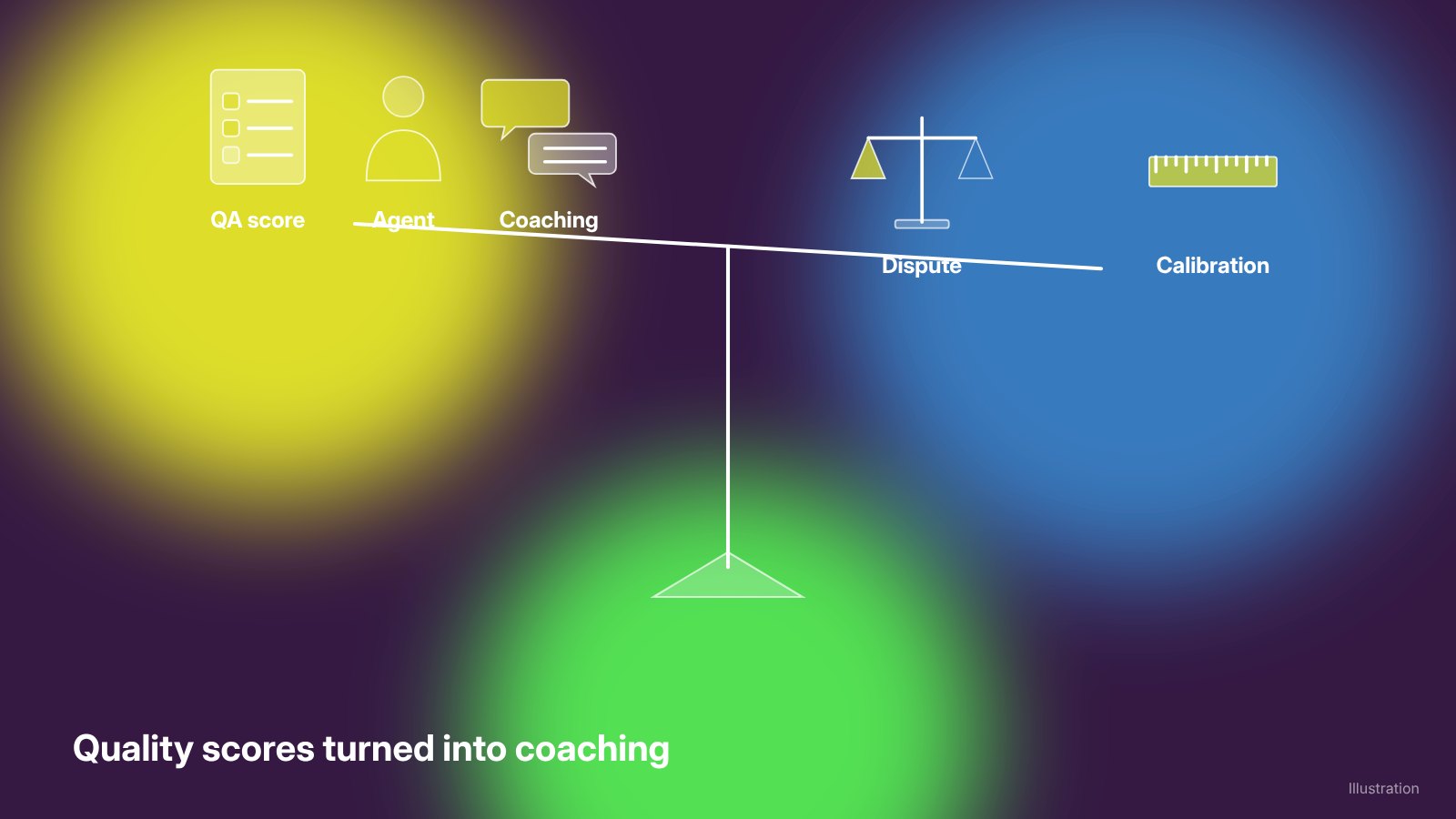
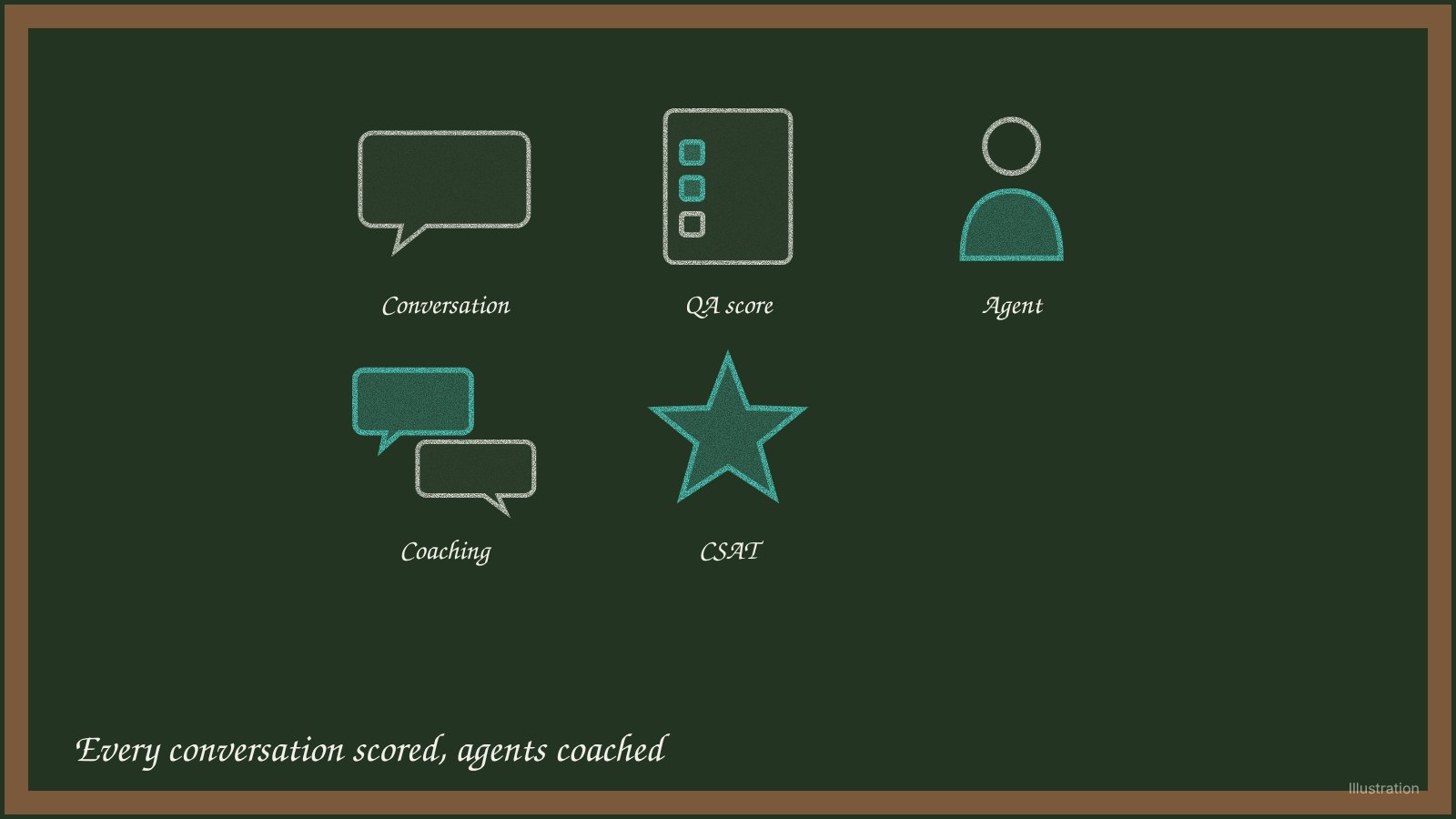
Short answer: automated QA uses AI to score every support reply (or a large sample) against your own checklist — accuracy, completeness, clarity, tone, policy and whether it actually resolved the issue — and caps the score when the customer reopened the ticket or rated it poorly. Coaches then use those scores for targeted notes, agents can dispute scores they disagree with, and regular calibration keeps human and AI scoring aligned. CSAT surveys and imported help-desk ratings close the loop with the customer's view.
This guide covers how to design the scorecard, how to coach with it without demotivating people, how to add CSAT, and how to roll it out.
Why manual QA isn't enough
- Coverage. Reviewing 5 conversations per agent per week can't detect a problem that appears in 2% of tickets.
- Consistency. Two reviewers often disagree by a wide margin on the same conversation, so scores reflect the reviewer as much as the agent.
- Delay. Feedback arrives weeks after the conversation, when the agent no longer remembers it.
- AI replies need QA too. If an AI answers a share of your tickets, those answers deserve the same scrutiny as human ones — on the same scale, so you can compare.
Designing the scorecard
Keep it short and concrete. Six criteria cover most teams:
| Criterion | What it checks |
|---|---|
| Accuracy | Is every fact correct and consistent with your sources? |
| Completeness | Did it answer every question in the ticket? |
| Clarity | Could the customer follow it without a second message? |
| Tone | Appropriate for the customer's mood and your brand? |
| Policy | Did it follow refund, security and promise rules? |
| Resolution | Did it actually solve the problem? |
Rules that make scores trustworthy:
- Weight what matters to you. Accuracy and policy usually deserve more weight than tone.
- Cap the resolution score with real outcomes. If the customer reopened the ticket, gave a low rating or replied "that didn't help", the reply didn't resolve it — whatever it looked like.
- Flag red-line issues separately. Promising a refund you can't give, or sharing account data with the wrong person, should surface as "needs attention" regardless of the average.
- Keep the checklist editable. Your rubric will change; scores should follow.
In TicketResolve, the quality score rates each sent reply — AI or human — from 0 to 100 on an editable checklist of up to eight weighted criteria, and caps resolution using reopens, low satisfaction and "didn't help" replies.
Coaching without the "gotcha" feeling
Scores only improve quality if agents trust them. Four practices make the difference:
1. Agents see their own scores and notes — only theirs
Each agent should see their own conversations, trend and coach notes, but not colleagues'. Coaches see everyone.
2. Notes are next actions, not grades
"Link the export article in replies about CSV exports" is useful. "Completeness: 60" is not. Good coaching tools let a coach attach a note to a specific scored conversation, and the agent acknowledges it.
3. Agents can dispute scores
If an agent thinks a score is wrong, they should be able to dispute it with a reason, and a coach — never the agent themselves — accepts it with a corrected score or rejects it. Accepted disputes should update averages everywhere. This alone removes most resentment of automated scoring.
4. Calibrate regularly
Have two or more coaches score the same five conversations independently, then compare. If coaches disagree by 20 points, the rubric wording is the problem, not the agents. Comparing coaches to the AI score shows where the automated scoring needs adjusting.
A short weekly email per agent — this week's average vs last week, new notes, dispute outcomes — keeps coaching continuous instead of a quarterly event. See coaching agents with quality scores.
Adding CSAT: the customer's view
Quality scores tell you whether a reply should have worked. CSAT tells you whether the customer felt it did. You want both.
- Import ratings you already collect. If your help desk already sends surveys, import them rather than sending a second one. TicketResolve imports Zendesk, Freshdesk and Intercom ratings hourly onto a 1–5 scale.
- Or send one-click surveys on tickets the AI answered, your team resolved, or both — in the reply footer, the chat widget or messaging.
- Avoid survey fatigue: at most one survey per ticket and a cooldown per customer (for example 14 days).
- Follow up on low ratings. A rating of 2/5 or lower can notify the team, reopen the ticket with an internal note and go on a follow-up list until someone handles it.
- Compare AI vs human and by topic. Low CSAT concentrated in one topic usually points to one missing or wrong article.
Survey links should be single-use and shouldn't record a rating just because an email scanner opened them. Details in the CSAT guide.
Connecting QA, CSAT and AI automation
When quality scores, CSAT and outcomes sit together, a few useful patterns appear:
- Humans outscore the AI on completeness for a topic? Their past answers are good material for a help article — or for the AI to learn from.
- AI replies on a topic get low CSAT despite high accuracy scores? The answer may be correct but unhelpful (too long, wrong next step). Review the tone and structure.
- Reopens cluster after a release? Your product changed and your knowledge didn't. Re-train product knowledge and update articles.
Measure resolution honestly while you do this — count a ticket as resolved only if it wasn't reopened. Our guide to resolution rate vs deflection explains why.
Sampling, cost and privacy
- Sample rate. Score 100% of replies while tuning the rubric, then drop to a percentage if you only need trends. Keep red-line flags on everything.
- Cost. Expect roughly one AI call per scored reply, so the sample rate is your main cost lever. Coaching, disputes and calibration need no AI calls.
- Agent identity. Per-agent views need the help desk to tell you who wrote each reply; where it can't, human replies may only be reportable as one group.
- Privacy. Scores and notes are personal data about your employees. Limit who can see what (agents see only their own), and keep retention consistent with your HR policies.
Rollout plan
- Week 1: agree the checklist and weights with team leads. Score 100% of replies while tuning.
- Week 2: run a calibration session with two coaches and adjust wording where you disagree.
- Week 3: link agents to their scores, introduce the self-view and disputes, and explain how capping works.
- Week 4: turn on CSAT surveys for AI-answered tickets (or import existing ratings) and set the low-rating follow-up.
- Monthly: calibrate again; review the "needs attention" list first; lower the sample rate if you only need trends.
A worked example, start to finish
Here's a 15-person support team at an online furniture store turning on automated QA. The names and scores are illustrative.
Week 1. The checklist. Ines, the QA lead, writes six criteria and weights accuracy and policy highest. She scores 100% of replies while tuning.
Week 1. A surprise. A reply about delivery windows scores well on tone and clarity, but the customer reopens the ticket the next day. The resolution score is capped, so the reply's overall score drops. Three similar replies show the same pattern: the delivery-window article is out of date. One article fix solves it for everyone.
Week 2. A red line. An agent promises a full refund on a custom sofa, which policy excludes. The reply is flagged "needs attention" regardless of its average, and Ines talks to the agent the same day.
Week 2. A dispute. Tomás disputes a tone score on a reply to an angry customer. Ines and a second lead review it in calibration and agree the score was too harsh; the rubric gets a clearer tone example.
Week 3. CSAT. Zendesk ratings are imported hourly. A 2/5 rating reopens its ticket with an internal note and goes on the follow-up list.
Month end. Ines lowers the sample rate for trend reporting, keeping red-line flags on every reply.
What changed: a broken article found from scores rather than luck, a policy breach caught the same day, a fairer rubric after a dispute, and the customer's view next to the scores.
Five more real-world scenarios
1. A fast but wrong answer
Situation. A reply looks perfect, but the customer reopens the ticket.
How TR handles it. The resolution score is capped by the reopen, whatever the reply looked like.
2. A refund promise
Situation. An agent promises a refund policy doesn't allow.
How TR handles it. Red-line issues surface as "needs attention" regardless of the average score.
3. An agent who disagrees
Situation. An agent thinks a tone score is unfair.
How TR handles it. Agents can dispute scores, and coaching, disputes and calibration need no AI calls.
4. Ratings already collected
Situation. Your Zendesk already sends satisfaction surveys.
How TR handles it. Zendesk, Freshdesk and Intercom ratings are imported hourly onto a 1–5 scale, so customers don't get a second survey.
5. A low rating
Situation. A customer rates a reply 2/5.
How TR handles it. It can notify the team, reopen the ticket with an internal note and go on a follow-up list until someone handles it.
Do it in TicketResolve, step by step
Where: Quality (/dashboard/quality). You'll need: a connected help desk; agent identities from your help desk for per-agent views. Full guides: Quality score and Customer satisfaction.
- Write your checklist: up to eight weighted criteria, accuracy and policy weighted most.
- Score 100% of replies while tuning the rubric.
- Turn on surveys in Quality → Customer satisfaction → Survey settings, or import ratings you already collect.
- Pick survey channels; only one survey per ticket.
- Coach with notes written as next actions; agents see only their own.
- Calibrate regularly against human scores.
- Lower the sample rate once you only need trends, keeping red-line flags on everything.
How to check it worked: every sent reply, AI or human, shows a 0–100 score, and a reopened ticket's resolution score is capped.
Pitfalls
- Scoring without coaching. Numbers alone change nothing; notes and follow-up do.
- Hidden scores. If agents can't see or dispute their scores, they won't trust them.
- Ranking agents publicly. Use scores to coach, not to shame.
- Ignoring outcomes. A polite, well-written reply that led to a reopen didn't work.
- Double surveys. If your help desk already surveys customers, import instead.
Checklist for automated QA tools
- Scores both AI and human replies on the same scale?
- Editable, weighted checklist?
- Resolution capped by reopens, low CSAT and "didn't help" replies?
- Red-line flags separate from averages?
- Agent self-view, coach notes and disputes?
- Calibration sessions?
- CSAT import from your help desk, or one-click surveys with frequency caps?
- Low-rating follow-up workflow?
Frequently asked questions
What is automated QA in customer support? Using AI to score support conversations against a checklist automatically, so every conversation (or a large sample) is reviewed instead of a small manual sample.
Can AI scoring replace human reviewers? It replaces the sampling and first pass. People still coach, handle disputes and calibrate the rubric.
How much does automated QA cost to run? Typically about one AI call per scored reply, so many teams score 100% while tuning and then sample.
Should we score AI replies too? Yes — on the same scale as human ones, so you can see where the AI is better or worse and fix the knowledge behind it.
How do CSAT and quality scores relate? Quality scores judge the reply against your standards; CSAT shows the customer's reaction. Low CSAT with a high quality score usually means the reply was correct but didn't help.
How much does scoring cost? Roughly one AI call per scored reply, so the sample rate is your main cost lever.
Can agents see each other's scores? No. Agents see only their own scores and notes.
Are AI replies scored too? Yes, on the same scale as human replies.
Related: how AI ticket automation improves CSAT, the 12 help desk efficiency metrics, CSAT (glossary) and resolution rate (glossary).
Explore Topics
Written by
Ghulam Shabbir
Content creator and writer sharing insights and stories.