
Answered Isn’t Resolved: Measuring the Verified Resolution Rate of AI Support
“The AI answered 68% of tickets” says the AI was confident, not that customers’ problems went away. Resolution verification splits resolved into four stages, delivered, steps followed, resolved and independently verified, each needing its own evidence, and refuses to count silence as success.
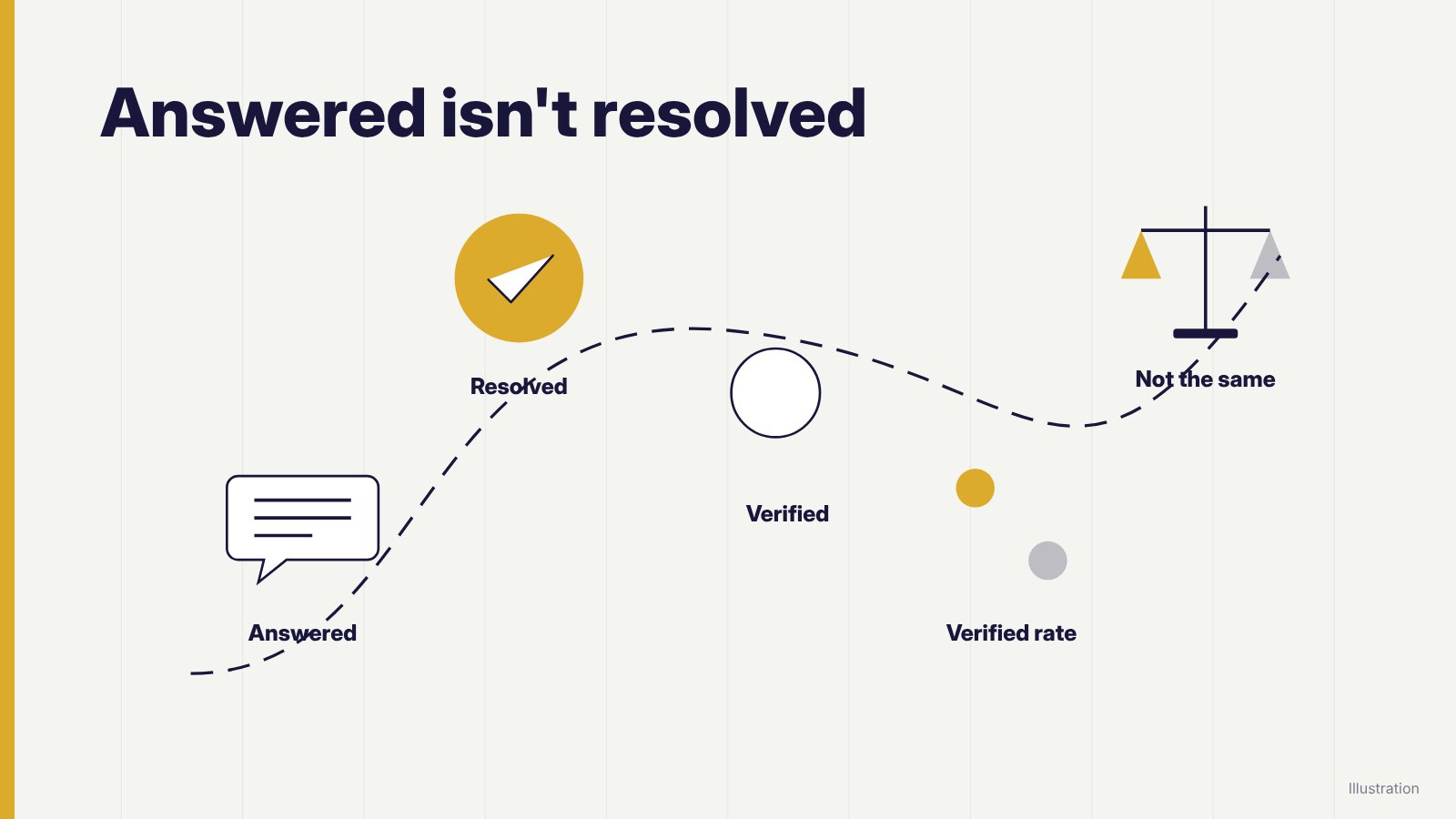
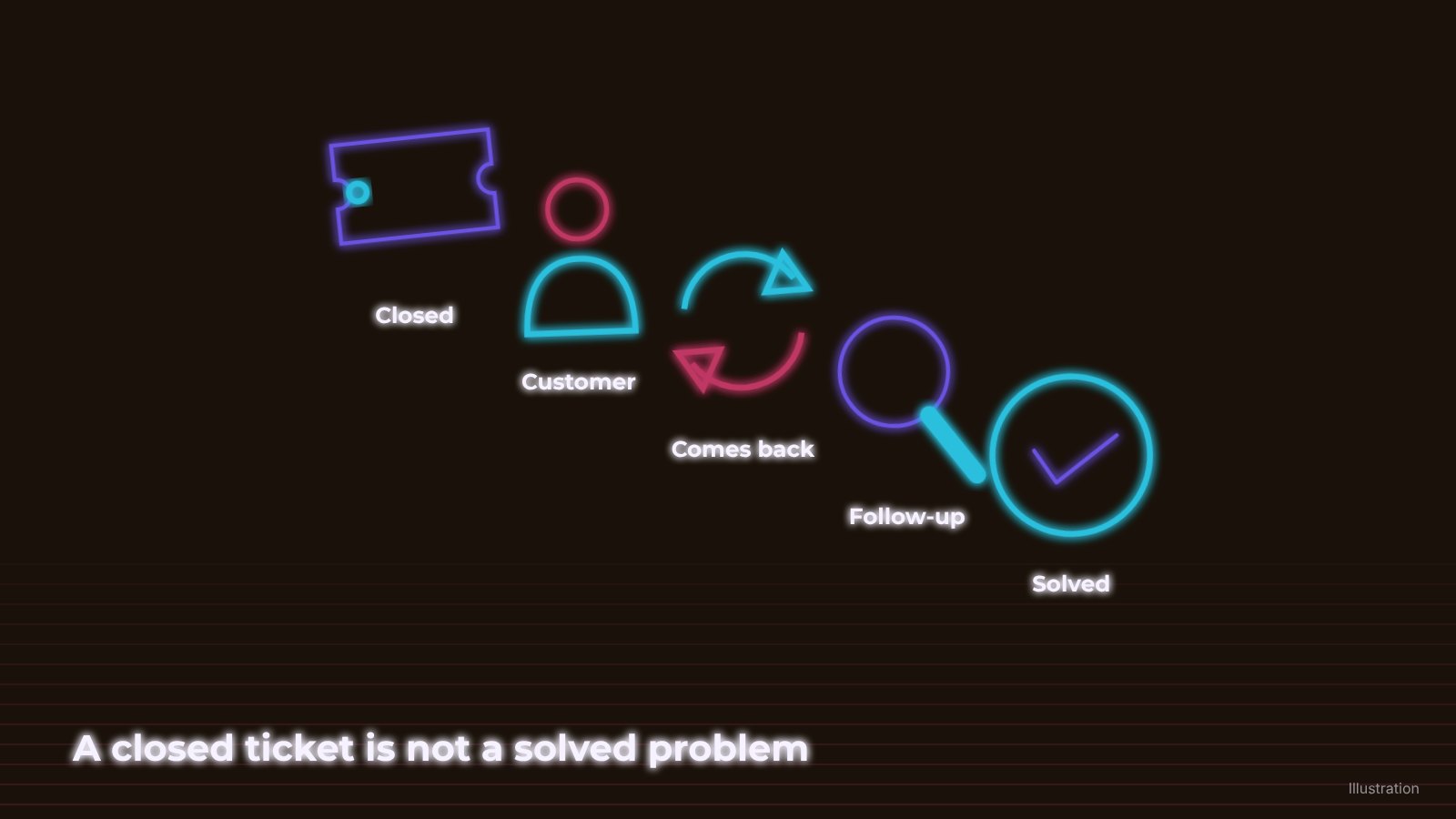
Most AI support dashboards lead with one number: the share of tickets the AI answered on its own. It's an easy number to grow and a misleading one to manage by. An answer that went out tells you the AI was confident. It doesn't tell you the customer followed the steps, that the problem went away, or that anyone checked.
Here's how that number misleads, at a company that sells a smart-thermostat app. The support dashboard shows automated responses: 68%, up from 52% last quarter after the team raised the auto-send threshold. The head of support, Aleksander, is pleased. Then:
- CSAT hasn't moved.
- The engineering team notices
HeatingScheduleSyncErrorkeeps firing for customers who got an automated answer about schedules. - A spot-check of 20 automated answers finds: 3 were logged in the help desk but never actually sent, 6 customers never tried the steps, and in 4 cases the error they quoted kept happening after the answer.
The AI was answering more. It wasn't clear it was resolving more.
First, the basics
- An automated response is an answer the AI posted on its own.
- Delivered means the answer actually reached the customer.
- Steps followed means the instructions were carried out.
- Resolved means the technical issue is gone.
- Independently verified means something other than the customer's word and the AI's confidence confirmed it.
- The resolution verification ledger records each piece of evidence: who or what, when, and what it showed.
- A procedure is a step-by-step fix TR-AI can walk a customer through.
- Fix verification compares errors before and after a fix.
Why does this matter? A team that manages by "answered" will keep raising thresholds and wonder why customers aren't happier. Splitting "resolved" into the questions it hides, each with its own evidence, shows where answers really stop working, and what to fix.
The problem, in plain terms
- "Answered" is easy to grow and misleading to manage by.
- Some answers are logged but never delivered.
- Silence gets counted as success.
- Confident, wrong answers go unnoticed when customers don't complain.
- Out-of-date procedures look like AI failures.
Four stages, four different questions
Split "resolved" into the questions it hides:
- Delivered. Did the answer actually reach the customer? A reply that was only logged in the help desk but never sent is not delivered.
- Steps followed. Were the instructions carried out? A procedure that finished its steps, or a customer saying "yes, I tried them".
- Resolved. Is the technical issue gone? The customer says it's solved, or the production error they quoted stops happening.
- Independently verified. Did something other than the customer's word and the AI's confidence confirm it? A person on the team, a fix verification that compared errors before and after, or the customer's "yes" backed by the error staying quiet for a day.
Each stage needs its own evidence. Nothing moves a case forward on the AI's say-so.
Silence is not resolution
The common shortcut is "no reply in 48 hours = resolved". Silence means the customer didn't come back: they may have given up, found a workaround, or asked a colleague. Record it ("no complaint within 48 hours"), but don't count it as resolved. Count the evidence instead.
Failures are evidence too
A case fails when the customer says the answer didn't help, reopens or writes again, gives a low CSAT score, opens a similar ticket, or when the error they quoted keeps happening after the answer. That last one is the most useful: it catches confident, wrong answers that the customer never complained about.
Failures carry their reason. When one procedure's answers fail again and again on its current version, the procedure, not the AI, is usually out of date.
Report two numbers, not one
- Automated response rate: answers the AI posted on its own, out of all tickets.
- Verified resolution rate: delivered answers that reached "independently verified".
The gap between them is the work still to do: knowledge to fix, procedures to update, fixes to verify. A team that only sees the first number will keep raising thresholds and wonder why customers aren't happier.
How TR-AI does it
TR-AI's resolution verification ledger records one row per piece of evidence (who or what, when, and what it showed) and keeps each case at the furthest stage the evidence supports. The "Did this solve it?" link now asks whether the customer tried the steps. People can record what they checked, with a note, and every entry is audited. The dashboard shows the funnel, failures by reason and procedures that may need an update.
A worked example, start to finish
Here's the thermostat app, with resolution verification. The figures are illustrative.
Week 1, the funnel. Aleksander opens Resolution verification for last month's automated answers:
- Delivered: most, but not all. A handful were logged in the help desk but never sent, because a channel had a sending error. They're not delivered.
- Steps followed: fewer. The "Did this solve it?" link now asks whether the customer tried the steps; many said yes, some never answered.
- Resolved: fewer again.
- Independently verified: fewer still.
Two numbers. Automated response rate: 68%. Verified resolution rate: much lower. The gap is the work to do.
Silence. Many cases show "no complaint within 48 hours". Recorded, not counted as resolved.
Week 1, failures by reason. The top reason: the error they quoted kept happening after the answer. Most of those are schedule-sync tickets. The dashboard lists procedures that may need an update: "Fix heating schedule sync" fails again and again on its current version.
Week 2, the fix. The procedure tells customers to re-pair the thermostat, but since the 3.1 firmware, the sync problem needs a cloud-side reset first. The team updates the procedure. Engineering ships a fix for the cloud reset; fix verification compares HeatingScheduleSyncError before and after.
Week 3, a person checks. The QA lead, Thandiwe, reviews a sample of answers and records what she checked, with a note. Her entries move those cases to independently verified, and each is audited.
Week 6. The automated response rate is about the same. The verified resolution rate has risen noticeably, and CSAT is finally moving. Aleksander stops raising the threshold and starts fixing procedures.
Five more real-world scenarios
1. A reply that was never sent
Situation. The help desk shows a reply, but the channel failed.
How TR handles it. Not delivered.
2. "Yes, I tried them"
Situation. A customer clicks "Did this solve it?" and says they tried the steps.
How TR handles it. Steps followed.
3. The error stopped
Situation. The customer quoted an error, and it stops after the answer.
How TR handles it. Resolved; with a day of quiet after the customer's "yes", independently verified.
4. A similar ticket next week
Situation. The customer opens a similar ticket.
How TR handles it. The case fails, with that reason.
5. No reply at all
Situation. The customer never writes back.
How TR handles it. "No complaint within 48 hours" is recorded, not counted as resolved.
Before and after
Before. 68% automated, higher thresholds every quarter, flat CSAT, and answers that were never sent or never worked.
After. A four-stage funnel, a verified resolution rate next to the automated rate, failures by reason, an out-of-date procedure found and fixed, and CSAT moving.
How to tell it's working
- Both numbers are reported together.
- Procedures flagged as failing get updated.
- The gap between automated and verified shrinks.
Who it's for
- Heads of support reporting AI performance.
- QA leads checking answers.
- Knowledge and procedure owners.
How it fits with the rest of TicketResolve
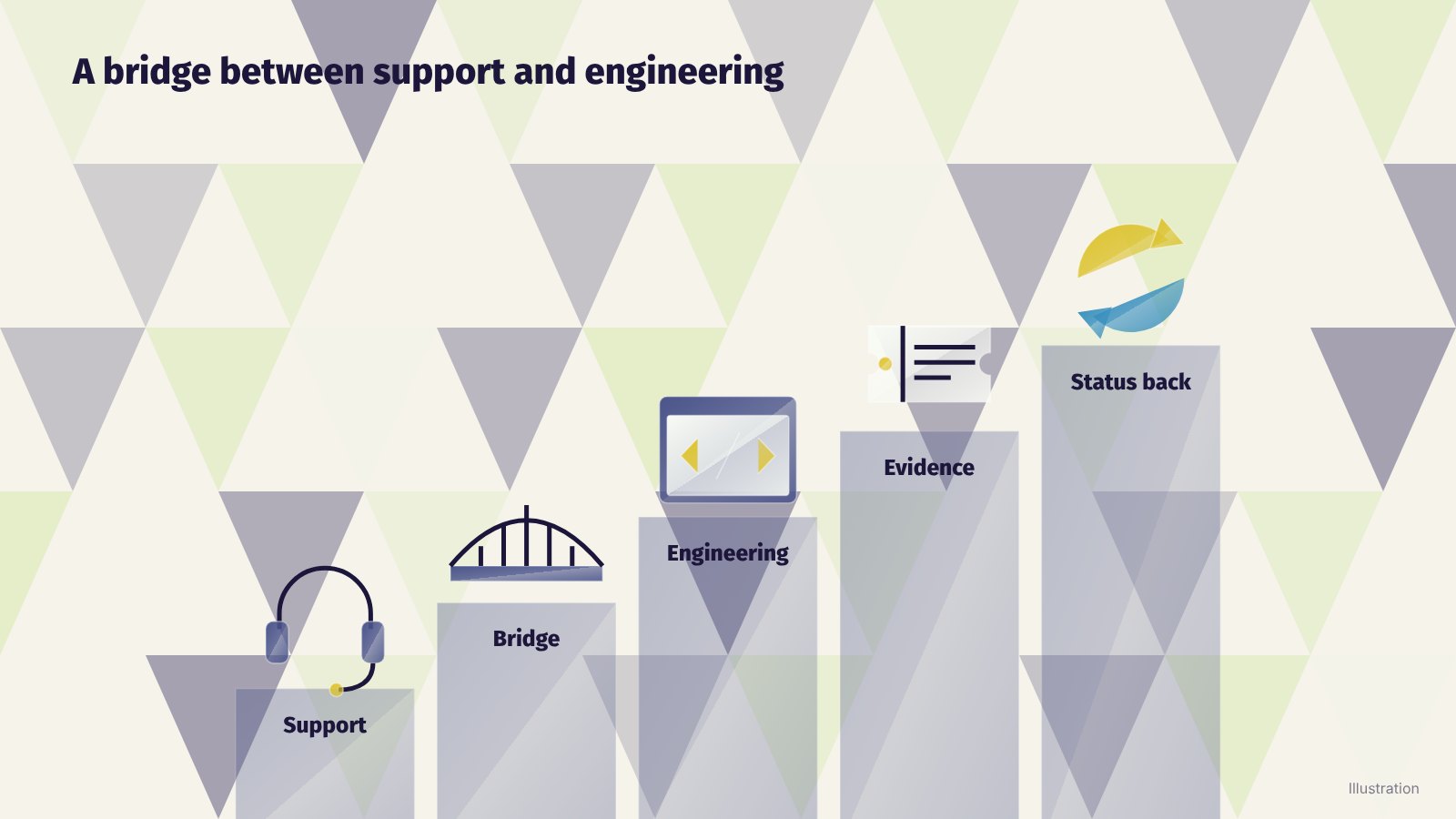
Resolution verification is the ledger behind Resolution intelligence's outcomes, Technical intelligence's verified resolution rate, and cost per verified resolution. It uses customer confirmation, fix verification, production errors, QA review and procedures.
Why four stages
Each stage catches a different failure. Delivered catches answers that never left. Steps followed catches answers the customer never tried. Resolved catches answers that didn't work. Independently verified catches cases where everyone thought it worked but nothing checked. Collapsing them into one "resolved" hides which failure is happening, and so which fix to make.
Getting more evidence
The funnel only moves on evidence, so the practical question is how to get more of it. Turn on "Did this solve it?" for answers TR-AI sends on its own. Connect the monitoring tools that record the errors customers quote, so resolution can be seen in production. Run fix verification for technical fixes. And have someone on the team check a sample of answers each week and record what they checked.
Reading the funnel
The drop between each stage tells you something different.
- Between all automated answers and delivered, look at channels: sending errors, disconnected help desks, replies logged but never sent.
- Between delivered and steps followed, look at the answers themselves: too long, unclear, or asking for something the customer can't do.
- Between steps followed and resolved, look at procedures and knowledge: the steps were done but didn't fix it, so the steps are wrong or out of date.
- Between resolved and independently verified, look at evidence: connect the monitoring that records customers' errors, and have someone check a sample.
Fixing the biggest drop first usually moves the verified resolution rate fastest.
Mistakes to avoid
- Reporting only the automated response rate.
- Counting silence as resolution.
- Blaming the AI for an out-of-date procedure.
Do it in TicketResolve, step by step
Where: Resolution verification (/dashboard/resolution-verification). You'll need: TR-AI sending answers; ideally customer confirmation and monitoring connected. Full guides: “Did this solve it?” — customers confirm TR-AI’s answers and Resolution intelligence.
- Open Resolution verification.
- Read the funnel: delivered, steps followed, resolved, independently verified.
- Compare the two numbers: automated response rate and verified resolution rate.
- Read failures by reason.
- Check procedures that may need an update.
- Record what you checked, with a note, for cases you verify yourself.
- Turn on "Did this solve it?" to gather more evidence.
How to check it worked: each case sits at the furthest stage its evidence supports, and every entry is audited.
Frequently asked questions
What are the four stages? Delivered, steps followed, resolved and independently verified.
What counts as independently verified? A person on the team, a fix verification, or the customer's "yes" backed by the error staying quiet for a day.
Is silence counted as resolved? No. It's recorded as "no complaint within 48 hours".
What makes a case fail? The customer says no, reopens, writes again, gives low CSAT, opens a similar ticket, or the quoted error keeps happening.
Which two numbers should I report? Automated response rate and verified resolution rate.
Can the AI move a case forward? No. Nothing moves on the AI's say-so.
What does "Did this solve it?" ask now? Whether the customer tried the steps.
Can people record checks? Yes, with a note, and every entry is audited.
Does the AI's confidence count as evidence? No. Each stage needs its own evidence from the customer, production or a person.
Explore Topics
Written by
Ghulam Shabbir
Content creator and writer sharing insights and stories.