
The AI Software Test Engineer: Record, Review and Run Tests Without Exposing Real Data
A complete guide to TicketResolve’s AI Software Test Engineer: the TR Test Recorder extension that masks sensitive values in the browser, Test Studio’s reviewed test cases with robust locators and Playwright scripts, and the TR Test Agent that runs approved tests on your own machines with step-level results. With an illustrative team from first recording to release, five scenarios and a step-by-step guide.
Update, 19 November 2026: recording and running now happen in Test Studio Desktop, an app for Mac and Windows. It replaced the TR Test Recorder extension and the TR Test Agent described below, and keeps recordings, screenshots, traces and test passwords on the tester's computer. Review, plans, coverage and defects work as described here.
Most teams know which journeys must never break: signing up, paying, booking, exporting. Fewer have tests for all of them, because writing and maintaining browser tests is slow, recordings tend to capture things they shouldn't, and running tests safely against real environments takes infrastructure nobody has time to build.
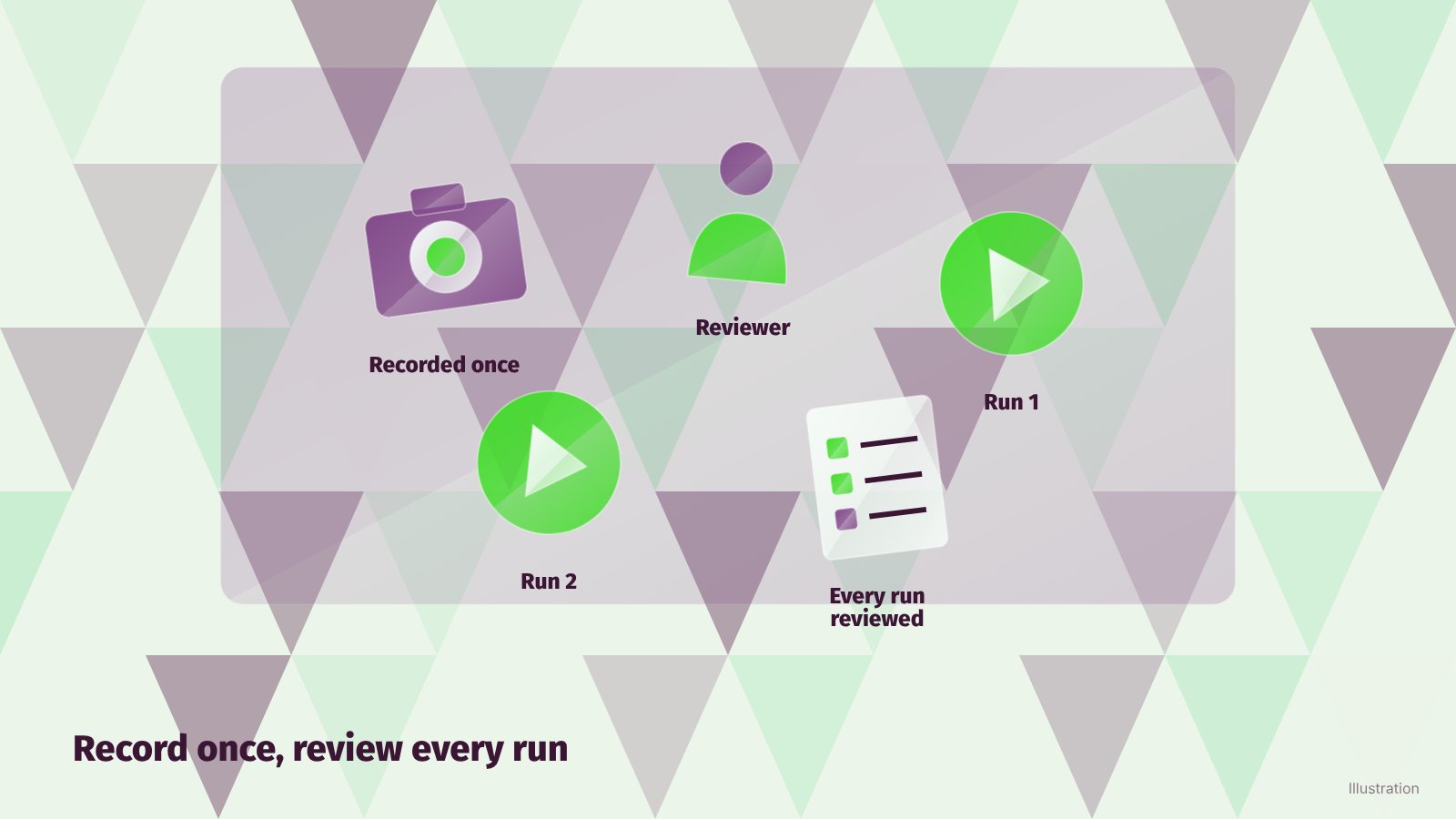
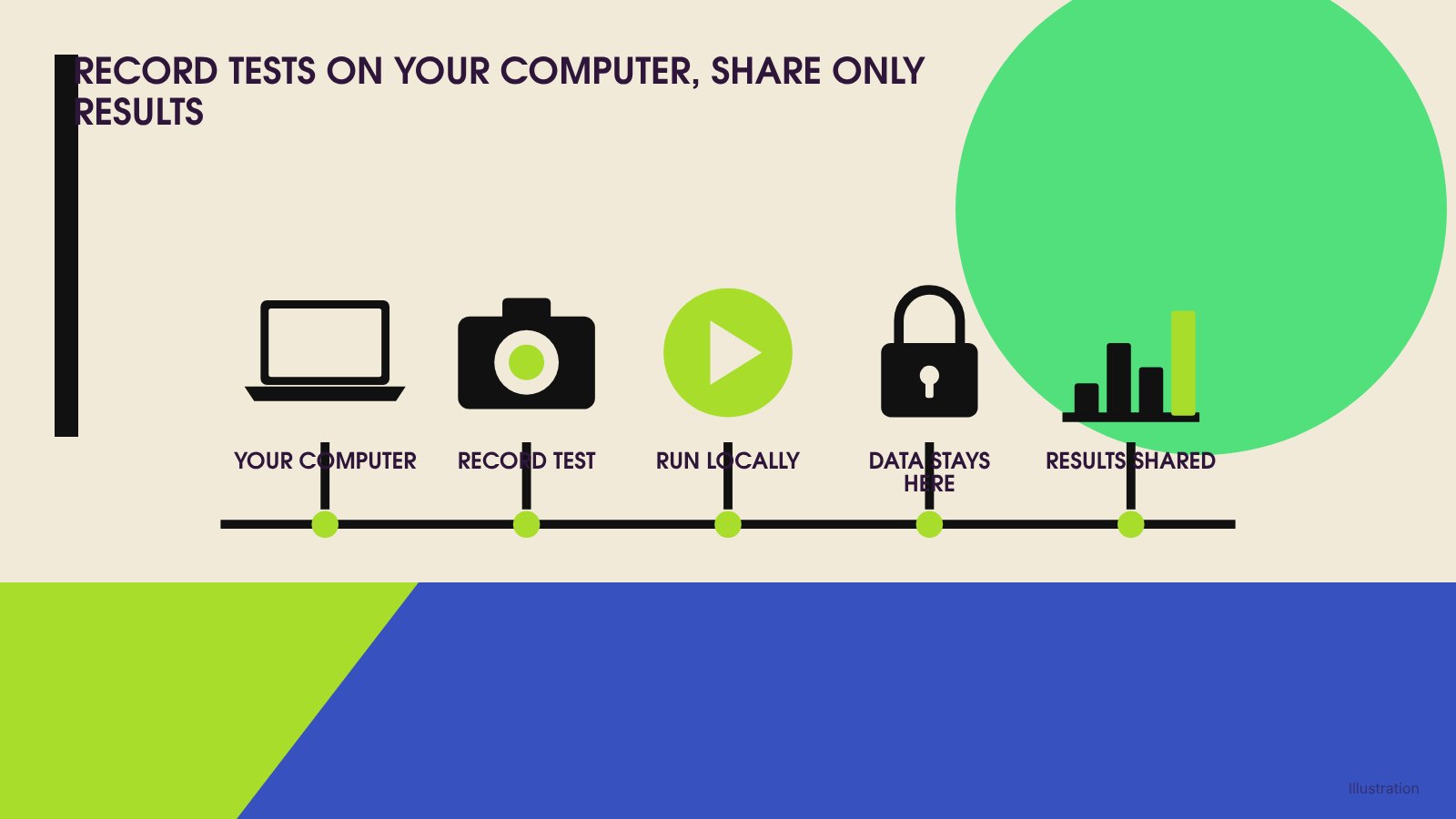
The AI Software Test Engineer is TicketResolve's answer to that. It has three connected parts, plus failure analysis that turns failed runs into defects: the TR Test Recorder extension, which records journeys and masks sensitive values before they leave the browser; TR Test Studio, which turns recordings into reviewed test cases with robust locators and Playwright scripts; and the TR Test Agent, which runs approved tests in real browsers on your own machines and reports every step. This guide covers what each part does, how they fit together, and how to get from a first recording to tests that run on every release.
Here's the problem at an illustrative company that sells scheduling software to clinics:
- Release week: the team ships every Tuesday. Before each release, two people click through twelve journeys by hand for most of Monday.
- The gap: last month a change to the appointment form broke reminders for one clinic type. Nobody had clicked that path.
- The previous attempt: a recorder tool captured patients' names and a test password into a shared repository, and was quietly abandoned.
- The ask: "We need tests for the journeys that matter, without real data in them, and without building a test lab."
That's the job the AI Software Test Engineer is built for.
First, the basics
- A journey is something a user does from start to finish: book an appointment, update a card, export a report.
- A test case is the written version of a journey: steps, the elements they act on, what should be true, and the data they need.
- A locator is how a test finds an element again: a test ID, its role and accessible name, its label, a CSS path and so on.
- An environment is where tests may run: a base URL and the hosts it may reach, such as staging.
- An agent is a program on your own machine or CI runner that runs tests in real browsers.
Why does this matter? Manual release checks are slow and miss paths. Automated tests catch regressions every time, but only if they're easy to create, safe to record, trusted by the team, and run where your applications live.
The problem, in plain terms
- Writing browser tests by hand takes time few teams have.
- Recorders capture too much: passwords, customer data, tokens.
- Fragile tests break when a button moves, and people stop trusting them.
- Nobody reviews tests, so wrong expectations go unnoticed.
- Running tests safely needs browsers, isolation and secrets handling.
Part 1: the TR Test Recorder extension
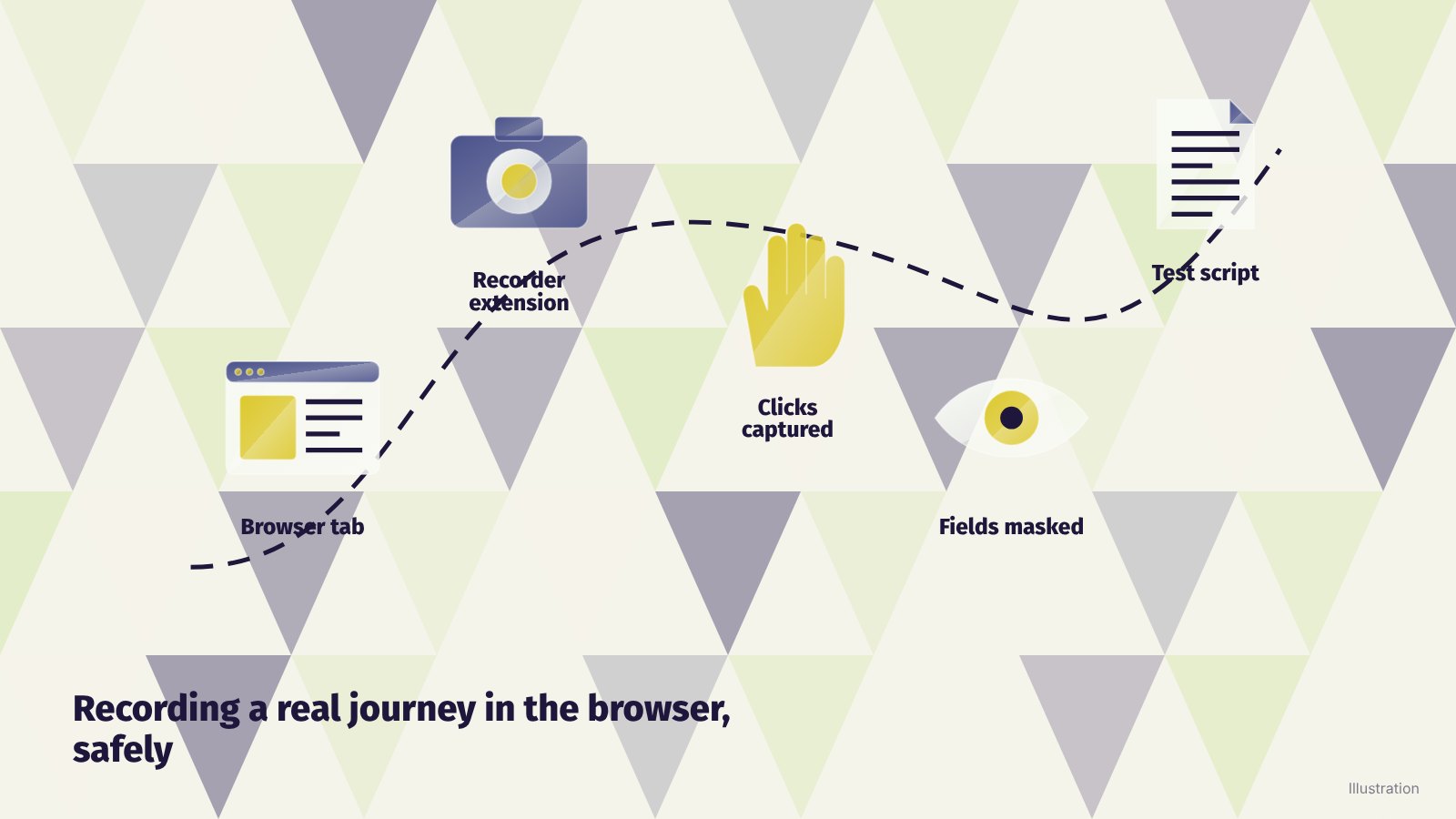
A Chrome and Edge extension you download from Test Studio and pair with a one-time code. It records structured actions: pages, clicks, typing, choices, ticks, keys, form submissions, file uploads (how many files only), dialogs, JavaScript and console errors, and failed requests (address without query values). For each element it keeps several locators, from test ID and role-and-name down to CSS, XPath and, last of all, coordinates, with frame and shadow-DOM context.
Safety comes first:
- It records only in the tab you start, and only on the environment's allowed hosts. It pauses itself anywhere else.
- Passwords, card numbers, one-time codes, tokens and sensitive-looking fields are removed in the browser before anything is sent; e-mail addresses become a placeholder.
- It never reads cookies, browser storage, files, or request contents.
- You confirm what's recorded before each recording, a toolbar shows it's recording the whole time, and nothing is sent until you review it.
While recording, the toolbar lets you add checkpoints (text shown, element visible), the expected result of a step and business-action marks. Optional screenshots at checkpoints are kept with the recording.
Part 2: TR Test Studio
From recording to test case
Test Studio cleans up the recording: focus clicks and scrolls are removed, typing is merged, a navigation after a click becomes a URL check, checkpoints become assertions, and masked values become test-data variables. It warns about unstable locators, data-changing steps, dangerous actions and steps with no expected result, and spots repeated sequences that could become reusable components.
Versions and review
Every edit is a new version with a note, and earlier versions stay readable. A version is submitted for review and can only be approved by someone who didn't write it. A test with no confirmed expected result can't be submitted. Each version has a standard Playwright Test file you can export.
Environments
Each project has environments with a base URL and allowed hosts. Recordings and runs outside them are refused. A production environment can't be used for tests until a Test Studio manager authorises it with a reason, and changing where it points removes that authorisation.
Part 3: the TR Test Agent
A small Node.js program (Node 18 or later, with Playwright) for Windows, macOS and Linux. A manager adds it in Test Studio, which shows its token and job-signing key once, and you start it on your machine or CI runner.
- Only approved tests run, on runnable environments, in Chromium, Google Chrome, Microsoft Edge, Firefox or WebKit.
- Jobs are signed for each agent and expire after ten minutes; the agent refuses anything unsigned, altered or expired.
- A fixed set of actions: the agent performs the steps itself and never runs scripts or commands sent from TicketResolve.
- Fresh and contained: each run gets a new browser context, and the page can only open the environment's allowed hosts.
- Secrets stay local: secret test data is never sent; the agent reads it from its own environment variables.
- Step-level results: passed, failed, skipped or not run, with timings, the error, a screenshot of the failing step, console errors and failed requests.
- Retries and cancelling: agent errors are retried up to the run's limit; failing checks aren't. Runs can be cancelled.
Part 4: when a test fails
A failed test isn't automatically a bug. Every failed run gets a failure analysis: rule-based, from the run's errors, failed requests and console errors and from the history of the same test on the same environment. It names the most likely cause (a likely product defect, a test defect, an environment or test-data problem, an infrastructure issue, an intermittent failure, a failing third-party service, a possible intended change, or unknown) with its confidence, the evidence, and a suggested next step.
When it is a defect, a person drafts it from the run with the reproduction steps, expected and actual results, the failing step's screenshot, console errors and failed requests already filled in. If the same failure is already open, the run becomes another occurrence instead of a duplicate. Critical and high severity defects need approval by someone who didn't draft them. Then it's filed in Jira, Linear, GitHub, Assembla or monday.com through your existing tracker connection, its status is read back, and a passing rerun marks the fix as verified.
Part 5: plans, traceability and CI
Test plans collect approved cases for a release, sprint, milestone or build on one environment and set of browsers. Automated items run on your agents, testers record manual results, and JUnit results from your own CI (Playwright, Cypress, pytest, JUnit, TestNG, NUnit or Cucumber) are matched to cases by key. Someone who can approve tests signs the plan off once every item has a result. The coverage report traces each requirement to its tests, latest results, defects and verified fixes, and flags critical requirements with no automated test. Each test also exports as Cypress or Gherkin, with a GitHub Actions example for the agent.
Test intelligence and release quality
Release 6 added test intelligence: flaky tests found from run history and tracked apart from defects, locator repair suggestions that go through the normal review, test selection for a change with a reason for every test, and release quality reports that are only "Ready" when every criterion is met on recorded evidence. An optional TestRail connection imports cases and sends results back; it has been tested against a simulated TestRail, not yet a live account. See Flaky tests, locator repairs, test selection and release quality.
A worked example, start to finish
Here's the clinic-scheduling company over two weeks. The names are illustrative.
Set-up. Rosa, the QA manager, creates the "Clinic app" project with a Staging environment (staging.clinicapp.test and api.clinicapp.test) and gives two engineers the QA engineer role.
Recording. Dev, a QA engineer, pairs the extension and records "Receptionist books an appointment" on staging with a test login. The password is masked in the browser; he adds a checkpoint that "Reminder scheduled" is shown and marks the booking as a business action.
Converting. In Test Studio, the preview shows test-ID and role locators for every step, a URL check after the booking, and a test-data variable for the password. He adds a cleanup note to cancel the test appointment and submits it.
Review. Rosa reviews it, adds the reminder-type check that was missed last month, and approves version 2.
The agent. Rosa adds an agent called "CI runner", and the platform team starts it on a build machine with the token, key and TR_PASSWORD set there. It shows as online with Chromium and Firefox.
Running. Dev runs the approved test on Staging in Chromium: six of six steps pass in a few seconds. In Firefox, step 6 fails with a screenshot showing the reminder banner missing for one clinic type.
The defect. The run's analysis says it's a likely product defect: the same version passed on Chromium, and the check failed with the banner missing. Dev drafts the defect with the screenshot and steps filled in; because the test is high criticality, Rosa approves it, and it's filed in the team's Jira.
The fix. Engineering fixes the form before Tuesday and closes the issue. Dev runs the test again; it passes, and the defect shows the fix as verified.
What changed: a journey that used to take a person half an hour on Monday now runs in seconds, with nothing sensitive in it, reviewed by a second person, and with evidence of every step.
Five more real-world scenarios
1. A journey with a card payment
How TR handles it. The card number is masked in the page; the test reads a test card from the agent's environment.
2. An app with an embedded booking widget
How TR handles it. The recorder runs in frames on allowed hosts and records which frame each element belongs to.
3. A test that wanders off to a partner site
How TR handles it. The recorder pauses on other hosts, and the agent blocks navigations outside the environment's allowed hosts.
4. Running on production
How TR handles it. Only after a manager authorises the production environment with a reason; read-only smoke journeys with a test login are the usual choice.
5. A laptop that leaves the company
How TR handles it. Unpair its recorder and revoke its agent in Test Studio; both stop working at their next request.
Before and after
Before. A day of manual clicking before each release, journeys nobody checked, recordings with real data in them, and no evidence of what was tested.
After. Recorded, masked, reviewed tests for the journeys that matter, run on your own agents in the browsers you choose, with step-level evidence.
How to tell it's working
- More journeys covered by approved tests each sprint.
- Recordings arrive masked, with no secret values in them.
- Runs pass consistently, and failures point at a step with a screenshot.
- Manual release checks shrink to the journeys that genuinely need a person.
Who it's for
- QA engineers and test leads building regression suites.
- SDETs and automation engineers who want reliable locators and Playwright output.
- Engineering managers who need evidence of what was tested before a release.
- Security-conscious teams that can't let real data into test tooling.
Mistakes to avoid
- Recording with real customer accounts: use test accounts on staging.
- Skipping checkpoints: a test without expected results can't be approved.
- Approving your own tests: it's blocked for a reason.
- Putting secrets in test data: mark them as secrets and set them on the agent.
Do it in TicketResolve, step by step
Where: Test Studio (/dashboard/test-studio). You'll need: Engineering Intelligence; Chrome or Edge; a machine with Node 18 or later for the agent. Full guides: Setting up a test project and environments, Recording with the TR Test Recorder extension, Turning a recording into a test case, Running tests with a TR Test Agent, When a test fails: analysis and defects, Test plans, requirements coverage and CI results and Reviewing and approving tests.
- Create a project and its environments with allowed hosts.
- Install and pair the recorder extension.
- Record a journey with checkpoints and expected results.
- Convert it into a test case and fix the warnings.
- Submit it for review; someone else approves it.
- Add a TR Test Agent and start it on your machine or CI runner.
- Run the approved test and read the step results; when it fails, read the analysis and file a defect if it is one.
How to check it worked: the run shows every step as passed, and a deliberately broken expectation fails with a screenshot of that step.
Frequently asked questions
What is the AI Software Test Engineer? TicketResolve's testing product: a recorder extension, TR Test Studio for reviewed test cases, and the TR Test Agent for running them on your own machines.
How much does it cost? It's part of Engineering Intelligence at $149 per engineering seat a month, with no charge per test, run, recording or agent. It's in the 7-day free trial.
Which browsers are supported? The recorder works in Chrome and Edge. The agent runs tests in Chromium, Google Chrome, Microsoft Edge, Firefox and WebKit.
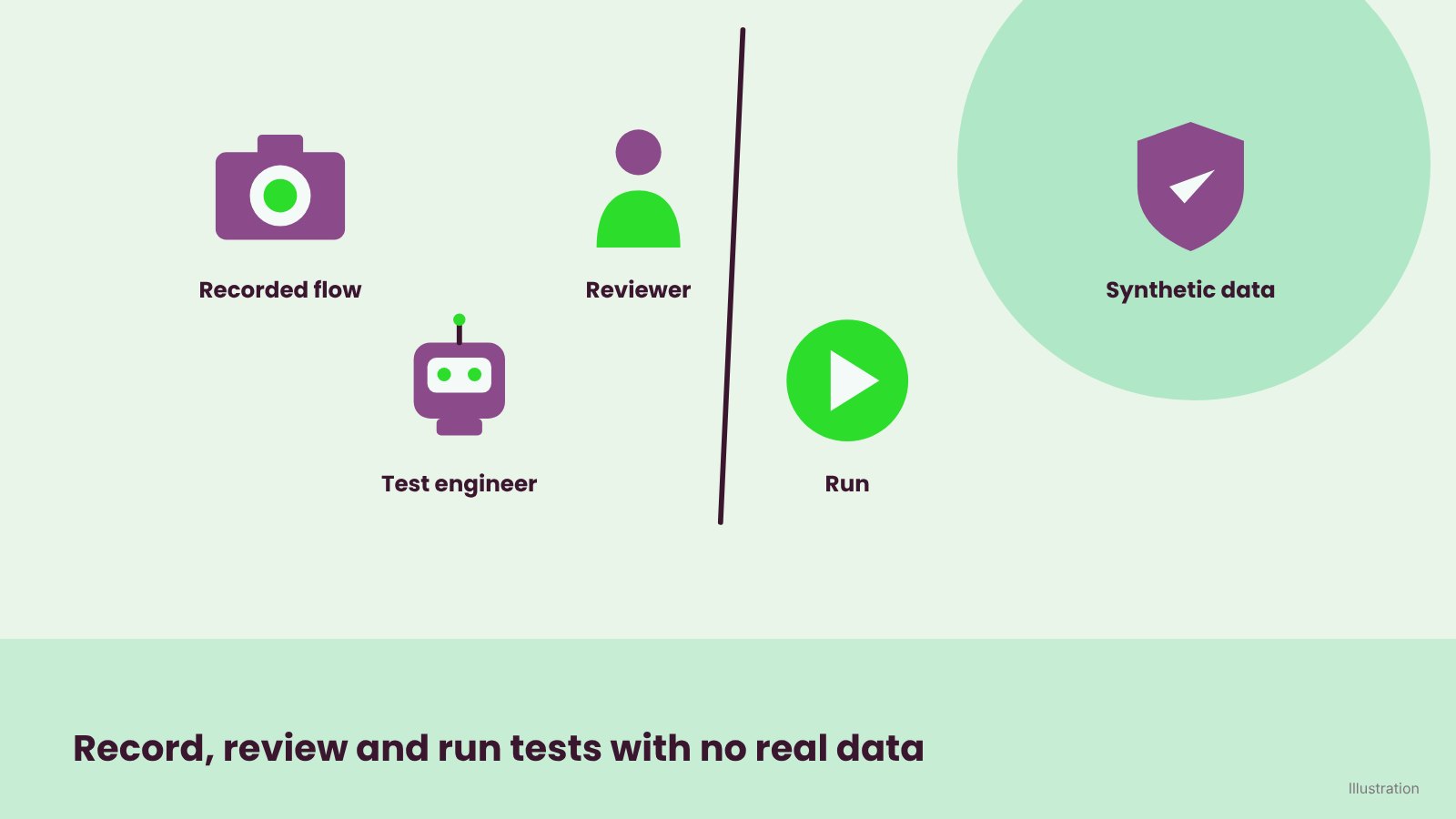
Does real data end up in recordings? Passwords, card numbers, codes, tokens and sensitive fields are removed in the browser and again on the server; e-mail addresses become a placeholder.
Where do tests run? On your own TR Test Agent: a laptop, a server or a CI runner, on Windows, macOS or Linux.
Can the agent run anything else? No. It performs a fixed set of test actions from signed jobs and never runs scripts or commands.
Can we use the tests outside TicketResolve? Yes. Each approved version exports as Playwright, Cypress or Gherkin.
Is the extension in the Chrome Web Store? Not yet; store listings are planned. Download it from Test Studio and check the published checksum.
What happens when a test fails? The run is analysed with its evidence, and a person can file a structured defect in Jira, Linear, GitHub, Assembla or monday.com, with approval for high severity.
Can it trace requirements and import CI results? Yes: plans with sign-off, requirements coverage from requirement to verified fix, and JUnit results from any framework.
Does it detect flaky tests? Yes. Flakiness is worked out from run history per test and environment, with the reasons, and tracked separately from defects. QA leads can quarantine a flaky test with a reason.
Explore Topics
Written by
Ghulam Shabbir
Content creator and writer sharing insights and stories.