
“Recovered” Means Verified: Governed Recovery for Business Services
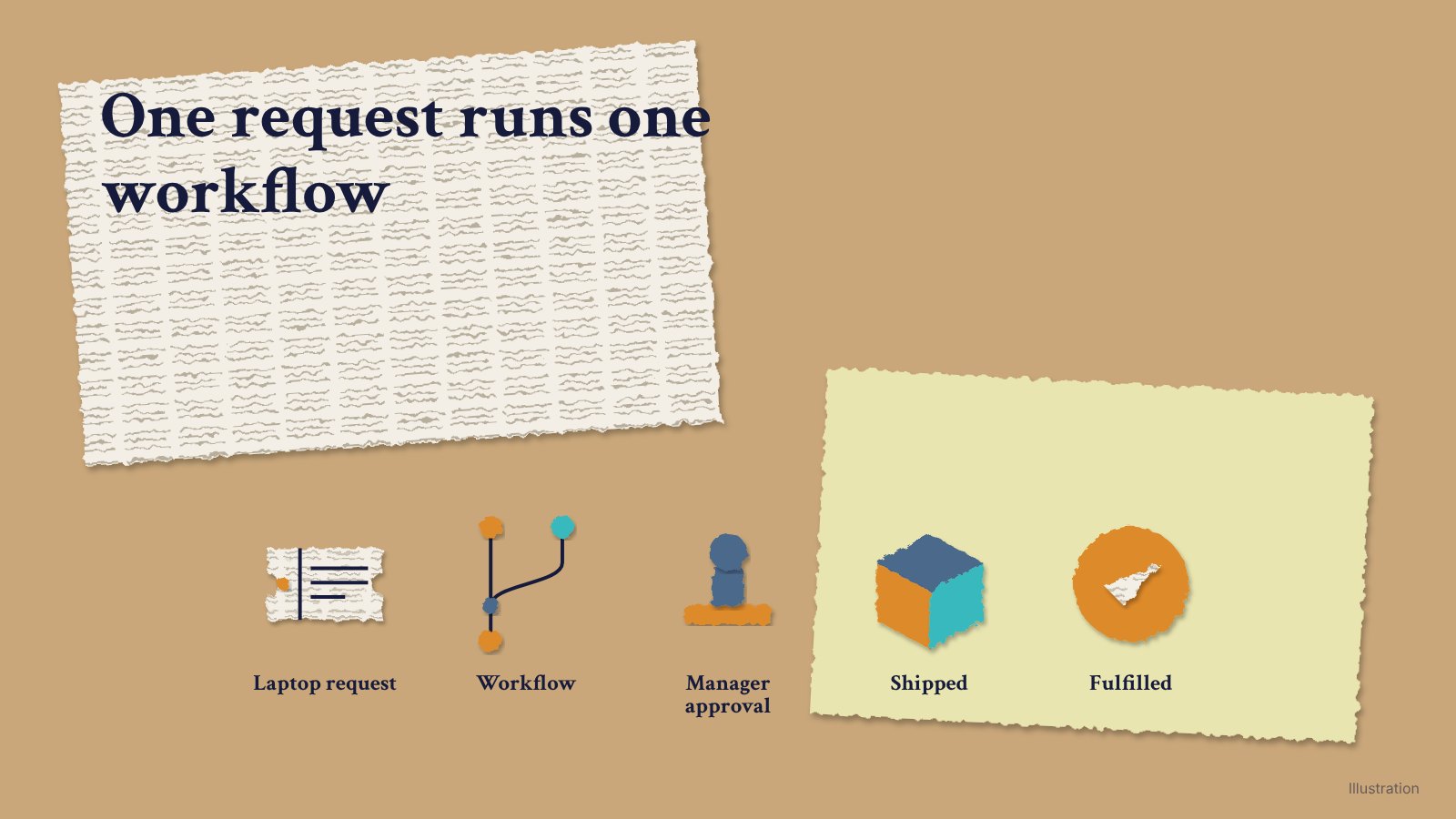
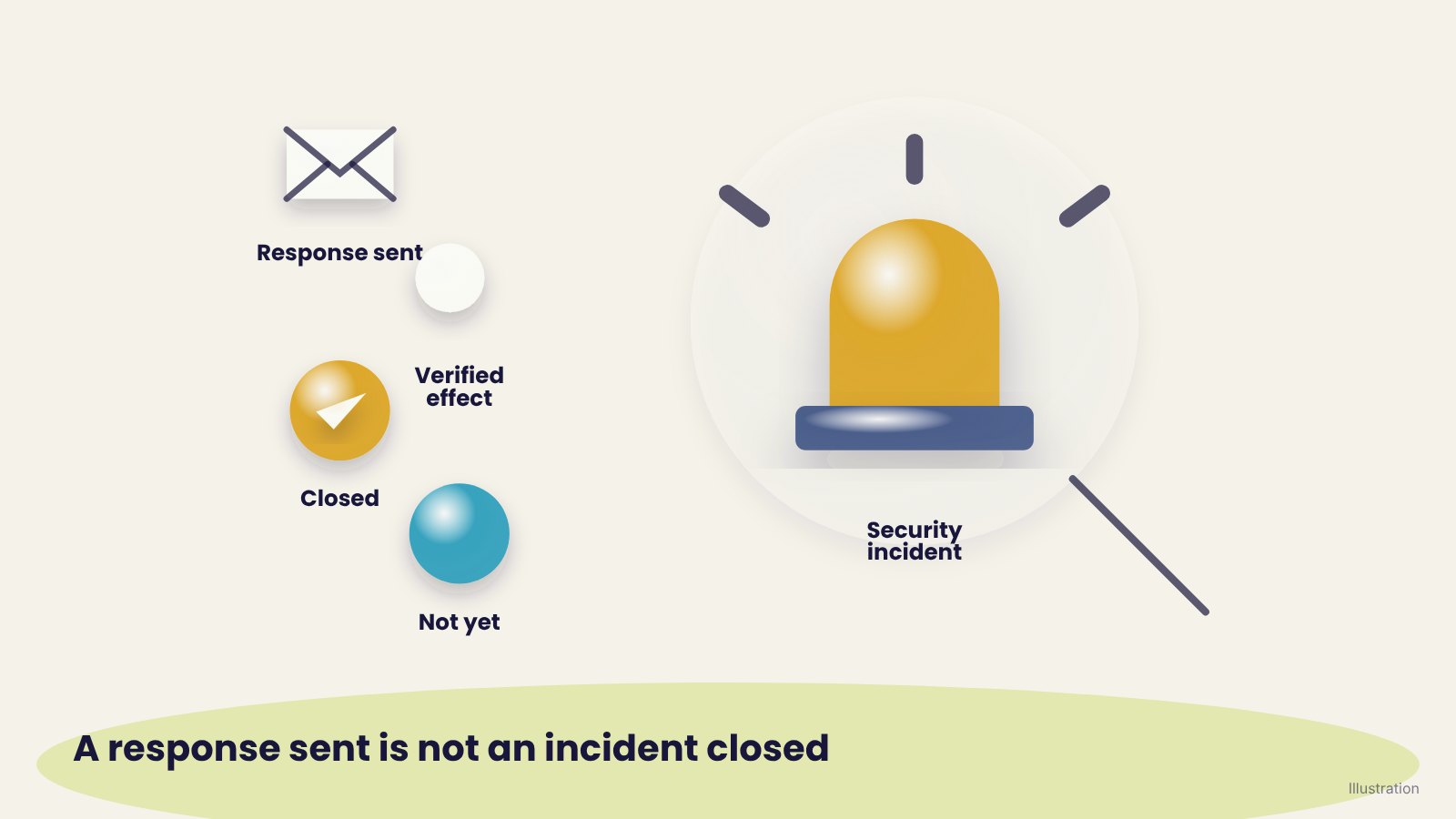
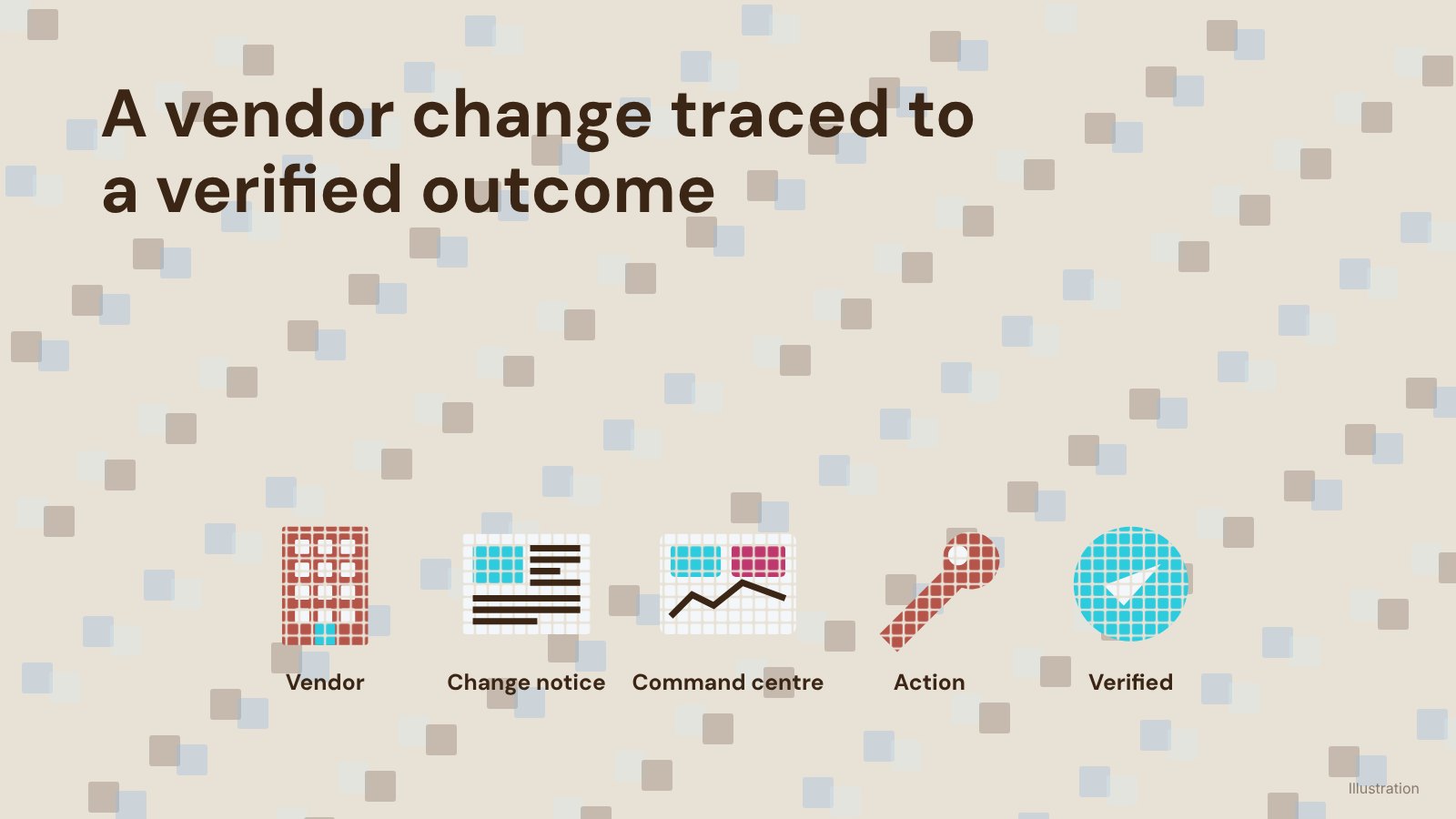
Most automation calls an action successful when the API says “200 OK”. Business Operations Intelligence can now plan and carry out a recovery for a business service, with approvals from someone other than the requester, retries and undo steps, and a check that re-reads the system before anything is called recovered.
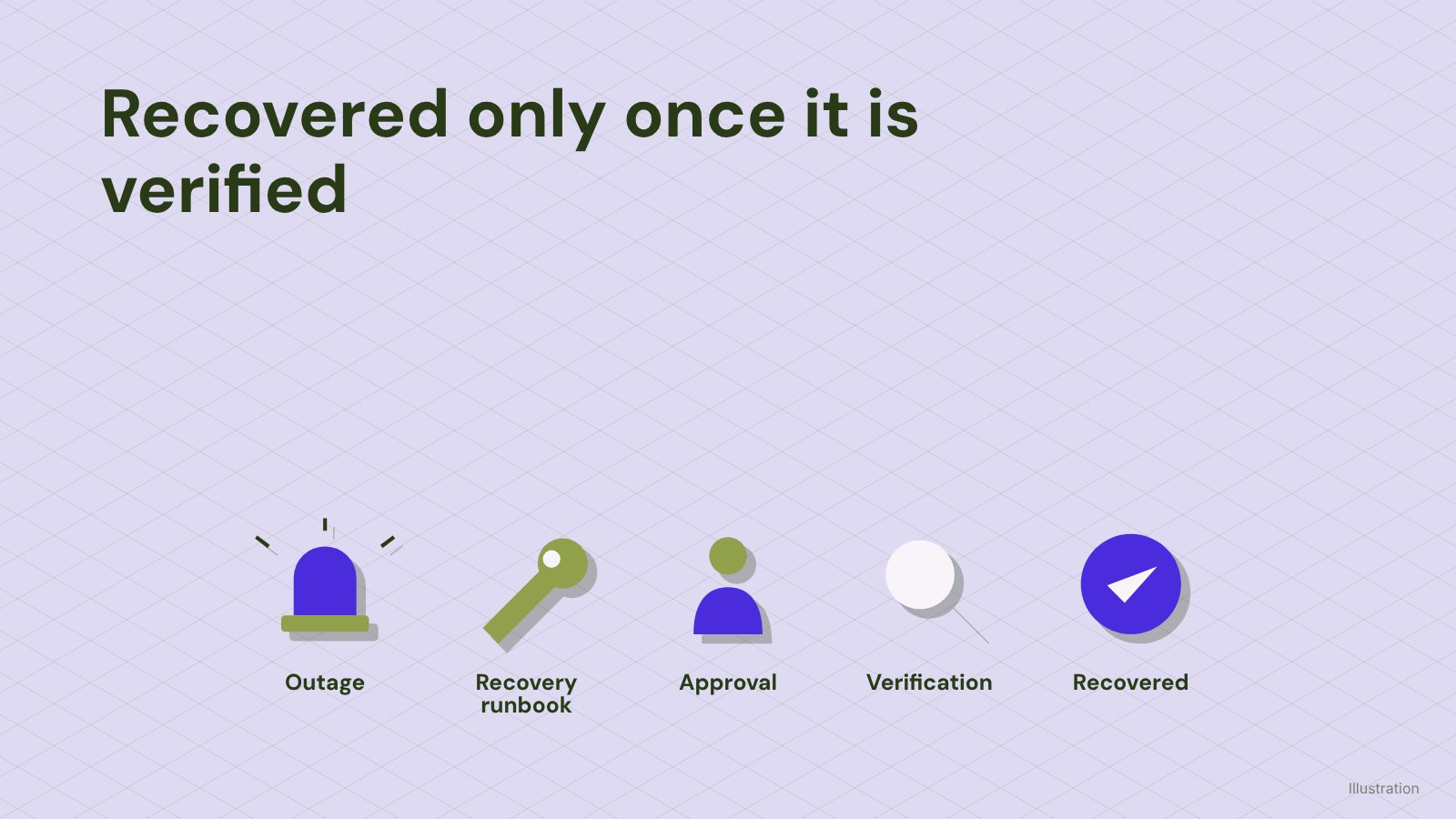
At 14:20 on a Tuesday, refunds stop reaching customers. The refund workflow depends on a Stripe integration whose sync has started failing. An engineer clicks "Reconnect" on the integration, sees a green toast that says Success, posts "fixed ✅" in the incident channel, and goes back to work.
At 16:05 a support agent notices that refunds are still not going out. The reconnect "succeeded" in the sense that the API returned 200. It didn't fix anything: the sync was failing because of a permissions change on the Stripe side, which reconnecting with the same key didn't touch. For an hour and forty-five minutes, everyone believed the service was recovered.
Most automation calls an action successful when the API says "200 OK". That's how a reconnect that didn't take, or a sync that ran but changed nothing, gets reported as fixed.
First, the basics
- A business service is something the business relies on, such as Refunds or Checkout.
- A component is one of the pieces it depends on, such as the link to Stripe.
- A recovery plan is a written list of steps to fix a broken service, with the evidence and the expected impact.
- Reversible means an action can be undone, like pausing an automation. Irreversible means it can't.
- "200 OK" is what a system replies when it accepted a request. It doesn't mean the problem is fixed, just that the message was received.
- Verification means going back to the systems afterwards and checking the service actually works again.
Why does this matter? Teams often declare "fixed" too early because a button said "success". Customers keep suffering while everyone moves on. Requiring a real check before saying "recovered", and a second person to approve risky actions, prevents that.
The problem, in plain terms
Recovery during an incident goes wrong in four familiar ways:
- Action without context. Someone clicks the first button that looks relevant, without seeing what the component affects or what the options are.
- One person, unchecked. Under pressure, the person who proposes a risky change is often the person who makes it.
- Fragile execution. A retry repeats a step that already worked, two people fight over the same component, or a half-finished change is left in place with no undo.
- "Done" means "sent". Success is measured by the API response, not by whether the business service is actually working again.
Release 5 of Business Operations Intelligence adds governed recovery. Its rule is simple: a business service is only "recovered" once TR-AI has gone back and looked.
A plan, not a button
When something a business service depends on is failing, or predicted to fail, someone who manages business operations drafts a recovery plan. Before anything happens, the plan shows:
- the evidence: the component's state, open incidents, the signals behind any prediction, and the path from the business service to the component;
- the impact: customers exposed (each counted once), other business services, and the workflows on the path;
- a preview from the operations twin of what the component reaches;
- every recovery option, including the ones that aren't available, with the reason. "No alternative is recorded on this dependency" is more useful than a missing button.
Every action has a class, and says whether it can be undone
Each action carries one of five classes: read-only, low-risk reversible, sensitive configuration, privileged, or destructive / production-impacting. It also says plainly whether it can be undone.
- Pausing a workflow is reversible. If a later step fails, it's switched back on automatically.
- Retrying a sync can't be undone, but it doesn't need to be: it only refreshes TR-AI's copy.
- Restoring credentials is always a person's job. The plan waits for them, and TR-AI never sees the credentials.
TR-AI doesn't assume an action is reversible when the connected system can't reverse it.
Approved by someone else
- Read-only plans start at once.
- Anything else waits for an approver who isn't the person who submitted it.
- Privileged or destructive actions need two different approvers.
Approvals also appear in the Workflow OS decision inbox, next to every other decision people are waiting on.
Run on the workflow engine
A submitted plan runs as a Workflow OS workflow, not on a second engine built just for recovery. It gets everything workflows already have: retries with back-off, a dead letter after the last attempt, automatic undo steps and a full audit trail.
On top of that, each recovery action:
- runs once per step, so a retry never repeats a step that already worked;
- holds a lock on the component, so two recoveries can't fight over it;
- is rate-limited;
- records the component's state before and after.
Verified, or not
The last step re-reads the system:
- Restored: the component is healthy, nothing the business service depends on is failing, and no workflow it depends on has failed since the recovery started.
- Contained: what each action changed is true now. For example, the workflow is off and nothing has run since.
If an action keeps failing, the plan shows exactly what failed and how many times it was tried. Managers are notified and a boi.recovery_failed event is raised, so you can page someone. Once the cause is fixed, the plan can be tried again from the failed step.
A verified plan records its time to recover, counted from when the business service was first seen affected. It's then watched for 7 days in case the same component brings the service down again.
Four real-world scenarios
1. The refund outage, done properly
How TR handles it. The plan for Refunds → Stripe integration shows the failing sync, the 312 customers waiting on refunds and the two workflows on the path. Options: retry the sync (available), restore credentials (a person's job), switch to the alternative provider (not available: "no alternative is recorded on this dependency"). The engineer submits restore credentials followed by retry the sync. A colleague approves. The plan waits while the engineer fixes the Stripe permission, then retries the sync, then re-reads the integration. The sync is healthy and the refund workflow has run successfully since. Only then is the service restored, with time to recover counted from 14:20.
2. Containing a runaway workflow
Situation. A misconfigured workflow is sending duplicate e-mails to customers.
How TR handles it. The plan's action is pause the workflow: low-risk and reversible. It's approved and run, and verification checks that the workflow is off and that nothing has run since. The service is contained, not restored: the e-mails stopped, but the underlying configuration still needs fixing, and the plan says so.
3. A privileged change with two approvers
Situation. Recovery requires rotating an API key used by three integrations: a privileged action.
How TR handles it. The plan needs two different approvers, neither of them the requester. The rotation is done by a person; TR-AI never handles the key. Verification re-reads all three integrations before declaring the service restored.
4. The recovery that didn't stick
Situation. A recovered service fails again two days later through the same component.
How TR handles it. Because verified plans are watched for 7 days, the recurrence is linked to the original recovery. The team can see it wasn't really fixed, and doesn't record a second "success".
Before and after
Before. A green toast, a "fixed ✅" in the channel, and a service that's still broken for an hour and forty-five minutes.
After. A plan with evidence and impact, approvals from someone else, durable execution with locks and undo, and a verification that re-reads the system before anyone says "recovered".
Who it's for
- Operations leads running recoveries for business-critical services.
- On-call engineers who want options and evidence in front of them, not a blank console.
- Risk and compliance owners who need to see who approved what, and proof that it worked.
Mistakes to avoid
- Treating "contained" as "restored". Containment stops the damage; restoration means the service works.
- Skipping the unavailable options. "No alternative recorded" is an action item for after the incident.
- Approving your own risky plan. The system won't let you, and that's the point.
A worked example, start to finish
Here's the same Tuesday, with a recovery plan instead of a reconnect button.
14:20. The Stripe integration's sync starts failing. Business operations marks the Refunds business service affected, from the moment the integration first failed.
14:28. The payments engineer, Felix, opens Recovery and drafts a plan for Refunds, with Stripe integration as the failing component. The plan shows the evidence (sync errors since 14:20), who is affected (customers with refunds pending) and a preview of what the component reaches: the refund workflow and the billing dashboard.
14:31. Felix chooses two actions. Restore credentials is done by a person, because TR-AI never handles credentials. Retry the sync is done by TR-AI. A third action he'd like, rotate the webhook secret, isn't supported, and the plan lists it with the reason.
14:33. He submits. The plan isn't read-only, so it waits for an approver who isn't Felix. Nadia, the on-call lead, approves it from the Workflow OS decision inbox at 14:36.
14:37. The plan reaches restore credentials and waits for Felix. He checks the Stripe dashboard and finds the cause: a restricted key had lost the refunds: write permission in a Stripe-side change. He restores the permission and marks the step done.
14:41. TR-AI retries the sync. The sync runs.
14:42. The plan re-reads the system: the integration's latest sync succeeded, and a pending refund has moved to succeeded in Stripe. It matches what was expected, so the plan says Recovered, with the time to recover counted from 14:20: 22 minutes.
Over the next 7 days. The plan watches the Stripe integration in case it fails again. It doesn't.
In the incident channel, the update reads "Recovered (verified 14:42)", not "fixed ✅" an hour and forty-five minutes too early.
How to tell it's working
- "Recovered" always means re-read and matched, never just a successful API call.
- Every plan has a different approver, and two for privileged or destructive actions.
- Time to recover is counted from first impact, not from when someone noticed.
- Unsupported actions are noted and turned into follow-ups.
Do it in TicketResolve, step by step
Where: Business operations → Recovery (/dashboard/intelligence/business). You'll need: "Manage business operations" to draft plans, and a different person to approve them. Full guide: Recovering a business service.
- Draft a plan. Open Recovery and choose the business service (Refunds) and the failing component (Stripe integration). The plan shows the evidence, who is affected and a preview of what the component reaches.
- Choose the actions. Each action shows its class (read-only up to destructive), whether TR-AI or a person does it, and whether it can be undone. For the refund outage: restore credentials (a person) then retry the sync (TR-AI). Actions the system doesn't support are listed with the reason, so note them for later.
- Submit. Read-only plans start at once. Anything else waits for an approver who isn't you; privileged or destructive actions need two.
- Approve. Your colleague approves from the plan or from the Workflow OS decision inbox.
- Do the person's part. When the plan reaches restore credentials, fix the Stripe permission and mark the step done. TR-AI never sees the credentials.
- Read the result. The plan says Recovered or Contained only after the system is re-read and matches. If it fails, it shows what failed and how many times, managers are told, and you can try again from the failed step once the cause is fixed.
How to check it worked: the plan shows its time to recover, counted from when the service was first affected, and it's watched for 7 days in case the same component fails again.
Frequently asked questions
Does TR-AI ever handle credentials during a recovery? No. Restoring credentials is always a person's job; the plan waits for them.
Can a retry repeat a step that already worked? No. Each step runs once; retries continue from the step that failed.
What counts as "restored"? The component is healthy, nothing the service depends on is failing, and no dependent workflow has failed since the recovery started, all re-read after the actions.
Why is recovery run on the workflow engine? So it gets retries, dead letters, undo steps and audit for free, with no second engine to maintain.
When does a plan say Recovered? Only after the system is re-read and matches what was expected.
Does TR-AI ever handle credentials? No. Restoring credentials is always a person's step.
What happens if a step fails? The plan shows what failed and how many times, managers are told, and you can try again from the failed step once the cause is fixed.
Explore Topics
Written by
Ghulam Shabbir
Content creator and writer sharing insights and stories.