
Catch It Before the Tickets Arrive: Predictive Detection That Says How Sure It Is
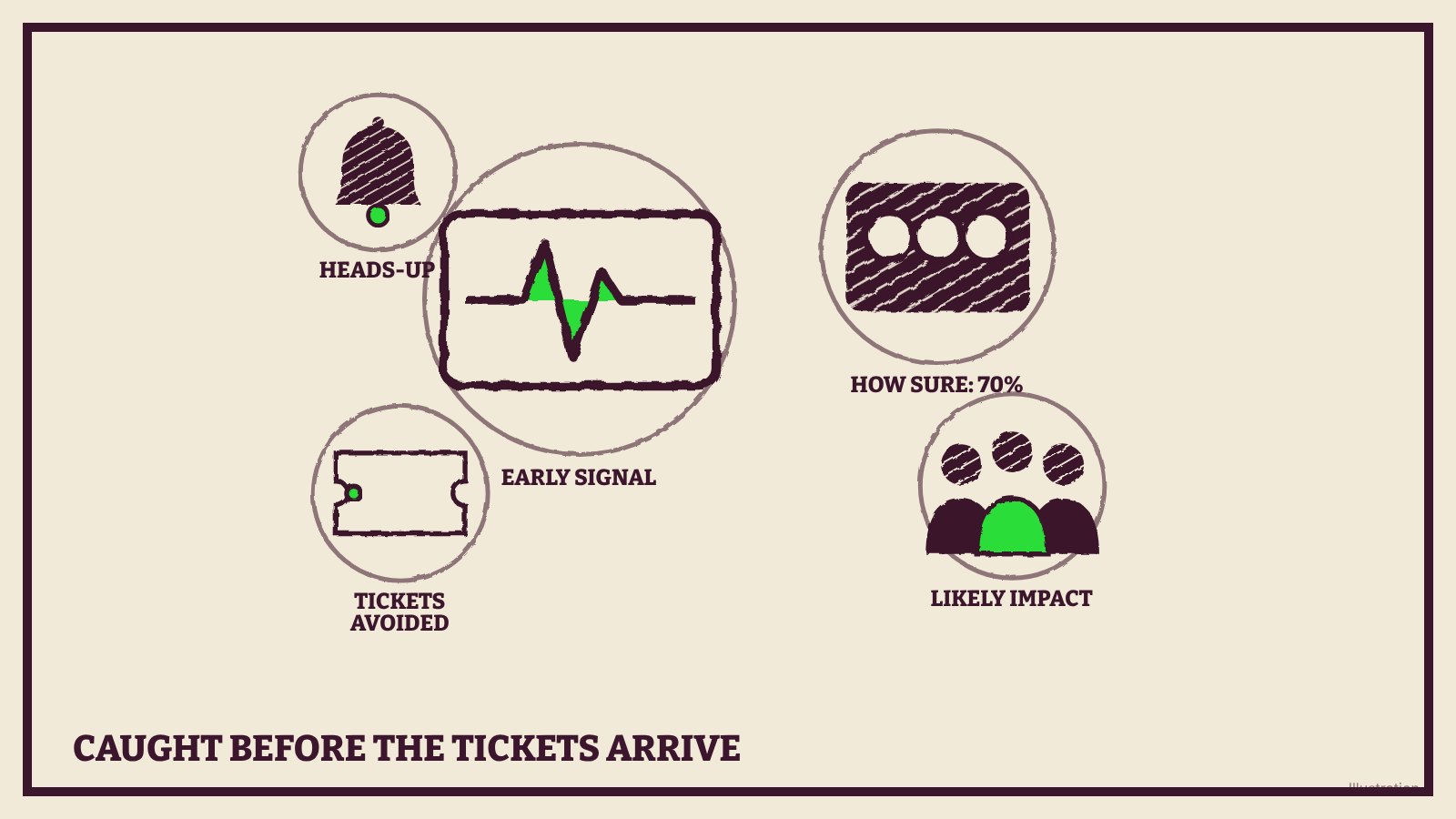
The best support ticket is the one nobody has to write. Predictive detection catches new error patterns, bad releases and silent usage drops before the tickets arrive, and every warning explains how sure it is, who might be affected and where to look first, without pretending a blip is an incident.
The best support ticket is the one nobody has to write. The hard part of predicting problems isn't spotting something unusual. It's deciding which unusual things deserve attention, and what to do first.
Here's a Thursday at a company that runs a recipe-and-meal-planning app:
- 09:10. A release goes out. A new error,
ShoppingListSyncError, starts firing. Nobody has an alert for it, because nobody has seen it before. - 10:00. The "add to shopping list" feature is used 70% less than a normal Thursday morning. Nothing alerts: the error rate overall barely moved.
- 11:30. The first tickets arrive: "My shopping list is empty." By 13:00, there are 90.
Every sign was there two hours before the tickets. The team's alerts watched error rates and latency, which stayed nearly normal. The problem was a new error and a quiet feature.
First, the basics
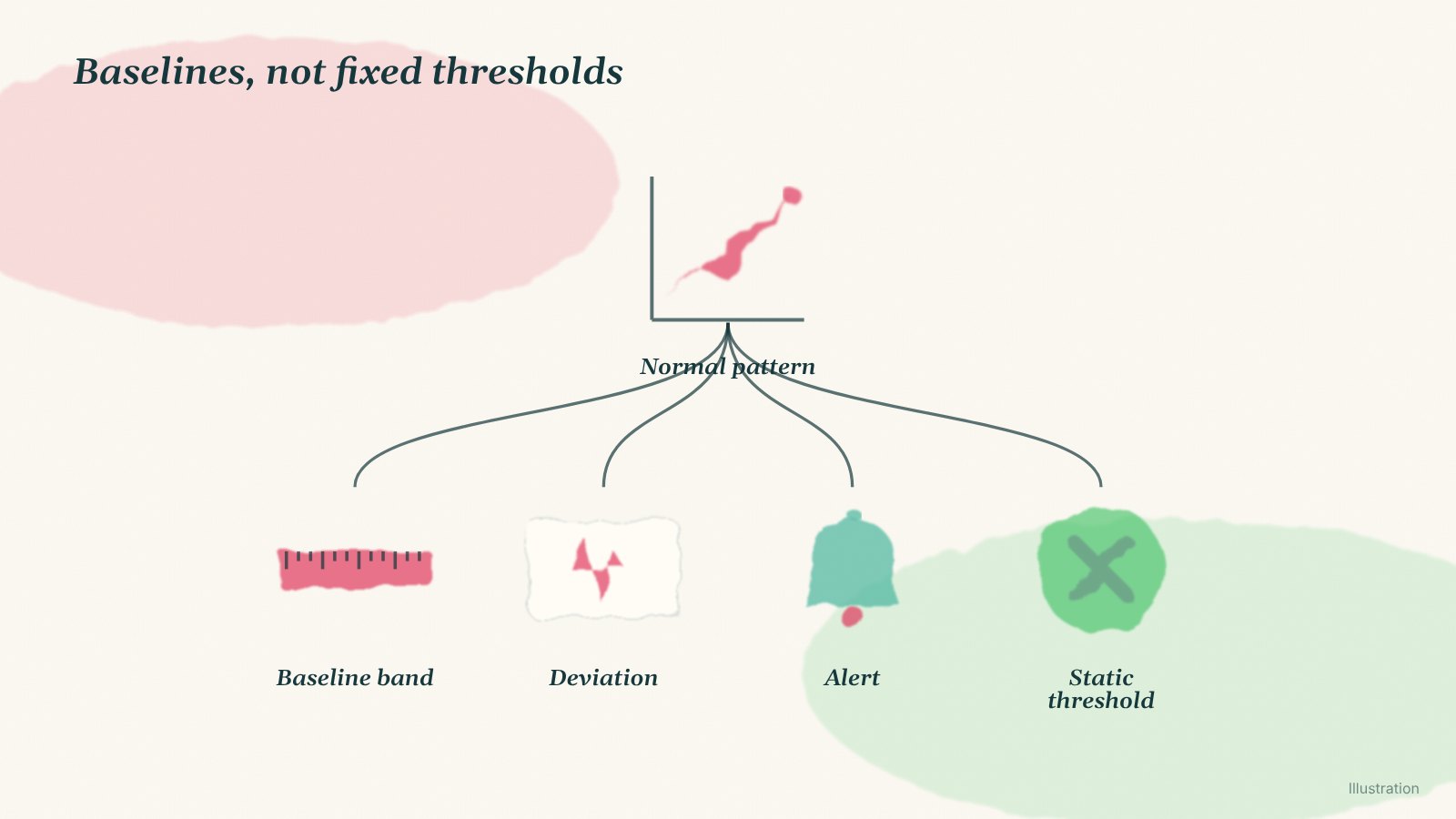
- A baseline is a signal's normal behaviour, here over the last 7 days.
- An anomaly is a value unusually far from its baseline.
- A new error pattern is an error never seen before that fires repeatedly.
- A release is a deployment; a version first seen in the last day is a new release.
- A feature usage drop is a feature used far less than on a normal day.
- Confidence says how much to trust a detection, with its reasons.
- Potential impact is who might be affected, not confirmed.
- A cooldown stops the same alert repeating too often.
Why does this matter? Many problems don't move the big numbers; they break one feature or introduce one new error. Catching those early, with a clear sense of how sure the warning is and where to look, gives the team hours before customers notice.
The problem, in plain terms
- Alerts watch averages, which hide one broken feature.
- New errors have no alert because nobody's seen them.
- Quiet features don't trigger anything.
- Warnings don't say how sure they are.
- Every blip pages someone.
Three new early warnings
TicketResolve already compares error rate, latency, database latency, sign-in failures, ticket volume, crashing containers, synthetic checks, integrations and certificates against each signal's own 7-day baseline. It now also catches:
- New error patterns. An error never seen before that has fired repeatedly in the last hour.
- Errors in a new release. Most of the last hour's errors come from a version first seen in the last day.
- Feature usage drops. A feature used far less than on a normal day. A feature that suddenly goes quiet has often stopped working, or its events have stopped arriving.
How sure, who's affected, where to look
Every detection now carries:
- Severity, plus a confidence score with its reasons: how unusual the value is, how much baseline the signal has, whether other signals are unusual at the same time, and how often the same alert led to an incident or investigation before. It is never presented as certain.
- Potential customer impact: users hitting the errors, recent tickets, and enterprise or VIP customers among them. It's labelled potential, not confirmed.
- A deployment shortly before, if there was one. Timing alone isn't proof.
- The investigation to start with: an open incident it may belong to, the release to compare, or the check to run.
Not every blip is an incident
Detections stay alerts. Each has its own per-signal policy: on or off, sensitivity, threshold, the level that notifies, channels and a cooldown. An alert clears itself after two normal checks.
A worked example, start to finish
Here's the same Thursday, with predictive detection. The details are illustrative.
09:40, new error pattern. ShoppingListSyncError, never seen before, has fired 340 times in the last hour. Detection: new error pattern.
- Severity: high. Confidence: medium-high. Reasons: very unusual (never seen); little baseline for this signal (new); another signal unusual at the same time (see below); no history yet of this alert leading to incidents.
- Potential impact: 1,900 users hitting the error; 0 recent tickets; 2 enterprise customers among them. Labelled potential.
- Deployment shortly before: release 5.12 at 09:10. Timing alone isn't proof.
- Start with: compare release 5.12.
09:45, errors in a new release. Most of the last hour's errors come from 5.12, first seen today. A second detection points the same way.
10:00, feature usage drop. Add to shopping list is used far less than on a normal Thursday. Detection: feature usage drop, with the note that a quiet feature has often stopped working, or its events stopped arriving.
10:05. The on-call engineer, Lotte, reads the three detections together and opens an investigation on release 5.12. The sync endpoint's new validation rejects lists with more than 50 items.
10:30. A fix is released. ShoppingListSyncError stops; add to shopping list usage returns to normal. After two normal checks, each alert clears itself.
11:30. The tickets that would have started arriving don't. A few customers who noticed get a short note through proactive outreach.
Meanwhile, a blip. At 14:00, latency on the image service rises for two minutes. Its policy has a threshold and a cooldown; it doesn't reach the notify level. No one is paged.
Five more real-world scenarios
1. Events stopped arriving
Situation. A feature's usage drops to zero because the analytics SDK broke.
How TR handles it. The detection notes that a quiet feature has often stopped working, or its events have stopped arriving.
2. A noisy signal
Situation. One signal fires often without consequences.
How TR handles it. Lower its sensitivity, raise its threshold, or set a cooldown in its policy.
3. A signal with little history
Situation. A new service has two days of baseline.
How TR handles it. Confidence is lower, and the reasons say why.
4. A detection matching an open incident
Situation. An incident is already open on the same service.
How TR handles it. The suggested starting point is that incident.
5. Turning a signal off
Situation. A team doesn't want certificate alerts.
How TR handles it. Switch that signal off in its policy.
Before and after
Before. A new error and a quiet feature unnoticed for two hours, while error rates looked normal, until 90 tickets arrived.
After. A new error pattern caught in 30 minutes, a second detection pointing at the same release, a usage drop confirming it, confidence and potential impact explained, and a fix before the tickets came.
How to tell it's working
- Problems are caught before tickets arrive.
- Confidence matches outcomes: high-confidence detections usually lead to incidents.
- Fewer pages for blips.
Who it's for
- On-call engineers and SREs.
- Support leads who want warning before the queue grows.
- Product teams who care about feature usage.
How it fits with the rest of TicketResolve
Predictive detection uses your monitoring, error tracking, deployments, product events and ticket volume. Detections point to incidents and investigations, and can lead to proactive outreach.
Reading confidence
Confidence combines four things: how unusual the value is, how much baseline the signal has, whether other signals are unusual at the same time, and how often the same alert led to an incident or investigation before. A very unusual value on a signal with little history, with nothing else unusual, gets moderate confidence. The same value with two other signals moving and a history of real incidents gets high confidence. The reasons are always shown, so you can judge for yourself.
Setting up policies without drowning in alerts
The fastest way to make people ignore early warnings is to send too many. A few habits help.
- Start with notify levels, not sensitivity. Let detections be recorded at every level, but only notify for the levels your team will act on. You still see the rest when you look.
- Give every channel a cooldown. A signal that keeps crossing its threshold should remind you, not repeat itself every few minutes.
- Tune the noisy signals one at a time. If one signal fires often without leading anywhere, lower its sensitivity or raise its threshold; leave the others alone.
- Switch off what you genuinely don't need. A team that manages certificates elsewhere can turn that signal off rather than learning to ignore it.
- Keep usage drops on if you send product events. They catch the problems that don't move error rates, which are exactly the ones averages hide.
Because an alert clears itself after two normal checks, a short blip that recovers doesn't leave a stale warning behind, and a real problem keeps showing until it's actually gone.
What to do with a detection in the first ten minutes
Read the severity and confidence together, then the reasons. Check the potential impact: users hitting the errors, recent tickets and any enterprise or VIP customers among them, all labelled potential. If there was a deployment shortly before, compare it, but remember timing alone isn't proof. Then start where the detection suggests: an open incident it may belong to, the release to compare, or the check to run. If tickets start arriving, they'll group into an incident, and the detection is already there to explain it.
Mistakes to avoid
- Ignoring usage drops because error rates look fine.
- Treating potential impact as confirmed.
- Blaming the nearest deployment without comparing it.
Do it in TicketResolve, step by step
Where: Predictive alerts (/dashboard/predictive). You'll need: monitoring and error tracking; deployment events; product events for usage drops. Full guides: TR Investigate reliability and Incidents: group, review and split tickets.
- Connect your signals: monitoring, error tracking, deployments, product events.
- Review detections: new error patterns, errors in a new release, feature usage drops, and the existing signals.
- Read confidence and its reasons.
- Read potential impact, labelled potential.
- Check the deployment shortly before, if any.
- Start where it suggests: an incident, a release comparison or a check.
- Tune each signal's policy: on or off, sensitivity, threshold, notify level, channels and cooldown.
How to check it worked: a detection shows severity, confidence with reasons, potential impact and a starting point, and clears after two normal checks.
Frequently asked questions
What's compared? Each signal against its own 7-day baseline.
What are the new detections? New error patterns, errors in a new release, and feature usage drops.
How sure is a detection? It has a confidence score with reasons; it's never presented as certain.
Is the impact confirmed? No. It's labelled potential.
Does a deployment before mean it caused it? No. Timing alone isn't proof.
Can I tune alerts? Yes. Each signal has its own policy.
When does an alert clear? After two normal checks.
Do detections open incidents automatically? No. They stay alerts; they suggest where to start.
Do I need product events? Only for feature usage drops. The other detections use monitoring, error tracking and deployments.
Does a cleared alert disappear? It clears itself after two normal checks, so it stops showing as active.
Explore Topics
Written by
Ghulam Shabbir
Content creator and writer sharing insights and stories.