
Escalate Bugs to Engineering With Evidence, Not Screenshots
The fastest bug fixes start with an issue an engineer can act on without asking support a single question. TR-AI creates engineering issues in Jira, Linear, GitHub, Assembla or monday.com with impact, environment, a labelled hypothesis, sourced findings and links, after a Lead approves, and keeps them updated.
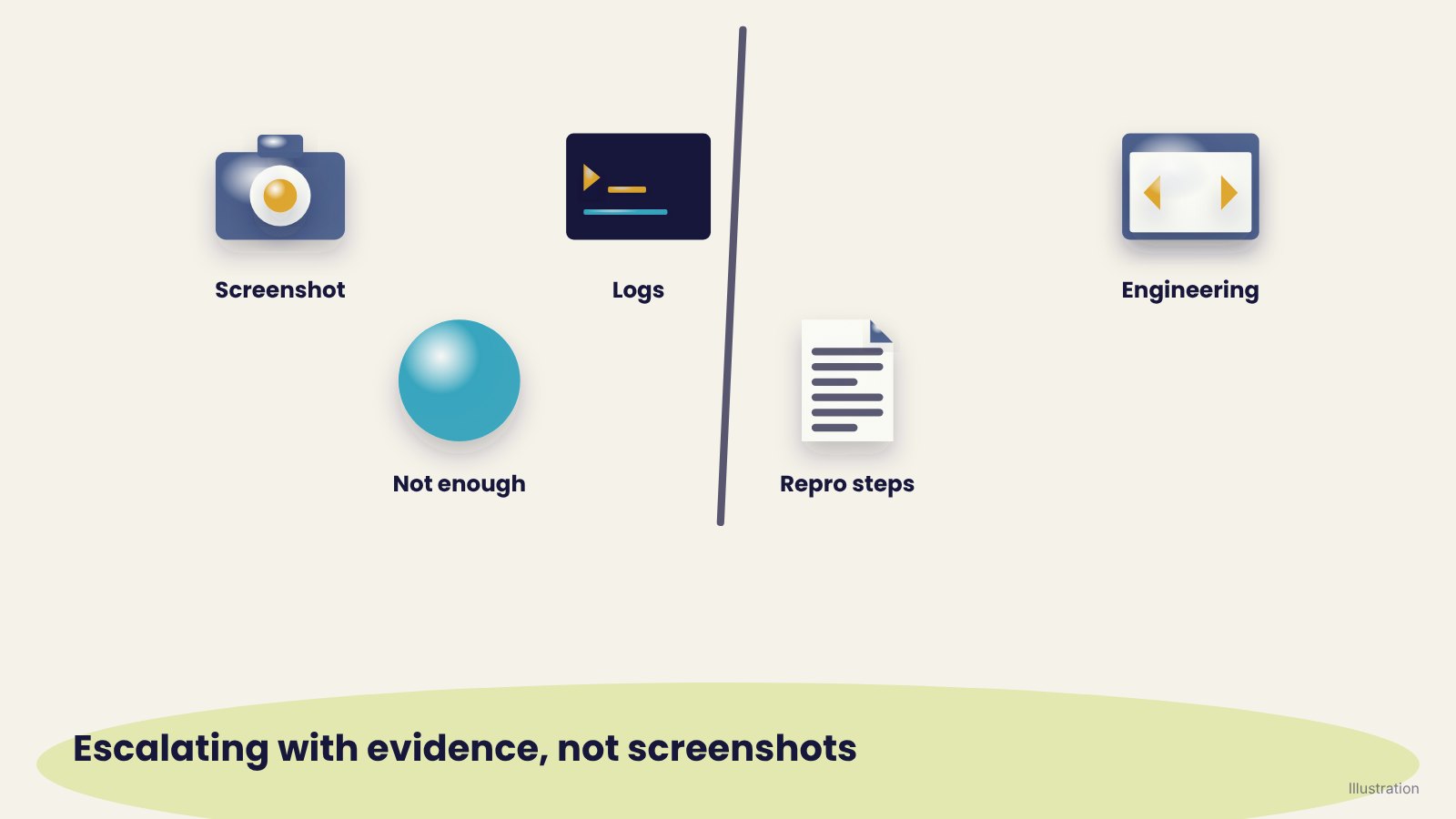
The fastest bug fixes start with an issue an engineer can act on without asking support a single question.
Here's what the opposite looks like, at a company that sells a ride-booking app for corporate travel:
- Tuesday. An agent opens a Jira issue: "Bookings failing for some customers. Please check."
- Wednesday. The engineer asks: which customers, which version, what error? The agent pastes a log excerpt containing three customers' names, e-mail addresses and pick-up locations.
- Thursday. The engineer asks for reproduction steps. Support asks the customer.
- Friday. Someone notices the log in Jira is now visible to a contractor team in another country, and the data protection officer gets involved.
- The following Tuesday. The fix ships. Nobody updates the Jira issue or tells support. Customers keep writing in.
A week of back-and-forth, a privacy problem, and a fix nobody connected to the customers.
First, the basics
- An engineering issue is a ticket in your engineering tracker: Jira, Linear, GitHub, Assembla or monday.com.
- Customer impact is what's affected: services, users, tickets, severity.
- A hypothesis is the most likely cause, labelled as such until confirmed.
- A finding is something observed, with its source.
- Reproduction steps show how to make the problem happen.
- API diagnostics show what was sent and what came back, masked.
- Remediation is a suggested fix, with its risk.
- Linking points to evidence instead of copying it.
Why does this matter? Every question an engineer has to ask support adds a day. An issue that already contains impact, environment, a labelled hypothesis, sourced findings and links, without copying anyone's personal data, is one engineering can start on immediately.
The problem, in plain terms
- Issues are vague: "please check".
- Logs get pasted, with personal data, into another system.
- Other customers' details leak into issues and notes.
- Risky steps happen without approval.
- Issues aren't updated when fixes ship.
What the issue should contain
- Customer impact: services affected, users and tickets, severity.
- Affected version and environment.
- The most likely cause, labelled as a hypothesis unless confirmed, with the evidence for and against.
- Findings with their source: "Sentry: TimeoutError in billing-api, 206 events since 07:11 UTC, release 2.5.0".
- Reproduction steps: the API call or the journey that fails.
- Deployments: the release and the before / after comparison.
- API diagnostics: status, the reason, what was sent (masked).
- Suggested remediation and its risk.
- Links to the logs, traces and support tickets.
Link, don't paste
Copying logs into the issue copies personal data into another system. Link to the evidence in Sentry, Datadog or TR-AI instead; engineers sign in to see it.
Never mix customers
Ticket references are fine. Another customer's name, e-mail, payload or environment details in an issue (or in a ticket note) is a data leak. The customer's own ticket gets its own note.
Approval for risky steps
Escalating, updating an issue or recommending a rollback should need a Support Lead or Manager's approval, recorded with who and when. Nobody should approve their own high-risk request.
Keep it updated
When the fix ships, add the verification result to the same issue. When the issue moves, the investigation should know.
In TR-AI
From an investigation's Engineering tab, a Support Lead or Manager approves "Create the engineering issue" and TR-AI creates it in Jira, Linear, GitHub, Assembla or monday.com with all of the above. Later updates and the verification result are posted to the same issue.
A worked example, start to finish
Here's the ride-booking problem, with an evidence-based escalation. The details are illustrative.
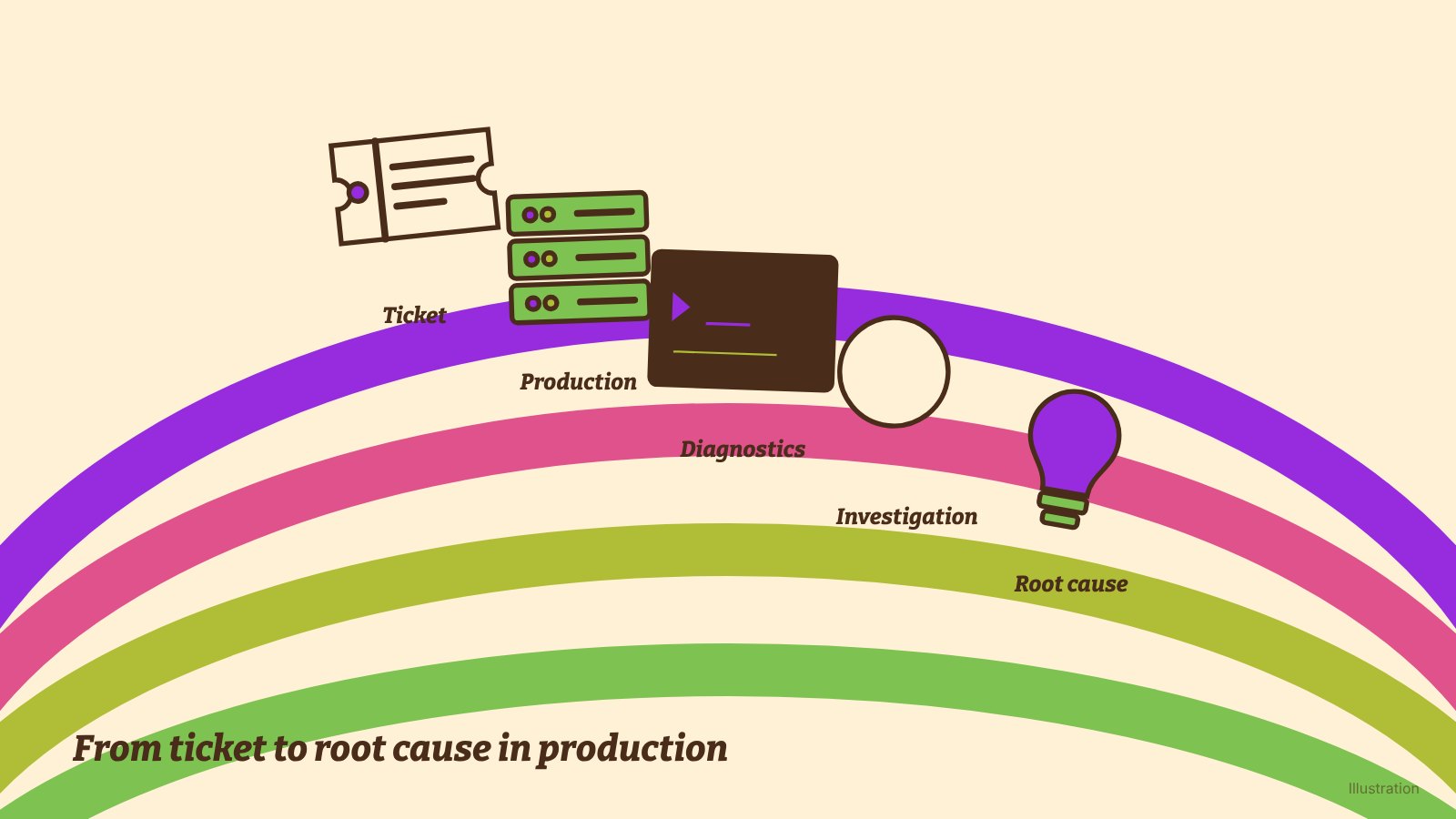
Tuesday 10:00, the investigation. An agent, Maya, opens TR Investigate from a ticket: "Booking fails at payment." The investigation finds:
- Impact: booking-api and payments-api; 140 users in the error tracker; 11 tickets; severity high.
- Version and environment: iOS app 7.3, production, EU region.
- Hypothesis: payment timeout lowered in release 2.5.0. For: errors started 07:11, four minutes after the release; same service. Against: some Android users affected on an older app.
- Findings with sources: "Sentry: TimeoutError in payments-api, 206 events since 07:11 UTC, release 2.5.0."
- Reproduction: the API call
POST /v1/bookings/confirmthat times out. - Deployments: release 2.5.0 at 07:07; errors before vs after.
- API diagnostics: 504 after 3 seconds; what was sent, masked.
- Suggested remediation: raise the timeout back to 10 seconds; risk low.
- Links to Sentry, the traces and the 11 tickets.
10:15, approval. Maya proposes the escalation. She can't create it herself. The Support Lead, Omar, reviews it on the Engineering tab and approves "Create the engineering issue". Who and when are recorded.
10:16, Jira. The issue appears with everything above. No logs are pasted; links point to Sentry and TR-AI. No other customer's details appear; ticket references only.
10:40. The engineer, Leah, reads it and starts. She doesn't ask support anything.
13:00. The fix ships. Fix verification checks production: TimeoutError stopped. The verification result is posted to the same Jira issue. When Leah moves the issue to done, the investigation knows.
13:30. Affected customers are told through the known issue.
Five more real-world scenarios
1. An agent who wants to escalate alone
Situation. An agent wants to create the issue immediately.
How TR handles it. Agents propose; a Support Lead or Manager approves.
2. A log with personal data
Situation. The best evidence is a log line with an e-mail address.
How TR handles it. Link to it in Sentry, Datadog or TR-AI; don't paste it.
3. Two customers on one issue
Situation. Two customers hit the same bug.
How TR handles it. Ticket references only; each customer's ticket gets its own note.
4. Recommending a rollback
Situation. The investigation suggests rolling back.
How TR handles it. It needs a Lead or Manager's approval, recorded.
5. A different tracker
Situation. Engineering uses Linear.
How TR handles it. Jira, Linear, GitHub, Assembla and monday.com are supported.
Before and after
Before. "Please check", three days of questions, pasted logs with customers' data, a privacy incident, and a fix nobody told support about.
After. An issue with impact, environment, a labelled hypothesis, sourced findings, reproduction, deployments, masked diagnostics, remediation and links; approved by a Lead; started without questions; and updated when the fix was verified.
How to tell it's working
- Engineers don't ask support basic questions.
- No personal data lands in engineering trackers.
- Every issue ends with a verification result.
Who it's for
- Support Leads and Managers who approve escalations.
- Support engineers running investigations.
- Engineering teams receiving issues.
How it fits with the rest of TicketResolve
Escalations come from TR Investigate investigations, go to your tracker through Engineering tickets, and receive results from fix verification. The engineering package is the content; approvals are recorded in the audit log.
Why approval for escalation
Creating an engineering issue spends engineering time and, for high-severity problems, can pull people out of other work. A Lead or Manager approving it keeps escalations proportionate and consistent, and stops anyone from approving their own high-risk request. It takes a minute and is recorded with who and when.
What engineers say makes a good issue
Ask engineers what slows them down, and you'll hear the same list: no version, no environment, no reproduction, no idea how many customers, and causes stated as facts. Each item in the issue answers one of those. The one that matters most is often the smallest: the hypothesis labelled as a hypothesis, with evidence against it. It invites engineers to check rather than accept.
A Lead's checklist before approving
Approving an escalation takes a minute if you know what to look for.
- Is the impact real and current? Services, users, tickets and severity should come from the investigation, not from one loud ticket.
- Are the version and environment there? Without them, engineering will ask.
- Is the cause labelled correctly? A hypothesis should say so, with evidence against it. If the evidence against is empty, ask why.
- Can it be reproduced? An API call or journey is ideal; "it happens sometimes" isn't enough.
- Is anything pasted that should be linked? Logs and payloads belong behind links.
- Is any other customer's data present? Ticket references only.
- Is the remediation's risk stated? Engineering should know if the suggested fix touches billing, sign-in or data.
If all seven are yes, approve. If not, send it back with the one thing that's missing.
When the issue already exists
Sometimes engineering already has an issue for the problem. Rather than creating a duplicate, link the investigation to it. The evidence and later the verification result still go to one place, and the engineer sees that more customers are affected than the original report suggested. Duplicate issues split attention; one well-evidenced issue focuses it.
After the fix
The escalation isn't finished when the fix ships. Check that the verification result was posted to the issue, that affected customers were told, and that the investigation closed. A month later, if the same error returns, the issue history and the investigation are where the next person will start.
Mistakes to avoid
- Pasting logs into issues.
- Mixing customers' details in one issue or note.
- Forgetting to post the verification result.
Do it in TicketResolve, step by step
Where: an investigation's Engineering tab in TR Investigate (/dashboard/investigate); trackers connected in Engineering tickets. You'll need: Jira, Linear, GitHub, Assembla or monday.com connected; a Support Lead or Manager to approve. Full guides: Engineering tickets: bugs and feature requests for engineering and TR Investigate: from a ticket to a verified fix.
- Connect your tracker once in Engineering tickets.
- Run the investigation and check impact, environment and findings.
- Check the hypothesis is labelled, with evidence for and against.
- Propose the escalation from the Engineering tab.
- A Lead or Manager approves "Create the engineering issue".
- Follow updates posted to the same issue.
- Post the verification result when the fix ships.
How to check it worked: the issue contains impact, environment, hypothesis, sourced findings and links, with no pasted logs or other customers' data.
Frequently asked questions
Which trackers are supported? Jira Software, Linear, GitHub Issues, Assembla and monday.com, connected once in Engineering tickets.
Can agents escalate on their own? Agents can propose it; a Support Lead or Manager approves before anything is created.
Are logs copied into the issue? No. The issue links to the evidence.
Is the likely cause stated as fact? No. It's labelled a hypothesis unless confirmed, with evidence for and against.
Can other customers' details appear? No. Ticket references are fine; names, e-mails, payloads and environments are not.
Who can approve risky steps? A Support Lead or Manager, and never their own request.
Is the issue updated later? Yes. Updates and the verification result go to the same issue.
What's in the API diagnostics section? Status, the reason and what was sent, masked.
What if engineering already has an issue? Link the investigation to it instead of creating a duplicate.
Explore Topics
Written by
Ghulam Shabbir
Content creator and writer sharing insights and stories.