
Backups That Don’t Call Themselves Recoverable
“The backup job succeeded” is one of the most expensive sentences in operations: it says nothing about whether you can restore. DevOps & SRE Intelligence covers the platform around your servers: containers, Kubernetes, read-only database health, backups measured against your recovery point and kept apart from restore tests, security findings, cost from your bill and a weekly report.
At 03:10 on a Tuesday, the primary database of an online booking company fails after a storage fault. The on-call engineer, Dami, isn't worried. The nightly backup job has been green every night for two years.
He finds the newest backup file and starts the restore. It's 14 GB, which seems small. The restore fails halfway: the file is truncated. Eight months ago, the backup script started writing to a disk that fills up every night before the dump finishes. The script exits with code 0 anyway, so the job is green.
The previous night's file is truncated too. And the one before. The newest complete backup is from March.
The company recovers most of its data from a replica that was 40 minutes behind. It loses 40 minutes of bookings and spends the next week rebuilding them from payment-processor records.
"The backup job succeeded" is one of the most expensive sentences in operations. It says nothing about whether you can restore.
First, the basics
- A backup is a copy of data you can restore from. A restore test actually restores it somewhere and checks it works.
- The recovery point objective (RPO) is how much data you can afford to lose, as time: an RPO of 24 hours means the newest backup must never be older than a day.
- A read-only database connection can look but not change anything. A replica is a copy of a database kept up to date; replication lag is how far behind it is.
- A container (Docker) packages an application. Kubernetes runs many containers as pods across servers.
- A security finding is a weakness on a server, such as SSH allowing root login.
- A cloud bill export lists what each resource cost.
- Idle means a server is barely used.
- The agent is TicketResolve's small program on your server that reports and runs only what you allow.
Why does this matter? Backups, databases and security settings tend to fail silently, and you find out at the worst possible moment. Measuring backups against your recovery point, recording restore tests separately, and reading database and security health without ever changing anything give you early warning without adding risk.
The problem, in plain terms
- "Job succeeded" is treated as "backup works".
- Restore tests are rare, and nobody remembers the last one.
- Database health checks need write access, which is risky.
- Container restarts go unnoticed until something crashes for good.
- Security settings drift, and the fix is "someone should look".
- Cloud costs aren't matched to servers, so idle machines run for months.
Backups: age and proof, kept apart
Point the agent at where backups land, TR_BACKUP_DB="/var/backups/db/app-*.sql.gz", and it reports the newest file's age and size. Older than your recovery point objective (26 hours by default) or missing altogether, and you get an alert.
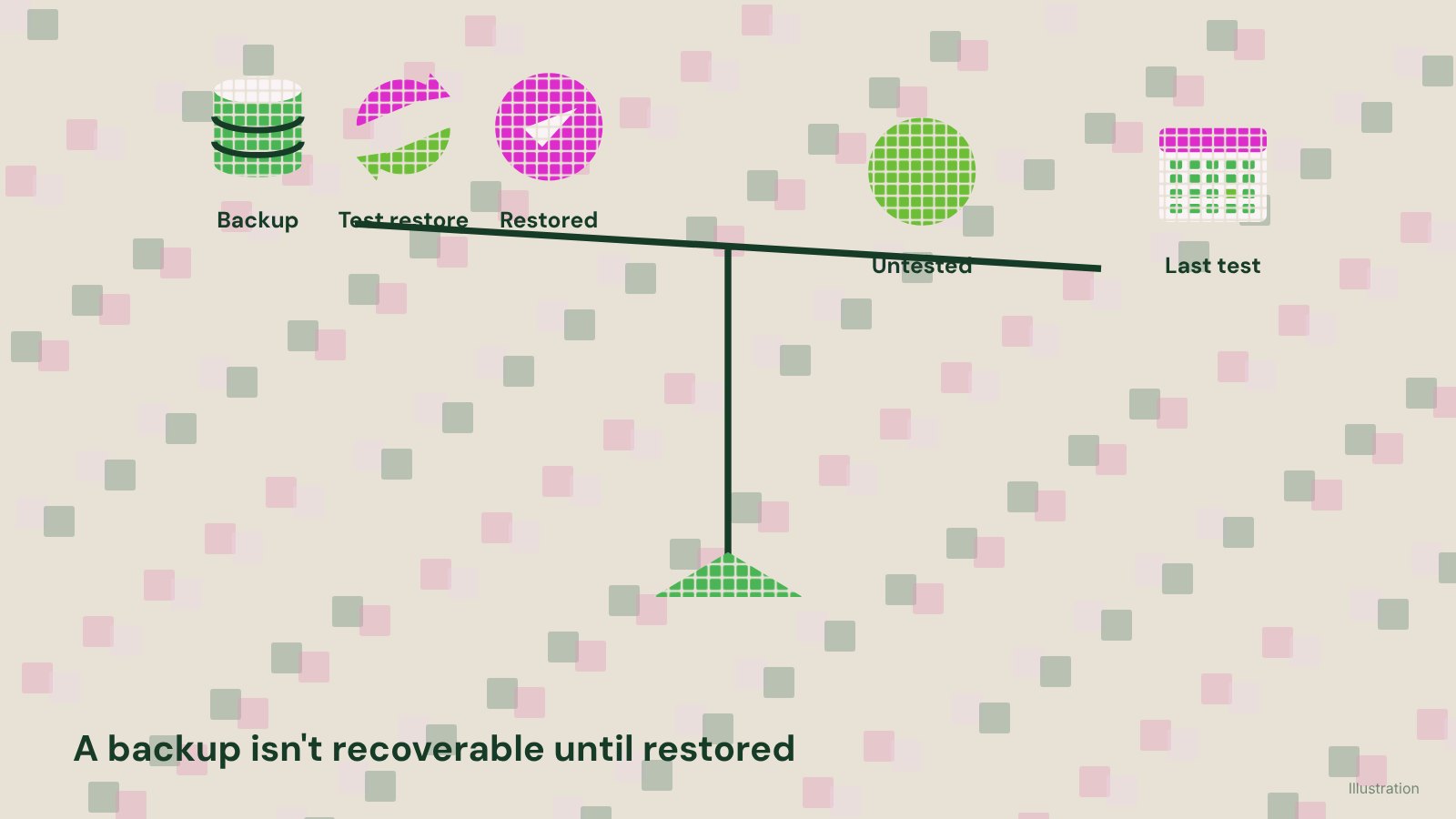
Restore tests are recorded by people: passed or failed, how long the restore took, how it was checked. Each backup then reads:
- "recent backup, restore tested";
- "recent backup — restore never tested";
- "older than the recovery point objective".
We never call a backup recoverable because a file exists.
Databases, read-only
Give the agent a read-only connection string and it runs a handful of health queries inside a read-only transaction that's rolled back: connections against the limit, size, whether it's a replica and how far behind, queries running over 30 seconds, lock waits. The connection string never leaves your server. Schema changes and destructive database operations are not something TR-AI does, ever.
Containers and pods
With Docker access (a read-only socket proxy is the safe way to give it), the agent reports each container's state, health, restarts and resources. Unhealthy, restarting or crashed containers alert. Kubernetes pods and warning events come from the agent already running in your cluster. Restarting or scaling anything goes through the same declared, allowlisted, approved operations as everything else.
Security findings you fix yourself
Every six hours the agent reads what it can: pending security updates, a pending reboot, SSH root or password login, whether the host firewall is on, unexpected root accounts, services listening on every interface. Each finding comes with its evidence and the fix. TR-AI never flips a setting.
Cost from your actual bill
Import your bill as a CSV and resources named like your servers are linked to them. Servers that idled for a week are listed with what they cost, as recommendations. Nothing is resized or terminated.
A weekly report, and answers in the Copilot
The weekly report sums it up (reporting share per server, alerts, incidents, operations, backups, security and cost), calculated, no AI. And the Business Operations Copilot can answer "are our backups healthy?" or "did the outage bring in tickets?" from the same figures, within your permissions.
A worked example, start to finish
Here's Dami's team, a month after the outage, with the platform features set up.
Week 1, Monday. On the database servers, they add TR_BACKUP_DB="/var/backups/db/app-*.sql.gz" to the agent (1.2.0) and restart it. Under Containers & databases → Backups, each server now shows its newest backup file, its age and its size: 6 hours old, 41 GB. No restore test recorded, so each reads "recent backup — restore never tested".
Monday, 11:00. They add a read-only connection: TR_DB_MAIN=postgres://readonly:…@localhost/bookings, using a database user with only read permission, and install the pg package. The health queries show: connections 186 of 200, size 412 GB, the replica 12 seconds behind, 3 queries running over 30 seconds, no lock waits. The connection string stays on the server.
Monday, 14:00. Dami restores last night's backup to a scratch server, checks row counts against production for five key tables, and runs the booking app's smoke tests against it. It passes in 47 minutes. He records the restore test: passed, 47 minutes, "row counts matched within 0.1%; smoke tests passed". The backup now reads "recent backup, restore tested".
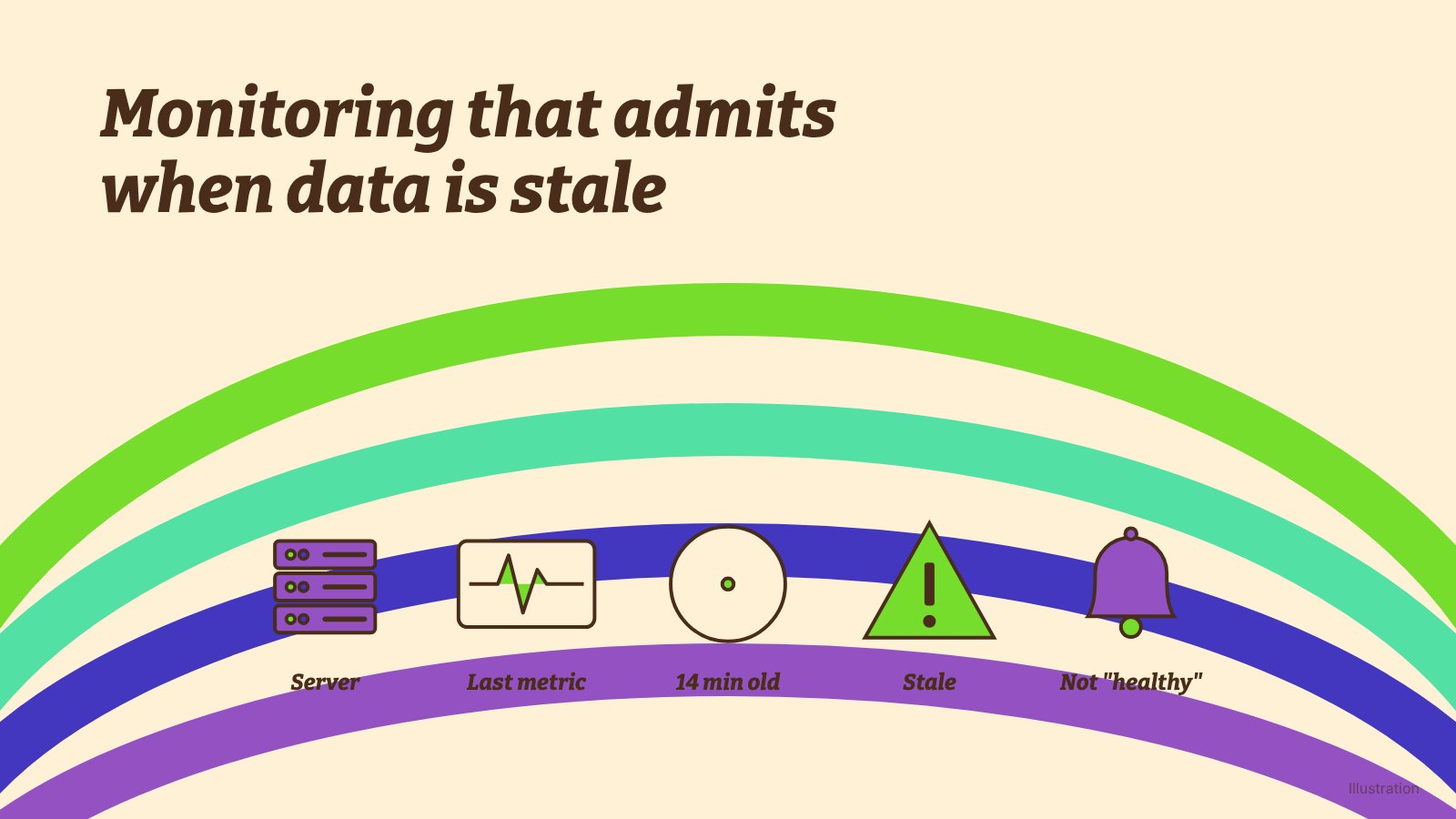
Wednesday. The backup disk fills up again; the newest file stops growing. On Thursday at 05:00 the newest backup is 27 hours old, past the 26-hour RPO. An alert fires. The team adds disk space before anyone needs a restore.
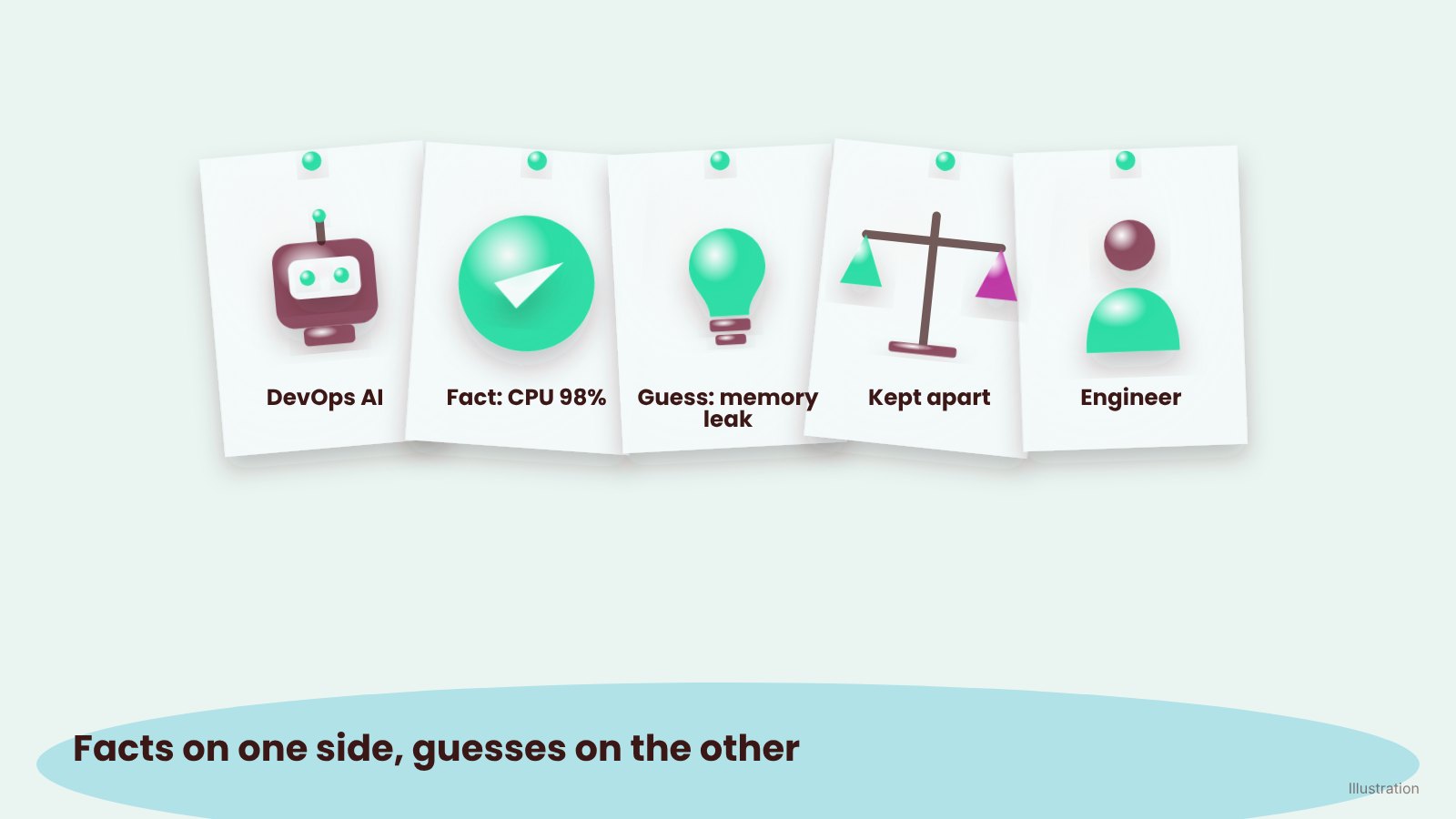
Week 2. They set TR_DOCKER=1 and give the agent read-only access through a Docker socket proxy. Under Containers, the pdf-worker container shows 38 restarts in a week. An alert had already fired for it. The team finds a memory leak.
Week 2. Security findings on the database server: SSH password login enabled and PostgreSQL listening on every interface. Each comes with the evidence (the sshd setting and the listening address) and the fix. The team applies both fixes themselves.
Week 3. Under Cost → Import a bill, they paste last month's cloud bill. Two old staging servers idled all week, costing £640 a month together. They're listed as recommendations. The team turns them off themselves.
Friday, every week. Reports → Create this week's report: reporting share per server, alerts, incidents, operations, backups (with restore-test status), security and cost. The CTO asks the Business Operations Copilot: "Are our backups healthy?" It answers from the same figures: all within RPO, restore last tested 9 days ago.
Five more real-world scenarios
1. A backup that's too old
Situation. The newest backup is 30 hours old with an RPO of 26.
How TR handles it. An alert fires: older than the recovery point objective.
2. A database health check that could change data
Situation. Someone worries the health queries could write to the database.
How TR handles it. They run inside a read-only transaction that's rolled back, with a read-only user.
3. A crashing pod in Kubernetes
Situation. A pod keeps restarting in the cluster.
How TR handles it. Pods and warning events come from the agent in the cluster. Restarting it goes through approved operations.
4. Asking TR-AI to fix SSH settings
Situation. An engineer wants TicketResolve to disable SSH password login.
How TR handles it. It shows the finding and the fix. TR-AI never flips a setting.
5. An idle server with a reason
Situation. A server idles because it's a disaster-recovery standby.
How TR handles it. It's a recommendation, not an action. Nothing is resized or terminated.
Before and after
Before. Two years of green backup jobs, eight months of truncated files, and 40 minutes of lost bookings.
After. Backup age measured against the recovery point, restore tests recorded by people and shown separately, read-only database health, container restarts caught, security findings with fixes, idle servers listed from the real bill, and a weekly report.
How to tell it's working
- Every backup reads "restore tested", and tests are recent.
- RPO alerts are rare, and acted on the same day.
- Security findings close as the team applies fixes.
- Idle-server costs fall.
Who it's for
- SREs and platform engineers.
- Database administrators.
- CTOs and auditors who need evidence that recovery works.
How it fits with the rest of TicketResolve
This completed the platform phase of DevOps & SRE Intelligence, after server monitoring, incidents, read-only checks and approved operations. The Business Operations Copilot answers from these figures. Later releases added fleet operations, patching, drift and maintenance windows.
Mistakes to avoid
- Using a database user with write access. Use a read-only user.
- Recording a restore test without checking the data. Say how it was checked.
- Giving the agent full Docker access. A read-only socket proxy is the safe way.
Do it in TicketResolve, step by step
Where: DevOps & SRE → Containers & databases, Backups, Cost and Reports (/dashboard/devops/platform). You'll need: agent 1.2.0, a read-only database user, read-only Docker access, and your cloud bill as CSV. Full guide: Containers, databases, backups and cost.
- Containers. Set
TR_DOCKER=1on the agent and give it read-only Docker access. Containers appear under Containers & databases. - Databases. Add
TR_DB_MAIN=postgres://readonly:…@host/db(andnpm i pg), or amysql://URL withmysql2. Use a read-only user. - Backups. Add
TR_BACKUP_DB="/var/backups/db/app-*.sql.gz". Then record restore tests under Backups: a recent backup isn't proof it restores. - Security findings. Read findings every six hours, each with its evidence and the fix, and apply fixes yourself.
- Cost. Cost → Import a bill: paste the CSV export from your cloud provider. Idle and underused servers are listed with their cost.
- Report. Reports → Create this week's report for a calculated summary you can share.
How to check it worked: each database server shows a backup with its age and restore-test status, and the weekly report includes backups, security and cost.
Frequently asked questions
Does a recent backup count as recoverable? No. Only a recorded restore test proves that.
What's the default recovery point objective? 26 hours.
Can TR-AI change the database? No. Health queries run read-only and are rolled back. Schema changes and destructive operations never happen.
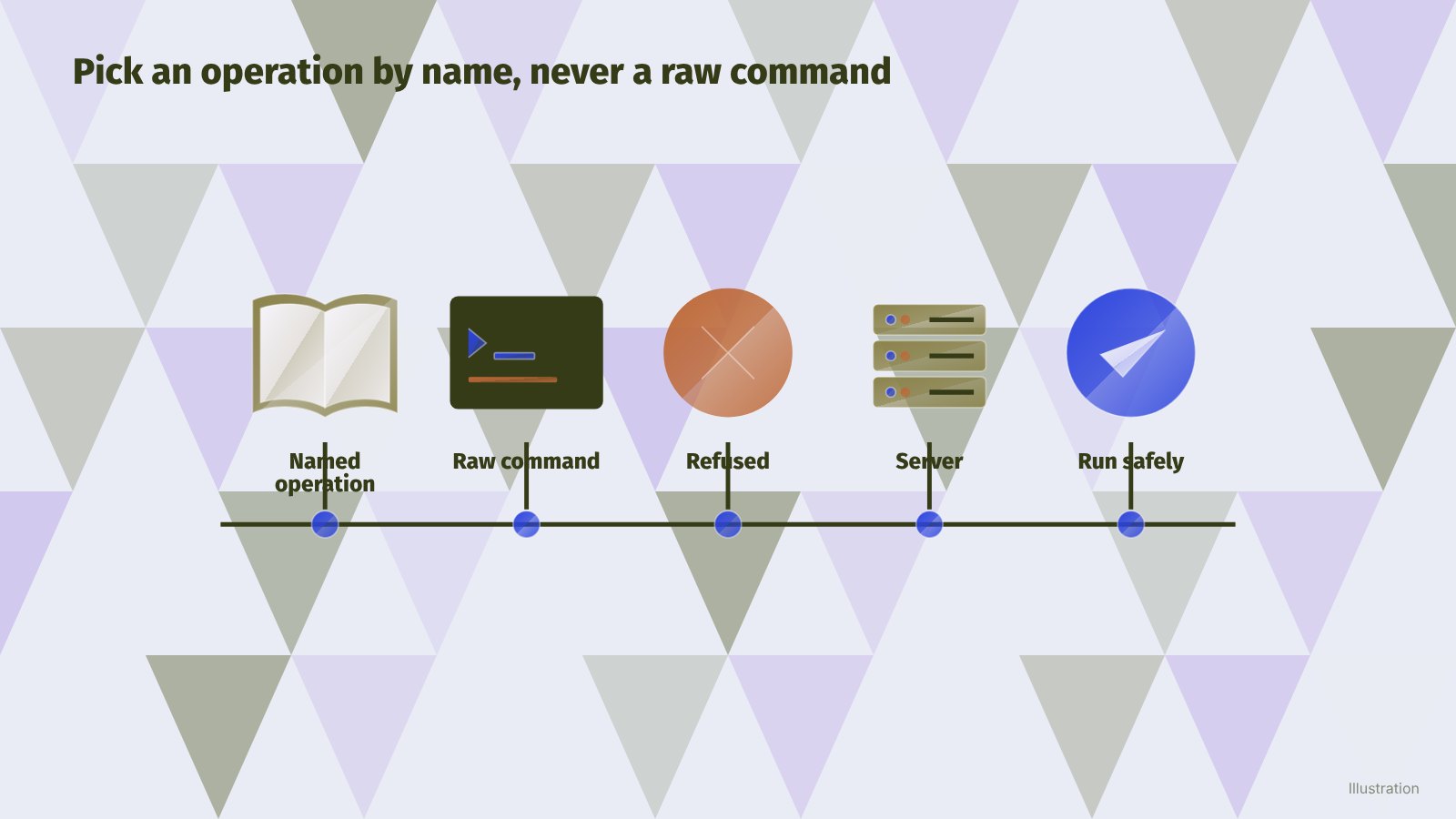
Does the connection string leave the server? No.
Can TR-AI restart containers on its own? No. Restarts go through declared, allowlisted, approved operations.
Does TR-AI fix security settings? No. It shows each finding with evidence and the fix.
Are idle servers shut down? No. They're listed as recommendations.
Does the weekly report use AI? No. It's calculated.
Explore Topics
Written by
Ghulam Shabbir
Content creator and writer sharing insights and stories.