
A Plan per Case, and Actions That Happen Once: Running Only the Engines a Bug Needs
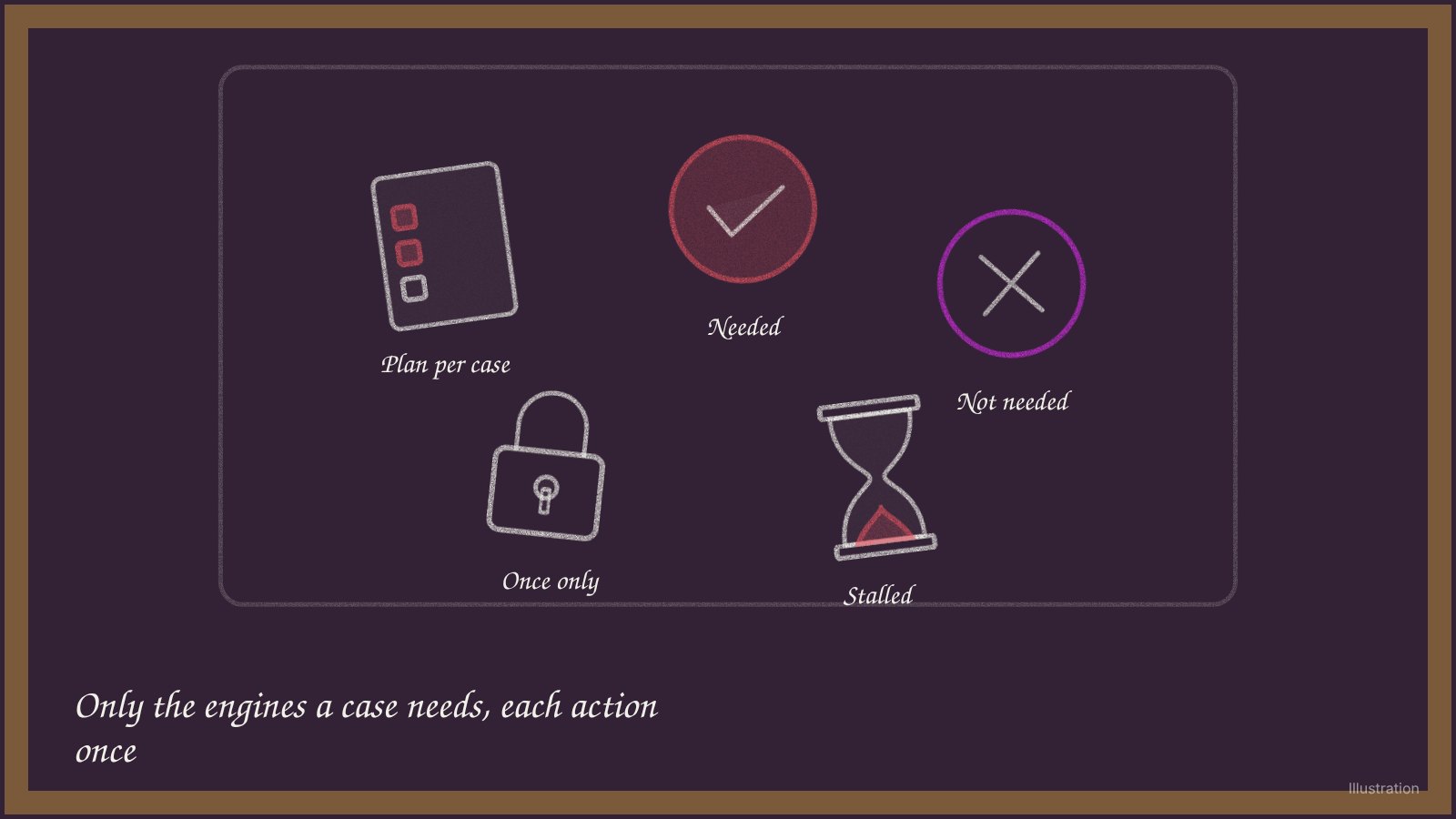
Not every technical case needs every engine. A configuration problem needs the customer’s environment, not a code change; an outage in your own infrastructure needs neither. TicketResolve now records a plan for each case saying which engines it needs and why, makes sure a pull request or engineering ticket is created once, and flags cases that have stopped moving.
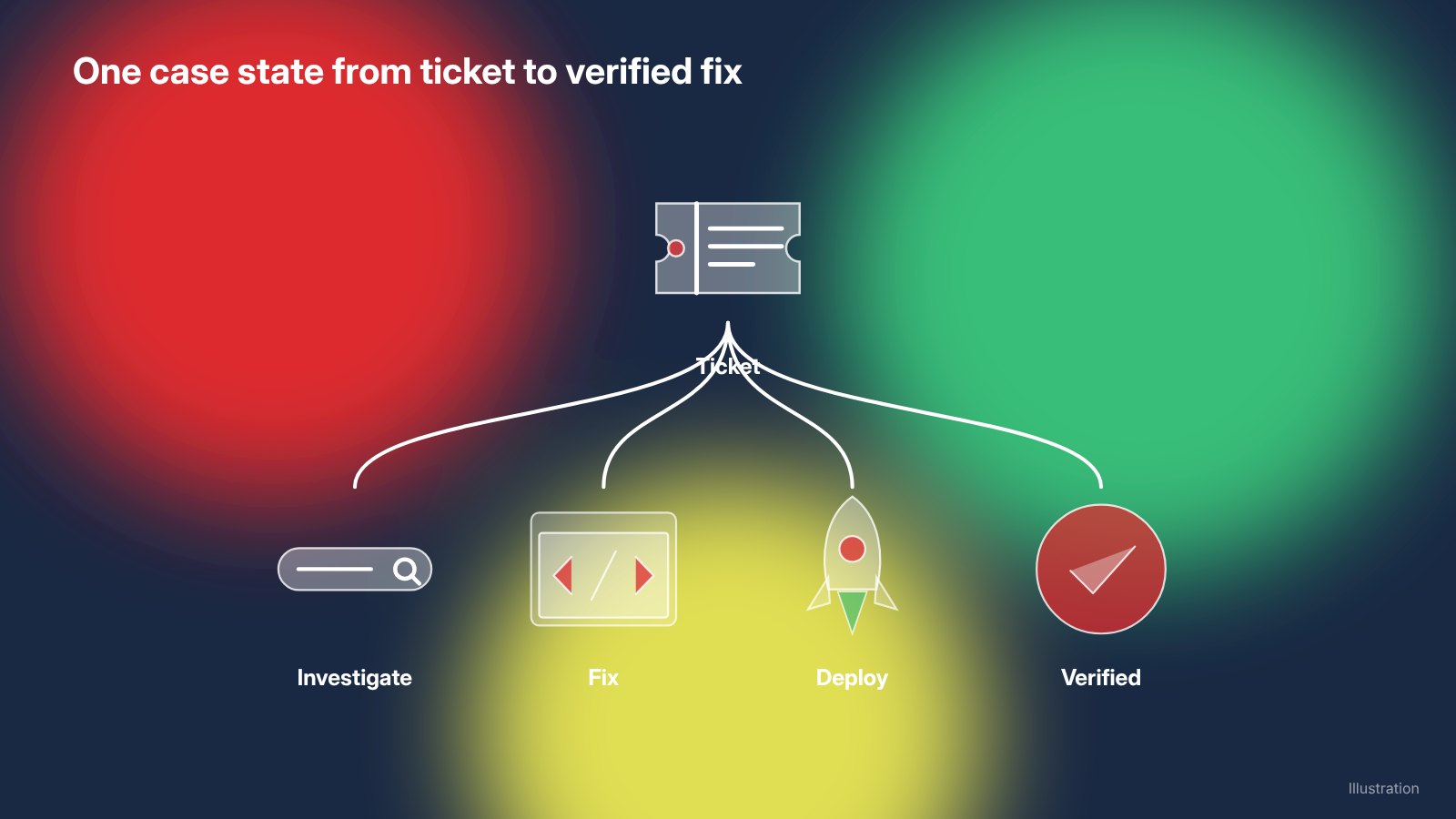
Release 7.141.0 gave every technical case one state, derived from the records of the engines working on it. Release 7.142.0 uses that state to answer three questions. Which engines does this case actually need? Did that pull request get opened once, or twice? And which cases have quietly stopped moving?
Not every case needs every engine
TicketResolve has a lot of machinery for a technical case:
- authorised access to the customer's environment (Connect);
- a reproduction lab;
- a code index and a map from evidence to code;
- a fix assistant;
- regression tests and a draft pull request;
- deployment verification.
Running all of it on every case wastes time and the customer's patience, and sometimes the customer's trust. Nobody wants to be asked for diagnostic access to their environment when the problem is a queue in your own infrastructure.
Three illustrative cases show the difference:
- Exports stuck in the queue. The evidence points at your own workers: queue depth in the thousands, workers down. The customer's environment adds nothing; neither does the code index, nor a fix assistant. What's needed is your operations team, then a check that exports flow again.
- Webhook signature mismatch. Connect's analysis of the customer's environment says the signing secret in their configuration doesn't match. That's corrected by the customer, not by a code change, so reproduction, code, a fix, tests and a pull request are all unnecessary.
- KeyError on checkout, confirmed in your code. Now the customer's environment isn't needed, but the code map, a fix, tests and a pull request are.
The plan
For each case, TicketResolve now works out a plan: one decision per engine, with a reason. The possible decisions are done, needed, optional, not needed, later (it depends on an earlier step) and blocked (it failed or was refused, and a person decides how to go on).
The plan comes from what's already known:
- where the leading or confirmed cause points: your code, the customer's environment, your infrastructure, or not known yet;
- what Connect concluded, if anything;
- whether the customer granted or declined access;
- whether a repository is connected;
- what has already run, and what failed.
Some of the rules:
- A configuration cause needs Connect and a correction, never a code change.
- An infrastructure cause needs neither Connect nor a fix.
- A fix waits until a person confirms the root cause.
- Three rejected fix proposals block the fix step. The AI budget for code is spent, so a person writes or corrects the fix.
- Two failed reproductions block reproduction rather than trying a third time.
- Verification is never skipped, whatever the cause.
The plan never runs anything. It's recorded, and a new version is written only when a decision changes, so you can see how the plan evolved as evidence arrived.
Shadow first
New automation should earn trust before it changes anything. So plans start in shadow mode. They're recorded and shown on the case page next to what actually ran. Where the two differ, the page says so; for example, the code map ran although the plan says the cause is outside your code. That comparison is how you judge whether the plan is right.
An admin can switch plans to live. In live mode, the case's next steps leave out engines its plan says aren't needed. Update, 25 November: since release 7.142.1 plans are live by default, and an admin can switch a workspace back to shadow. Anyone can still run any step from the investigation; live mode only changes what the case page suggests.
Actions in other systems happen once
Some steps change systems outside TicketResolve: opening a draft pull request in your repository, or creating an engineering ticket in your tracker. These are exactly the steps that must not happen twice. Three things could make them happen twice:
- A double click. Two requests arrive within milliseconds. Both see an approved fix with no pull request, and both open one.
- Two workers. The same thing, from background jobs.
- A crash in the middle. The provider created the pull request, but the process stopped before TicketResolve recorded it. A retry sees no pull request and opens another.
Each such action is now claimed under a key before it runs: the case, the kind of action, and for a pull request the exact approved change. The claim uses a unique key in the database, so exactly one caller wins. What happens next depends on the claim:
- Done: it isn't run again. If the caller's own record missed it, the recorded reference (the pull request's address) is used to repair that record.
- In progress: a second caller is told to wait.
- Failed: it can be claimed again, and the attempt count goes up.
- Started over 10 minutes ago and never finished: the outcome is unknown, so it is not retried automatically. A blind retry is exactly what creates duplicates. The case page shows it as "outcome unknown", with the branch or ticket it was about to create. An admin checks the other system, notes what they found, for example "no branch or pull request exists", and releases it for another attempt. The release is audited.
We test this with five callers at once (one action, four told it's in progress), with three clicks on "Open draft pull request" (one request to the provider), and with an attempt left half finished.
Cases that stopped moving
A case can stop moving for two very different reasons, and it matters which:
- Stalled. The case is waiting on TicketResolve, for example still investigating or verifying, and nothing on any of its records has changed for longer than the state allows. An investigation gets two hours; tests and verification get six.
- Waiting long. The case is waiting on someone: your team after two days, the customer after five, engineering after seven. That's not a fault in the machinery, so it's never called stalled, but it's worth seeing.
Both appear in a new "Stalled and waiting cases" list on the Engineering intelligence page, and on the case itself. "Last change" means the newest change on any of the case's records: the investigation, its evidence, its state, the orchestrator's heartbeat, the fix or the verification.
What's next
The next release builds on this:
- one way to classify failures across engines;
- a retry budget per case;
- a memory of failed operations, so they're not repeated;
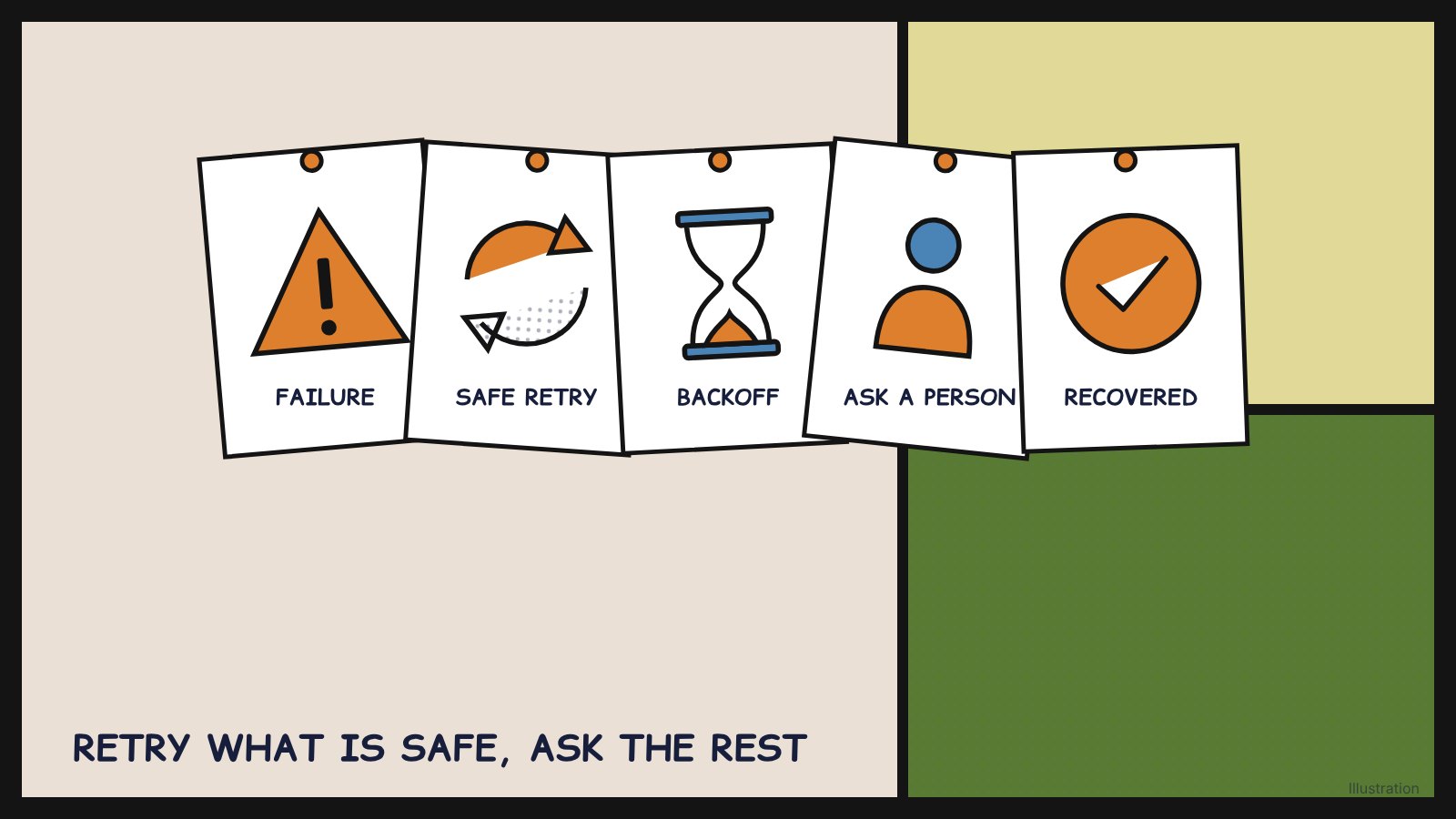
- escalation to a person when recovery isn't safe.
A stalled case will start there. That release is planned, not shipped.
Explore Topics
Written by
Ghulam Shabbir
Content creator and writer sharing insights and stories.